

Google Stitch vs Sleek Design: Features, Pricing and User Reviews 2026

Sleek Design
AI-Powered Mobile App Design Tool Online
Sleek Design
AI-Powered Mobile App Design Tool Online
What are Google Stitch and Sleek Design?
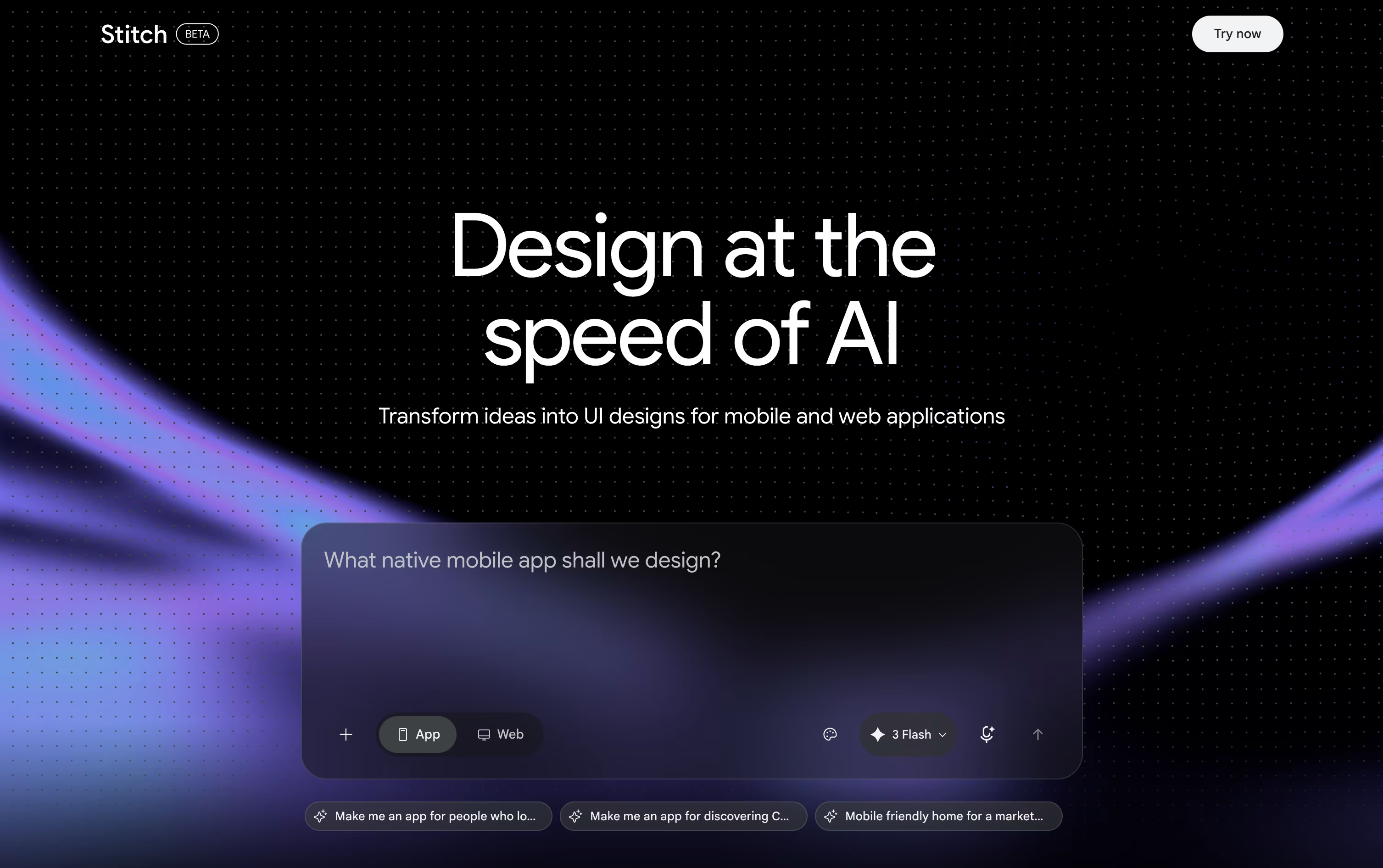
Google Stitch is a free AI tool from Google Labs that helps you design app and website screens. You describe what you want in plain words, upload a sketch or image, or even speak your idea, and Stitch turns it into a real looking design.
It runs on Google's Gemini models and follows what the team calls vibe design. Instead of a detailed plan, you can start from a feeling or a goal, and Stitch builds design options for you to explore.
You can chat with the built in Design Agent, edit parts by hand, or use your voice to make changes, all on one shared canvas.
Stitch works right in your browser once you sign in with a Google account, with no install needed.
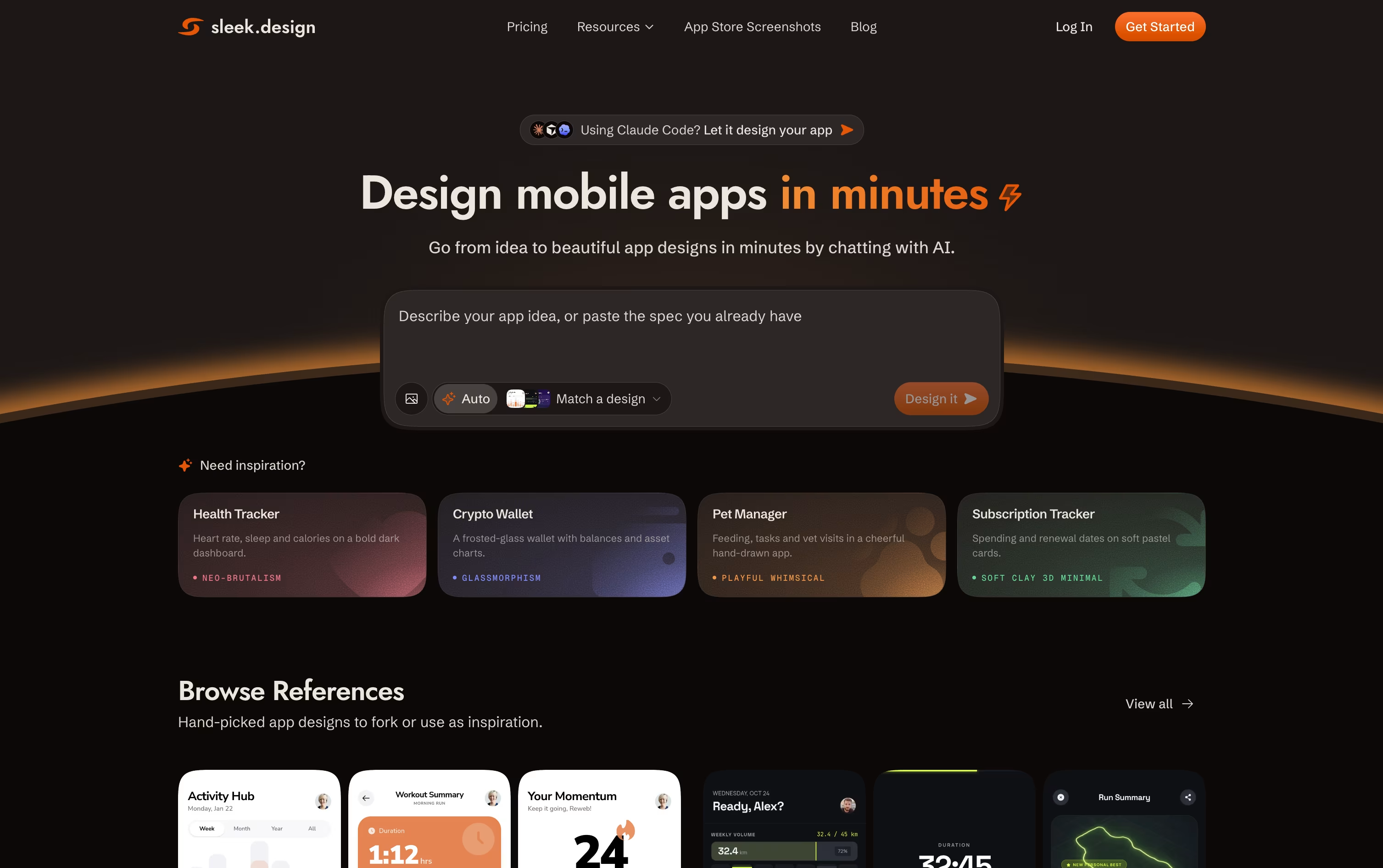
Sleek is a design tool made only for mobile app screens. You describe your app idea in plain words, or upload an image or sketch, and it creates real editable screens for iOS and Android in minutes.
Unlike general design tools that cover websites, slides, and apps together, Sleek focuses only on mobile screens. This means the layouts, spacing, and style follow real mobile app patterns instead of generic templates.
You can chat with Sleek to change colors, layout, or components after the first design is made. When you are happy with the result, you can export it straight to Figma or as code for developers.
Features of Google Stitch and Sleek Design
Text, image, and voice based design creation
Vibe design from ideas and goals
AI Design Agent for smart edits
Infinite canvas for multiple screens
Interactive prototype previews
DESIGN.md design system export
Figma and code export
MCP support for coding tools
Completely free to use
Text prompt to mobile screens
Image and sketch to design
Style presets like Glassmorphism and Neo-Brutalism
Chat-based iteration and edits
Figma export with editable layers
Code export in HTML or React
REST API and agent skill support
Template library by app category
Screenshot Composer via Chrome extension
Team collaboration on higher plans
Use Cases of Google Stitch and Sleek Design
Pricing of Google Stitch and Sleek Design
Google Stitch is completely free to use, since it is still an experimental tool from Google Labs. There is no paid plan, no subscription, and no credit card needed to get started.
Free Plan ($0): Full access to Stitch with just a Google account sign in.
Daily Credits: You get a set number of design and redesign credits each day, which reset at midnight UTC.
Usage Based Limits: Simple edits use fewer credits, while complex multi screen designs use more.
No Upgrades Yet: You cannot buy extra credits or move to a paid tier at this time.
Since Stitch is still in Google Labs, pricing could change in the future, but for now everyone can use it for free.
Sleek offers a Free plan with limited trial credits, one project, and limited exports so you can test the tool before paying.
Starter ($39/month or $20/month yearly): 3,000 AI credits, about 100 screens, 5 projects, and unlimited code and Figma exports.
Pro ($69/month or $30/month yearly): The most popular plan, with 20,000 AI credits, about 650 screens, unlimited projects, and REST API and agent access for tools like Claude Code and Cursor.
Team ($99/user/month or $40/user/month yearly): Everything in Pro plus 30,000 AI credits, team collaboration, priority support, and centralized billing.
Yearly billing gives four months free compared with paying monthly.
FAQs: Google Stitch vs Sleek Design
Reviews: Google Stitch vs Sleek Design
Based on 0 reviews
Based on 0 reviews
Compare Google Stitch With Other Tools

UX Pilot
AI Powered UI Design & Prototyping

Uizard
AI-Powered UI Design & Prototyping Tool

Visily
AI-Powered UI Design & Wireframe Tool

Banani
AI UI Design Tool for Fast Prototypes

Claude Design
AI-Powered Visual Design Tool

Magic Patterns
AI-Powered UI Prototyping Tool

Figma Make
AI Prompt to App & Prototype Tool

Kombai
AI Design Engineer for Frontend Code

v0
Vercel's AI Agent for Full-Stack Web Apps
Compare Sleek Design With Other Tools
UX Pilot
AI Powered UI Design & Prototyping
Uizard
AI-Powered UI Design & Prototyping Tool
Visily
AI-Powered UI Design & Wireframe Tool
Magic Patterns
AI-Powered UI Prototyping Tool
Banani
AI UI Design Tool for Fast Prototypes
Claude Design
AI-Powered Visual Design Tool
Kombai
AI Design Engineer for Frontend Code
Figma Make
AI Prompt to App & Prototype Tool
Relume
AI Website Builder & Component Library





