

Google Stitch vs Banani: Features, Pricing and User Reviews 2026
What are Google Stitch and Banani?
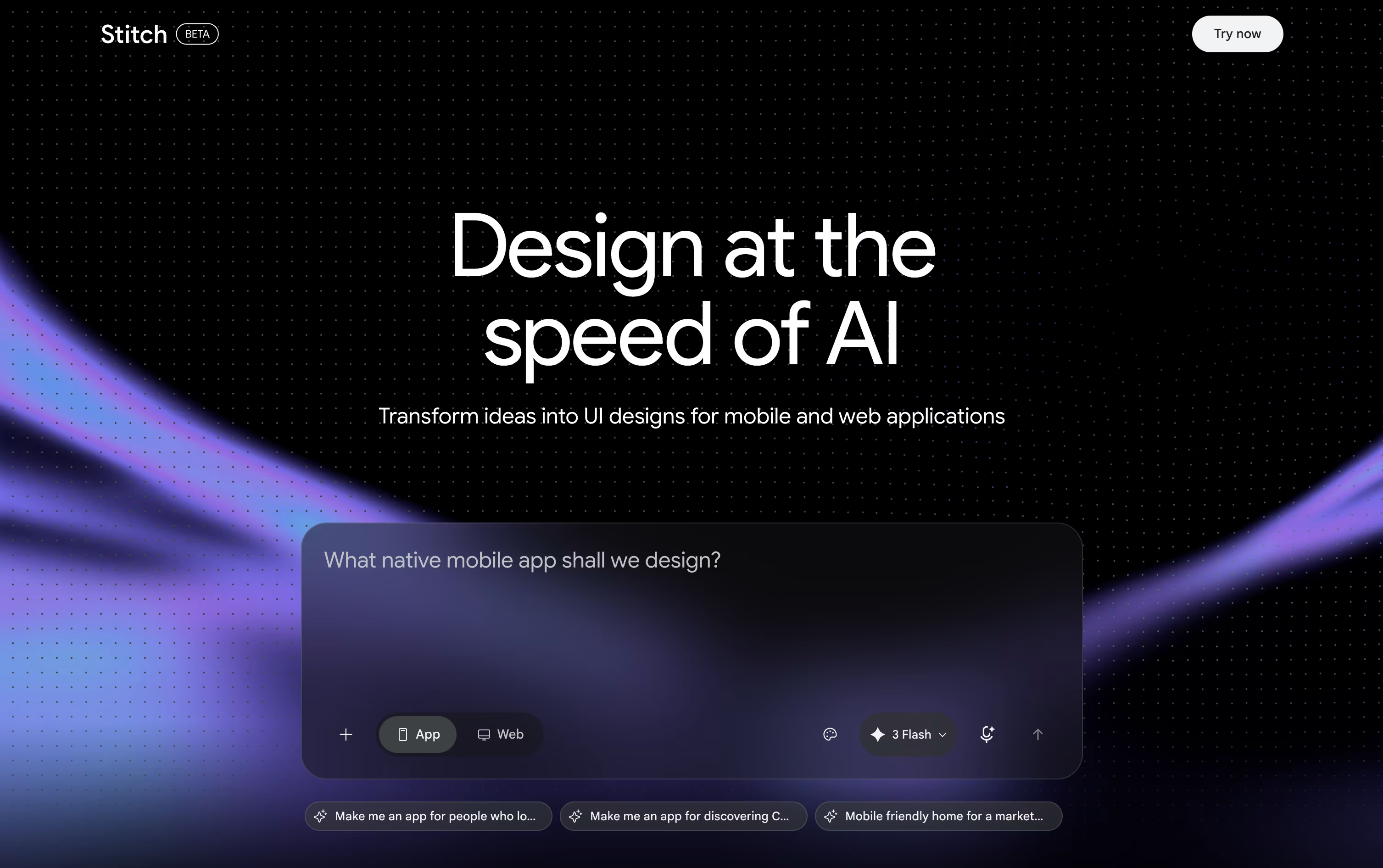
Google Stitch is a free AI tool from Google Labs that helps you design app and website screens. You describe what you want in plain words, upload a sketch or image, or even speak your idea, and Stitch turns it into a real looking design.
It runs on Google's Gemini models and follows what the team calls vibe design. Instead of a detailed plan, you can start from a feeling or a goal, and Stitch builds design options for you to explore.
You can chat with the built in Design Agent, edit parts by hand, or use your voice to make changes, all on one shared canvas.
Stitch works right in your browser once you sign in with a Google account, with no install needed.

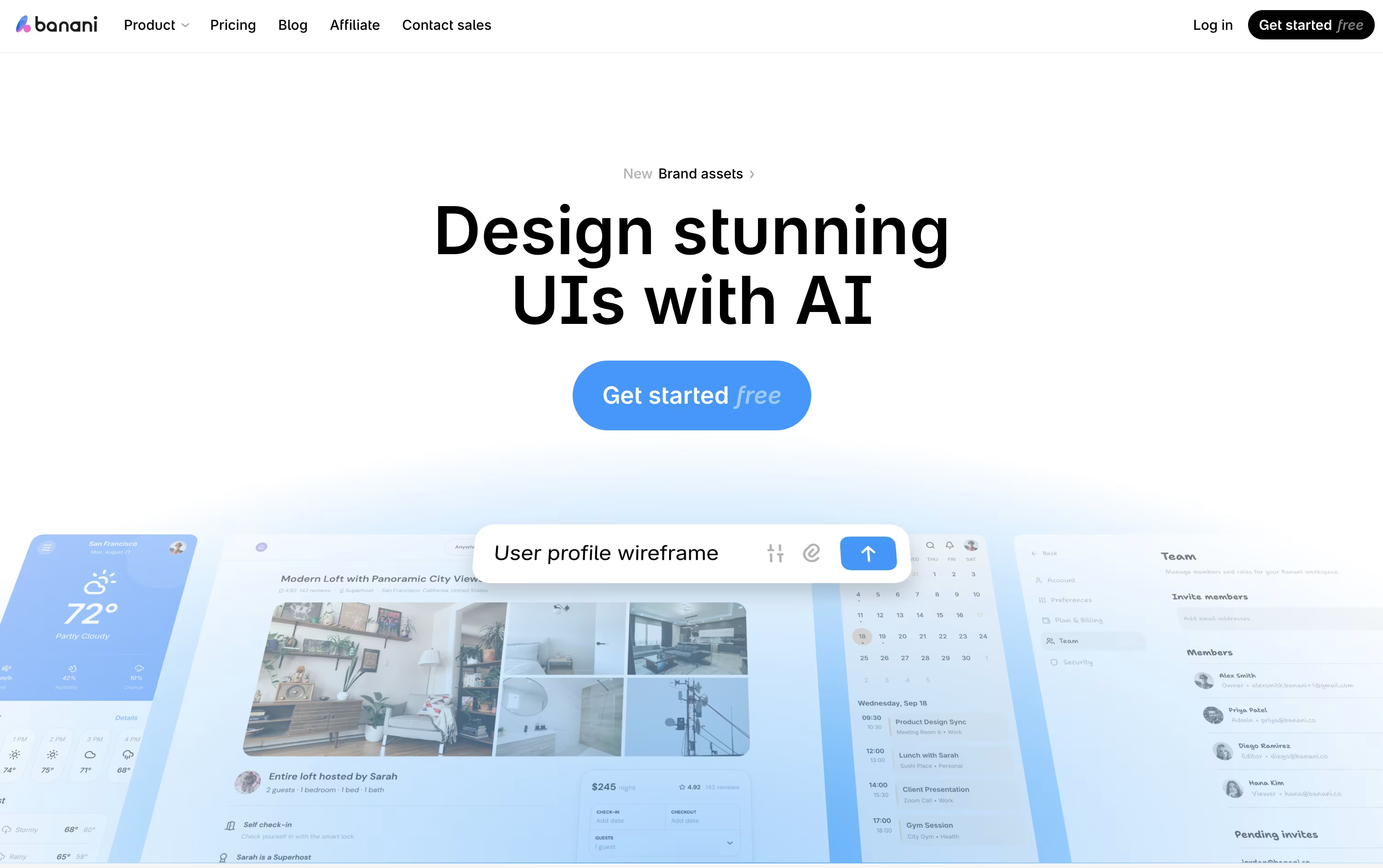
Banani is an AI powered design tool that turns simple text prompts, images, sketches, or product documents into ready to edit UI designs. It helps teams build clean, on brand screens in minutes instead of days.
You can type what you want, upload a screenshot, or share a PRD, and Banani creates full multi screen prototypes you can click through like a real app.
Every design stays editable, so you can chat with the AI to change layouts, colors, or text, or click on any screen to build the next step in the flow.
Banani also exports straight to Figma or code, making it easy to hand off finished designs to your team or developers.
Features of Google Stitch and Banani
Text, image, and voice based design creation
Vibe design from ideas and goals
AI Design Agent for smart edits
Infinite canvas for multiple screens
Interactive prototype previews
DESIGN.md design system export
Figma and code export
MCP support for coding tools
Completely free to use
Text, image, and sketch to UI generation
PRD to UI conversion
AI chat based editing
Click to generate next screen
Mobile and desktop layout conversion
Multi screen interactive prototypes
Figma and HTML/CSS export
MCP support for coding agents
Shareable project links for feedback
Color wheel and screenshot editor tools
Use Cases of Google Stitch and Banani
Pricing of Google Stitch and Banani
Google Stitch is completely free to use, since it is still an experimental tool from Google Labs. There is no paid plan, no subscription, and no credit card needed to get started.
Free Plan ($0): Full access to Stitch with just a Google account sign in.
Daily Credits: You get a set number of design and redesign credits each day, which reset at midnight UTC.
Usage Based Limits: Simple edits use fewer credits, while complex multi screen designs use more.
No Upgrades Yet: You cannot buy extra credits or move to a paid tier at this time.
Since Stitch is still in Google Labs, pricing could change in the future, but for now everyone can use it for free.
Banani offers a simple pricing plan for individuals and teams of all sizes.
Free Plan ($0/month): Includes 12 monthly credits, 3 daily credits, and private projects.
Plus Plan ($20/month, or $12/month billed yearly): Adds agent mode, 100 monthly credits, 10 daily credits, unlimited Figma export, 3x generation speed, and MCP or code export.
Pro Plan ($50/month, or $30/month billed yearly): Includes everything in Plus plus unlimited credits, the highest generation speed, and priority support.
Enterprise Plan (Custom Pricing): Built for large organizations, with unlimited access, enterprise SSO, design system import, and custom integrations.
Yearly billing saves 40% on both the Plus and Pro plans, making it a good option for long term users.
FAQs: Google Stitch vs Banani
Reviews: Google Stitch vs Banani
Based on 0 reviews
Based on 0 reviews
Compare Google Stitch With Other Tools

UX Pilot
AI Powered UI Design & Prototyping

Uizard
AI-Powered UI Design & Prototyping Tool

Visily
AI-Powered UI Design & Wireframe Tool

Claude Design
AI-Powered Visual Design Tool

Magic Patterns
AI-Powered UI Prototyping Tool
Figma Make
AI Prompt to App & Prototype Tool

Kombai
AI Design Engineer for Frontend Code

Sleek Design
AI-Powered Mobile App Design Tool Online

v0
Vercel's AI Agent for Full-Stack Web Apps
Compare Banani With Other Tools
UX Pilot
AI Powered UI Design & Prototyping
Uizard
AI-Powered UI Design & Prototyping Tool
Visily
AI-Powered UI Design & Wireframe Tool
Magic Patterns
AI-Powered UI Prototyping Tool
Claude Design
AI-Powered Visual Design Tool
Kombai
AI Design Engineer for Frontend Code
Sleek Design
AI-Powered Mobile App Design Tool Online
Figma Make
AI Prompt to App & Prototype Tool
Relume
AI Website Builder & Component Library





