

Banani vs Kombai: Features, Pricing and User Reviews 2026
What are Banani and Kombai?

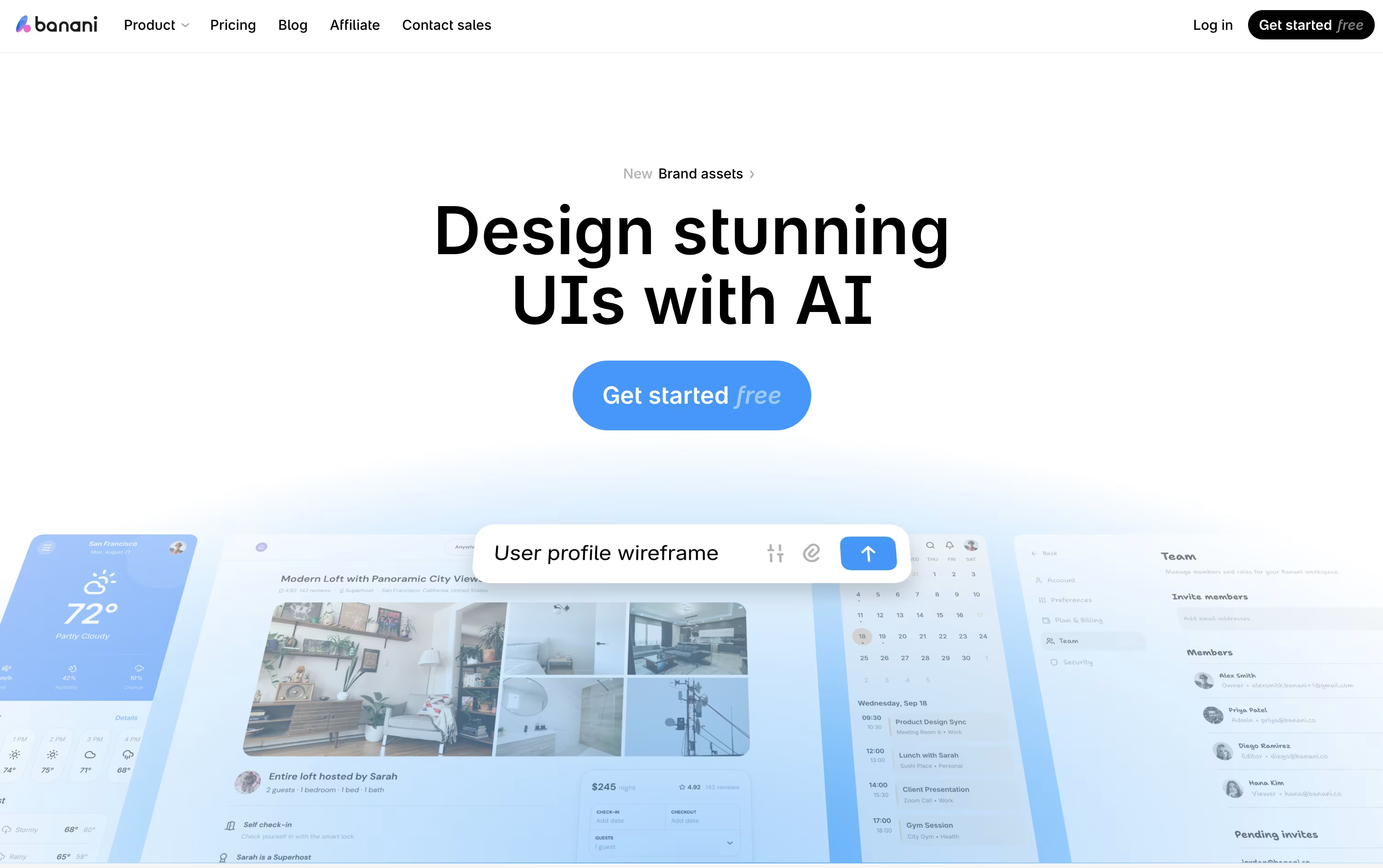
Banani is an AI powered design tool that turns simple text prompts, images, sketches, or product documents into ready to edit UI designs. It helps teams build clean, on brand screens in minutes instead of days.
You can type what you want, upload a screenshot, or share a PRD, and Banani creates full multi screen prototypes you can click through like a real app.
Every design stays editable, so you can chat with the AI to change layouts, colors, or text, or click on any screen to build the next step in the flow.
Banani also exports straight to Figma or code, making it easy to hand off finished designs to your team or developers.

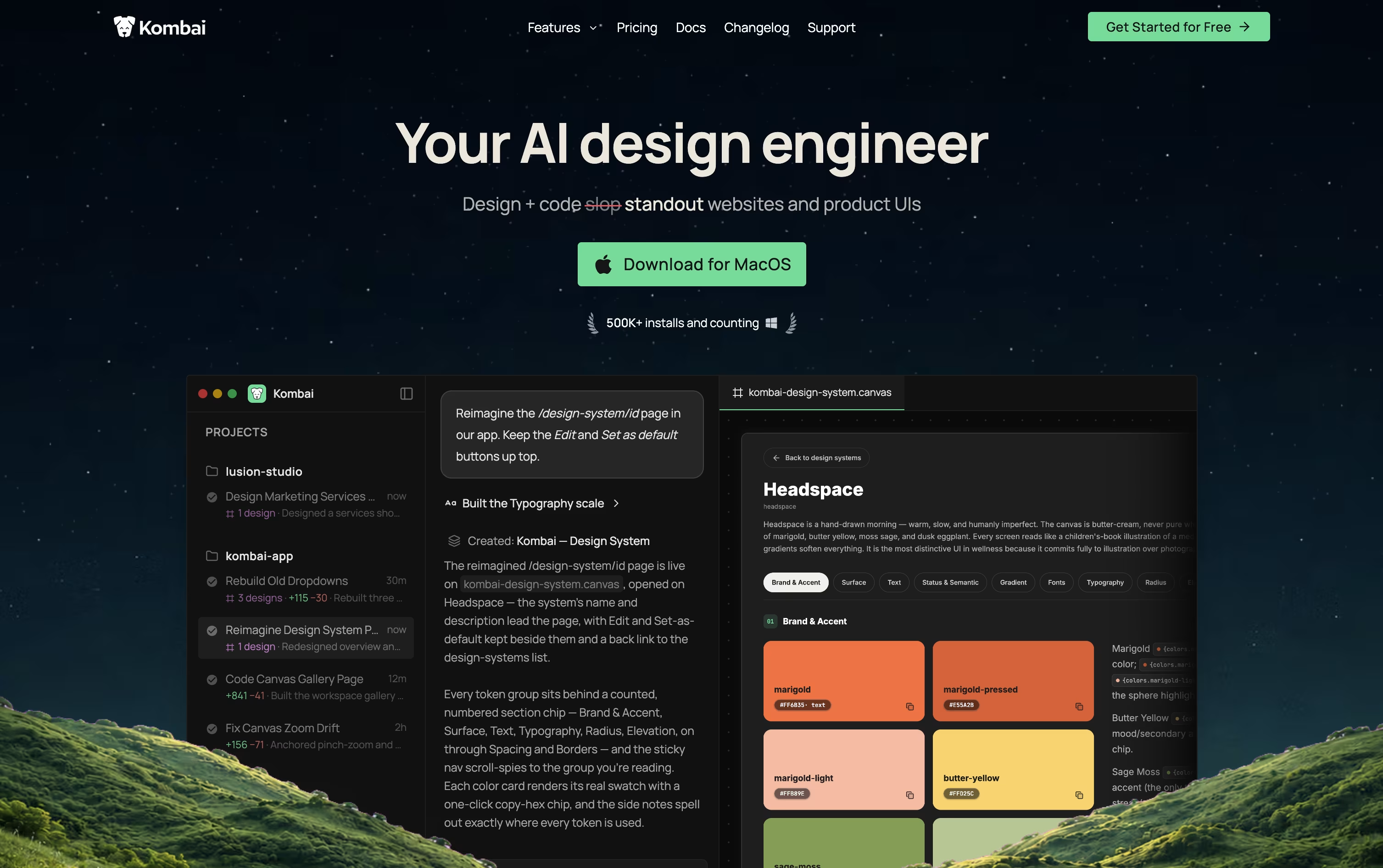
Kombai is an AI tool built for frontend development. It works like a design engineer, helping you create user interface designs and turn them into working code for your project.
You can start from a prompt, a Figma file, or a website link. Kombai then creates design options on an open canvas, and you can pick, edit, or combine them until they look right.
Once a design is ready, Kombai writes production ready code that matches your existing project setup, reusing your components and following your coding style. It also includes a built in browser for testing the app, so you can check how designs look and behave, and make quick visual fixes without leaving the tool.
Features of Banani and Kombai
Text, image, and sketch to UI generation
PRD to UI conversion
AI chat based editing
Click to generate next screen
Mobile and desktop layout conversion
Multi screen interactive prototypes
Figma and HTML/CSS export
MCP support for coding agents
Shareable project links for feedback
Color wheel and screenshot editor tools
Design creation on an infinite canvas
Figma, prompt, and URL based design input
Production ready code generation
Context aware codebase understanding
Built in browser for preview and testing
Visual editing of text, styles, and layout
Design systems and reusable components
Support for many AI models
Works with React, Vue, Angular, and more
Skills for accessibility, SEO, and diagrams
Use Cases of Banani and Kombai
Pricing of Banani and Kombai
Banani offers a simple pricing plan for individuals and teams of all sizes.
Free Plan ($0/month): Includes 12 monthly credits, 3 daily credits, and private projects.
Plus Plan ($20/month, or $12/month billed yearly): Adds agent mode, 100 monthly credits, 10 daily credits, unlimited Figma export, 3x generation speed, and MCP or code export.
Pro Plan ($50/month, or $30/month billed yearly): Includes everything in Plus plus unlimited credits, the highest generation speed, and priority support.
Enterprise Plan (Custom Pricing): Built for large organizations, with unlimited access, enterprise SSO, design system import, and custom integrations.
Yearly billing saves 40% on both the Plus and Pro plans, making it a good option for long term users.
Kombai offers a free plan and three paid plans that grow with your needs.
The Free plan costs $0 per month and includes 300 credits, the full Design Mode toolset, and core coding agent features, best for hobby projects.
The Pro plan costs $20 per month, or $16 per month billed yearly, and adds 2,000 or more credits, priority support, early access to new features, and SOC 2 compliance.
The Team plan costs $40 per user per month, or $32 per user per month billed yearly, and adds a shared credit pool, centralized billing, shared rules, and team usage analytics for up to 20 seats.
The Enterprise plan uses custom pricing and adds SSO, audit logs, custom data retention, and dedicated support for larger organizations.
FAQs: Banani vs Kombai
Reviews: Banani vs Kombai
Based on 0 reviews
Based on 0 reviews
Compare Banani With Other Tools

UX Pilot
AI Powered UI Design & Prototyping

Uizard
AI-Powered UI Design & Prototyping Tool

Visily
AI-Powered UI Design & Wireframe Tool

Magic Patterns
AI-Powered UI Prototyping Tool

Claude Design
AI-Powered Visual Design Tool

Google Stitch
Free AI UI Design Tool by Google

Sleek Design
AI-Powered Mobile App Design Tool Online

Figma Make
AI Prompt to App & Prototype Tool

Relume
AI Website Builder & Component Library
Compare Kombai With Other Tools
UX Pilot
AI Powered UI Design & Prototyping
Uizard
AI-Powered UI Design & Prototyping Tool
Visily
AI-Powered UI Design & Wireframe Tool
Magic Patterns
AI-Powered UI Prototyping Tool
Claude Design
AI-Powered Visual Design Tool
Google Stitch
Free AI UI Design Tool by Google
Sleek Design
AI-Powered Mobile App Design Tool Online
Figma Make
AI Prompt to App & Prototype Tool
Relume
AI Website Builder & Component Library





