

Kombai vs Uizard: Features, Pricing and User Reviews 2026

Uizard
AI-Powered UI Design & Prototyping Tool
Uizard
AI-Powered UI Design & Prototyping Tool
What are Kombai and Uizard?

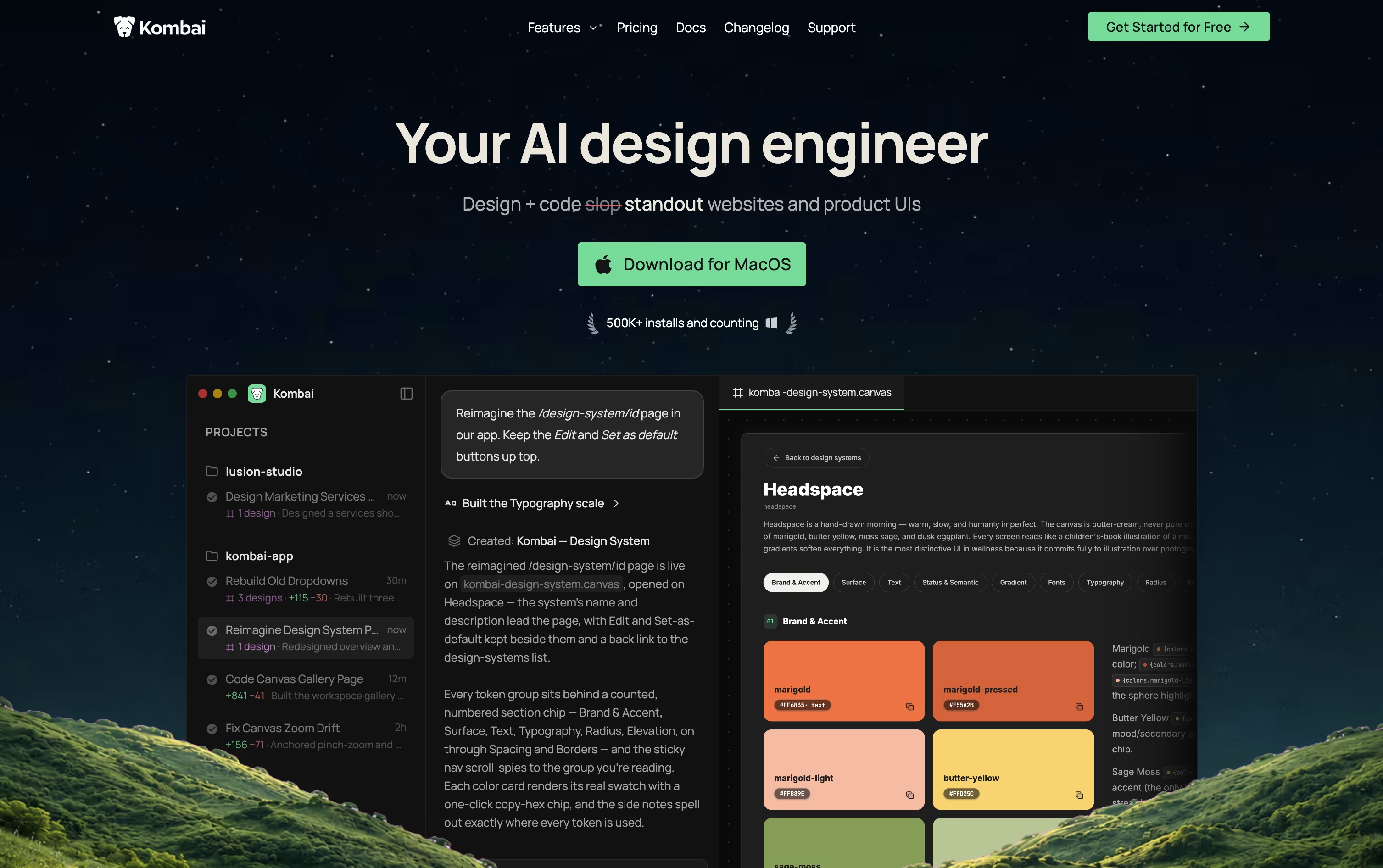
Kombai is an AI tool built for frontend development. It works like a design engineer, helping you create user interface designs and turn them into working code for your project.
You can start from a prompt, a Figma file, or a website link. Kombai then creates design options on an open canvas, and you can pick, edit, or combine them until they look right.
Once a design is ready, Kombai writes production ready code that matches your existing project setup, reusing your components and following your coding style. It also includes a built in browser for testing the app, so you can check how designs look and behave, and make quick visual fixes without leaving the tool.
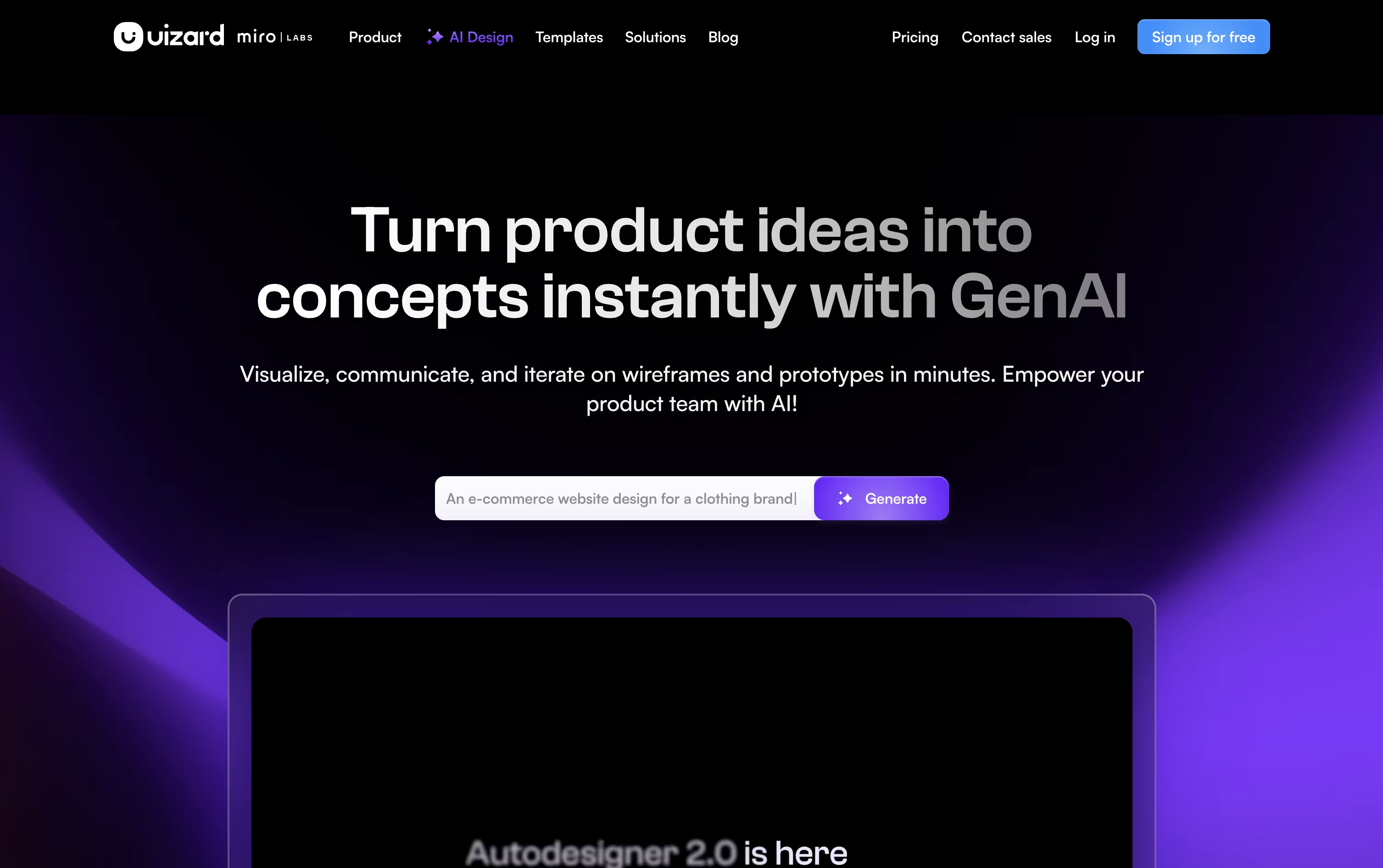
Uizard is an AI powered design tool that helps people create app and website designs without needing design skills. You can describe your idea in plain text, upload a screenshot, or even take a photo of a hand drawn sketch, and Uizard turns it into an editable digital design.
The tool uses an AI engine called Autodesigner to build full multi screen prototypes from your instructions. You can also change layouts, colors, and text just by typing what you want, and the design updates automatically.
Uizard started as a research project in Copenhagen before becoming a company, and it was later acquired by Miro. It is used by product managers, founders, and teams who want to turn ideas into working prototypes quickly, without needing tools like Figma.
Features of Kombai and Uizard
Design creation on an infinite canvas
Figma, prompt, and URL based design input
Production ready code generation
Context aware codebase understanding
Built in browser for preview and testing
Visual editing of text, styles, and layout
Design systems and reusable components
Support for many AI models
Works with React, Vue, Angular, and more
Skills for accessibility, SEO, and diagrams
Generate prototypes from text prompts
Turn screenshots into editable designs
Convert sketches into digital mockups
AI theme and brand kit generator
Attention heatmap predictions
React and CSS developer handoff
Real time team collaboration
Large template and component library
Wireframe and high fidelity modes
Figma plugin for importing designs
Use Cases of Kombai and Uizard
Pricing of Kombai and Uizard
Kombai offers a free plan and three paid plans that grow with your needs.
The Free plan costs $0 per month and includes 300 credits, the full Design Mode toolset, and core coding agent features, best for hobby projects.
The Pro plan costs $20 per month, or $16 per month billed yearly, and adds 2,000 or more credits, priority support, early access to new features, and SOC 2 compliance.
The Team plan costs $40 per user per month, or $32 per user per month billed yearly, and adds a shared credit pool, centralized billing, shared rules, and team usage analytics for up to 20 seats.
The Enterprise plan uses custom pricing and adds SSO, audit logs, custom data retention, and dedicated support for larger organizations.
Uizard offers a free plan and three paid plans to fit different needs. The Free plan costs $0 and includes 3 AI generations a month, up to 2 projects, and 10 templates, making it a good fit for students and hobbyists.
The Pro plan costs $19 a month, or $12 a month when billed annually, and raises the limit to 500 AI generations a month, up to 100 projects, private projects, and developer handoff in React and CSS.
The Business plan costs $39 a month and adds 5,000 AI generations a month, unlimited projects, a custom brand kit, and priority support.
The Enterprise plan uses custom pricing for organizations with 15 or more users, and includes unlimited AI generations, unlimited teams, a dedicated account manager, and whiteglove onboarding.
FAQs: Kombai vs Uizard
Reviews: Kombai vs Uizard
Based on 0 reviews
Based on 0 reviews
Compare Kombai With Other Tools

UX Pilot
AI Powered UI Design & Prototyping

Visily
AI-Powered UI Design & Wireframe Tool

Magic Patterns
AI-Powered UI Prototyping Tool

Banani
AI UI Design Tool for Fast Prototypes

Claude Design
AI-Powered Visual Design Tool

Google Stitch
Free AI UI Design Tool by Google

Sleek Design
AI-Powered Mobile App Design Tool Online

Figma Make
AI Prompt to App & Prototype Tool

Relume
AI Website Builder & Component Library
Compare Uizard With Other Tools
UX Pilot
AI Powered UI Design & Prototyping
Visily
AI-Powered UI Design & Wireframe Tool
Banani
AI UI Design Tool for Fast Prototypes
Claude Design
AI-Powered Visual Design Tool
Magic Patterns
AI-Powered UI Prototyping Tool
Google Stitch
Free AI UI Design Tool by Google
Figma Make
AI Prompt to App & Prototype Tool
Relume
AI Website Builder & Component Library
Sleek Design
AI-Powered Mobile App Design Tool Online





