

HelpDocs vs Docusaurus: Features, Pricing and User Reviews 2026

Docusaurus
Build Beautiful Documentation Sites Free
Docusaurus
Build Beautiful Documentation Sites Free
What are HelpDocs and Docusaurus?

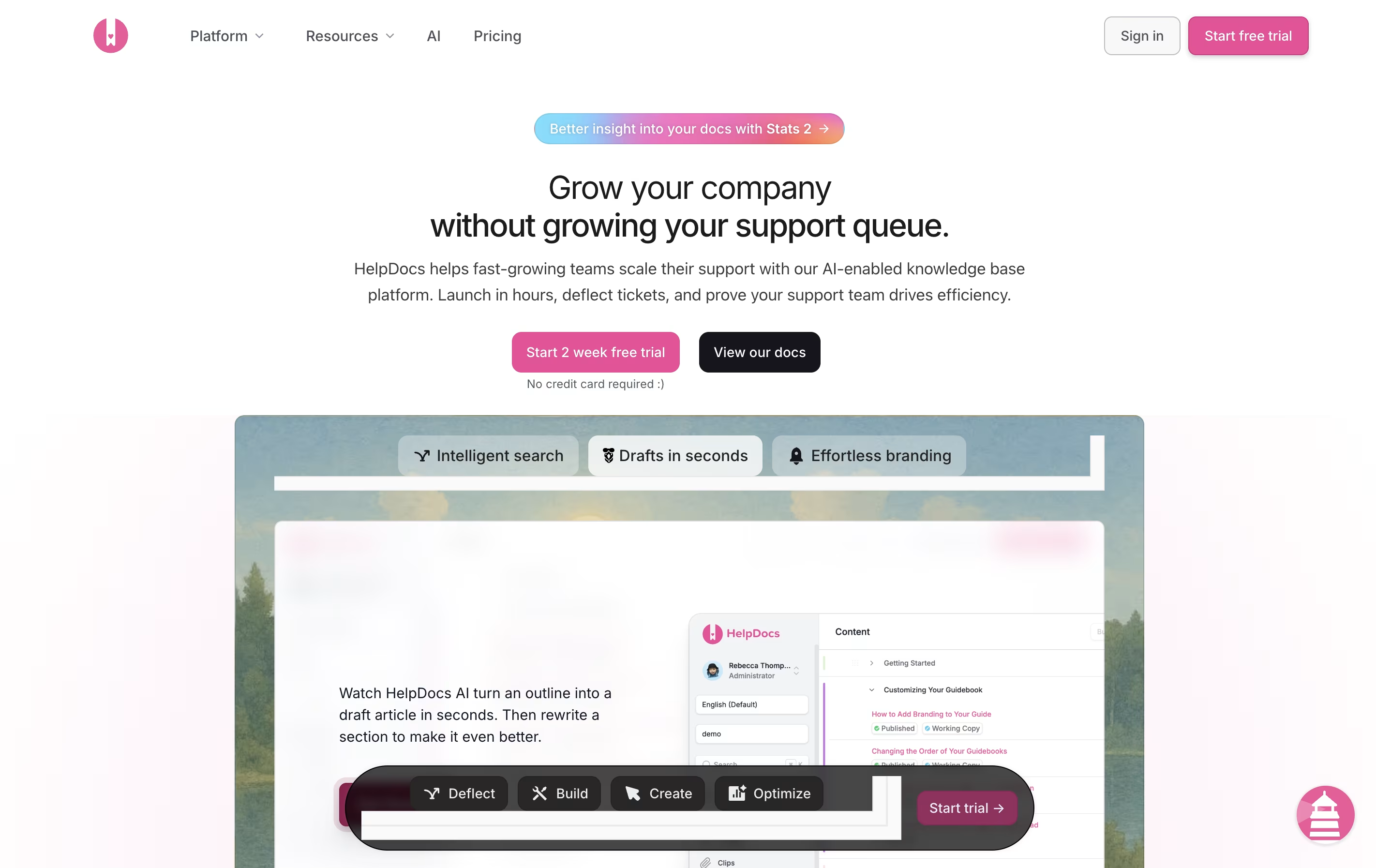
HelpDocs is a software tool that helps you build and manage help documentation for your product or service. Think of it as a home for all your support articles, FAQs, and guides that customers can search through when they need help.
Unlike basic document storage, HelpDocs comes with built-in features for organizing content, tracking what people search for, and connecting with other tools your team already uses. The platform includes AI features that can draft articles, suggest improvements, and even answer customer questions by pulling information from your existing documentation.
You can customize the look to match your brand, translate content into multiple languages, and control who sees what articles. Everything is hosted in the cloud, so there is no software to install or maintain.
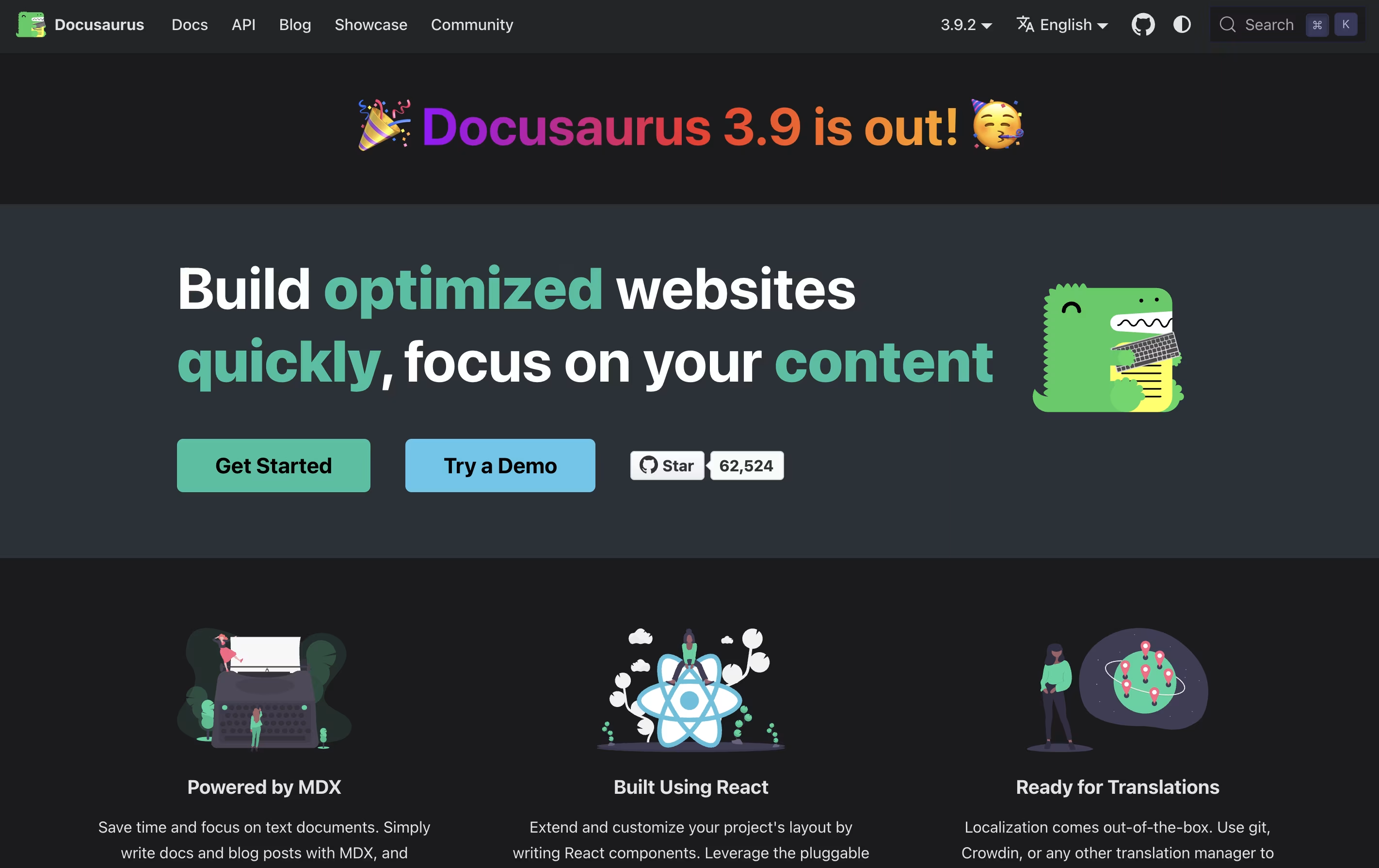
Docusaurus is a static site generator built with React and Node.js. It takes your Markdown files and creates a complete documentation website with all the features users expect. Unlike building a website from scratch, Docusaurus handles the hard parts for you.
The tool uses MDX, which means you can add interactive React components right inside your Markdown files. This makes your documentation more engaging without extra work. It comes with built-in search powered by Algolia, version management for different product releases, and support for over 70 languages through translation tools.
Because it creates static files, your documentation loads fast and can be hosted anywhere. The sites work great on mobile devices and follow modern web standards for speed and accessibility.
Features of HelpDocs and Docusaurus
AI-powered article drafting and rewriting
Smart search with tracking and analytics
Full design customization with CSS and JavaScript
Multi-language translation support
Team collaboration with role-based access
Integration with Slack, Intercom, Front, and more
Contact forms and feedback collection
Version control and audit trails
SEO optimization tools
SSO and security features
Free and open source with MIT license
Built with React and Node.js
Write content in Markdown and MDX
Built-in search with Algolia DocSearch
Version management for product releases
Support for 70+ languages
Blog and documentation in one site
Dark mode and responsive design
Fast static site generation
Easy deployment to any host
Use Cases of HelpDocs and Docusaurus
Pricing of HelpDocs and Docusaurus
HelpDocs offers three pricing plans designed for different team sizes and needs. All plans come with a 14-day free trial, and no credit card is required to start.
The Seed plan costs $49 per month and includes 2 users, 200 AI credits monthly, unlimited viewers, and custom CSS. This plan is perfect for small teams just starting with documentation.
The Sprout plan is $99 per month and provides 4 users, 650 AI credits, AI drafts and rewrites, support for 3 languages, the Lighthouse widget, and custom JavaScript plus HTML templating.
The Bloom plan costs $199 per month with 10 users (extra users at $15 each), 1,500 AI credits, unlimited languages, advanced features like audit trails, permissioning, and single sign-on (SSO). This plan also includes longer historical analytics (180 days) and full API read and write access.
Docusaurus is completely free and open source. There are no subscription fees, user limits, or hidden costs. The project is released under the MIT license, which means you can use it for personal projects, commercial work, or anything else without paying.
Because Docusaurus is open source, you have access to the complete code and can customize it as much as you want. The project is maintained by Meta and a large community of developers who continuously improve it and add new features.
You only need to pay for web hosting to put your site online, but even this can be free using services like GitHub Pages, Netlify, or Vercel. All core features including search, versioning, internationalization, and blog support are included at no cost.
FAQs: HelpDocs vs Docusaurus
Reviews: HelpDocs vs Docusaurus
Based on 0 reviews
Based on 0 reviews
Compare HelpDocs With Other Tools

Mintlify
AI-Powered Documentation Platform for Developers

Document360
AI-Powered Knowledge Base for Teams

Apidog

Featurebase
Feedback & Support Platform for Teams

GitBook
Create Beautiful Documentation with AI-Powered Features

Confluence
Team Workspace for Documentation

Redocly
Beautiful API Documentation and Developer Portals

Readme
Interactive API Documentation & Developer Hubs

ClickHelp
Cloud Documentation Tool for Technical Writing Teams
Compare Docusaurus With Other Tools
GitBook
Create Beautiful Documentation with AI-Powered Features
Mintlify
AI-Powered Documentation Platform for Developers

Astro Starlight
Build Beautiful Documentation Fast

Hashnode
Free Developer Blogging Platform

MkDocs
Free Documentation Generator for Developers
Apidog
Confluence
Team Workspace for Documentation

Fumadocs
Free Open-Source Documentation Framework for React Developers
Redocly
Beautiful API Documentation and Developer Portals





