

Best 7 Help Center Software Tools in 2026
Last Updated: November 8, 2025
Letting customers find answers on their own reduces support volume and improves their overall experience. Help Center Software lets businesses build searchable knowledge bases and FAQ pages that customers can use for self service support.
These platforms are essential for support teams and SaaS companies looking to reduce ticket volume through effective self service. A well organized help center often resolves common questions before a customer ever needs to contact support.
 ClickHelp
 ClickHelpCloud Documentation Tool for Technical Writing Teams,
  Document360
 Document360AI-Powered Knowledge Base for Teams, and
  Featurebase
 FeaturebaseFeedback & Support Platform for Teams are the best for Help Center Software. So, let’s take a closer look at all 7 tools.
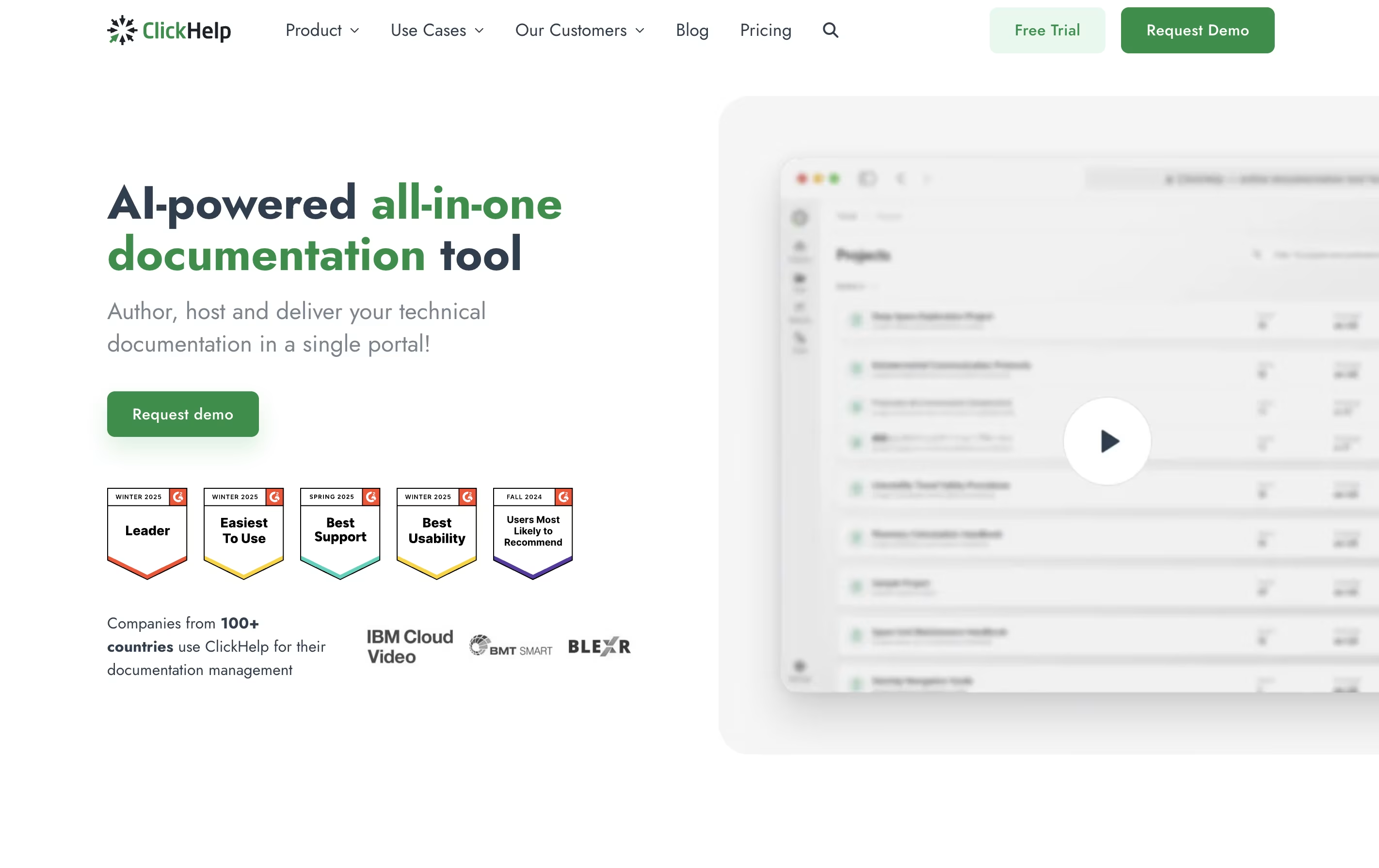
ClickHelp is an online tool that lets you write, store, and publish documentation without leaving your web browser. Unlike traditional software that you install on your computer, ClickHelp runs entirely online and stores everything in the cloud.
The platform includes an easy-to-use editor similar to Microsoft Word, so you can start writing without a long learning process. You can add images, videos, tables, and code samples to your documentation. ClickHelp also supports creating different versions of the same content for different audiences or products.
One major benefit is real-time teamwork. Multiple people can work on documentation at once, leave comments, and track changes. When you are ready, you can publish your content instantly to your own branded documentation website or export it as PDFs and other file types.
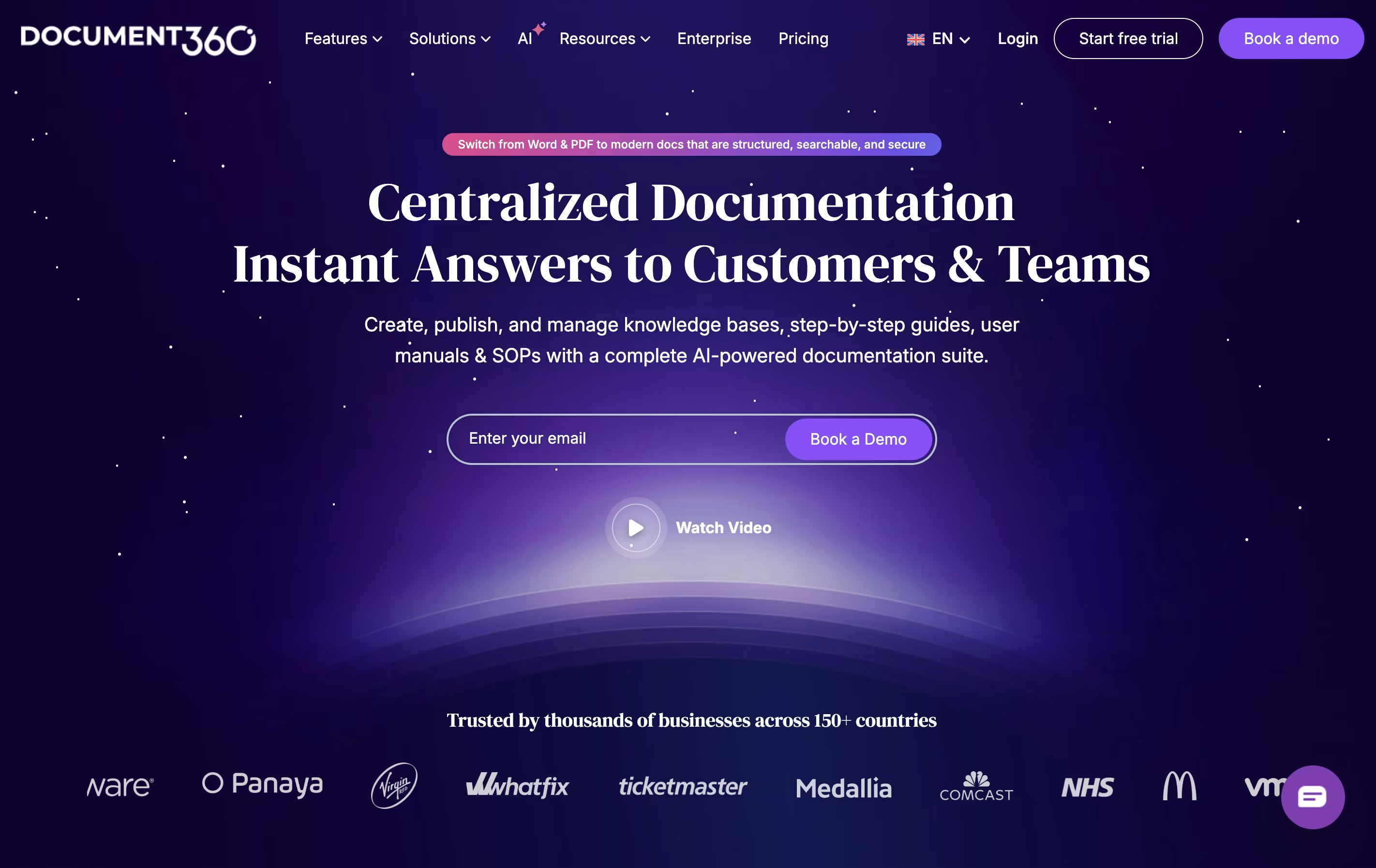
Document360 is a software tool that helps organizations create and maintain knowledge bases. A knowledge base is a central place where people can find answers, guides, and instructions about products or services. You can build both public knowledge bases for customers and private ones for employees.
The platform includes powerful editing tools that work like a word processor, making it simple to write and format articles. It offers AI features that help with writing, searching, and translating content. Document360 also provides detailed tracking to see which articles get the most views and what people are searching for.
Companies can customize the appearance to match their brand and integrate Document360 with other tools they already use like support systems and communication platforms.
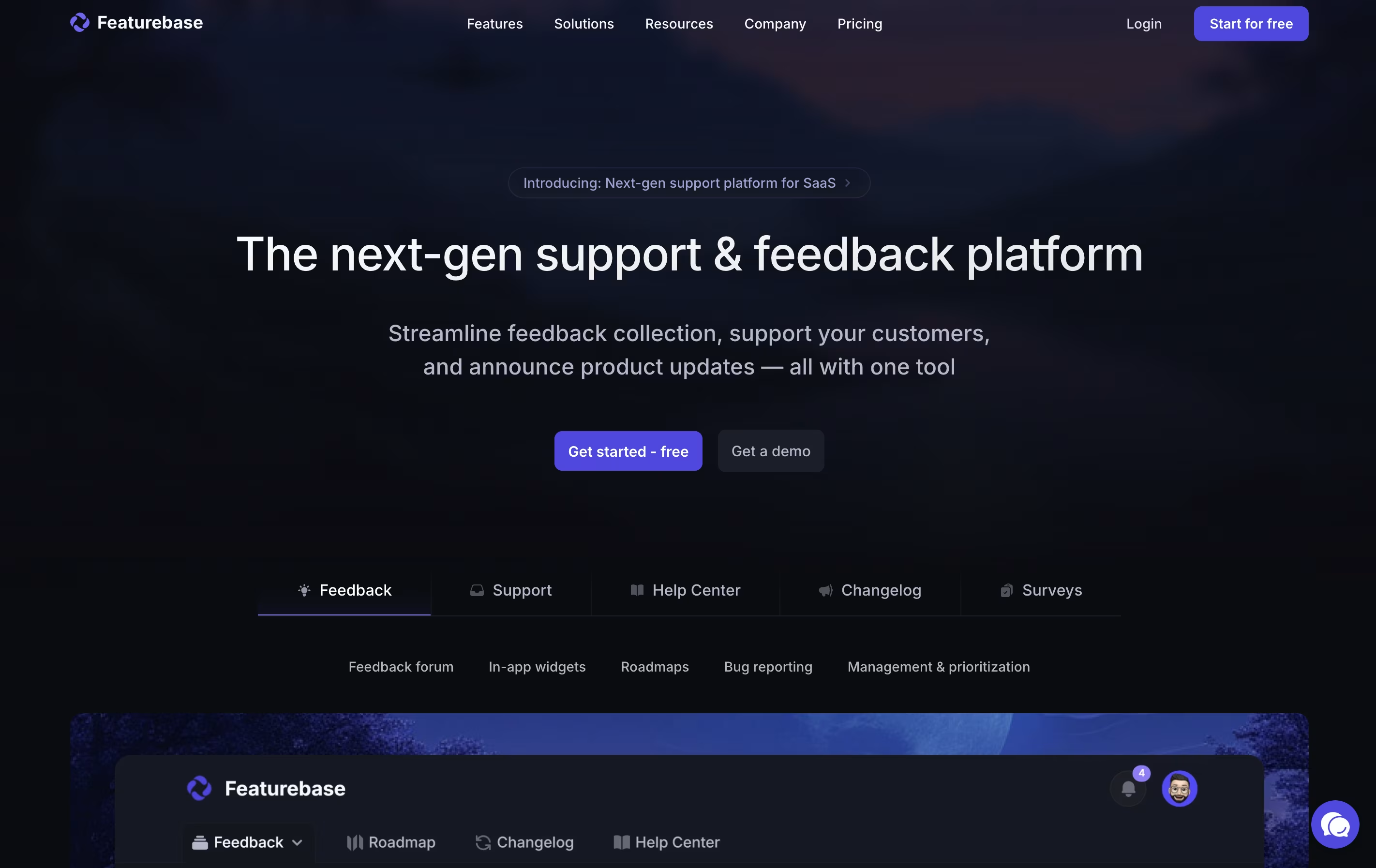
Featurebase is an all-in-one platform for managing customer feedback and support. It allows you to create public feedback boards where users can submit ideas, vote on features, and see what you are working on through roadmaps and changelogs.
The platform includes several key components: feedback boards for collecting feature requests, a support inbox for handling customer questions, a help center for self-service documentation, surveys for gathering specific insights, and changelogs for announcing updates. Everything is customizable with your own branding, colors, and domain.
Unlike separate tools for feedback, support, and documentation, Featurebase connects everything in one place. This means customer support tickets appear alongside their feature requests, giving you complete context when helping users.

HelpDocs is a software tool that helps you build and manage help documentation for your product or service. Think of it as a home for all your support articles, FAQs, and guides that customers can search through when they need help.
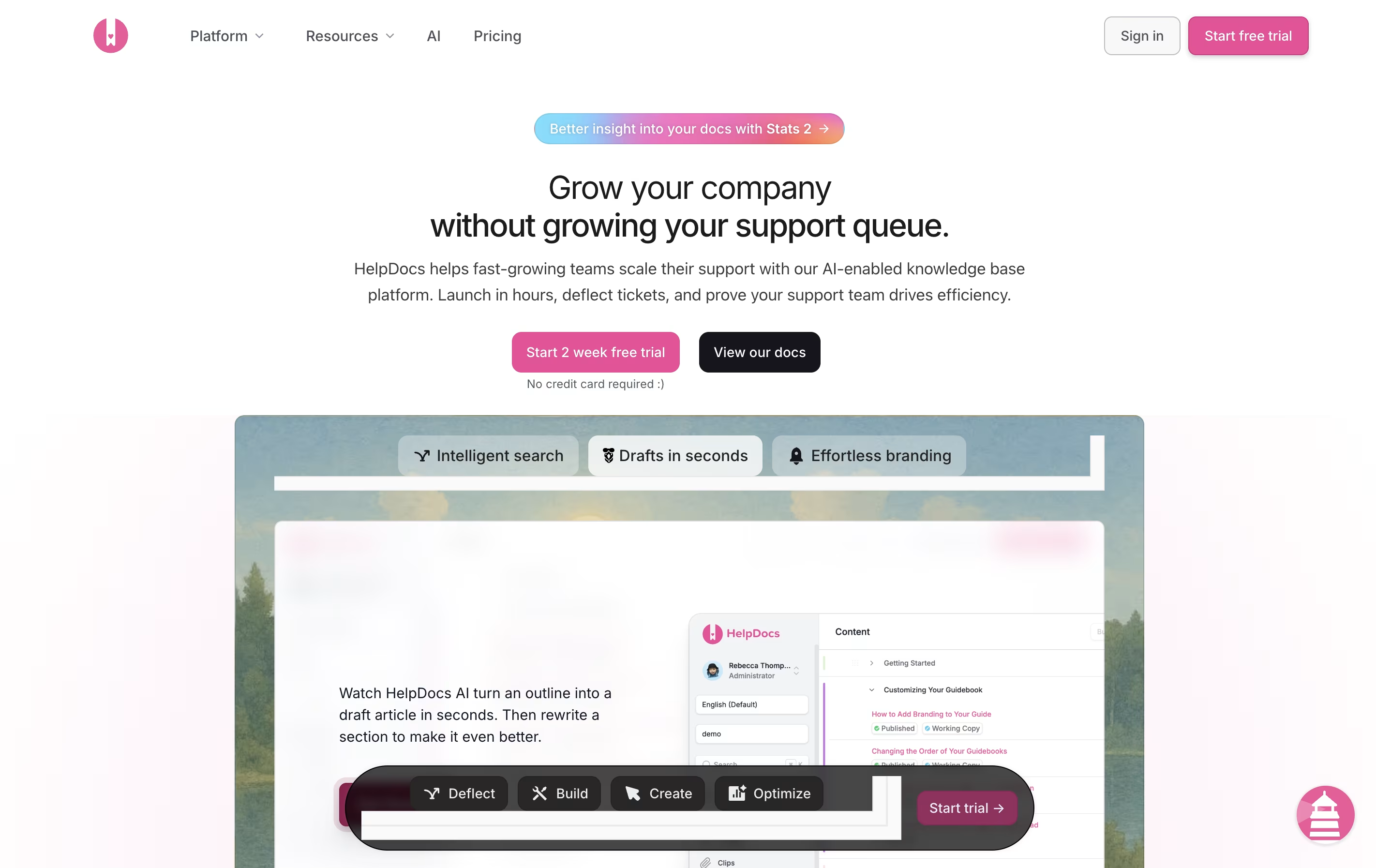
Unlike basic document storage, HelpDocs comes with built-in features for organizing content, tracking what people search for, and connecting with other tools your team already uses. The platform includes AI features that can draft articles, suggest improvements, and even answer customer questions by pulling information from your existing documentation.
You can customize the look to match your brand, translate content into multiple languages, and control who sees what articles. Everything is hosted in the cloud, so there is no software to install or maintain.

KnowledgeBase is a cloud-based software that creates organized libraries of information for your business. You can build two types of knowledge bases: one for customers to find answers themselves, and one for your team to access company information and policies.
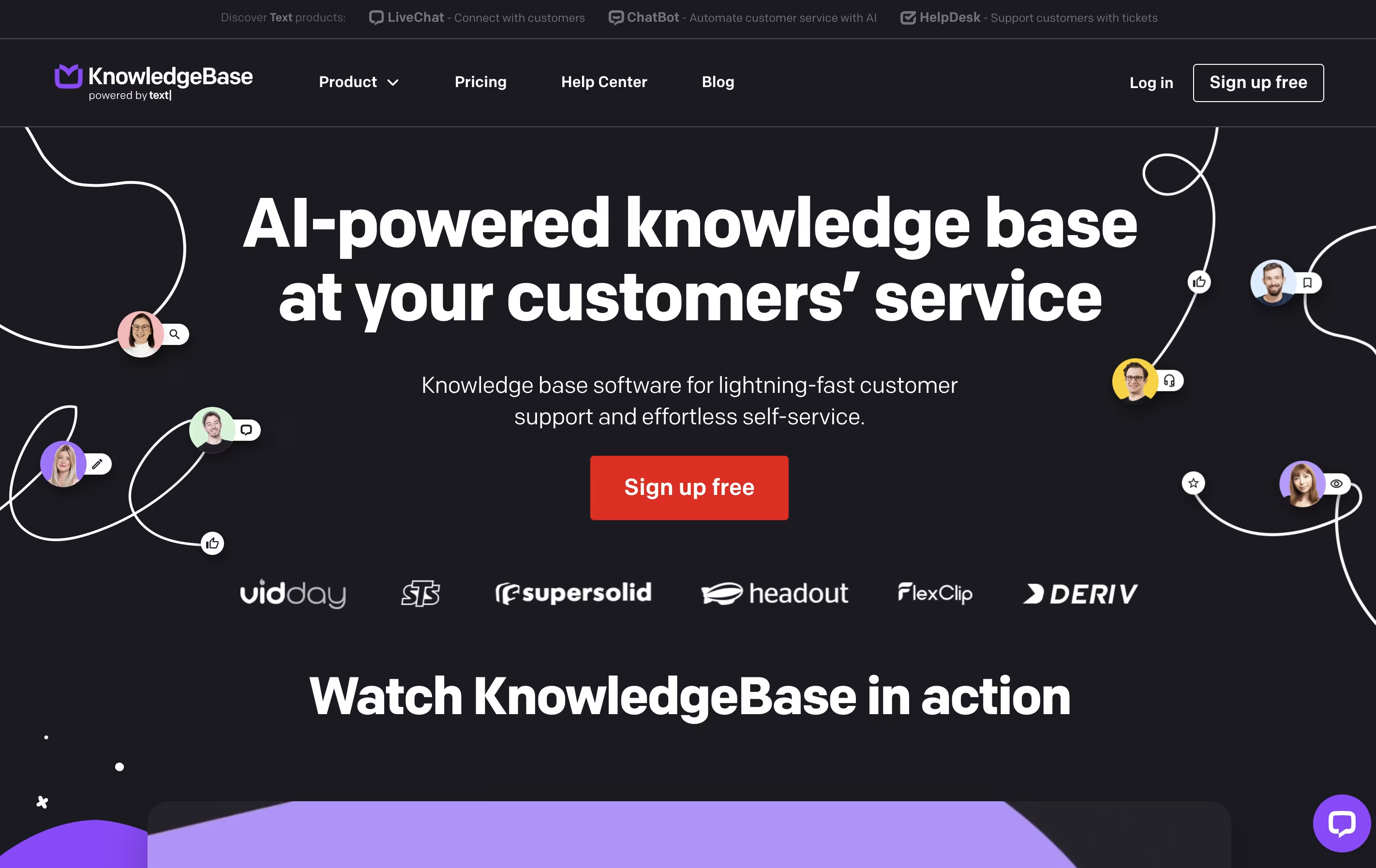
The platform includes a simple text editor similar to Google Docs, but with added AI features that help write articles faster. You can add images, videos, and other media to make your content more helpful. The tool automatically customizes your help center to match your company branding using your email address.
KnowledgeBase works standalone or integrates with other customer service tools like LiveChat and HelpDesk. The platform offers one pricing plan with all features included, making it straightforward for businesses to get started.

Docsie is a tool that helps you create and organize documentation for your products, services, or internal processes. You can write guides, manuals, and help articles in one place, then publish them to a website where your team or customers can find answers.
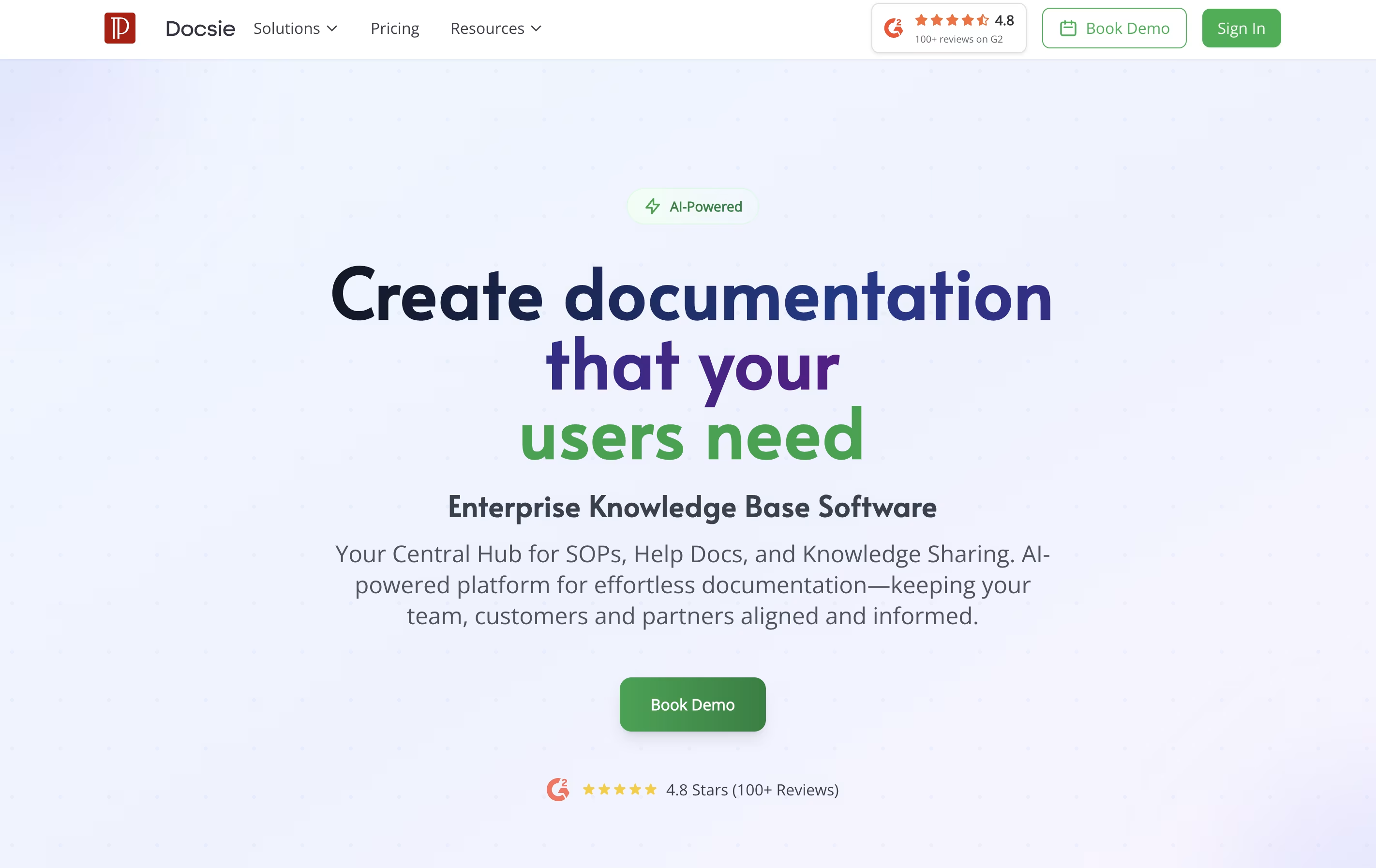
Unlike traditional document tools, Docsie uses AI to help write content, automatically translates text into different languages, and creates chatbots that answer questions based on your documentation. It also tracks who reads what, so you can improve your content based on real usage.
The platform includes a simple editor, version control to track changes, team collaboration features, and ways to embed documentation directly into your website or app. There are free and paid plans to fit different needs.

HelpKit is a platform that connects to your Notion workspace and converts your pages into a professional knowledge base website. You write and organize your help articles in Notion, and HelpKit automatically turns them into a fast, searchable website that looks professional and matches your brand.
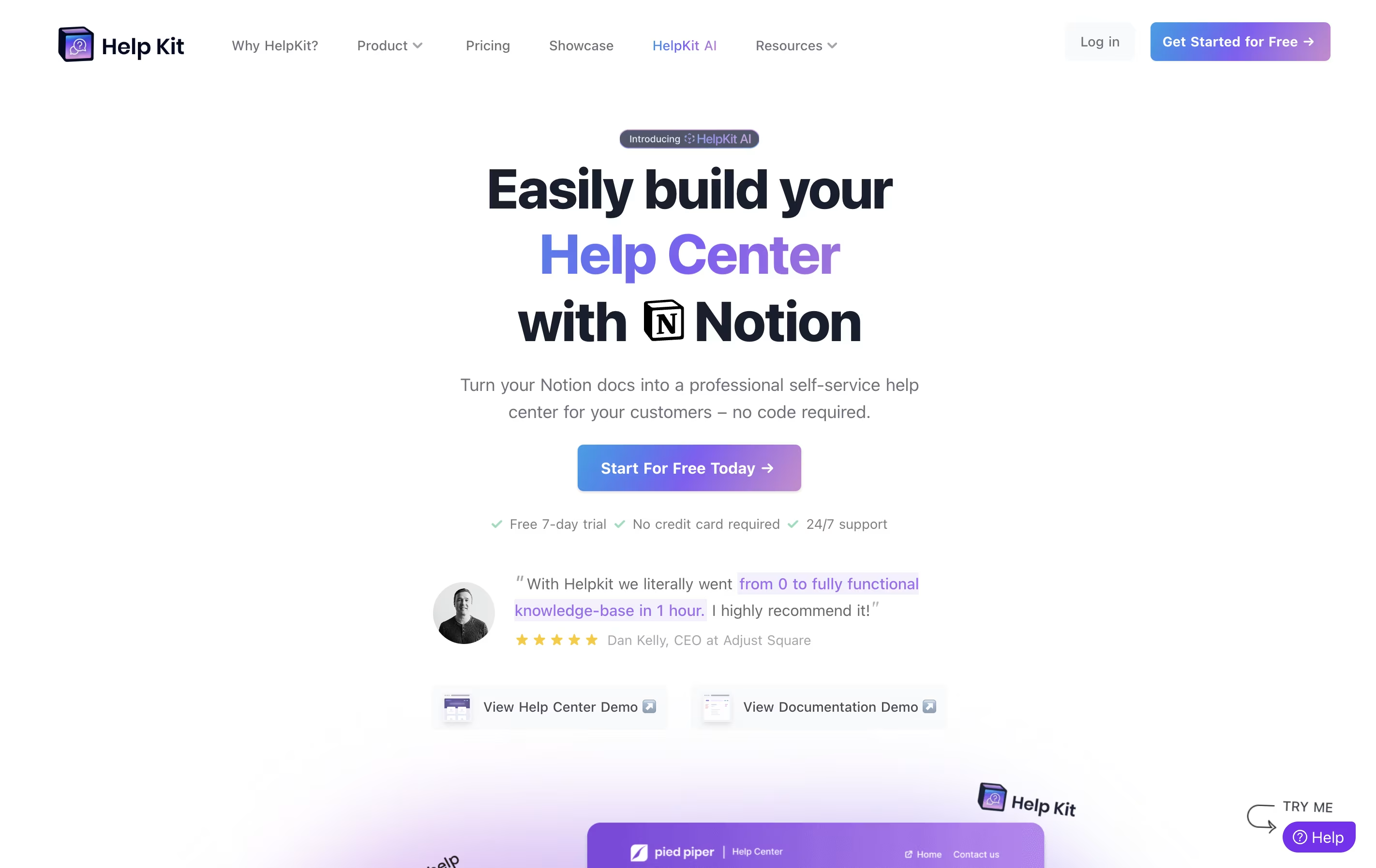
The tool adds features that Notion alone cannot provide, including full search, article tracking, custom domains, and an embeddable widget for your website. You can also protect content with passwords, integrate live chat tools like Intercom or Zendesk, and add an AI chatbot that answers questions using your content.
HelpKit works for both public help centers that customers see and internal documentation that only your team can access.





