

Best 7 Technical Documentation Platforms Tools in 2026
Last Updated: November 8, 2025
Complex products need documentation that is thorough, well organized, and easy for readers to navigate. Technical Documentation Platforms provide the structure, search, and versioning needed to manage large sets of technical content.
These platforms are used by technical writers and engineering teams maintaining documentation for complex products or systems. Strong search and clear organization are what separate genuinely useful technical docs from a pile of disconnected pages.
 ClickHelp
 ClickHelpCloud Documentation Tool for Technical Writing Teams,
  Heretto
 HerettoAI-Powered Content Platform for Technical Documentation, and
  DeepDocs
 DeepDocsAI-Powered GitHub Documentation Automation Tool are the best for Technical Documentation Platforms. So, let’s take a closer look at all 7 tools.
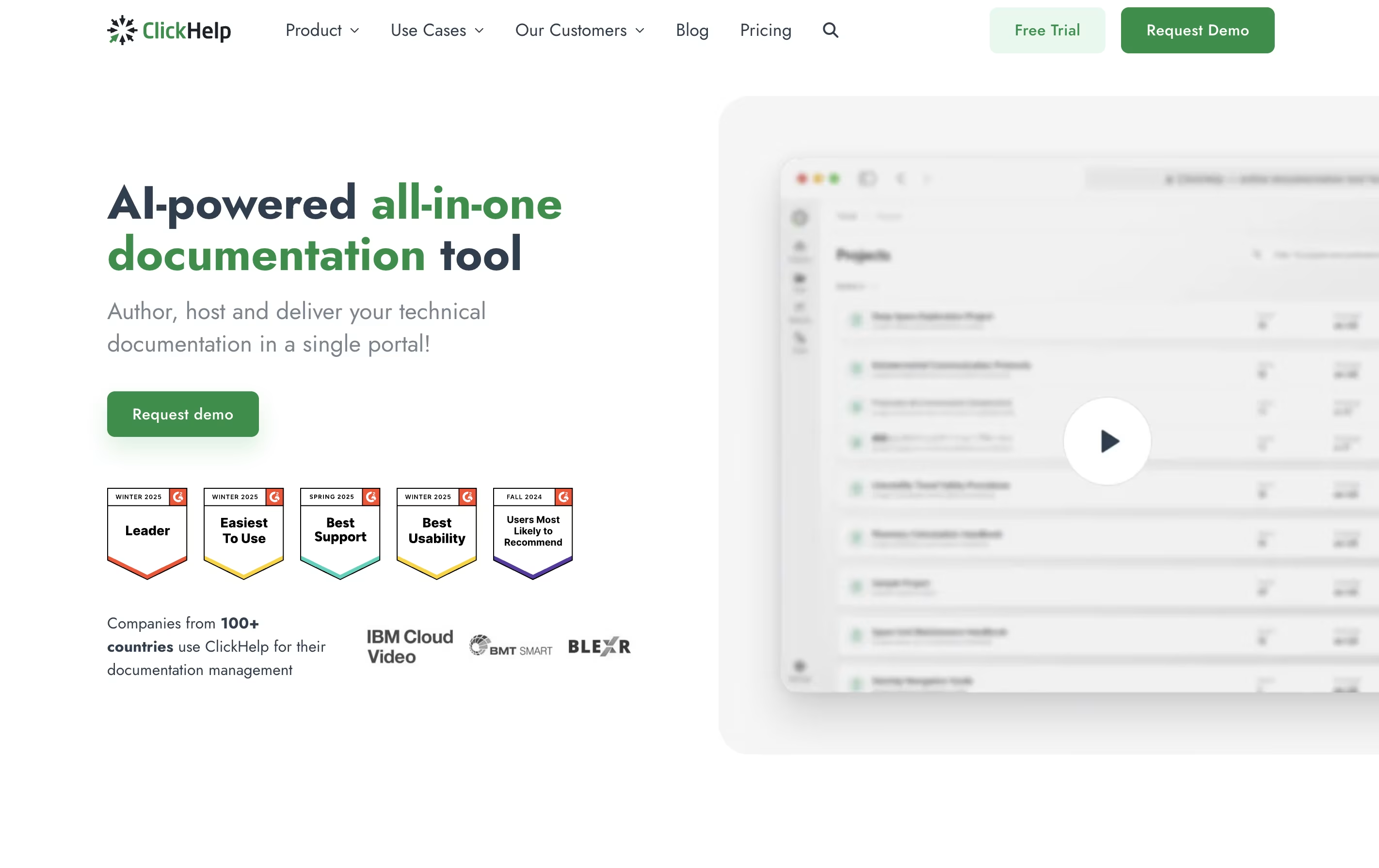
ClickHelp is an online tool that lets you write, store, and publish documentation without leaving your web browser. Unlike traditional software that you install on your computer, ClickHelp runs entirely online and stores everything in the cloud.
The platform includes an easy-to-use editor similar to Microsoft Word, so you can start writing without a long learning process. You can add images, videos, tables, and code samples to your documentation. ClickHelp also supports creating different versions of the same content for different audiences or products.
One major benefit is real-time teamwork. Multiple people can work on documentation at once, leave comments, and track changes. When you are ready, you can publish your content instantly to your own branded documentation website or export it as PDFs and other file types.
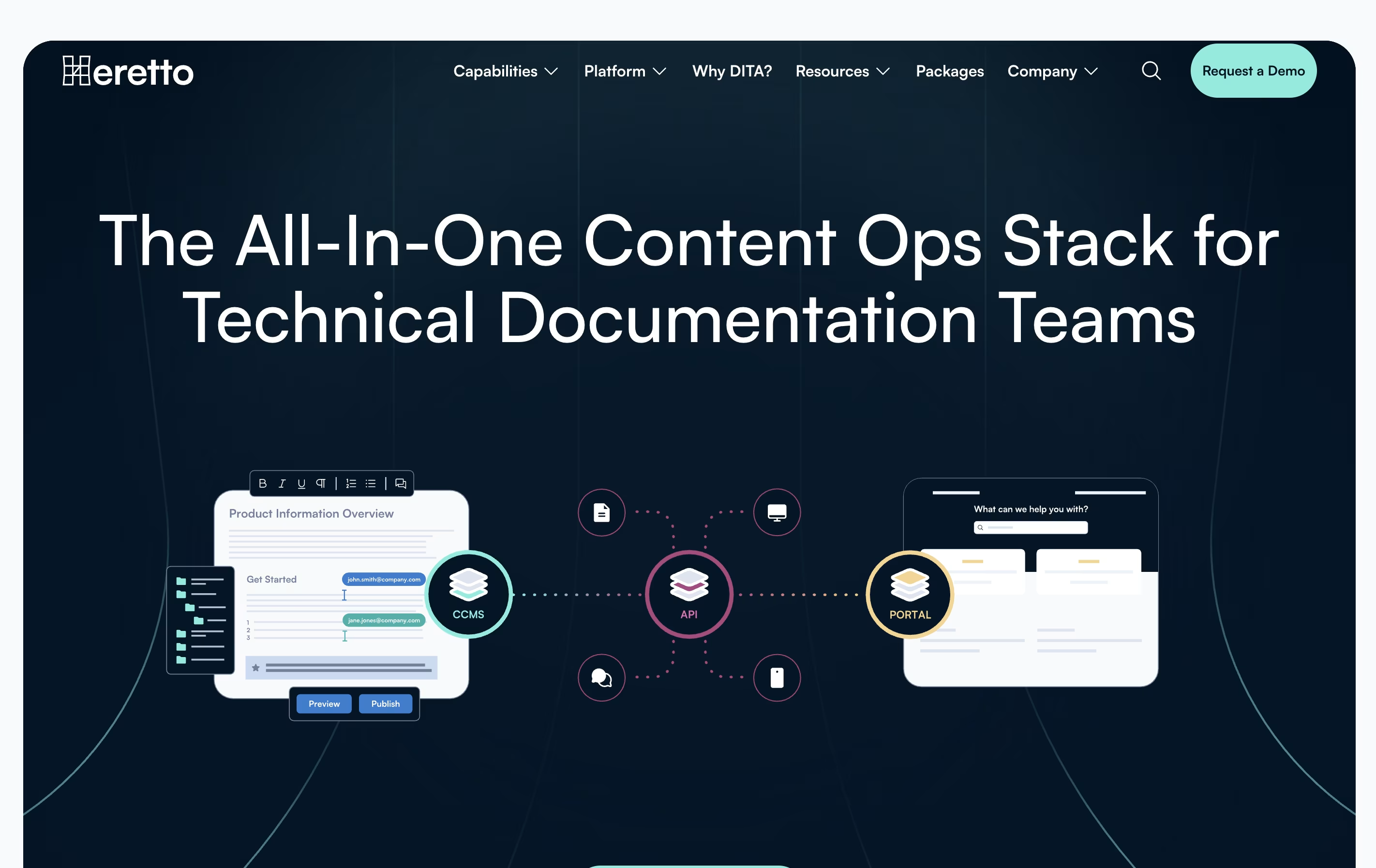
Heretto is a complete solution for managing technical content throughout your organization. At its core is a Component Content Management System that breaks documents into small, reusable pieces instead of managing full pages. This approach lets you update content once and see changes everywhere it appears.
The platform offers three main products working together. First, the CCMS handles content creation and management. Second, Deploy API lets you send content to any website or app through an interface. Third, Portal creates branded help websites for customers.
Heretto works entirely in the cloud, so teams can access it anywhere with internet. It supports multiple languages, tracks all changes to your content, and lets many people work on the same documents without conflicts.
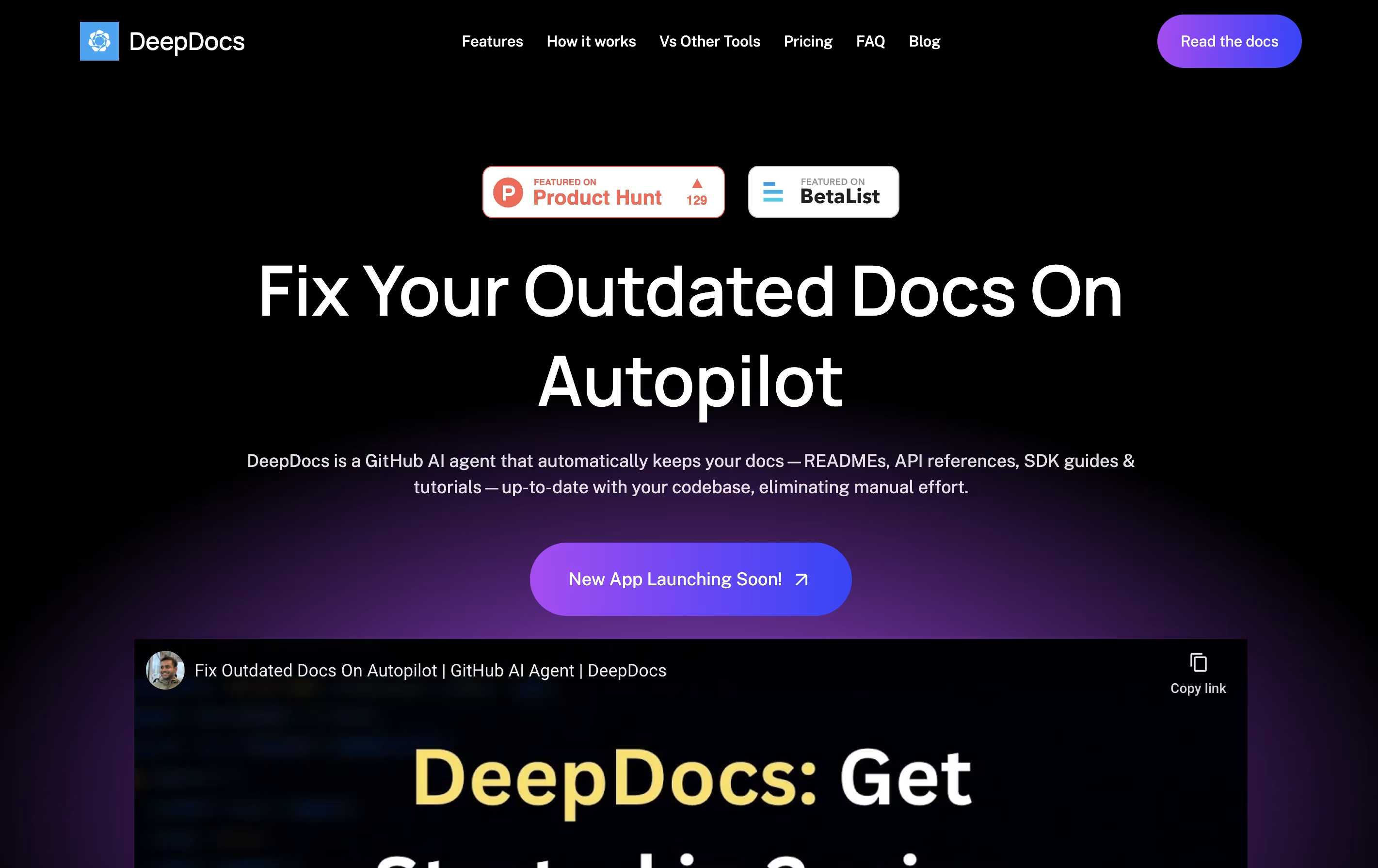
DeepDocs is a GitHub AI agent that maintains your technical documentation in perfect sync with your codebase. When you commit code changes, it scans your entire repository to find documentation that needs updates and makes the necessary changes automatically.
Unlike traditional documentation generators that create files from scratch, DeepDocs updates only the sections that need changing while keeping your original style and formatting intact. It works with popular documentation tools like Docusaurus, Mintlify, MkDocs, and Read the Docs.
DeepDocs offers a free version for personal projects with 10 scan credits monthly, and a Pro version for teams that ship code frequently, providing 100 scan credits per month and support for up to five documentation files or folders at once.

Documentation AI is a tool that helps you create professional documentation for your products and APIs. You can write content using a simple editor, and it automatically makes everything look polished and professional. Unlike basic documentation tools, it adds smart features like an AI assistant that answers questions directly on the page.
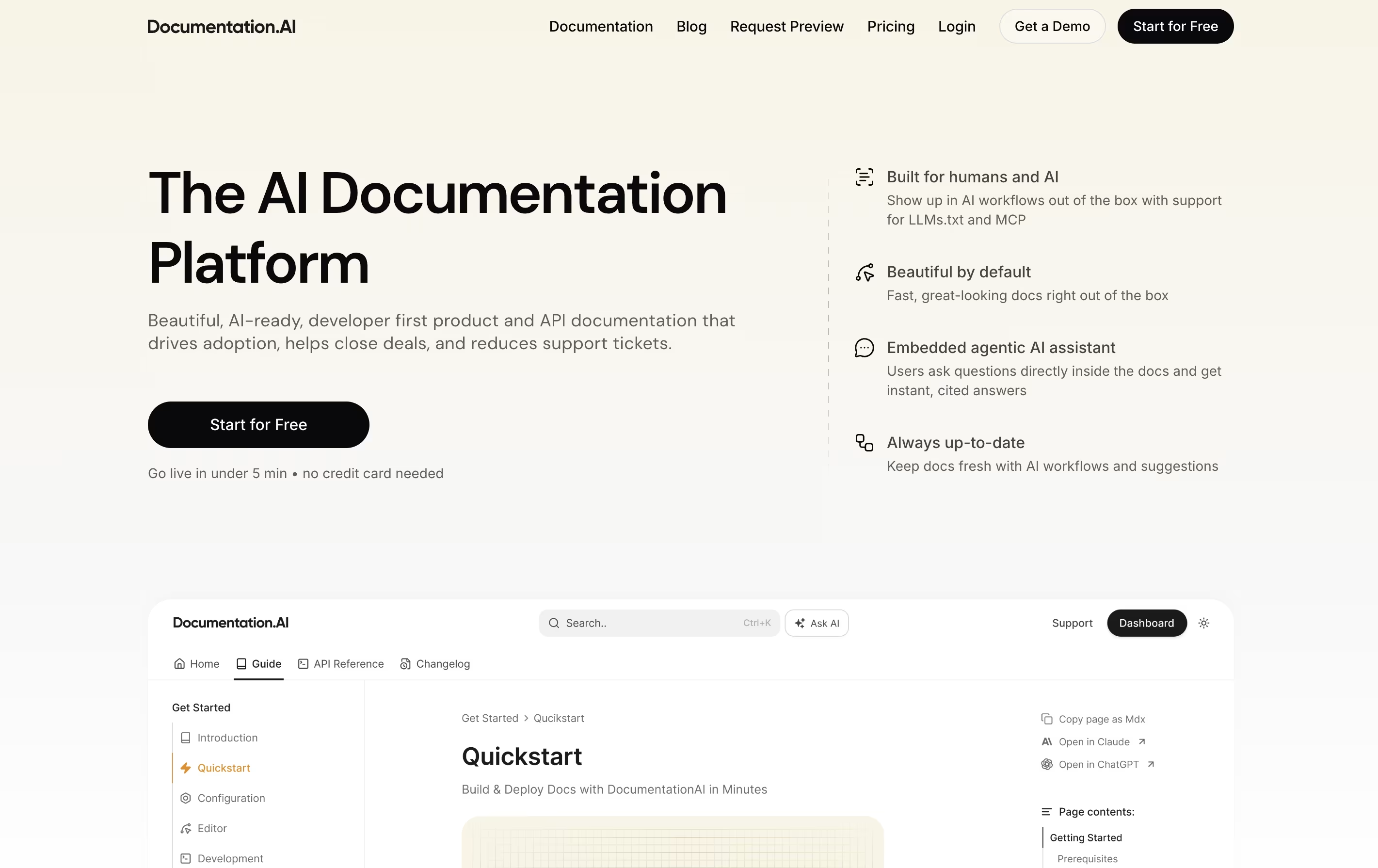
The platform focuses on three main things: beautiful design that works everywhere, speed that scores perfect on performance tests, and AI features that help both humans and chatbots understand your content. It supports modern formats like Markdown and connects with popular developer tools.
There's a free plan to start, and paid plans add more features like extra editor seats, advanced AI queries, and team permissions for growing businesses.
Vrite is a content management platform designed specifically for technical writing. It offers a modern editor that works like familiar tools such as Notion, but adds features developers need. You can write in a visual editor while also having access to code blocks with syntax highlighting and formatting.
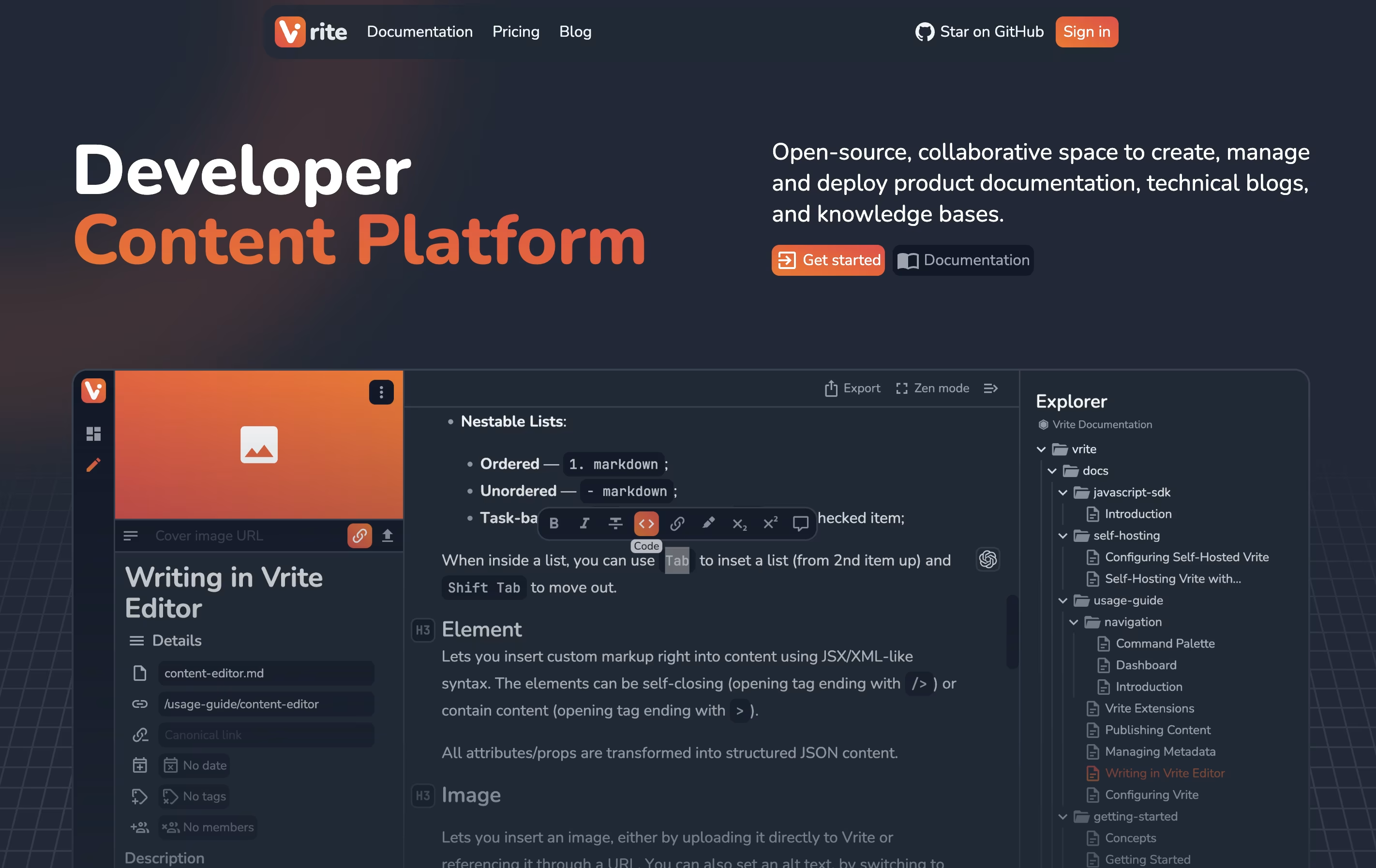
The platform includes a dashboard where you organize content using Kanban boards or table views. This helps teams track what's being written, what needs review, and what's ready to publish. Vrite connects with GitHub for version control and supports extensions that add more functionality.
The platform includes AI-powered search that helps find information in your content quickly. You can either use their cloud version or install it on your own servers for complete data control.

Doctave is a documentation platform that combines the flexibility of writing in Markdown with the power of professional documentation hosting. You write your documentation in plain text files, store them in Git alongside your code, and Doctave takes care of turning them into beautiful, searchable documentation websites.
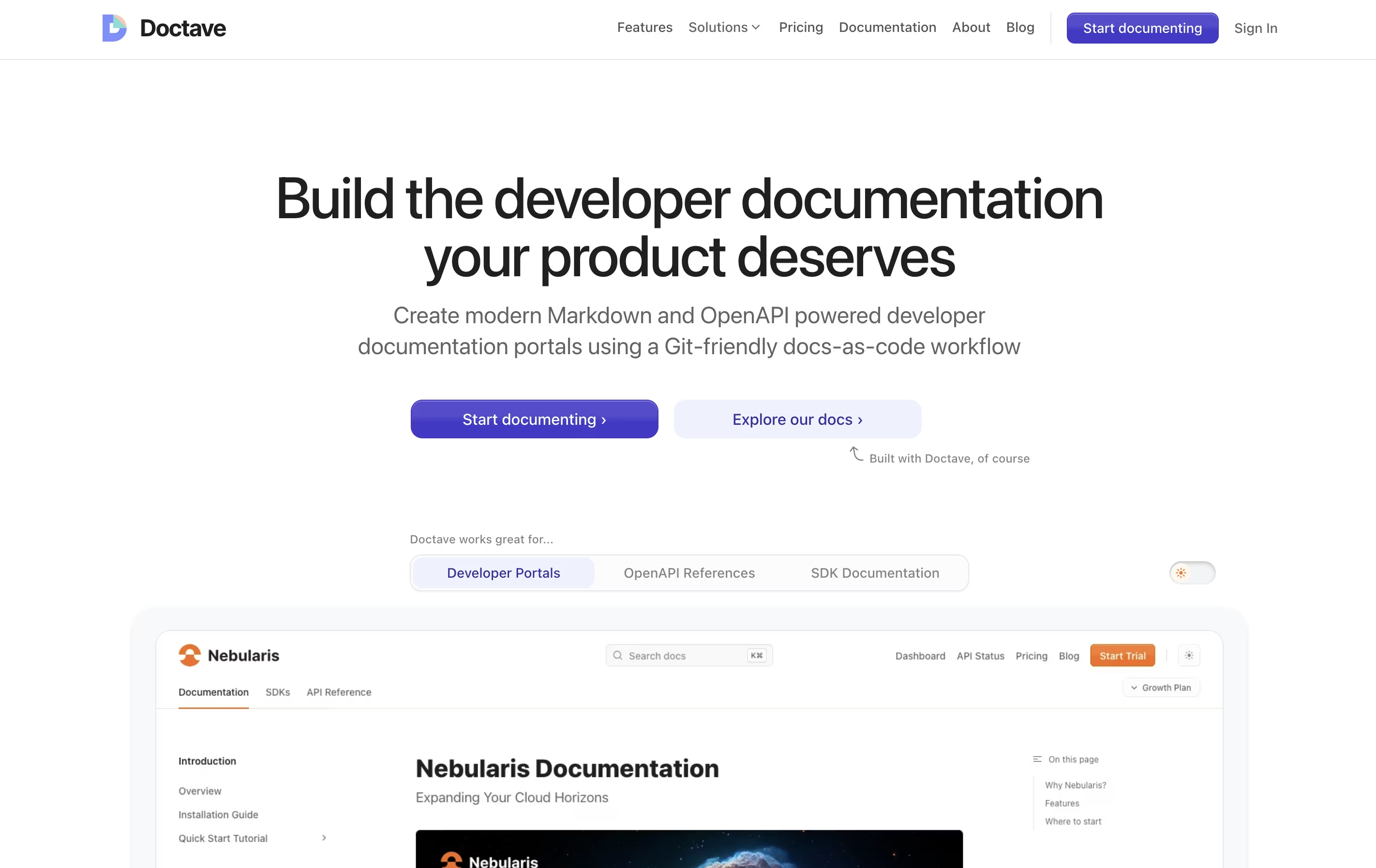
The platform supports both regular Markdown guides and OpenAPI specifications for API documentation. It automatically creates preview environments when you make changes, so your team can review updates before publishing. Everything stays in your Git repository, giving you full version control over your documentation.
Doctave Studio is the companion desktop application that provides real-time previews, auto-complete suggestions, broken link checking, and spell checking. Together, these tools help teams create documentation that stays current and accurate.

Docsie is a tool that helps you create and organize documentation for your products, services, or internal processes. You can write guides, manuals, and help articles in one place, then publish them to a website where your team or customers can find answers.
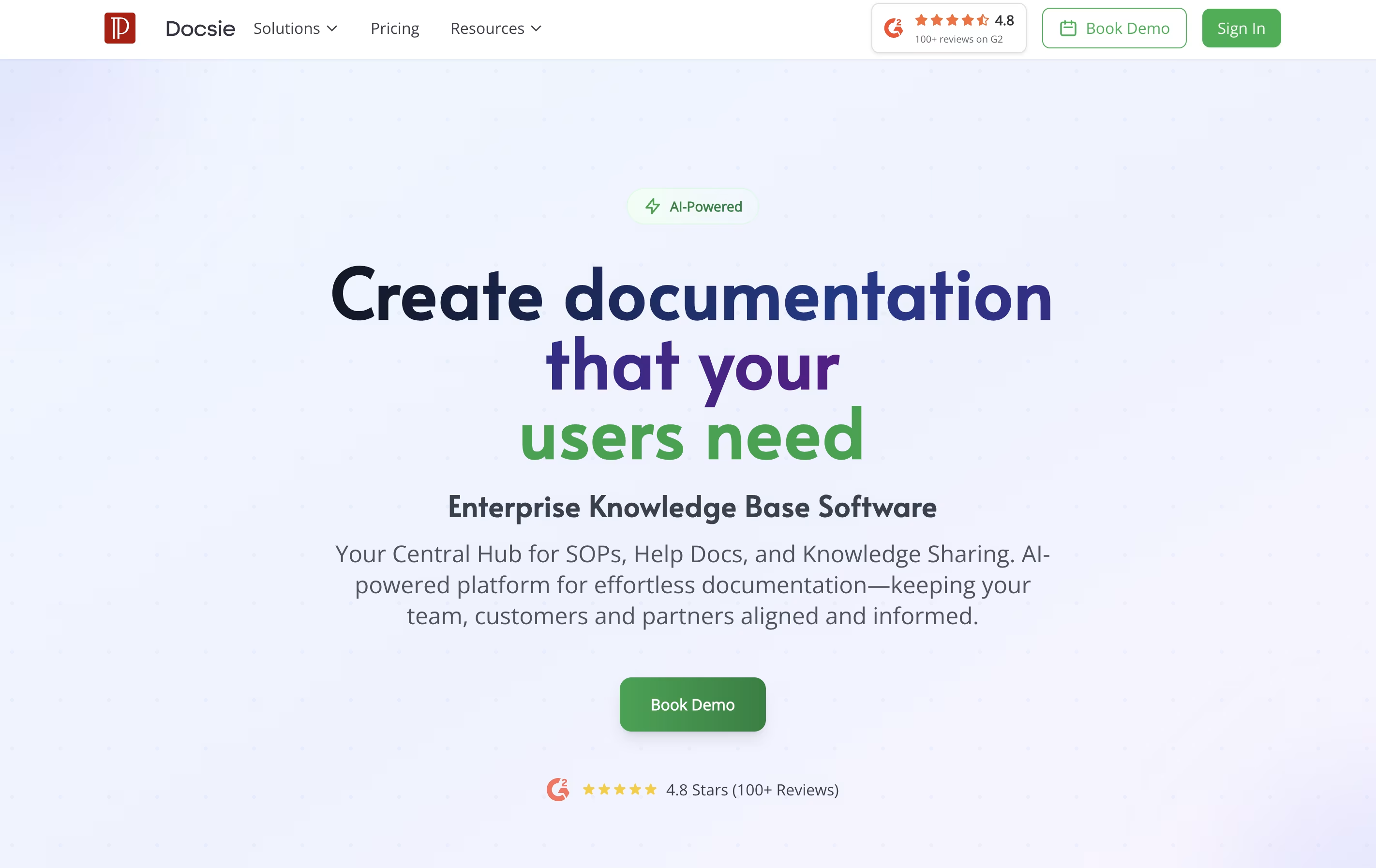
Unlike traditional document tools, Docsie uses AI to help write content, automatically translates text into different languages, and creates chatbots that answer questions based on your documentation. It also tracks who reads what, so you can improve your content based on real usage.
The platform includes a simple editor, version control to track changes, team collaboration features, and ways to embed documentation directly into your website or app. There are free and paid plans to fit different needs.
Related to
Technical Documentation Platforms