

HelpDocs vs Readme: Features, Pricing and User Reviews 2026

Readme
Interactive API Documentation & Developer Hubs
Readme
Interactive API Documentation & Developer Hubs
What are HelpDocs and Readme?

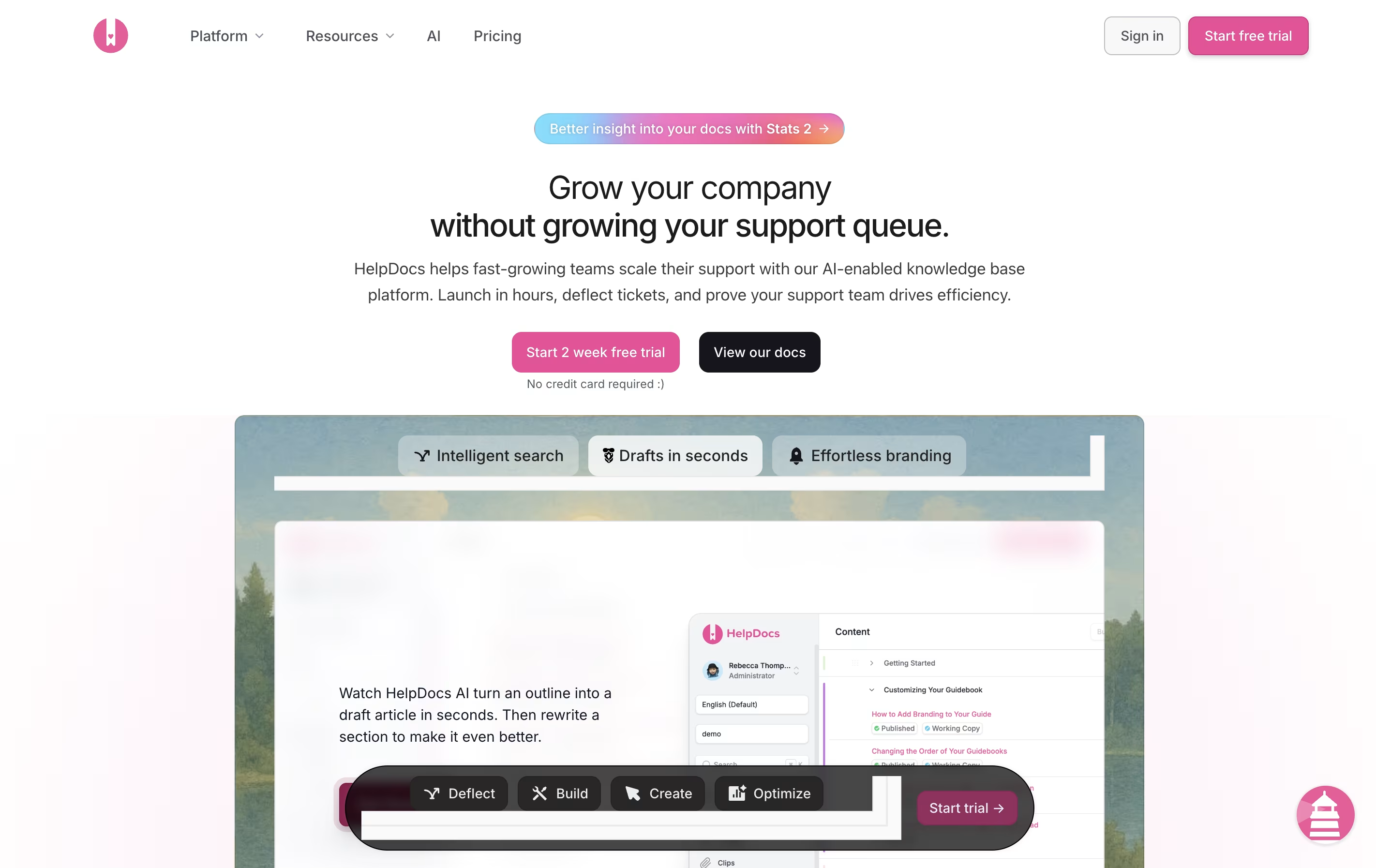
HelpDocs is a software tool that helps you build and manage help documentation for your product or service. Think of it as a home for all your support articles, FAQs, and guides that customers can search through when they need help.
Unlike basic document storage, HelpDocs comes with built-in features for organizing content, tracking what people search for, and connecting with other tools your team already uses. The platform includes AI features that can draft articles, suggest improvements, and even answer customer questions by pulling information from your existing documentation.
You can customize the look to match your brand, translate content into multiple languages, and control who sees what articles. Everything is hosted in the cloud, so there is no software to install or maintain.
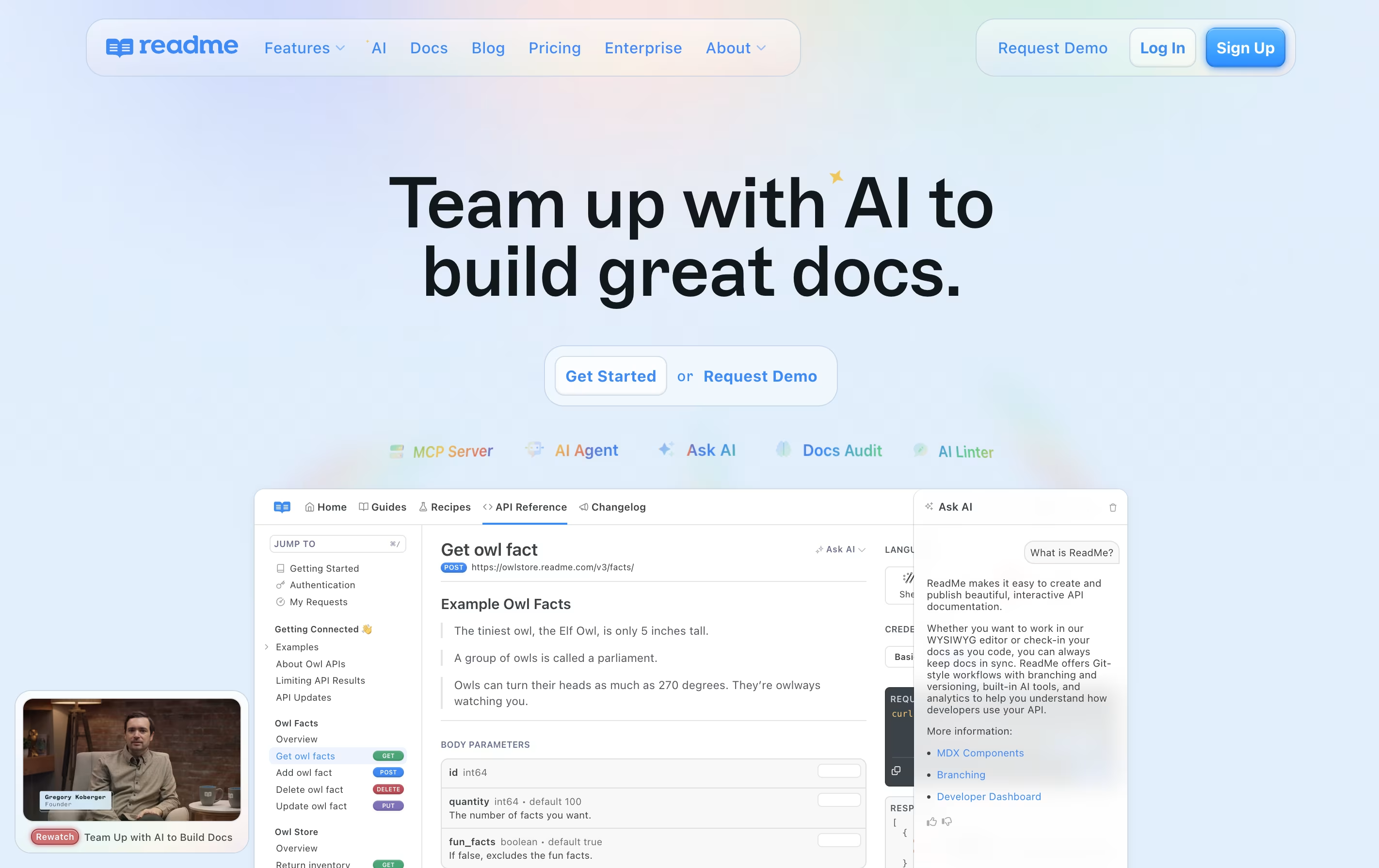
Readme is a platform that lets you create and publish interactive developer documentation for your APIs. Unlike traditional documentation tools, Readme automatically generates API references from your OpenAPI or Swagger files and keeps everything in sync with your code.
The platform includes a built-in editor where you can write guides, add code examples, and explain how your API works. Developers using your API can test endpoints directly from the documentation with the Try It feature, making it easier to understand how everything works.
Readme also provides analytics so you can see which parts of your documentation get the most views and where developers might be getting stuck, helping you improve your API experience over time.
Features of HelpDocs and Readme
AI-powered article drafting and rewriting
Smart search with tracking and analytics
Full design customization with CSS and JavaScript
Multi-language translation support
Team collaboration with role-based access
Integration with Slack, Intercom, Front, and more
Contact forms and feedback collection
Version control and audit trails
SEO optimization tools
SSO and security features
Interactive API reference with Try It functionality
OpenAPI and Swagger file sync
Markdown editor for guides and tutorials
Multiple API version management
Custom domains and white-label branding
Real-time analytics and usage tracking
Team collaboration with reviews and branching
Changelog and discussion forums
SSO and advanced security
AI-powered documentation tools
Mobile responsive design
Use Cases of HelpDocs and Readme
Pricing of HelpDocs and Readme
HelpDocs offers three pricing plans designed for different team sizes and needs. All plans come with a 14-day free trial, and no credit card is required to start.
The Seed plan costs $49 per month and includes 2 users, 200 AI credits monthly, unlimited viewers, and custom CSS. This plan is perfect for small teams just starting with documentation.
The Sprout plan is $99 per month and provides 4 users, 650 AI credits, AI drafts and rewrites, support for 3 languages, the Lighthouse widget, and custom JavaScript plus HTML templating.
The Bloom plan costs $199 per month with 10 users (extra users at $15 each), 1,500 AI credits, unlimited languages, advanced features like audit trails, permissioning, and single sign-on (SSO). This plan also includes longer historical analytics (180 days) and full API read and write access.
Readme offers flexible pricing to match different team sizes and needs. The platform provides four main plans plus an optional AI booster.
The Free plan costs nothing and includes unlimited API versions, interactive API reference, markdown editor, and basic AI features like AI Dropdown and LLMs.txt support.
The Startup plan at $99 per month adds important features like custom domains, changelogs, discussion forums, MDX components, and the Agent Owlbert AI assistant with AI Doc Linting.
The Business plan at $399 per month removes Readme branding and adds advanced features including CSS/HTML customization, reusable content, metrics export, and branching for team workflows.
The Enterprise plan offers custom pricing with everything in Business plus dedicated design help, shared component libraries, custom JavaScript, audit logs, SSO, and full Docs Audit capabilities with Ask AI API access.
FAQs: HelpDocs vs Readme
Reviews: HelpDocs vs Readme
Based on 0 reviews
Based on 0 reviews
Compare HelpDocs With Other Tools

Mintlify
AI-Powered Documentation Platform for Developers

Document360
AI-Powered Knowledge Base for Teams

Apidog

Featurebase
Feedback & Support Platform for Teams

GitBook
Create Beautiful Documentation with AI-Powered Features

Confluence
Team Workspace for Documentation

Redocly
Beautiful API Documentation and Developer Portals

ClickHelp
Cloud Documentation Tool for Technical Writing Teams

Docusaurus
Build Beautiful Documentation Sites Free
Compare Readme With Other Tools
Mintlify
AI-Powered Documentation Platform for Developers
Redocly
Beautiful API Documentation and Developer Portals
Apidog

Stoplight
Visual API Design and Documentation

Fern
Auto-Generate SDKs and API Documentation

Theneo
AI-Powered API Documentation Generator for Beautiful Developer Docs
GitBook
Create Beautiful Documentation with AI-Powered Features
Document360
AI-Powered Knowledge Base for Teams
Confluence
Team Workspace for Documentation





