

HelpDocs vs GitBook: Features, Pricing and User Reviews 2026

GitBook
Create Beautiful Documentation with AI-Powered Features
GitBook
Create Beautiful Documentation with AI-Powered Features
What are HelpDocs and GitBook?

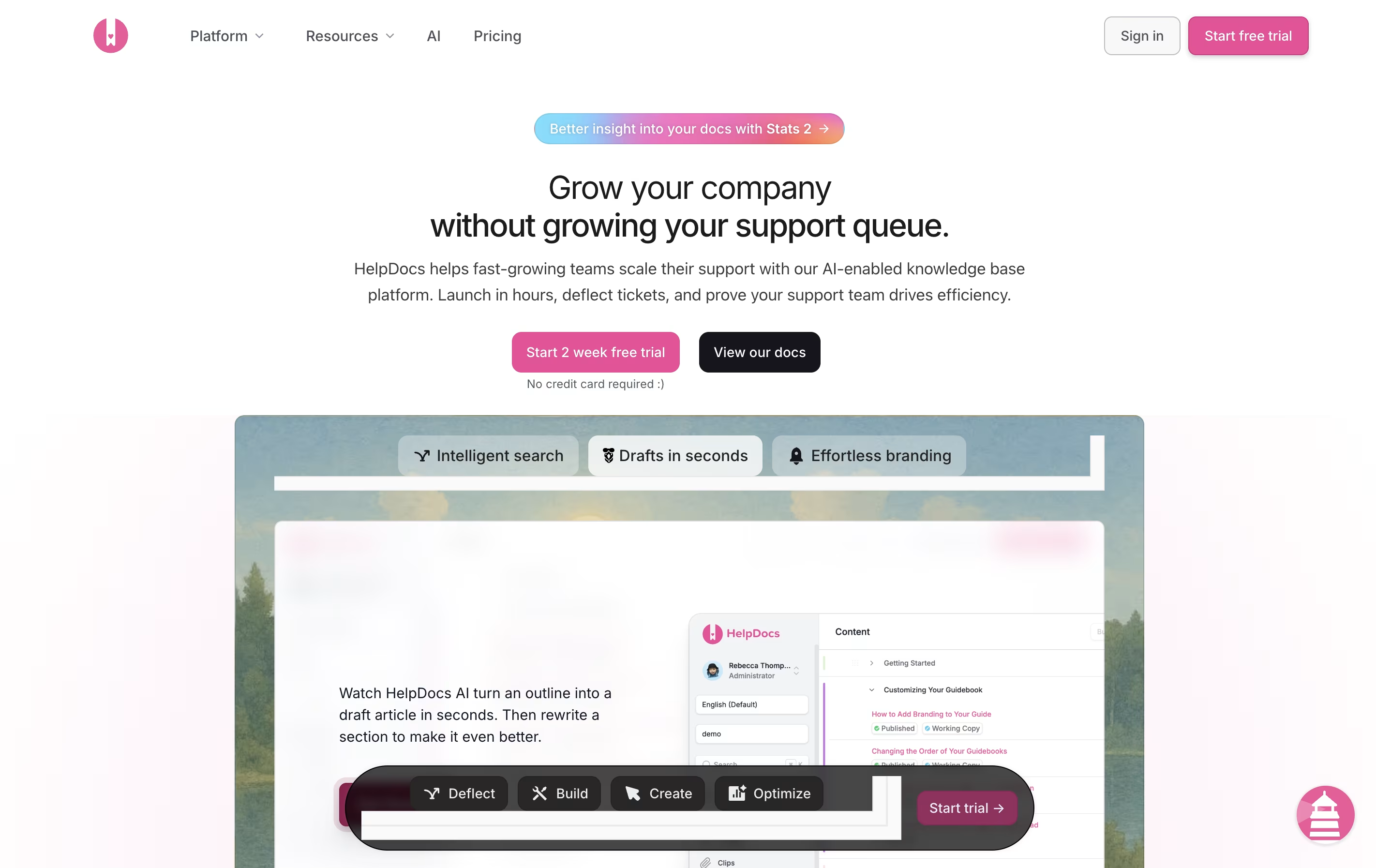
HelpDocs is a software tool that helps you build and manage help documentation for your product or service. Think of it as a home for all your support articles, FAQs, and guides that customers can search through when they need help.
Unlike basic document storage, HelpDocs comes with built-in features for organizing content, tracking what people search for, and connecting with other tools your team already uses. The platform includes AI features that can draft articles, suggest improvements, and even answer customer questions by pulling information from your existing documentation.
You can customize the look to match your brand, translate content into multiple languages, and control who sees what articles. Everything is hosted in the cloud, so there is no software to install or maintain.
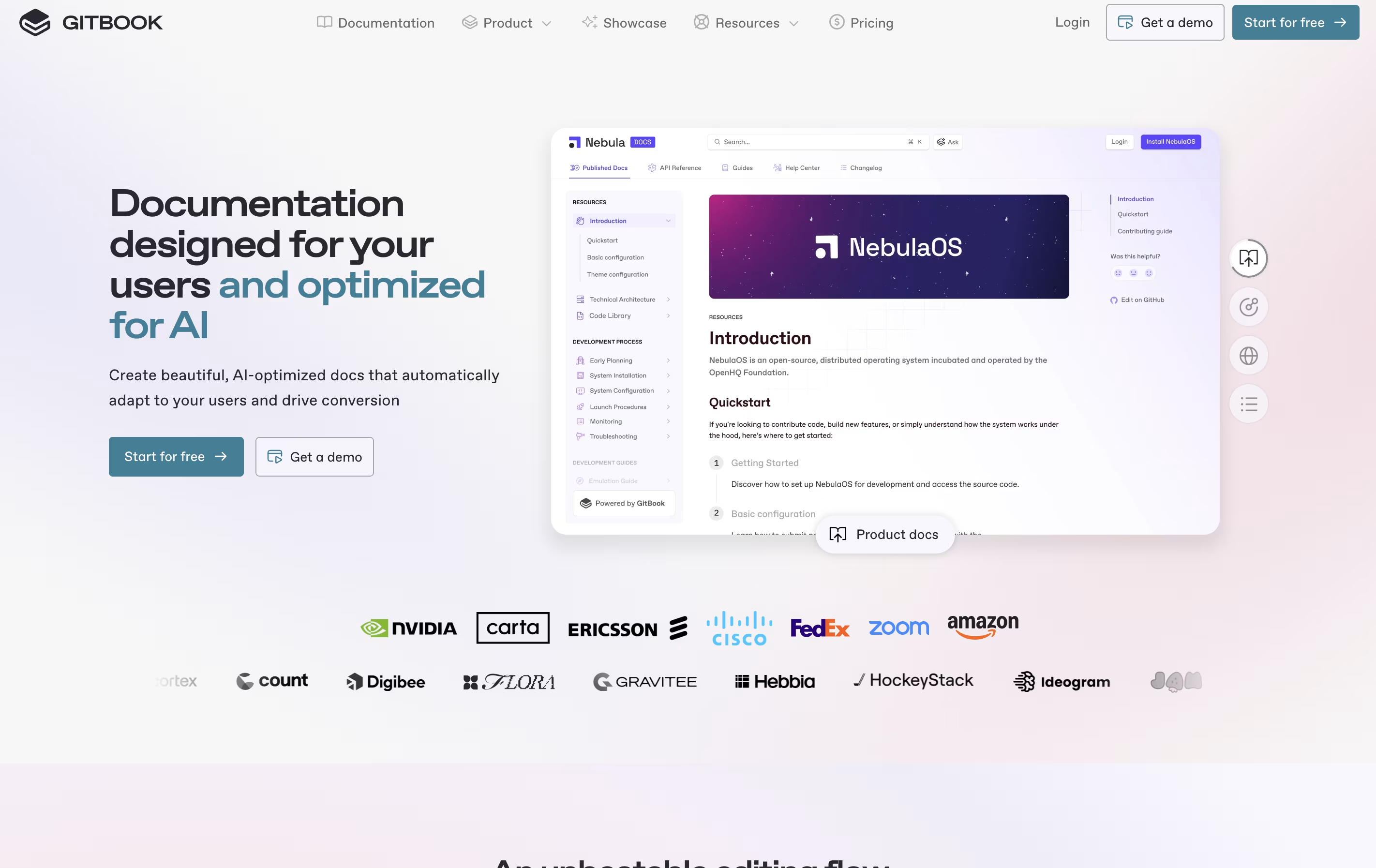
GitBook is a cloud-based tool designed specifically for creating documentation. Think of it as a specialized writing platform where you can build everything from simple user guides to complex API documentation. The platform uses a block-based editor, similar to modern website builders, making it easy to add text, images, code examples, and other content without coding knowledge.
What sets GitBook apart is its two-way sync with GitHub and GitLab. This means developers can write documentation directly in their code editor, while content teams work in GitBook's visual interface. Everything stays synchronized automatically. The platform also includes AI features that help users find information quickly and assist in creating content. You can publish documentation publicly or keep it private with password protection.
Features of HelpDocs and GitBook
AI-powered article drafting and rewriting
Smart search with tracking and analytics
Full design customization with CSS and JavaScript
Multi-language translation support
Team collaboration with role-based access
Integration with Slack, Intercom, Front, and more
Contact forms and feedback collection
Version control and audit trails
SEO optimization tools
SSO and security features
AI-powered search and content assistance
Real-time collaboration with team members
GitHub and GitLab two-way synchronization
Block-based editor for easy content creation
Interactive API documentation from OpenAPI specs
Custom domains and full branding control
Public and private documentation publishing
Site analytics and search insights
Version control and change tracking
Templates for quick setup
Mobile-responsive design
Comment and feedback tools
Use Cases of HelpDocs and GitBook
Pricing of HelpDocs and GitBook
HelpDocs offers three pricing plans designed for different team sizes and needs. All plans come with a 14-day free trial, and no credit card is required to start.
The Seed plan costs $49 per month and includes 2 users, 200 AI credits monthly, unlimited viewers, and custom CSS. This plan is perfect for small teams just starting with documentation.
The Sprout plan is $99 per month and provides 4 users, 650 AI credits, AI drafts and rewrites, support for 3 languages, the Lighthouse widget, and custom JavaScript plus HTML templating.
The Bloom plan costs $199 per month with 10 users (extra users at $15 each), 1,500 AI credits, unlimited languages, advanced features like audit trails, permissioning, and single sign-on (SSO). This plan also includes longer historical analytics (180 days) and full API read and write access.
GitBook offers flexible pricing to suit different team sizes and needs.
The Free plan costs $0 and includes one free user per site. You get access to the block-based editor, GitHub/GitLab sync, interactive API documentation, and can publish with a gitbook.io domain. This plan is perfect for individual developers or small projects getting started.
The Premium plan starts at $79 per site per month, plus $15 per additional user monthly when paid annually. This adds custom domains, branded documentation, AI-powered instant answers, site insights, user feedback collection, and site redirects. It's ideal for growing teams building professional documentation.
The Ultimate plan costs $299 per site per month, plus $15 per user monthly. This includes all Premium features plus the ability to scale with sections and groups, search across all documentation, authenticated access, custom fonts, adaptive content, and AI Assistant.
For large organizations, the Enterprise plan offers custom pricing with SAML SSO, white-glove migration service, custom integrations, dedicated support, user training, and custom contracts.
FAQs: HelpDocs vs GitBook
Reviews: HelpDocs vs GitBook
Based on 0 reviews
Based on 0 reviews
Compare HelpDocs With Other Tools

Mintlify
AI-Powered Documentation Platform for Developers

Document360
AI-Powered Knowledge Base for Teams

Apidog

Featurebase
Feedback & Support Platform for Teams

Confluence
Team Workspace for Documentation

Redocly
Beautiful API Documentation and Developer Portals

Readme
Interactive API Documentation & Developer Hubs

ClickHelp
Cloud Documentation Tool for Technical Writing Teams

Docusaurus
Build Beautiful Documentation Sites Free
Compare GitBook With Other Tools
Mintlify
AI-Powered Documentation Platform for Developers
Docusaurus
Build Beautiful Documentation Sites Free

Hashnode
Free Developer Blogging Platform
Redocly
Beautiful API Documentation and Developer Portals
Readme
Interactive API Documentation & Developer Hubs
Confluence
Team Workspace for Documentation

Theneo
AI-Powered API Documentation Generator for Beautiful Developer Docs
Apidog

Astro Starlight
Build Beautiful Documentation Fast





