

Kite vs Sendspark: Features, Pricing and User Reviews 2026
What are Kite and Sendspark?

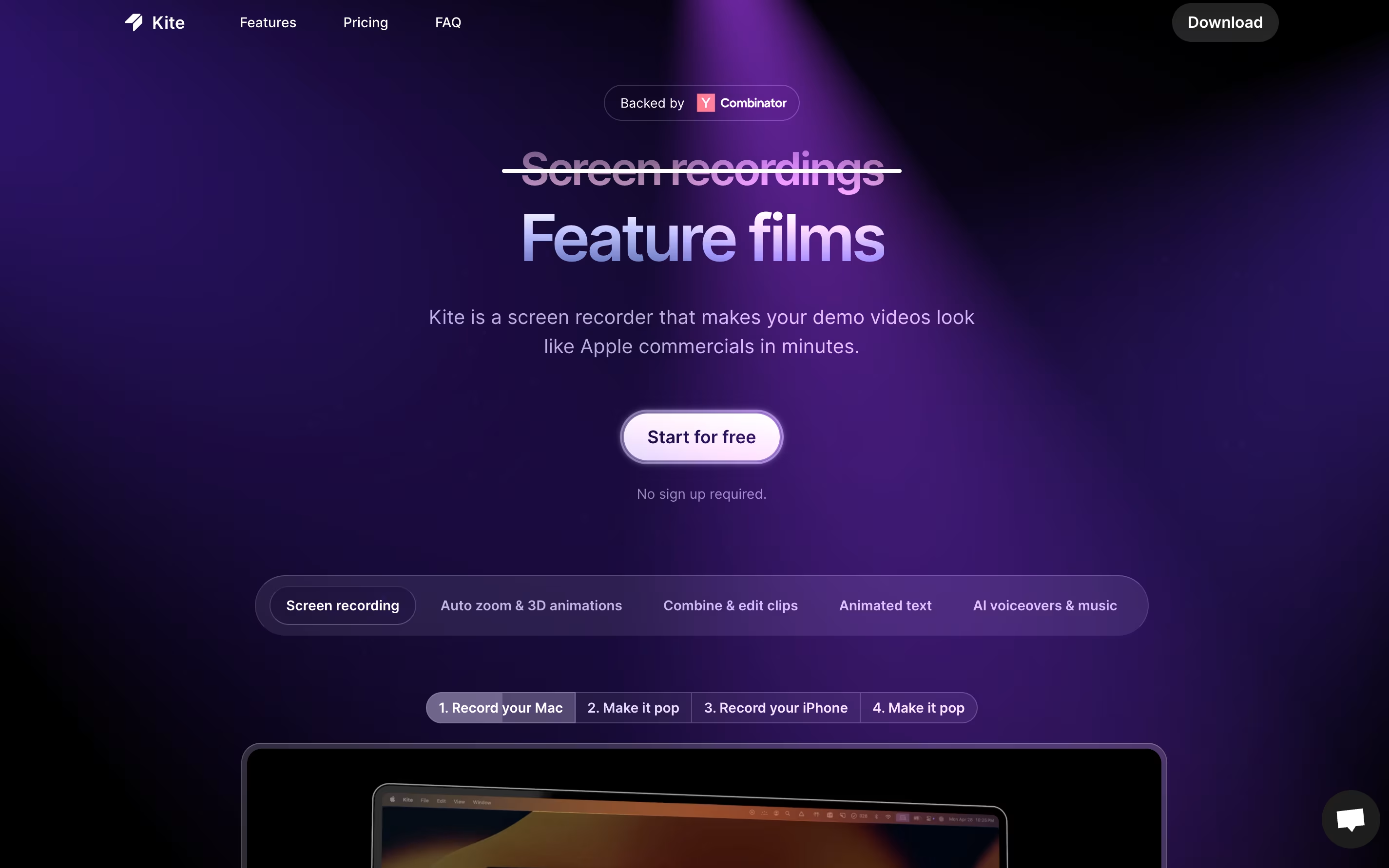
Kite is a screen recording tool that creates professional product videos automatically. You record your software or app, and Kite handles the rest. It watches where your cursor moves and automatically zooms in on important actions with smooth animations. Your recording appears on realistic 3D models of devices like laptops or phones.
The tool includes features for adding animated text, music tracks, and AI voiceovers. You can upload your brand colors, fonts, and logos to keep everything consistent. Kite also offers ready-made templates to help you start quickly.
The platform works entirely in your web browser, so there is no software to install. It offers a free version with most features available, though videos will have a watermark after your first project.

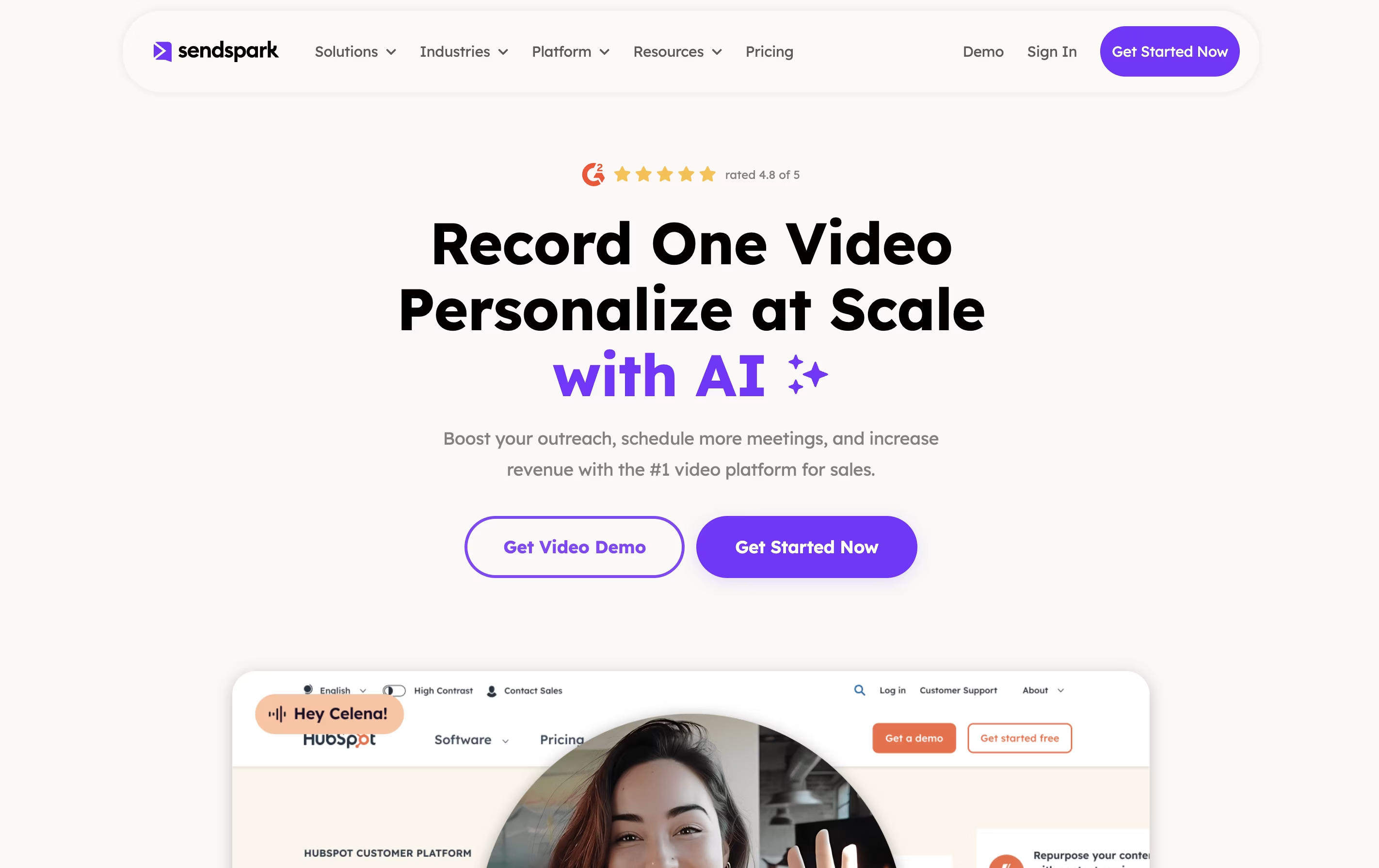
Sendspark is a video communication platform that combines screen recording with artificial intelligence to help businesses send personalized video messages at scale. You can record yourself, your screen, or both together, then use AI to automatically add personal touches like each viewer's name spoken naturally in your voice.
The platform's standout feature is dynamic backgrounds, which lets you overlay your video on top of a prospect's website or LinkedIn profile. This creates a highly personalized viewing experience that grabs attention and builds trust. Sendspark works through a web app, Chrome extension, and desktop application, making it easy to record and share videos anywhere.
The tool integrates with over 50 platforms including HubSpot, Salesforce, Outreach, and LinkedIn, fitting seamlessly into your existing sales and marketing workflow.
Features of Kite and Sendspark
Automatic cursor follow and zoom tracking
3D device mockups for MacBook and iPhone
AI-powered voiceover generation
Animated text and kinetic typography
Free music library included
Brand kit for logos and colors
Professional template library
Combine multiple recordings
Video editing and trimming tools
High-quality video exports
No software installation needed
Cloud-based platform
AI voice cloning for personalized names in videos
Dynamic backgrounds with prospect websites and LinkedIn profiles
Screen and camera recording in HD quality
50 plus CRM and email platform integrations
Custom branding with logos and colors
Team collaboration and video libraries
Real-time analytics and viewer tracking
Automated workflows through API and webhooks
Mobile and desktop apps available
Custom video landing pages with calls-to-action
Use Cases of Kite and Sendspark
Pricing of Kite and Sendspark
Kite offers three pricing plans to fit different needs and team sizes.
The Free plan includes all features with unlimited exports and 1,000 sample AI voiceover characters. Your first project exports without a watermark, but subsequent projects will include a Kite watermark. No signup required to start exploring.
The Pro plan costs $29 per month and removes all watermarks from your videos. You get unlimited exports, 10,000 AI voiceover characters monthly, and access to all premium features with one authorized user account.
The Team plan costs $29 per seat monthly with a minimum of three seats, totaling $87 per month. This plan includes everything from Pro plus cloud project sharing for team collaboration, centralized billing management, and 10,000 AI voiceover characters per seat each month.
All paid plans are billed monthly with no annual commitment required.
Sendspark offers five pricing plans to match different team sizes and needs. The Solo plan starts at $49 per month for individuals and includes 200 AI minutes, custom branding, and dynamic backgrounds.
The Growth plan costs $99 monthly for small teams of 3 people and adds 250 AI minutes, multiple variables, and API access. For growing teams, the Plus plan at $249 per month includes 5 seats, 1,000 AI minutes, workflow setups, and advanced analytics.
The Scale plan runs $499 monthly with 10 seats, 2,500 AI minutes, live support, and a dedicated account manager. Finally, the Enterprise and Agency plan offers custom pricing with unlimited seats, unlimited AI minutes, multiple workspaces, and security reviews for large organizations.
All paid plans include a 7-day free trial to test features before committing.
FAQs: Kite vs Sendspark
Reviews: Kite vs Sendspark
Based on 0 reviews
Based on 0 reviews
Compare Kite With Other Tools

Loom
Easy Video Messaging for Teams

Tella
AI Screen Recorder with Smart Video Editing

Screen Charm
Mac Screen Recorder with Auto-Zoom

Cap
Open Source Screen Recording with AI Features

Screen Studio
Professional Mac Screen Recorder
CleanShot X
Professional Mac Screenshot Tool

Camtasia
Professional Screen Recording Software

ScreenPal
Easy Screen Recorder & Video Editor

Screencastify
Simple Screen Recording Tool
Compare Sendspark With Other Tools
Loom
Easy Video Messaging for Teams
Tella
AI Screen Recorder with Smart Video Editing
Screen Studio
Professional Mac Screen Recorder
Cap
Open Source Screen Recording with AI Features

Focusee
AI Screen Recorder with Auto Zoom & Instant Editing
Screen Charm
Mac Screen Recorder with Auto-Zoom
Camtasia
Professional Screen Recording Software
ScreenPal
Easy Screen Recorder & Video Editor
CleanShot X
Professional Mac Screenshot Tool





