Midjourney vs Krea: Features, Pricing and User Reviews 2026
What are Midjourney and Krea?

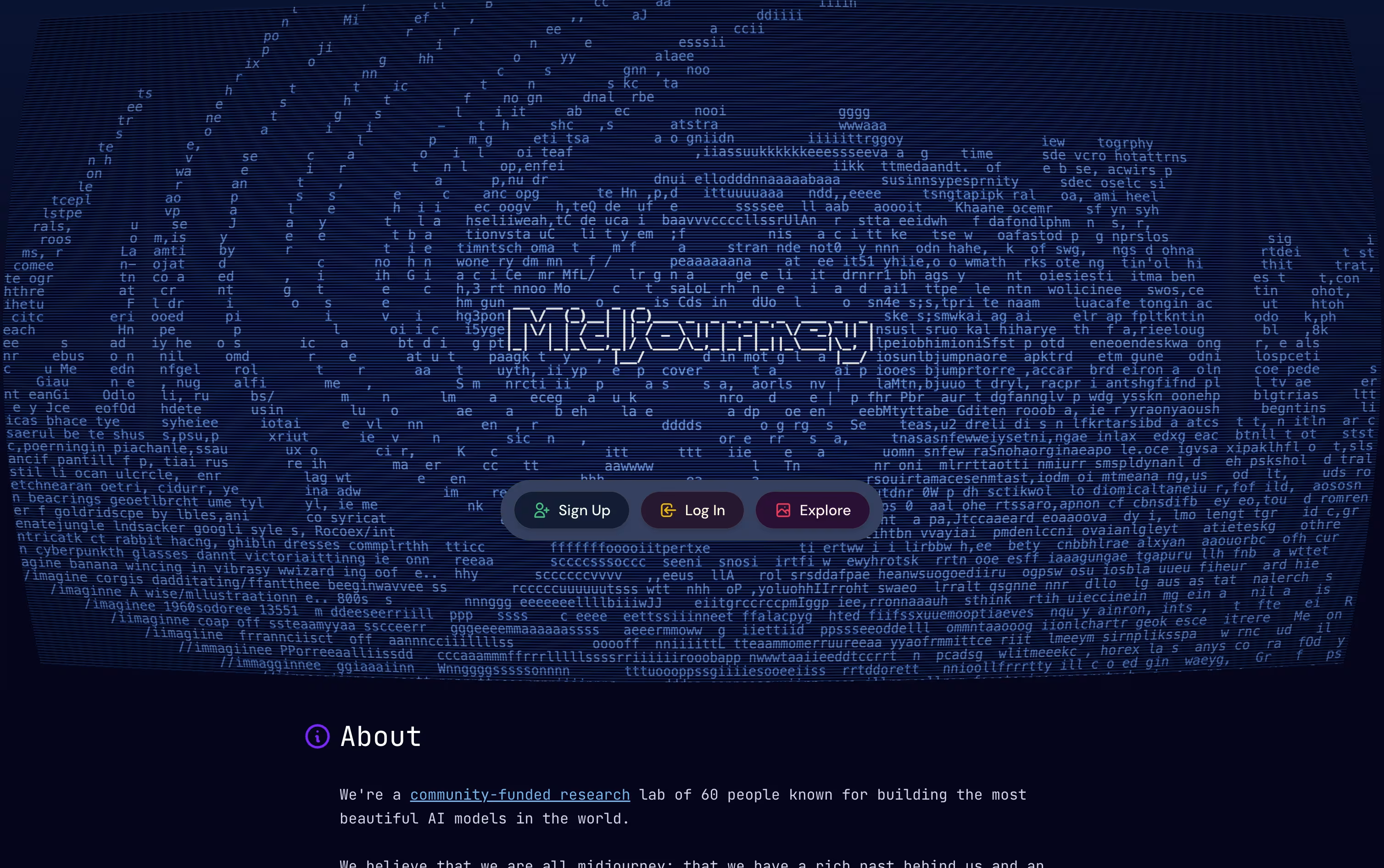
Midjourney is an AI tool that creates images and short videos from plain text descriptions. You type what you want to see, and it generates a set of options in seconds, using its own image generation technology built by a small independent team.
You can use it through the Midjourney website or through Discord, where you type a prompt and the tool sends back a grid of results. From there, you can pick a version, make changes, upscale it, or turn it into a short video clip.
Midjourney is known for producing images with strong style, lighting, and detail right away, without much extra editing needed. It also learns your taste over time, so results start matching what you like.
There is no free plan. You need a paid subscription to start generating images, and plans range from a basic low cost option up to a high volume plan for heavy users.
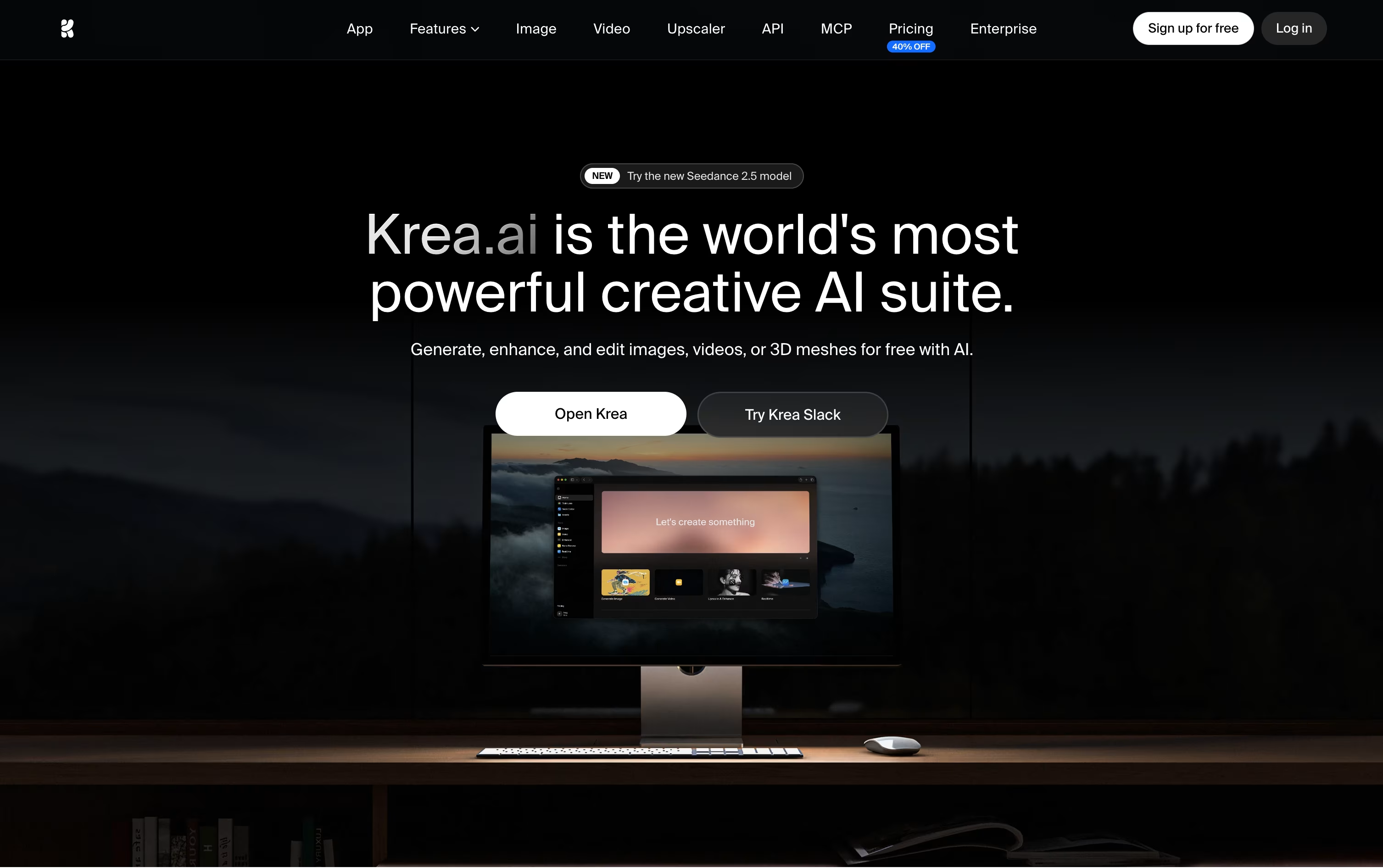
Krea is a web based platform that brings many AI creative tools together in one place. You can create images, videos, and 3D objects, edit and enhance them, and even sync lips to audio for talking videos.
Instead of jumping between different apps, you do all of this from a single, simple interface built for designers, filmmakers, and creative teams. Krea also lets you train your own custom styles, build automated workflows with visual nodes, and organize your work with an asset manager and moodboards.
It offers real time generation, so you can see images change live as you adjust your prompt. There is a free plan to start, plus paid plans for more power, and business tools built for teams.
Features of Midjourney and Krea
Text to image generation in seconds
Image to short video conversion
Built in Editor for edits and outpainting
Style and character reference tools
Personalization based on your taste
Fast and Relax generation modes
Stealth Mode for private creations
Commercial usage rights included
Access through web app or Discord
Regular model updates for better quality
Multiple AI image models in one place
Realtime canvas with live generation
Text and image to video creation
High resolution upscaling and enhancement
Canvas based AI image editor
Text and image to 3D generation
Lipsync for talking videos
Custom LoRA training
Visual node based workflow automation
Asset manager and moodboards
Developer API access
Free plan available
Use Cases of Midjourney and Krea
Pricing of Midjourney and Krea
Midjourney offers four paid plans, and there is no free tier.
Basic ($10/month): Around 200 image jobs a month, SD video, and commercial use rights.
Standard ($30/month): Adds 15 fast hours, unlimited slower image generation, and HD video.
Pro ($60/month): Raises fast hours to 30, allows more images and videos at once, and adds Stealth Mode.
Mega ($120/month): The top plan with 60 fast hours and the highest limits for running jobs at the same time.
Paying yearly instead of monthly saves 20% on every plan, bringing Basic down to $8/month, Standard to $24/month, Pro to $48/month, and Mega to $96/month when billed annually.
Krea offers a free plan plus paid tiers based on monthly compute units.
Free: $0/month with 100 units a day and limited model access.
Basic ($9/month): 5,000 units a month, or $5/month billed yearly, with full image models and LoRA training.
Pro ($35/month): Krea's most popular plan, or $21/month billed yearly, with 20,000 units, all video models, Nodes Agent, and early feature access.
Max ($105/month): 60,000 units, or $63/month billed yearly, with unlimited concurrency and unlimited relaxed generations.
Business ($200/month): 80,000 units and up to 50 seats for growing teams.
Enterprise (Custom pricing): Adds SAML SSO, priority support with SLA, and advanced security controls.
Extra compute packs can also be purchased separately for individual and team plans.
FAQs: Midjourney vs Krea
Reviews: Midjourney vs Krea
Based on 0 reviews
Based on 0 reviews
Compare Midjourney With Other Tools
OpenArt
AI Studio for Images, Video and Audio
Leonardo AI
Create AI Images, Video & 3D Art
Higgsfield
AI Video & Image Creation Studio
Runway
AI Video, Image, and Audio Creation Tool
ImagineArt
All-in-One AI Creative Suite Tool

PicLumen
AI Image & Video Creation Platform

Adobe Firefly
Create Images, Video & Audio
Recraft
AI Design Tool for Images & Vectors
Artlist
AI Video, Music & Stock Creative Tools
Compare Krea With Other Tools
OpenArt
AI Studio for Images, Video and Audio
ImagineArt
All-in-One AI Creative Suite Tool
Getimg.ai
The All-in-One AI Creative Platform
Higgsfield
AI Video & Image Creation Studio
Runway
AI Video, Image, and Audio Creation Tool
Dreamina
Create AI Images, Videos & Avatars
Leonardo AI
Create AI Images, Video & 3D Art
Artlist
AI Video, Music & Stock Creative Tools
Luma AI
Creative AI Video and Image Platform