

OBS Studio vs CleanShot X: Features, Pricing and User Reviews 2026
What are OBS Studio and CleanShot X?

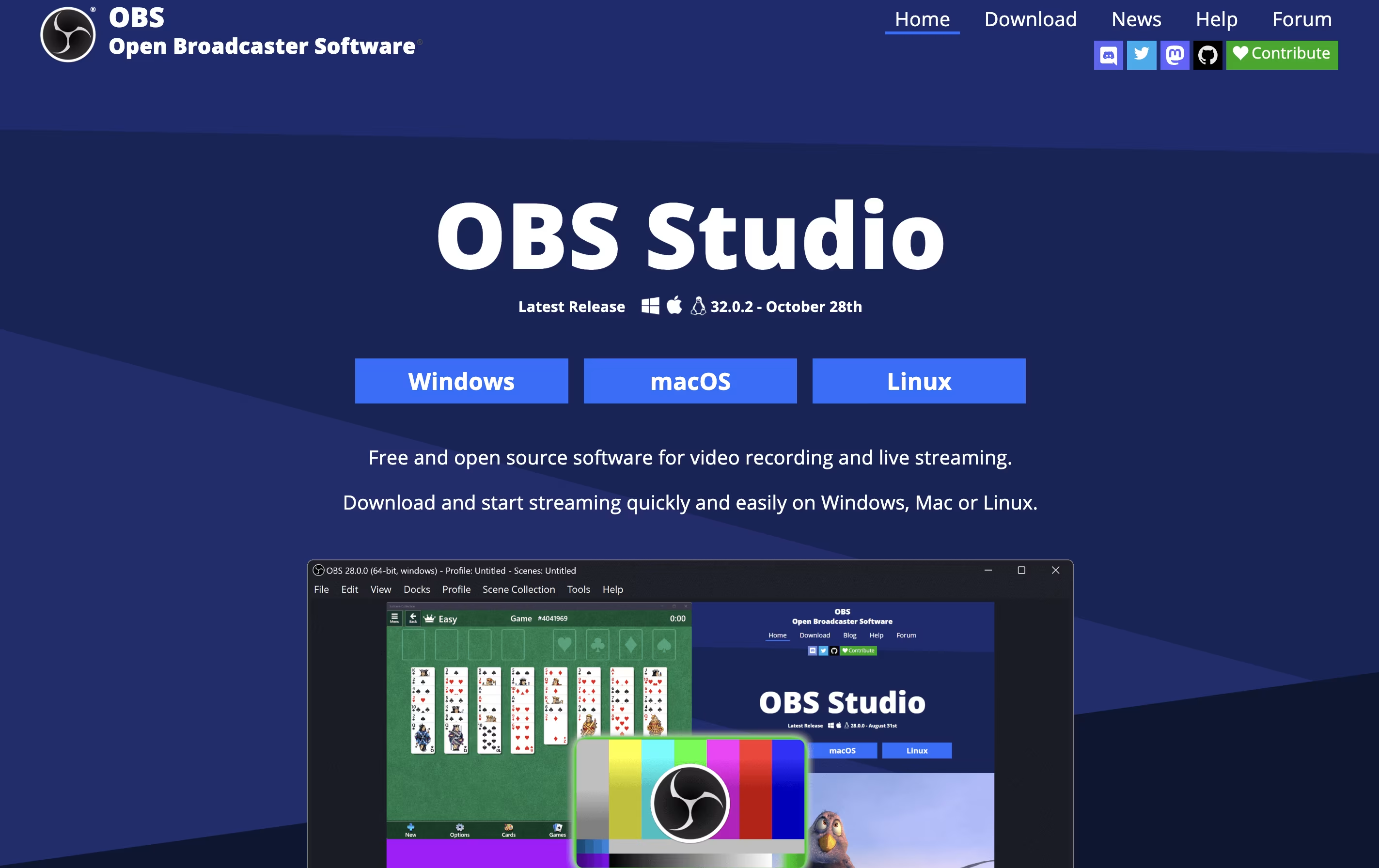
OBS Studio is a free software that helps you record your screen or stream live video to the internet. You can use it to capture games, presentations, tutorials, or any activity on your computer. The software lets you add your webcam, microphone, images, and other elements to create professional-looking broadcasts.
Unlike simple screen recorders, OBS Studio offers advanced features like scene switching, audio mixing, and custom transitions. You can organize different layouts for various parts of your stream and switch between them smoothly. The software also includes tools for adjusting video quality, managing audio levels, and adding filters.
Being open-source means the software is constantly improved by a community of developers. It is trusted by millions of users worldwide for both personal and professional streaming needs.
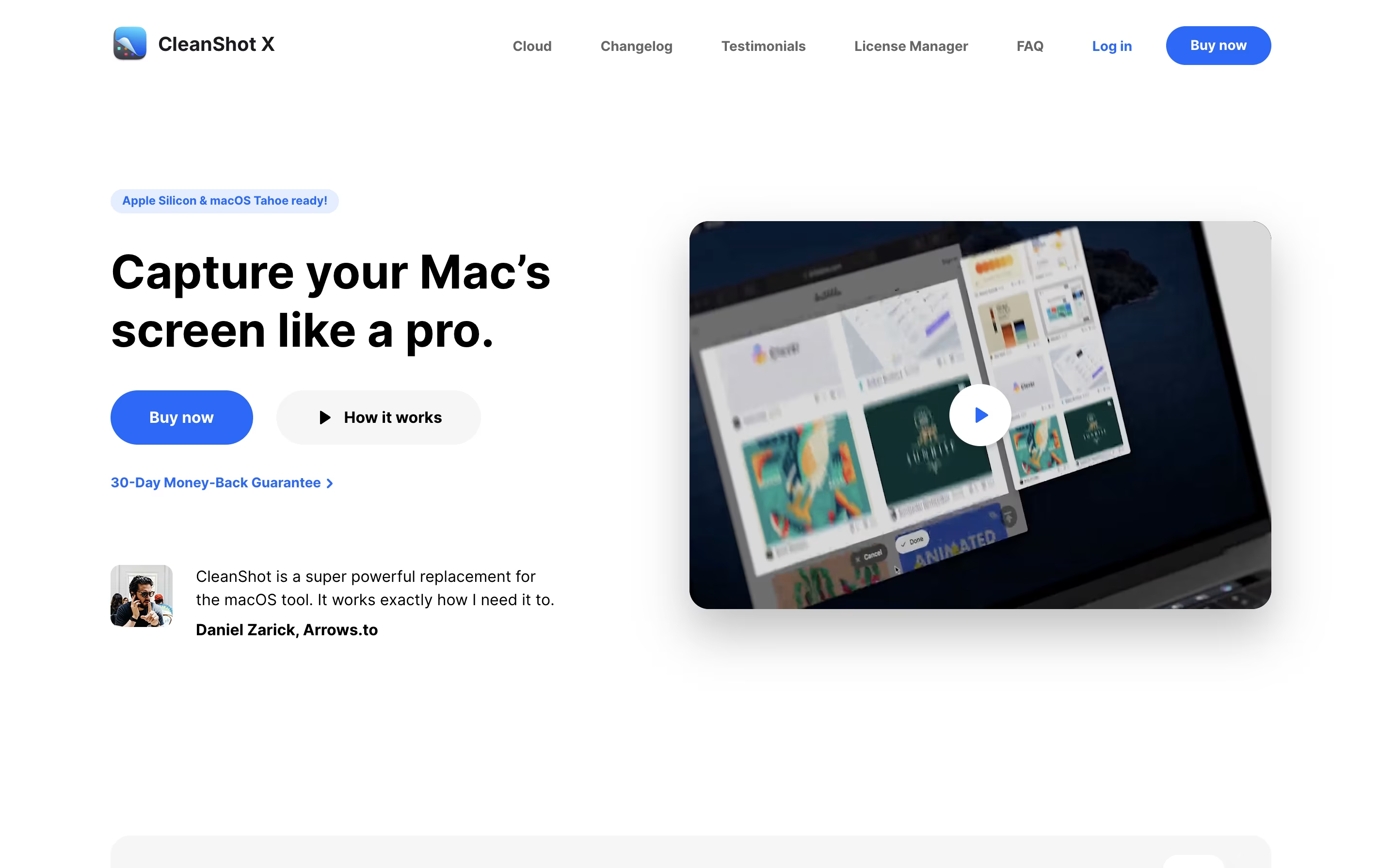
CleanShot X is an all-in-one screenshot and screen recording application designed for macOS. It goes far beyond basic screen capture by offering professional editing tools, cloud storage, and intelligent features that save time and improve the quality of your captures.
You can take screenshots of specific areas, full screens, windows, or even entire scrolling pages. The app includes a built-in editor with annotation tools like arrows, text, shapes, highlights, and blur effects. It can also hide desktop icons automatically, add custom backgrounds, and freeze your screen to capture tricky elements like dropdown menus.
For screen recordings, CleanShot X lets you create videos or GIFs with system audio, mouse clicks, and keyboard shortcuts visible. Everything integrates smoothly with its cloud service for instant sharing via links.
Features of OBS Studio and CleanShot X
Free and open-source software
Cross-platform support for Windows, Mac, Linux
Real-time video and audio mixing
Direct streaming to major platforms
Scene switching and transitions
Advanced audio controls with filters
Plugin manager for extensions
Virtual camera output
Customizable hotkeys
Studio mode for preview
High-quality recording options
NVIDIA and AMD encoder support
Browser source integration
Unlimited scenes and sources
Multiple screenshot modes with smart window detection
Professional annotation and editing tools
Automatic desktop icon hiding
Screen freeze for difficult captures
Scrolling capture for long pages
Screen recording with audio and GIF creation
Cloud storage with instant shareable links
OCR text extraction from images
Custom backgrounds and branding
Capture history to retrieve recent screenshots
Use Cases of OBS Studio and CleanShot X
Pricing of OBS Studio and CleanShot X
OBS Studio is completely free to download and use. There are no subscription fees, hidden costs, premium tiers, or feature restrictions. The software is open-source, which means it is developed and maintained by a community of volunteers and contributors worldwide.
Because OBS Studio is free, you get access to all features without paying anything. This includes professional-grade streaming capabilities, unlimited recording time, all video quality settings, and access to thousands of community-made plugins. The only costs you might encounter are optional donations to support the project or purchases of third-party plugins from independent developers.
Whether you are a beginner trying streaming for the first time or a professional broadcaster, OBS Studio remains completely free for all users, making it one of the most accessible tools for content creation available today.
CleanShot X offers flexible pricing to match different needs. The basic plan provides excellent value for individual users.
App + Cloud Basic costs $29 as a one-time payment. This includes the full Mac app to keep forever, one year of free updates, and 1GB of cloud storage. After the first year, you can optionally renew for $19 per year to get continued updates, or simply keep using the version you have without renewing. Students and existing PixelSnap 2 users receive special discounts.
App + Cloud Pro is designed for teams and power users at $8 per user per month when billed annually, or $10 per month when billed monthly. This includes access to the Mac app for all team members, unlimited cloud storage, custom domain and branding options, password-protected links with self-destruct controls, and advanced team management features including single sign-on.
FAQs: OBS Studio vs CleanShot X
Reviews: OBS Studio vs CleanShot X
Based on 0 reviews
Based on 0 reviews
Compare OBS Studio With Other Tools

Tella
AI Screen Recorder with Smart Video Editing

Screen Studio
Professional Mac Screen Recorder

Screen Charm
Mac Screen Recorder with Auto-Zoom

Loom
Easy Video Messaging for Teams

Camtasia
Professional Screen Recording Software

ScreenPal
Easy Screen Recorder & Video Editor

Focusee
AI Screen Recorder with Auto Zoom & Instant Editing

Screencastify
Simple Screen Recording Tool

Cap
Open Source Screen Recording with AI Features
Compare CleanShot X With Other Tools
Loom
Easy Video Messaging for Teams
Screen Charm
Mac Screen Recorder with Auto-Zoom
Tella
AI Screen Recorder with Smart Video Editing
Screen Studio
Professional Mac Screen Recorder
Cap
Open Source Screen Recording with AI Features

ShareX
Free Screenshot & Screen Recording Tool

Snapify
Simple Screen Recording & Video Sharing
Camtasia
Professional Screen Recording Software
ScreenPal
Easy Screen Recorder & Video Editor





