

OBS Studio vs Loom: Features, Pricing and User Reviews 2026
What are OBS Studio and Loom?

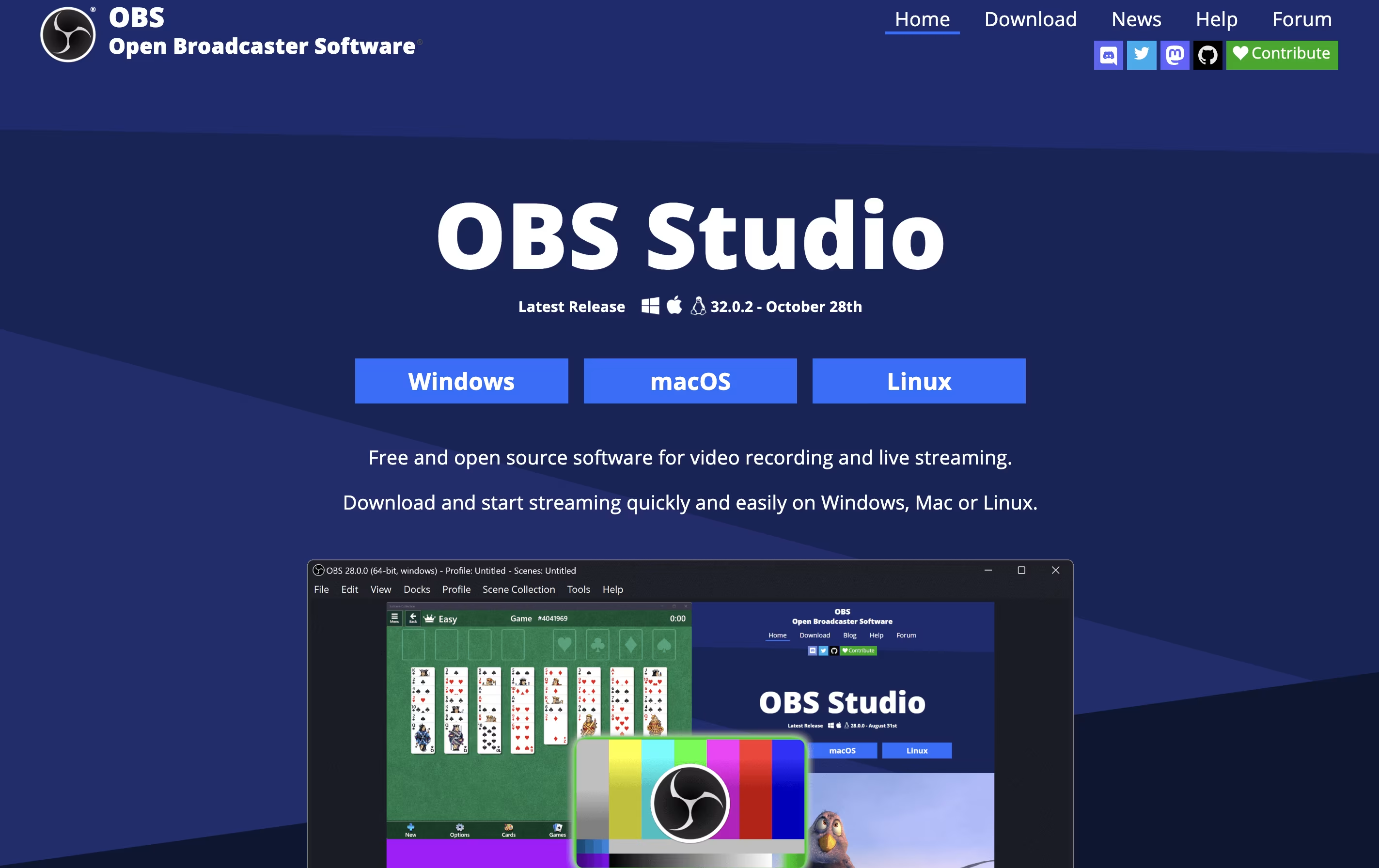
OBS Studio is a free software that helps you record your screen or stream live video to the internet. You can use it to capture games, presentations, tutorials, or any activity on your computer. The software lets you add your webcam, microphone, images, and other elements to create professional-looking broadcasts.
Unlike simple screen recorders, OBS Studio offers advanced features like scene switching, audio mixing, and custom transitions. You can organize different layouts for various parts of your stream and switch between them smoothly. The software also includes tools for adjusting video quality, managing audio levels, and adding filters.
Being open-source means the software is constantly improved by a community of developers. It is trusted by millions of users worldwide for both personal and professional streaming needs.

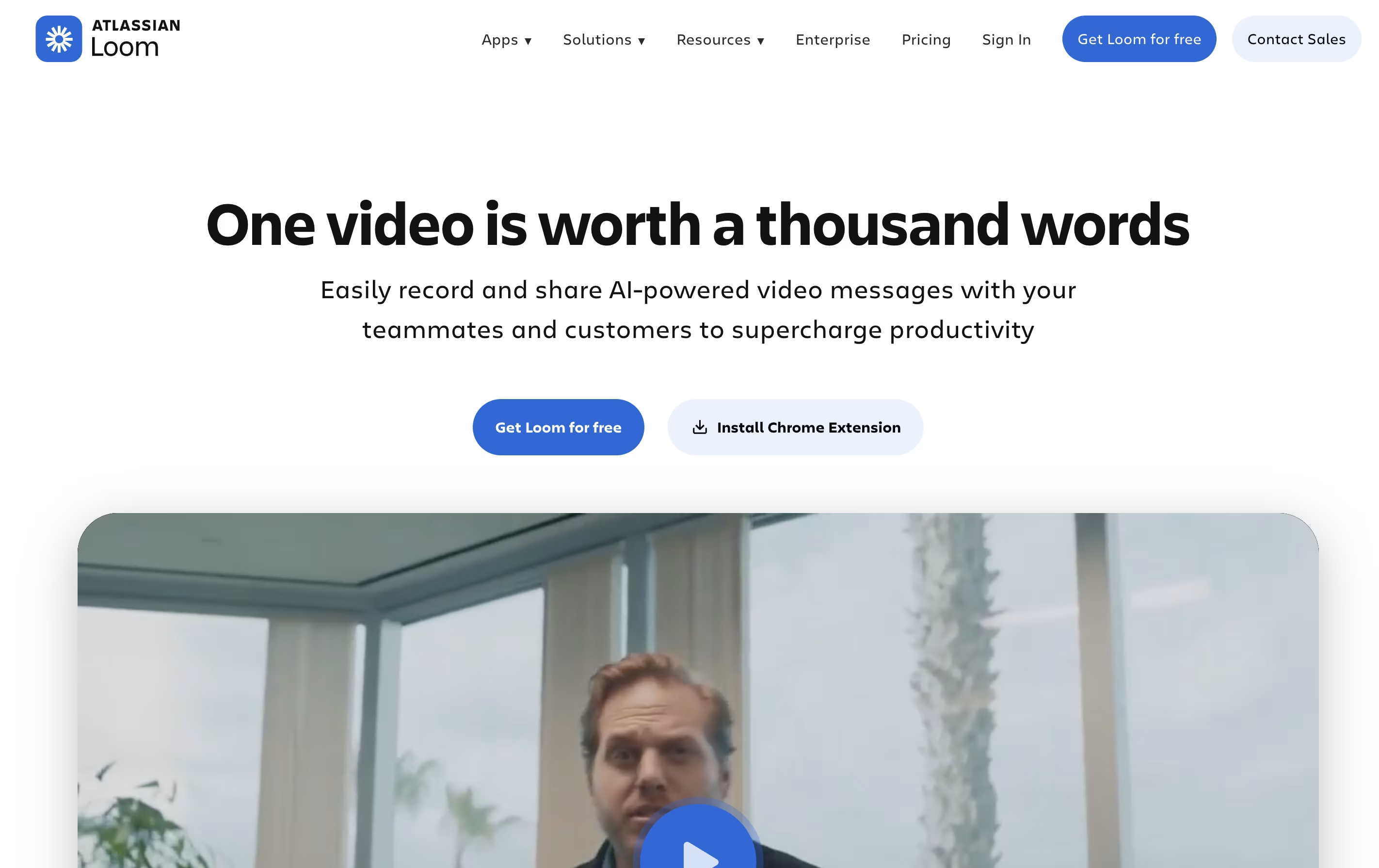
Loom is a tool that lets you create video messages by recording what's on your screen along with your voice and face. It's different from video calls because people can watch your message whenever it's convenient for them, without needing to schedule a meeting.
When you record with Loom, it saves the video to the cloud right away and creates a link you can share. The person watching can leave comments on specific parts of your video, making feedback easy and clear. Loom works through a Chrome extension, desktop app, or mobile app.
The platform includes smart AI features that automatically remove pauses and filler words from your videos, add titles and summaries, and create written versions of what you said. This makes your videos more professional without extra effort.
Features of OBS Studio and Loom
Free and open-source software
Cross-platform support for Windows, Mac, Linux
Real-time video and audio mixing
Direct streaming to major platforms
Scene switching and transitions
Advanced audio controls with filters
Plugin manager for extensions
Virtual camera output
Customizable hotkeys
Studio mode for preview
High-quality recording options
NVIDIA and AMD encoder support
Browser source integration
Unlimited scenes and sources
Record screen, camera, or both simultaneously
Instant cloud upload and shareable links
AI auto-enhancement removes filler words
Video editing with trim, text, and arrows
Timestamped comments and reactions
Automatic transcriptions in 50+ languages
Integration with Slack, Gmail, Jira, Notion
Chrome extension, desktop, and mobile apps
Team workspaces and privacy controls
View analytics and engagement tracking
Use Cases of OBS Studio and Loom
Pricing of OBS Studio and Loom
OBS Studio is completely free to download and use. There are no subscription fees, hidden costs, premium tiers, or feature restrictions. The software is open-source, which means it is developed and maintained by a community of volunteers and contributors worldwide.
Because OBS Studio is free, you get access to all features without paying anything. This includes professional-grade streaming capabilities, unlimited recording time, all video quality settings, and access to thousands of community-made plugins. The only costs you might encounter are optional donations to support the project or purchases of third-party plugins from independent developers.
Whether you are a beginner trying streaming for the first time or a professional broadcaster, OBS Studio remains completely free for all users, making it one of the most accessible tools for content creation available today.
Loom offers flexible pricing plans to fit different needs. The Starter plan is completely free and includes 25 videos with 5-minute recording limits, unlimited meeting length, transcriptions in over 50 languages, and basic collaboration features like comments.
The Business plan costs $15 per user monthly (billed annually) and removes all video limits, giving you unlimited videos and recording time. You also get basic editing tools, the ability to remove Loom branding, and download options.
The Business + AI plan is $20 per user monthly (billed annually) and includes everything in Business plus advanced AI features. You get auto-video enhancement, advanced editing, automatic meeting notes and recap emails, plus the ability to turn videos into text documents.
For larger companies, the Enterprise plan offers custom pricing with advanced security features including SSO, SCIM, custom data retention, Salesforce integration, and a 99.95% uptime guarantee.
FAQs: OBS Studio vs Loom
Reviews: OBS Studio vs Loom
Based on 0 reviews
Based on 0 reviews
Compare OBS Studio With Other Tools

Tella
AI Screen Recorder with Smart Video Editing

Screen Studio
Professional Mac Screen Recorder

Screen Charm
Mac Screen Recorder with Auto-Zoom

Camtasia
Professional Screen Recording Software

ScreenPal
Easy Screen Recorder & Video Editor

Focusee
AI Screen Recorder with Auto Zoom & Instant Editing

Screencastify
Simple Screen Recording Tool
CleanShot X
Professional Mac Screenshot Tool

Cap
Open Source Screen Recording with AI Features
Compare Loom With Other Tools
Tella
AI Screen Recorder with Smart Video Editing
Cap
Open Source Screen Recording with AI Features
Sendspark
AI Video Platform for Sales Teams
Screen Charm
Mac Screen Recorder with Auto-Zoom
Screen Studio
Professional Mac Screen Recorder
Camtasia
Professional Screen Recording Software

Kite
Create Apple-Style Product Demo Videos Fast
ScreenPal
Easy Screen Recorder & Video Editor
Screencastify
Simple Screen Recording Tool





