

RemNote vs Obsidian: Features, Pricing and User Reviews 2026

RemNote
Smart Note-Taking with Flashcards and Spaced Repetition

RemNote
Smart Note-Taking with Flashcards and Spaced Repetition
What are RemNote and Obsidian?
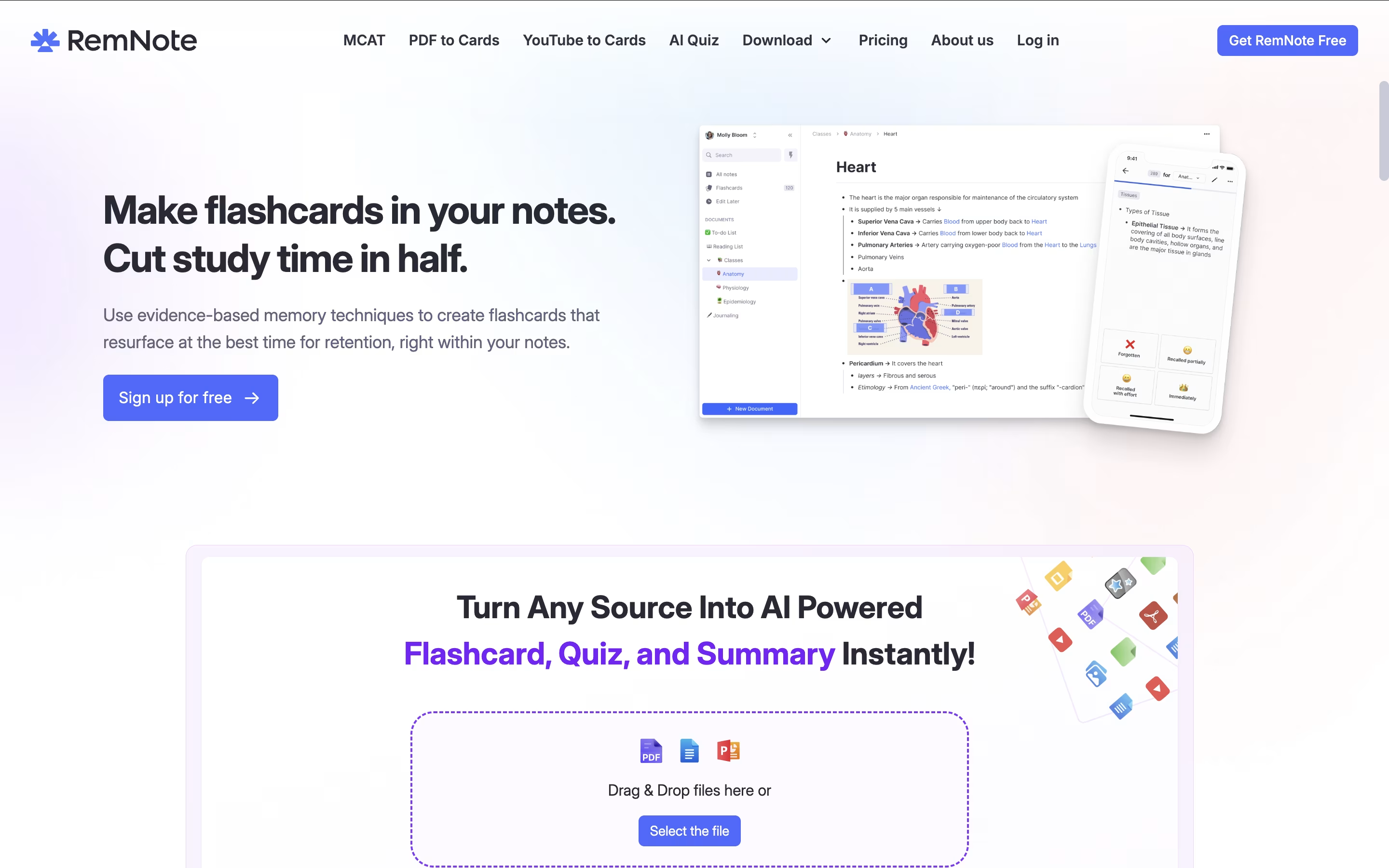
RemNote is a note-taking and learning platform that helps you remember what you learn. It combines several useful features in one place: organized note-taking, automatic flashcard creation, PDF reading and highlighting, and a smart review system.
The app uses spaced repetition, which is a scientific method that shows you information at the right time to help your memory. Instead of cramming everything at once, you review material just before you might forget it, making your study time more effective.
You can create notes in an outline format, connect related ideas with links, and turn any part of your notes into flashcards instantly. RemNote also includes AI features that can generate flashcards automatically, summarize content, and even grade your answers, making learning more efficient and personalized to your needs.

Obsidian is a note-taking app that works with plain text files stored directly on your device. You can write notes, link them together, and see how your ideas connect through a visual graph. Unlike cloud-based tools, everything stays private on your computer.
The app uses simple text files with basic formatting, which means your notes remain readable even without Obsidian. You can link any note to another, creating connections that help you discover patterns in your thinking. This makes it great for building knowledge over time.
There is a free version with all core features and optional paid services for cloud syncing and web publishing. The app works on computers, phones, and tablets.
Features of RemNote and Obsidian
Spaced repetition flashcard system for better memory
Create flashcards directly from notes
PDF upload, annotation, and highlighting
AI-powered flashcard generation and tutoring
Multi-device sync across web, desktop, and mobile
Link notes together with backlinks
Daily documents for planning and tasks
Exam scheduler with automatic study planning
Templates and table organization
Offline access with cloud syncing
Stores notes locally on your device with full privacy
Links notes together to build knowledge networks
Visual graph shows connections between ideas
Canvas for unlimited brainstorming space
Thousands of free community plugins available
Works offline without internet connection
Plain text files you own forever
Mobile apps for phones and tablets
Supports basic text formatting
Free to use with optional paid services
Use Cases of RemNote and Obsidian
Pricing of RemNote and Obsidian
RemNote offers flexible pricing to suit different learning needs and budgets.
The Free plan provides unlimited notes and flashcards, syncing across unlimited devices, 3 PDF annotations, 5 image occlusion cards, and basic lecture recording. This is perfect for casual users getting started with the platform.
The Pro plan costs $10 per month or $8 per month when billed annually ($96/year). It includes unlimited PDF annotations, image occlusion, tables, templates, exam scheduling, priority support, and 1,000 RemNote AI credits monthly. This plan suits students and professionals who need full features without AI limitations.
The Pro with AI plan is $20 per month or $18 per month annually ($216/year). It includes everything in Pro plus 20,000 AI credits monthly for advanced features like automatic flashcard generation from text, PDFs, and presentations, AI tutor chat, AI grading, and image-to-text conversion.
Obsidian is completely free for personal use with all core features included. You get unlimited notes, full plugin access, and complete control over your data at no cost.
For users who want to sync notes across devices, Obsidian Sync offers two plans. The Standard plan costs $4 per month when paid yearly (or $5 monthly) and includes one synced vault with 1GB storage. The Plus plan costs $8 per month yearly (or $10 monthly) with 10GB storage and unlimited vaults.
Obsidian Publish lets you share notes on the web for $8 per month yearly (or $10 monthly) per site, with custom themes and no technical knowledge needed.
The optional Commercial License costs $50 per user yearly for business use, though it became optional in 2025. For one-time supporters, the Catalyst license at $25 gives early access to beta versions and community perks.
FAQs: RemNote vs Obsidian
Reviews: RemNote vs Obsidian
Based on 0 reviews
Based on 0 reviews
Compare RemNote With Other Tools
Compare Obsidian With Other Tools

Logseq
Free Open-Source Note-Taking & Knowledge Base

Notion
All-in-One Workspace for Teams & Projects

Joplin
Free Open-Source Note-Taking App with Encryption

SiYuan
Privacy-First Open Source Note-Taking and Knowledge Management

Bear
Beautiful Markdown Note-Taking App for Mac, iPhone & iPad

Anytype
Secure Private Workspace for Notes and Projects

Capacities
Object-Based Note-Taking App for Your Second Brain

Trilium Notes
Free Open-Source Knowledge Base and Note-Taking App

Craft
Beautiful Document Editor with AI for Notes, Tasks & Collaboration


