

Stoplight vs GitBook: Features, Pricing and User Reviews 2026

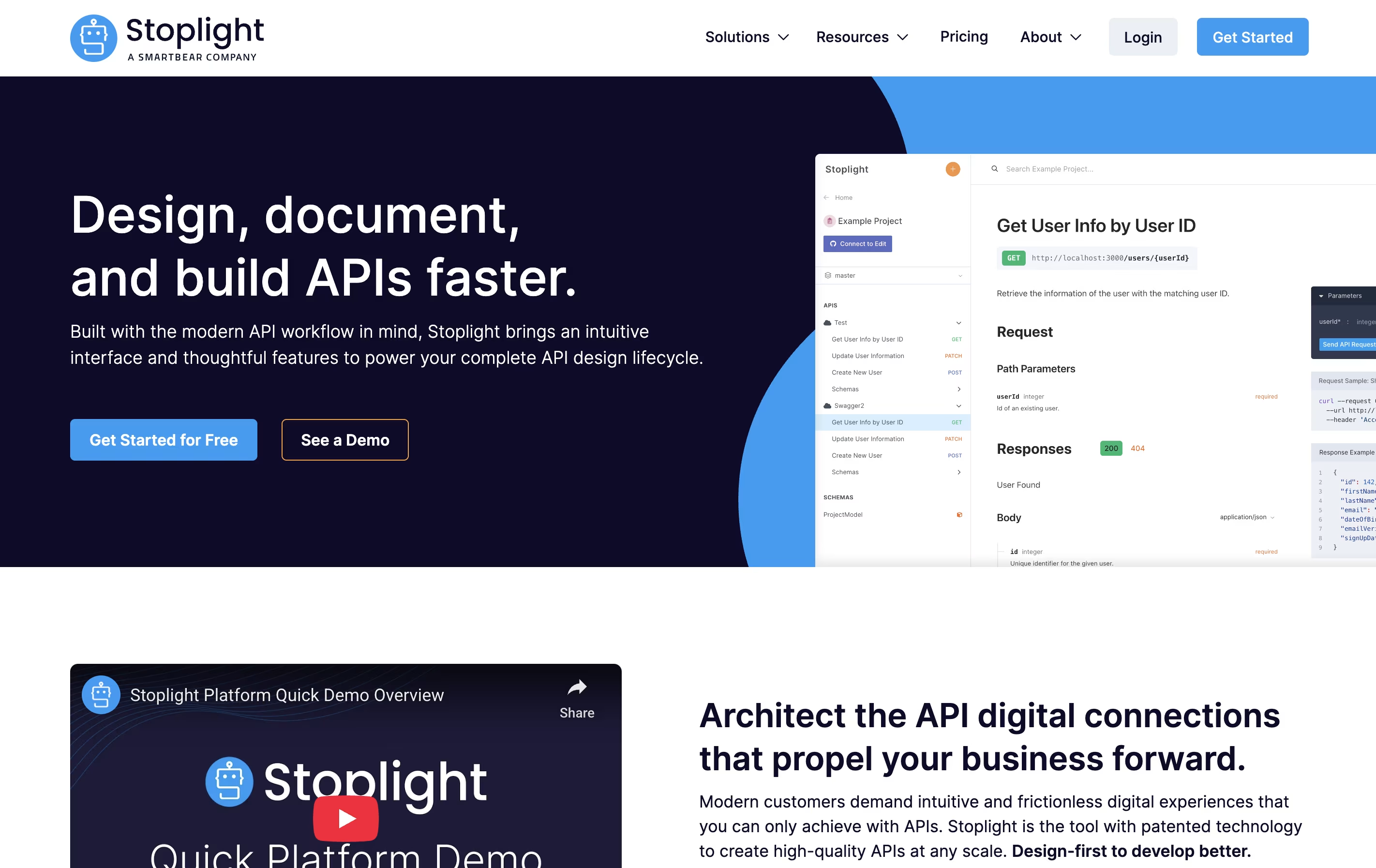
Stoplight
Visual API Design and Documentation

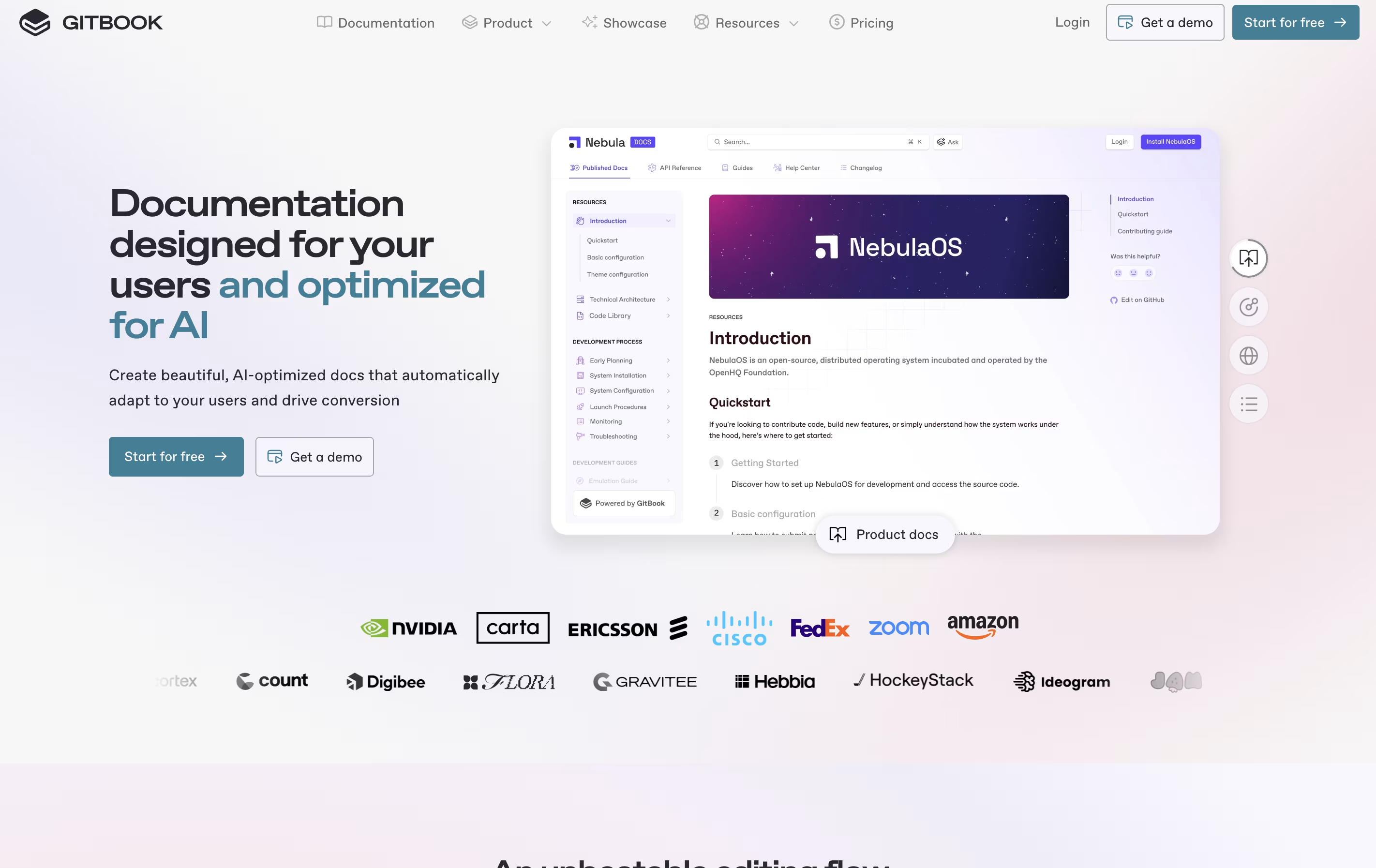
GitBook
Create Beautiful Documentation with AI-Powered Features
Stoplight
Visual API Design and Documentation
GitBook
Create Beautiful Documentation with AI-Powered Features
What are Stoplight and GitBook?
Stoplight is a web-based platform for API design and management that follows a design-first philosophy. This means you plan and design your API before writing any code, which saves time and reduces errors during development.
The platform includes Stoplight Studio, a visual editor that lets you create API designs using forms instead of code. It supports OpenAPI and JSON Schema standards, which are widely used in the industry. You can work directly with files in your Git repository, making it easy to fit into your existing workflow.
Stoplight automatically generates beautiful documentation from your API designs, creates mock servers for testing, and provides validation tools to catch errors early. It works as a cloud service but also offers desktop and web versions.
GitBook is a cloud-based tool designed specifically for creating documentation. Think of it as a specialized writing platform where you can build everything from simple user guides to complex API documentation. The platform uses a block-based editor, similar to modern website builders, making it easy to add text, images, code examples, and other content without coding knowledge.
What sets GitBook apart is its two-way sync with GitHub and GitLab. This means developers can write documentation directly in their code editor, while content teams work in GitBook's visual interface. Everything stays synchronized automatically. The platform also includes AI features that help users find information quickly and assist in creating content. You can publish documentation publicly or keep it private with password protection.
Features of Stoplight and GitBook
Visual OpenAPI editor with no-code interface
Automatic interactive documentation generation
Instant mock servers with Prism
API style guides and linting with Spectral
Git repository integration (GitHub, GitLab, Bitbucket, Azure DevOps)
Team collaboration with comments and reviews
Reusable components and schemas
Multi-branch support
Custom domains and branding
Component libraries for governance
LDAP and SAML SSO support
AI-powered search and content assistance
Real-time collaboration with team members
GitHub and GitLab two-way synchronization
Block-based editor for easy content creation
Interactive API documentation from OpenAPI specs
Custom domains and full branding control
Public and private documentation publishing
Site analytics and search insights
Version control and change tracking
Templates for quick setup
Mobile-responsive design
Comment and feedback tools
Use Cases of Stoplight and GitBook
Pricing of Stoplight and GitBook
Stoplight offers plans designed for different team sizes and needs:
The Basic Plan starts at $52 per month and includes the first 3 users for free, with additional users at $13 each. This plan provides the OpenAPI visual designer, interactive documentation, and instant mock servers. It includes a 14-day free trial.
The Startup Plan costs $137 monthly with 8 free users included. Additional users cost $13 each. This adds private projects, multi-branch support, custom domains, theming options, and Google Analytics integration.
The Pro Team Plan is $423 per month with 15 users included at $25 per additional user. It supports up to 20 teams and includes shared style guides, workspace groups, self-hosted Git providers, activity logs, LDAP and SAML SSO, and component libraries.
For larger organizations, Enterprise Plans offer custom pricing with unlimited projects and teams, flexible payment terms, invoicing, and priority support.
GitBook offers flexible pricing to suit different team sizes and needs.
The Free plan costs $0 and includes one free user per site. You get access to the block-based editor, GitHub/GitLab sync, interactive API documentation, and can publish with a gitbook.io domain. This plan is perfect for individual developers or small projects getting started.
The Premium plan starts at $79 per site per month, plus $15 per additional user monthly when paid annually. This adds custom domains, branded documentation, AI-powered instant answers, site insights, user feedback collection, and site redirects. It's ideal for growing teams building professional documentation.
The Ultimate plan costs $299 per site per month, plus $15 per user monthly. This includes all Premium features plus the ability to scale with sections and groups, search across all documentation, authenticated access, custom fonts, adaptive content, and AI Assistant.
For large organizations, the Enterprise plan offers custom pricing with SAML SSO, white-glove migration service, custom integrations, dedicated support, user training, and custom contracts.
FAQs: Stoplight vs GitBook
Reviews: Stoplight vs GitBook
Based on 0 reviews
Based on 0 reviews
Compare Stoplight With Other Tools
Apidog

Redocly
Beautiful API Documentation and Developer Portals

Mintlify
AI-Powered Documentation Platform for Developers

Readme
Interactive API Documentation & Developer Hubs

Fern
Auto-Generate SDKs and API Documentation
API Hub
Complete Platform for API Design, Testing, and Documentation

Scalar
Beautiful API Documentation Platform

Theneo
AI-Powered API Documentation Generator for Beautiful Developer Docs

Document360
AI-Powered Knowledge Base for Teams
Compare GitBook With Other Tools
Mintlify
AI-Powered Documentation Platform for Developers

Docusaurus
Build Beautiful Documentation Sites Free

Hashnode
Free Developer Blogging Platform
Redocly
Beautiful API Documentation and Developer Portals
Readme
Interactive API Documentation & Developer Hubs

Confluence
Team Workspace for Documentation
Theneo
AI-Powered API Documentation Generator for Beautiful Developer Docs
Apidog

Astro Starlight
Build Beautiful Documentation Fast





