
Tempo vs Emergent: Features, Pricing and User Reviews 2026
What are Tempo and Emergent?

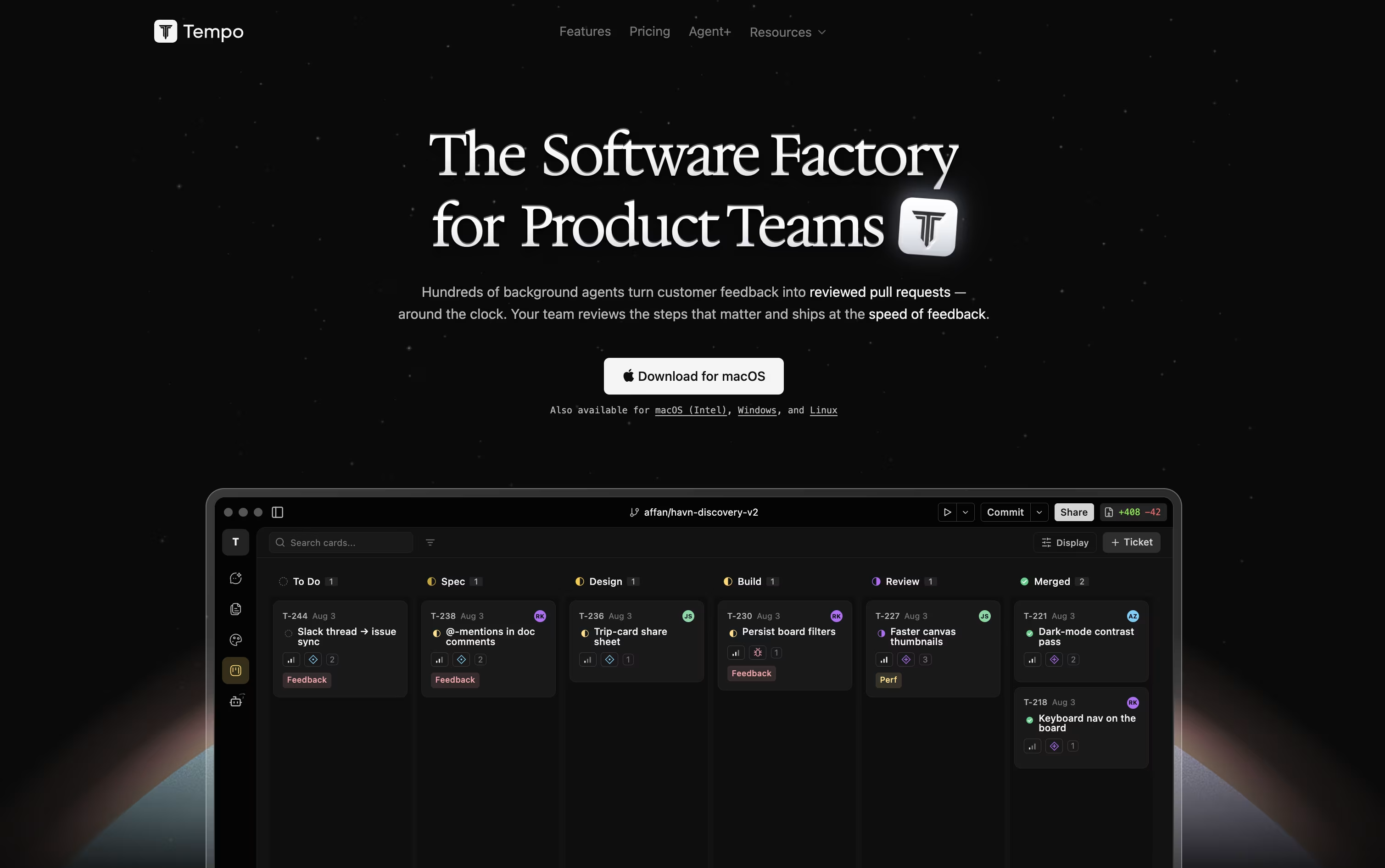
Tempo is a collaborative workspace for product teams that brings design, planning, coding, and AI agents together in one place. Instead of switching between separate tools, everything connects to your actual codebase, so nothing gets lost between handoffs.
It has four main parts. Canvas lets you design on live React components that update as code changes. Docs is a simple writing space for plans and specs. Issues is a task board for tracking work. Chat lets you work with AI agents that can read your project and make changes safely in their own branch.
Tempo works best with React apps built using Vite, Next.js, or Expo, and is available as a web app and desktop app.

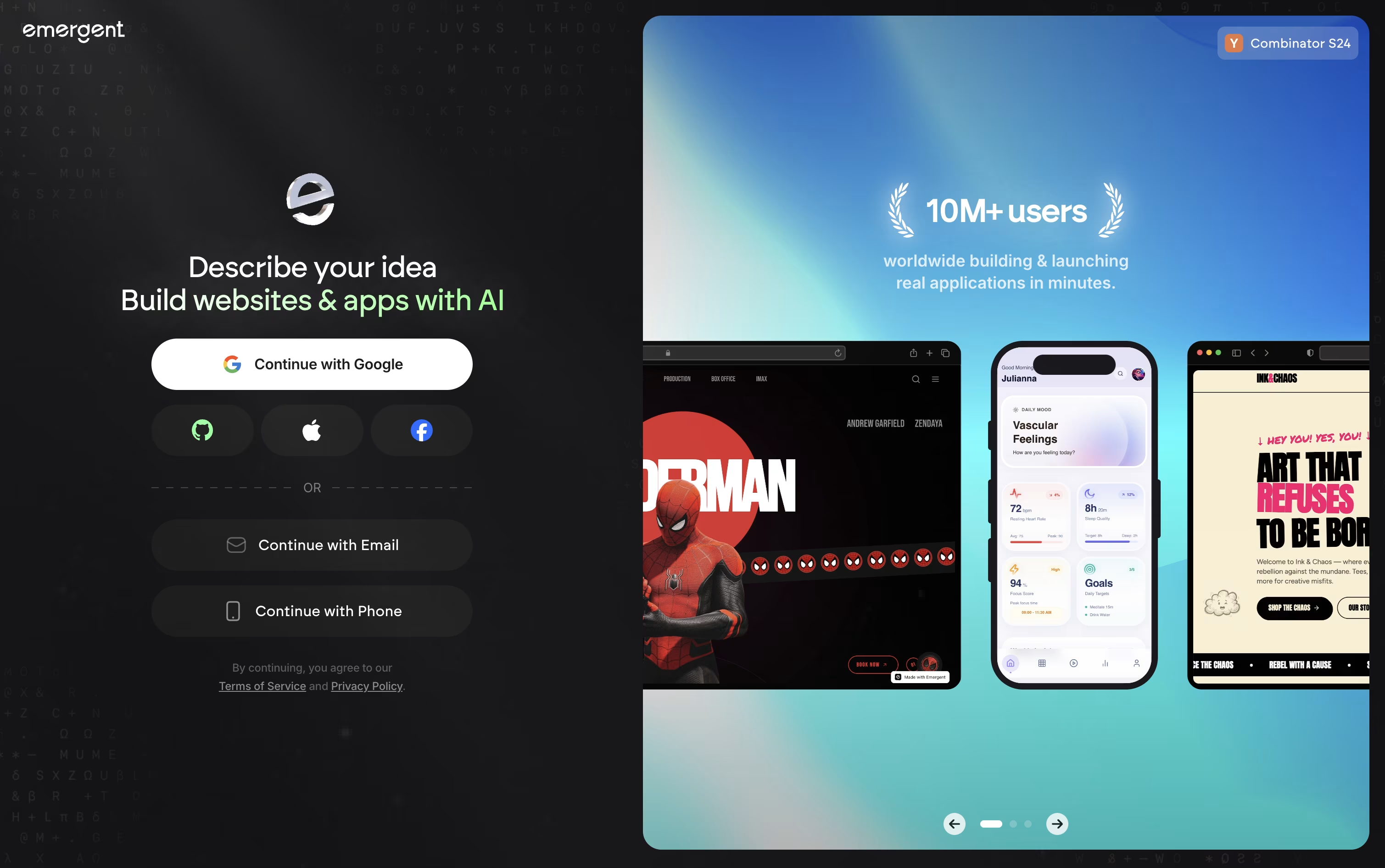
Emergent is an AI powered platform that builds full software applications from simple English instructions. Instead of writing code line by line, you describe what you want to build, and a team of AI agents plans, designs, codes, tests, and deploys the app for you.
It handles the full stack, including the frontend design, backend logic, database setup, and user login systems. You can keep chatting with it to add features, fix problems, or change the design as you go, and see the results update in a live preview.
It connects with tools like GitHub, Stripe, and Supabase, and supports both web and mobile apps, making it useful for founders, small businesses, and developers who want to build fast.
Features of Tempo and Emergent
Live design canvas on real React code
Docs editor for PRDs and specs
Built-in Kanban issue tracker
AI chat agents with Claude and OpenAI models
Custom automated agents with triggers
Figma to React code conversion
SaaS starter templates with payments and auth
Desktop apps for macOS, Windows, Linux
Works with React, Next.js, and Expo
Isolated git branches for safe agent changes
AI agents build full apps from plain English
Full stack output: frontend, backend, database, and login
Works for both web and mobile apps
Live preview and in platform testing
Version rollback to undo AI changes
GitHub, Stripe, and Supabase integrations
Custom AI agents for repeat tasks
1M token context window for large builds
Voice mode for describing features
One click deployment with custom domains
Use Cases of Tempo and Emergent
Pricing of Tempo and Emergent
Tempo offers three main plans. The Starter plan is free and includes 100 AI messages a month, up to 10 team members, 250 Kanban issues, 50 documents, and the option to connect your own AI provider.
The Team plan costs $20 per seat per month and removes most limits, giving unlimited team members, unlimited issues, and unlimited documents, along with the same option to bring your own AI provider.
For businesses that want AI agents and human experts to build features for them, Agent+ starts at $500 per month. It includes 1 to 3 features delivered daily, review from real engineers and designers, delivery in 48 to 72 hours, and unlimited revisions.
There is also an optional Tempo Inference add-on for $30 per month, which gives extra AI usage billed at API cost once you go over the included credits.
Emergent offers a simple set of plans that grow with how much you build. The Free plan costs nothing and includes 10 credits a month with access to the core platform.
Standard ($20/month or $17/month billed yearly): Adds private hosting, 100 monthly credits, and GitHub integration, good for solo founders and freelancers.
Pro ($200/month or $167/month billed yearly): Unlocks a 1 million token context window, custom AI agents, and 750 monthly credits, built for AI startups and agencies.
Business and Enterprise (Custom Pricing): Add role based access, single sign on, audit logs, and private cloud deployment for larger teams and organizations.
Annual billing saves money on both the Standard and Pro plans, and Business or Enterprise pricing is available by contacting the sales team directly.
FAQs: Tempo vs Emergent
Reviews: Tempo vs Emergent
Based on 0 reviews
Based on 0 reviews
Compare Tempo With Other Tools

Meku
Build Real Web Apps From Simple Prompts

Reflex
Build Full-Stack Apps in Pure Python

camelAI
AI Software Engineer That Deploys Apps

Replit

Lovable
Build Full Apps With Simple Prompts

Bolt
Build Full-Stack Apps with AI Prompts Fast

Base44
Build Full Web Apps with AI, No Code

Manus
The AI Agent That Plans and Executes Tasks

Anything
No-Code AI App and Website Builder
Compare Emergent With Other Tools
Base44
Build Full Web Apps with AI, No Code
Anything
No-Code AI App and Website Builder

Rocket
AI-Powered Vibe Solutioning Platform

Rork
Build Native Mobile and Web Apps with AI
Manus
The AI Agent That Plans and Executes Tasks

Bubble
No-Code Platform for Web & Mobile Apps

Zite
AI No-Code Platform for Business Tools

FlutterFlow
Visual Builder for Real Flutter Apps
Lovable
Build Full Apps With Simple Prompts