

WordPress vs Squarespace: Features, Pricing and User Reviews 2026

Squarespace
Build Websites, Stores, and More

Squarespace
Build Websites, Stores, and More
What are WordPress and Squarespace?

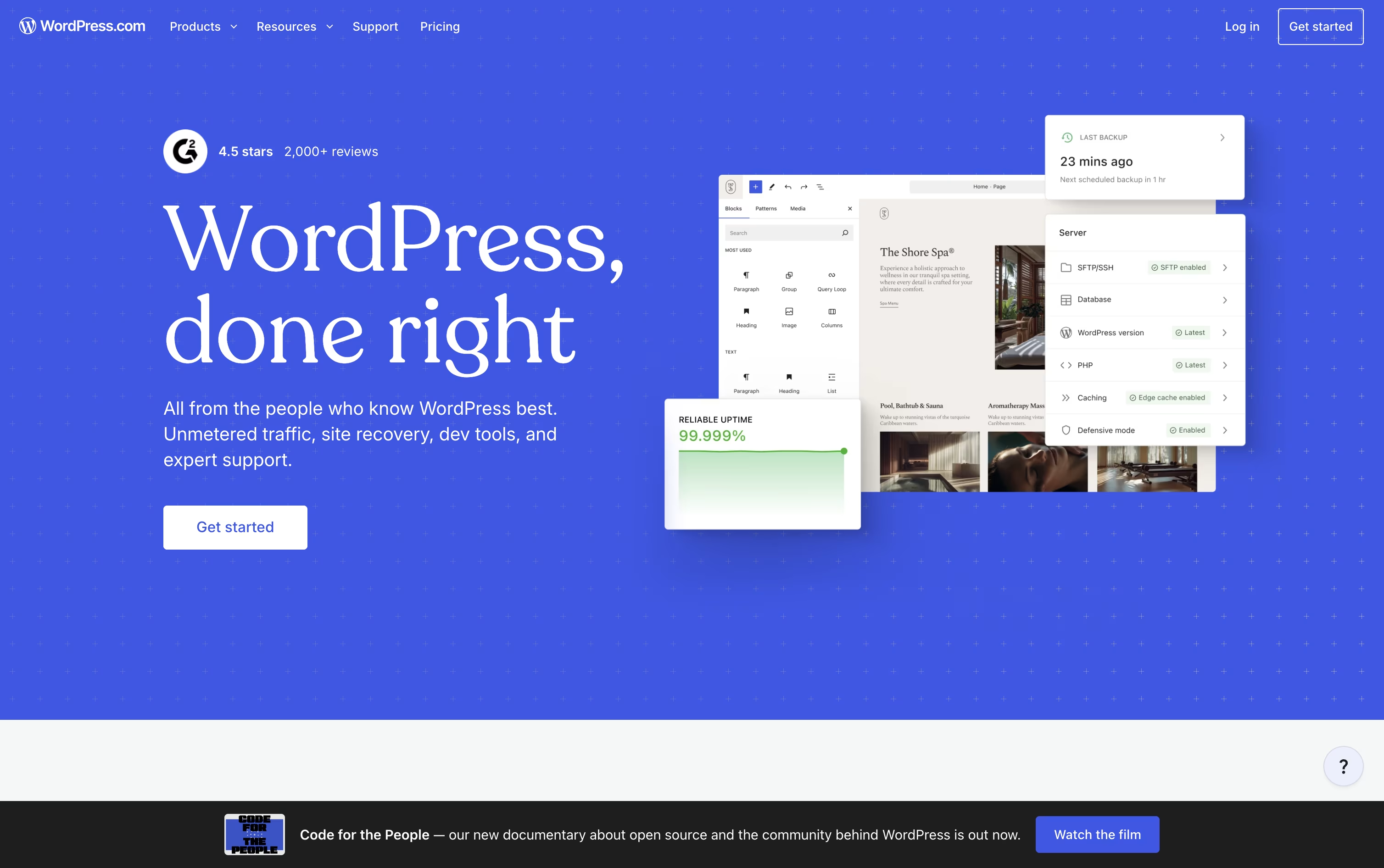
WordPress.com is a fully managed website building and blogging platform run by Automattic, built on the open source WordPress software. It handles hosting, security, backups, and updates so you do not need to manage servers yourself.
You can start with a free account, pick a theme, or use the AI Website Builder to generate a site by describing what you want in plain language.
The Block Editor lets you add text, images, forms, and videos with a simple drag and drop system. As you grow, paid plans unlock premium themes, plugins, custom code, staging sites, and full ecommerce tools through WooCommerce. It works well for blogs, portfolios, business sites, newsletters, and online stores, and you always own your content.
Squarespace is a complete website builder and hosting platform that lets you create a professional website without any coding skills. You get access to designer quality templates, a drag and drop editor called Fluid Engine, and built in tools for online stores, blogs, portfolios, and booking pages.
The platform also includes AI tools that can help you build a full site from scratch, write content, and improve your search rankings. Squarespace takes care of hosting, security, and domain management so you can focus on your business.
It works well for freelancers, small businesses, creatives, and service providers who want one platform to build, sell, and manage their online presence, instead of juggling many separate tools.
Features of WordPress and Squarespace
Fully managed WordPress hosting with automatic updates
Drag and drop Block Editor with Full Site Editing
AI Website Builder for instant site generation
Built-in security, backups, and malware protection
Full WooCommerce ecommerce support
Developer tools: SFTP/SSH, WP-CLI, GitHub Deployments
Free and premium themes and patterns
Built-in newsletters, forms, and social sharing
iOS, Android, and desktop apps
Global CDN for fast loading everywhere
Drag and drop Fluid Engine editor
Blueprint AI full site generation
Built in online store and payments
Acuity Scheduling for bookings
Email marketing and automation
Beacon AI SEO and AIO tools
Point of Sale with Tap to Pay
Memberships, courses, and blogging
Mobile apps for iOS and Android
Free domain, hosting, and SSL included
Use Cases of WordPress and Squarespace
Pricing of WordPress and Squarespace
WordPress.com offers six plans to fit different needs, billed monthly or yearly.
Free ($0/month): 1 GB storage with basic hosting, security, and unlimited pages and users.
Personal ($9/month): 6 GB storage, no ads, a free domain for one year, and premium themes.
Premium ($18/month): 13 GB storage, video uploads, payment buttons, and premium stats.
Business ($40/month): 50 GB storage, real-time backups, staging sites, and developer tools like SSH and GitHub Deployments.
Commerce ($70/month): Full WooCommerce store tools, unlimited products, and a 0% standard transaction fee.
Enterprise (Custom): Tailored pricing for large organizations that need WordPress at scale.
Paying yearly can save up to 76% off the first term, though renewal prices rise after that period ends.
Squarespace has three main plans billed monthly or annually, with annual billing saving up to 36%. The Basic plan costs $12 a month annually and includes a website, basic ecommerce, and a 2% online store transaction fee. The Core plan, at $17 a month, is the recommended option and removes the online store fee entirely while adding custom code, advanced analytics, and marketing integrations. The Advanced plan costs $25 a month and offers zero transaction fees across the board, unlimited video hosting, and the highest AI usage limits. Larger service businesses can contact sales for a custom Premium plan with a dedicated account manager and enterprise security. Every plan includes a 14 day free trial with no credit card required.
FAQs: WordPress vs Squarespace
Reviews: WordPress vs Squarespace
Based on 0 reviews
Based on 0 reviews
Compare WordPress With Other Tools

Webflow
Visual Website Builder & CMS Platform

Framer
AI-Native Website Builder & Design Tool

Wix
All-in-One Website & Business Builder Tool

Shopify
Sell Online, In Person, and Everywhere

Duda
AI Website Builder for Agencies & Teams

Hostinger Website Builder
Build Sites Faster

B12
Build a Business Website with AI in Minutes

Plasmic
Visual Builder for React Websites and Apps
Compare Squarespace With Other Tools
Webflow
Visual Website Builder & CMS Platform
Wix
All-in-One Website & Business Builder Tool
Framer
AI-Native Website Builder & Design Tool
Duda
AI Website Builder for Agencies & Teams
Shopify
Sell Online, In Person, and Everywhere
Hostinger Website Builder
Build Sites Faster
B12
Build a Business Website with AI in Minutes
Plasmic
Visual Builder for React Websites and Apps





