

WordPress vs Webflow: Features, Pricing and User Reviews 2026

Webflow
Visual Website Builder & CMS Platform
Webflow
Visual Website Builder & CMS Platform
What are WordPress and Webflow?

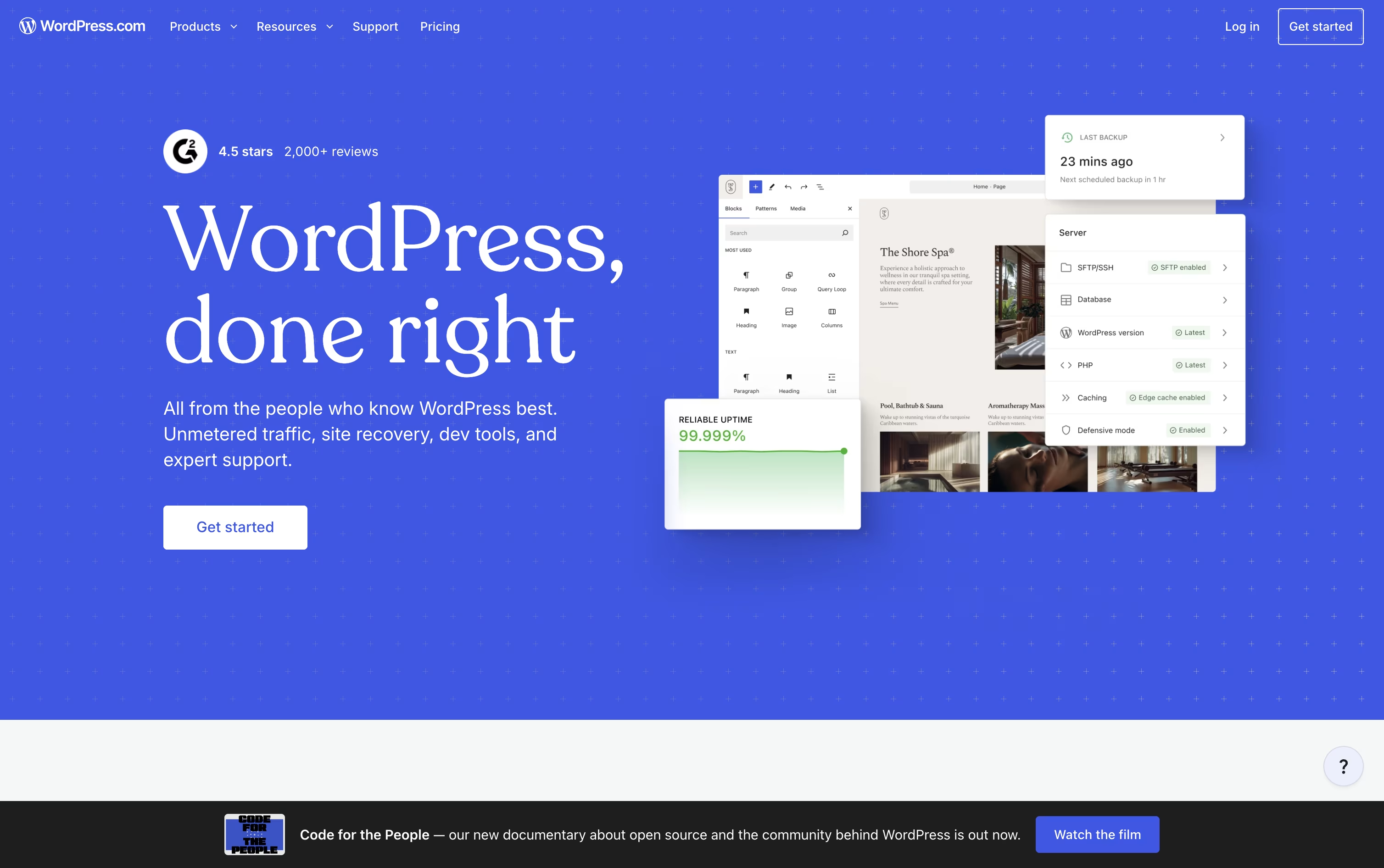
WordPress.com is a fully managed website building and blogging platform run by Automattic, built on the open source WordPress software. It handles hosting, security, backups, and updates so you do not need to manage servers yourself.
You can start with a free account, pick a theme, or use the AI Website Builder to generate a site by describing what you want in plain language.
The Block Editor lets you add text, images, forms, and videos with a simple drag and drop system. As you grow, paid plans unlock premium themes, plugins, custom code, staging sites, and full ecommerce tools through WooCommerce. It works well for blogs, portfolios, business sites, newsletters, and online stores, and you always own your content.
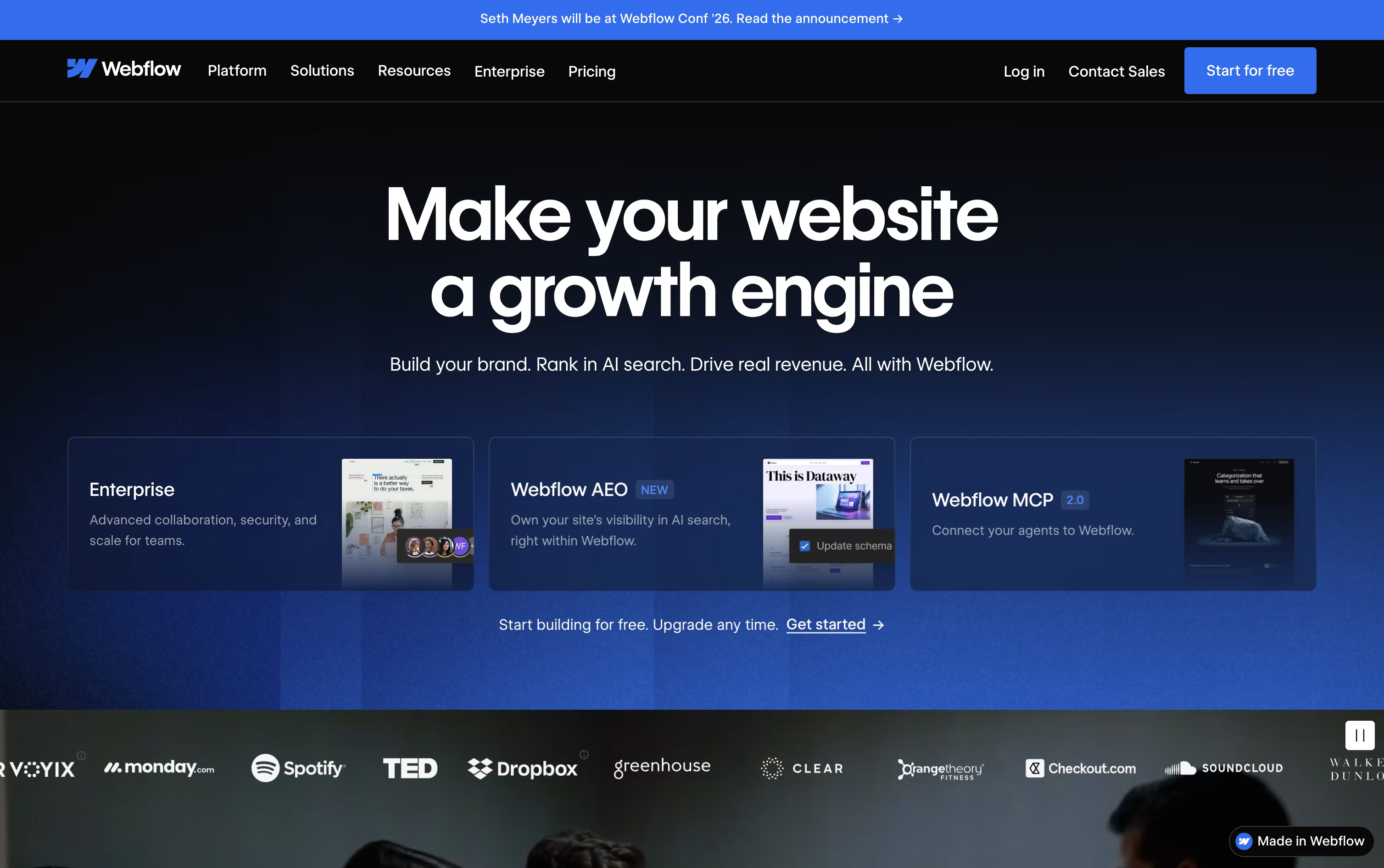
Webflow is a visual website platform that lets you design, build, and launch professional websites right in your browser, without writing code. You work on a visual canvas that feels like design software, but every layout, style, and interaction turns into clean, ready-to-use HTML, CSS, and JavaScript behind the scenes.
Beyond the page builder, Webflow includes a content management system for blogs and dynamic content, built-in ecommerce for selling products, and fast, secure hosting for the finished site. Teams can work together with roles, comments, staging, and version history.
Webflow AI helps generate pages, write copy, build CMS content, and even create code components, while newer Answer Engine Optimization tools help a site show up well in AI search tools like ChatGPT and Claude, alongside regular search engines.
Features of WordPress and Webflow
Fully managed WordPress hosting with automatic updates
Drag and drop Block Editor with Full Site Editing
AI Website Builder for instant site generation
Built-in security, backups, and malware protection
Full WooCommerce ecommerce support
Developer tools: SFTP/SSH, WP-CLI, GitHub Deployments
Free and premium themes and patterns
Built-in newsletters, forms, and social sharing
iOS, Android, and desktop apps
Global CDN for fast loading everywhere
Visual, no-code website design
Built-in CMS for dynamic content
Native ecommerce with custom checkout
Webflow AI for pages, copy, and code
Fast, secure global hosting
Answer Engine Optimization (AEO) tools
Team collaboration and staging
REST API, CLI, and MCP server
A/B testing and personalization add-ons
Localization for global sites
Use Cases of WordPress and Webflow
Pricing of WordPress and Webflow
WordPress.com offers six plans to fit different needs, billed monthly or yearly.
Free ($0/month): 1 GB storage with basic hosting, security, and unlimited pages and users.
Personal ($9/month): 6 GB storage, no ads, a free domain for one year, and premium themes.
Premium ($18/month): 13 GB storage, video uploads, payment buttons, and premium stats.
Business ($40/month): 50 GB storage, real-time backups, staging sites, and developer tools like SSH and GitHub Deployments.
Commerce ($70/month): Full WooCommerce store tools, unlimited products, and a 0% standard transaction fee.
Enterprise (Custom): Tailored pricing for large organizations that need WordPress at scale.
Paying yearly can save up to 76% off the first term, though renewal prices rise after that period ends.
Webflow's pricing covers several separate plan types, so you only pay for what your project actually needs.
Site Plans: Starter is free forever for building and testing. Basic costs $25 a month ($15 a month billed yearly) for simple sites without a CMS. Premium costs $39 a month ($25 a month yearly) and adds the CMS, code components, and site search.
Platform Plans: The Team plan costs $2,500 a month on an annual contract and adds governance, publishing workflows, and localization. Enterprise pricing is custom and includes dedicated support and advanced security.
Ecommerce Plans: Standard, Plus, and Advanced run from $42 to $235 a month, with lower yearly rates and transaction fees dropping from 2% to 0% on higher tiers.
Workspace Plans: Team and Freelancer/Agency Workspaces range from free to $60 a month, covering staging sites, AI credits, and shared libraries.
Add-ons: Optimize, Analyze, and Localize can be added to any Site plan starting around $9 to $379 a month depending on usage, and extra AI credits cost $25 a month for 2,000 credits.
All prices are in USD, per site, plus applicable taxes at checkout, and yearly billing can save up to 40% compared with monthly billing.
FAQs: WordPress vs Webflow
Reviews: WordPress vs Webflow
Based on 0 reviews
Based on 0 reviews
Compare WordPress With Other Tools

Squarespace
Build Websites, Stores, and More

Framer
AI-Native Website Builder & Design Tool

Wix
All-in-One Website & Business Builder Tool

Shopify
Sell Online, In Person, and Everywhere

Duda
AI Website Builder for Agencies & Teams

Hostinger Website Builder
Build Sites Faster

B12
Build a Business Website with AI in Minutes

Plasmic
Visual Builder for React Websites and Apps
Compare Webflow With Other Tools
Framer
AI-Native Website Builder & Design Tool
Squarespace
Build Websites, Stores, and More
Duda
AI Website Builder for Agencies & Teams
Wix
All-in-One Website & Business Builder Tool
Shopify
Sell Online, In Person, and Everywhere
B12
Build a Business Website with AI in Minutes
Hostinger Website Builder
Build Sites Faster
Plasmic
Visual Builder for React Websites and Apps





