

Webflow vs Framer: Features, Pricing and User Reviews 2026

Webflow
Visual Website Builder & CMS Platform

Framer
AI-Native Website Builder & Design Tool
Webflow
Visual Website Builder & CMS Platform
Framer
AI-Native Website Builder & Design Tool
What are Webflow and Framer?
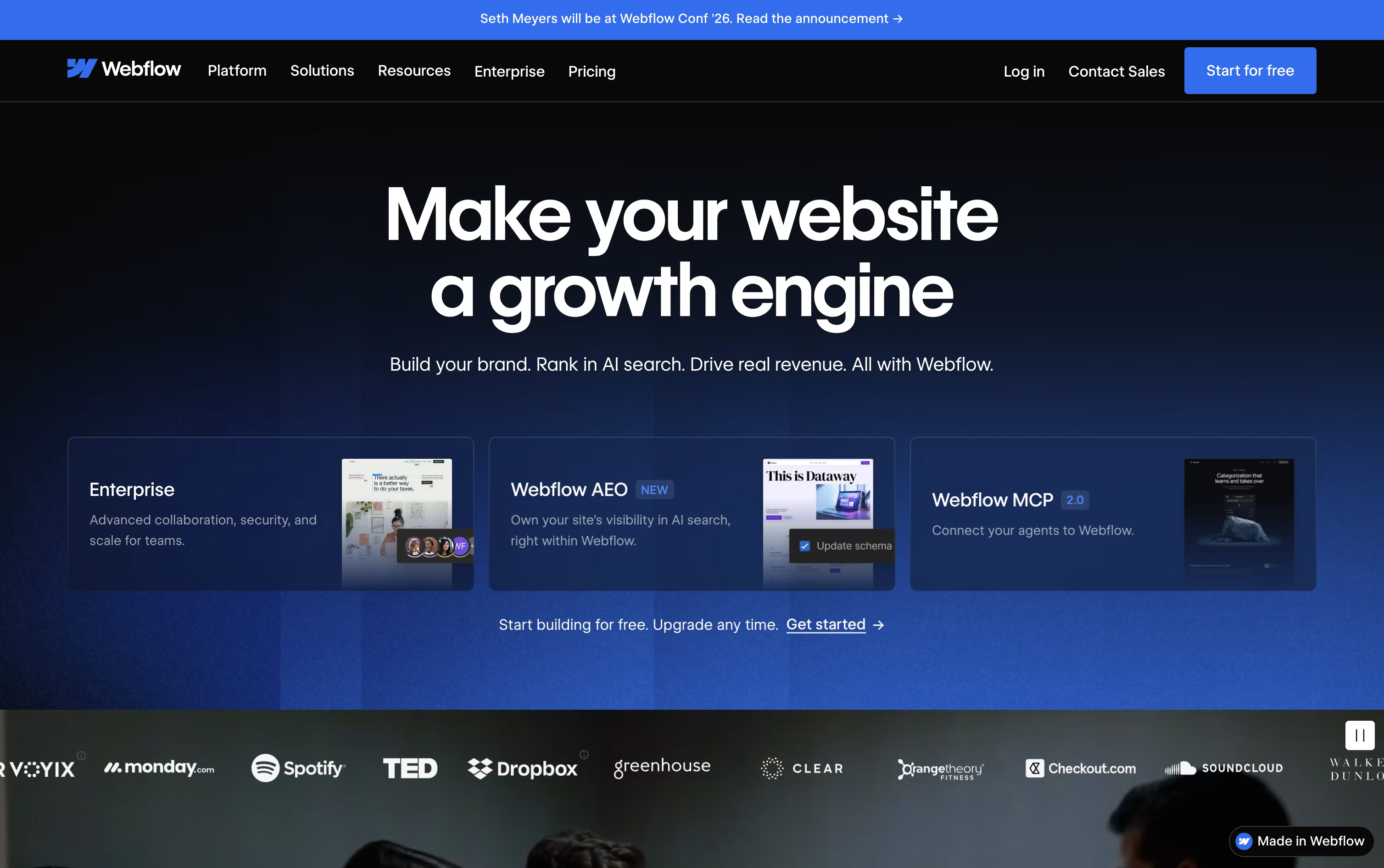
Webflow is a visual website platform that lets you design, build, and launch professional websites right in your browser, without writing code. You work on a visual canvas that feels like design software, but every layout, style, and interaction turns into clean, ready-to-use HTML, CSS, and JavaScript behind the scenes.
Beyond the page builder, Webflow includes a content management system for blogs and dynamic content, built-in ecommerce for selling products, and fast, secure hosting for the finished site. Teams can work together with roles, comments, staging, and version history.
Webflow AI helps generate pages, write copy, build CMS content, and even create code components, while newer Answer Engine Optimization tools help a site show up well in AI search tools like ChatGPT and Claude, alongside regular search engines.
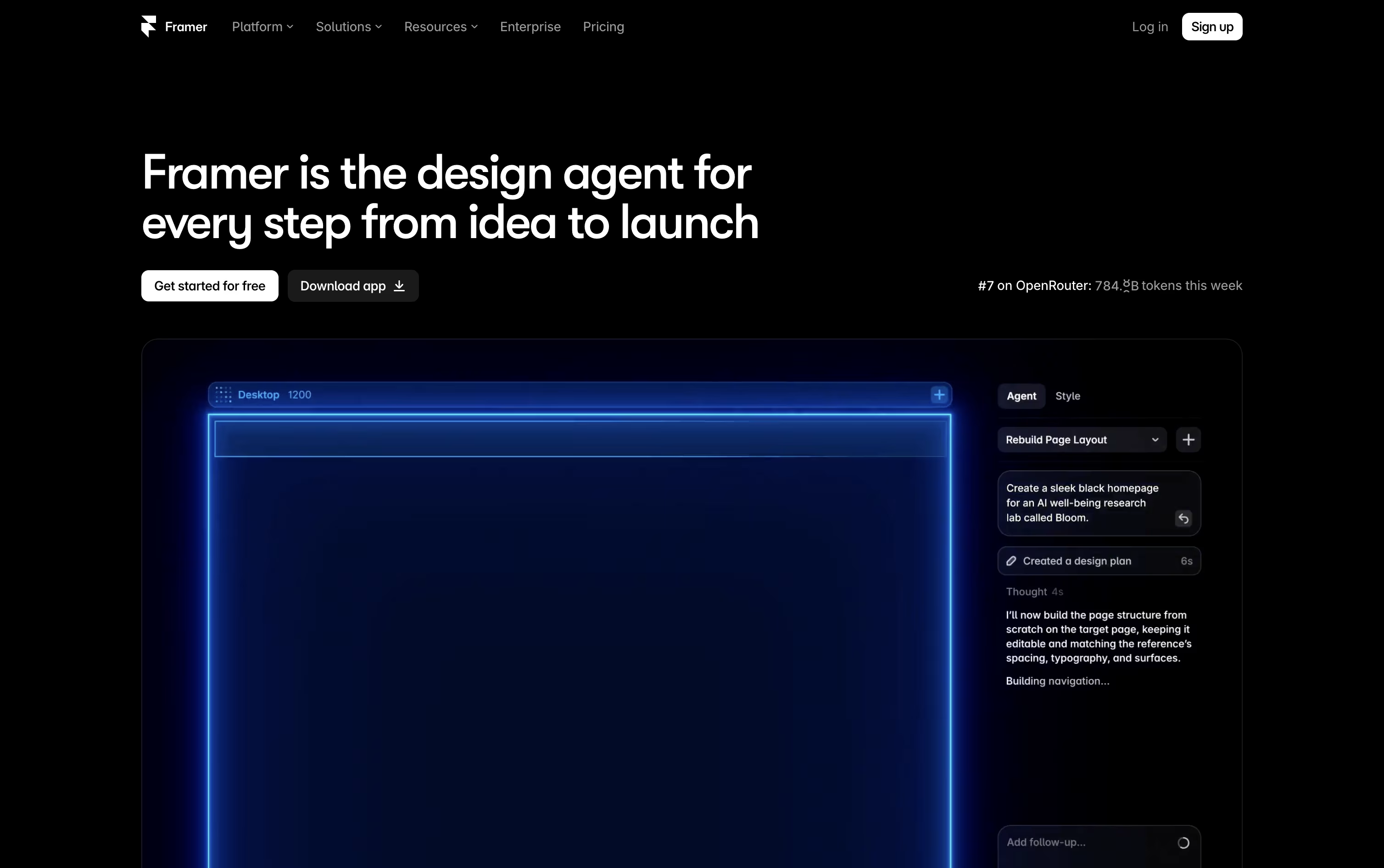
Framer is a website builder that brings design and AI together in one visual canvas. Instead of switching between a design tool and a coding tool, you build the real, live site directly, so there is no separate handoff to developers.
You can start from a blank canvas, a template, or just describe what you want, and built-in AI agents will generate layouts, write content, set up your CMS, and check your site for accessibility and SEO issues.
Framer also handles hosting, security, and speed automatically, and offers a free plan plus paid plans for solo creators, growing teams, and larger companies with custom needs.
Features of Webflow and Framer
Visual, no-code website design
Built-in CMS for dynamic content
Native ecommerce with custom checkout
Webflow AI for pages, copy, and code
Fast, secure global hosting
Answer Engine Optimization (AEO) tools
Team collaboration and staging
REST API, CLI, and MCP server
A/B testing and personalization add-ons
Localization for global sites
AI agents that design, write, and fix your site
Freeform canvas with grids, stacks, and components
Built-in CMS for blogs, products, and more
Branching for safe team collaboration
Automatic hosting, SSL, and fast performance
Built-in SEO tools and analytics
Native A/B testing and conversion tracking
Custom React code components
Desktop apps for macOS and Windows
Templates and a plugin marketplace
Use Cases of Webflow and Framer
Pricing of Webflow and Framer
Webflow's pricing covers several separate plan types, so you only pay for what your project actually needs.
Site Plans: Starter is free forever for building and testing. Basic costs $25 a month ($15 a month billed yearly) for simple sites without a CMS. Premium costs $39 a month ($25 a month yearly) and adds the CMS, code components, and site search.
Platform Plans: The Team plan costs $2,500 a month on an annual contract and adds governance, publishing workflows, and localization. Enterprise pricing is custom and includes dedicated support and advanced security.
Ecommerce Plans: Standard, Plus, and Advanced run from $42 to $235 a month, with lower yearly rates and transaction fees dropping from 2% to 0% on higher tiers.
Workspace Plans: Team and Freelancer/Agency Workspaces range from free to $60 a month, covering staging sites, AI credits, and shared libraries.
Add-ons: Optimize, Analyze, and Localize can be added to any Site plan starting around $9 to $379 a month depending on usage, and extra AI credits cost $25 a month for 2,000 credits.
All prices are in USD, per site, plus applicable taxes at checkout, and yearly billing can save up to 40% compared with monthly billing.
Framer offers a free plan so you can try building a site with 500 credits, a Framer subdomain, and 1 GB of bandwidth.
Basic ($15/month, or $10/month billed yearly): Good for personal sites, with a custom domain, 2 CMS collections, 50 GB bandwidth, and built-in SEO.
Pro ($45/month, or $30/month billed yearly): Built for growing teams, with 10 CMS collections, 100 GB bandwidth, branching, staging, and site redirects.
Enterprise (Custom pricing): For larger companies needing custom limits, unlimited seats, SSO, SCIM, and an uptime guarantee.
Extra editors cost $30 a month, or $20 a month billed yearly, and add-ons like translation, Advanced Hosting, and A/B testing are priced separately.
FAQs: Webflow vs Framer
Reviews: Webflow vs Framer
Based on 0 reviews
Based on 0 reviews
Compare Webflow With Other Tools

Squarespace
Build Websites, Stores, and More

Duda
AI Website Builder for Agencies & Teams

Wix
All-in-One Website & Business Builder Tool

Shopify
Sell Online, In Person, and Everywhere

WordPress
Build Any Website With Ease Today

B12
Build a Business Website with AI in Minutes

Hostinger Website Builder
Build Sites Faster

Plasmic
Visual Builder for React Websites and Apps
Compare Framer With Other Tools
Wix
All-in-One Website & Business Builder Tool
Squarespace
Build Websites, Stores, and More
Duda
AI Website Builder for Agencies & Teams
Shopify
Sell Online, In Person, and Everywhere
WordPress
Build Any Website With Ease Today
Hostinger Website Builder
Build Sites Faster
B12
Build a Business Website with AI in Minutes
Plasmic
Visual Builder for React Websites and Apps





