

Zed vs Qwen Code: Features, Pricing and User Reviews 2026
What are Zed and Qwen Code?

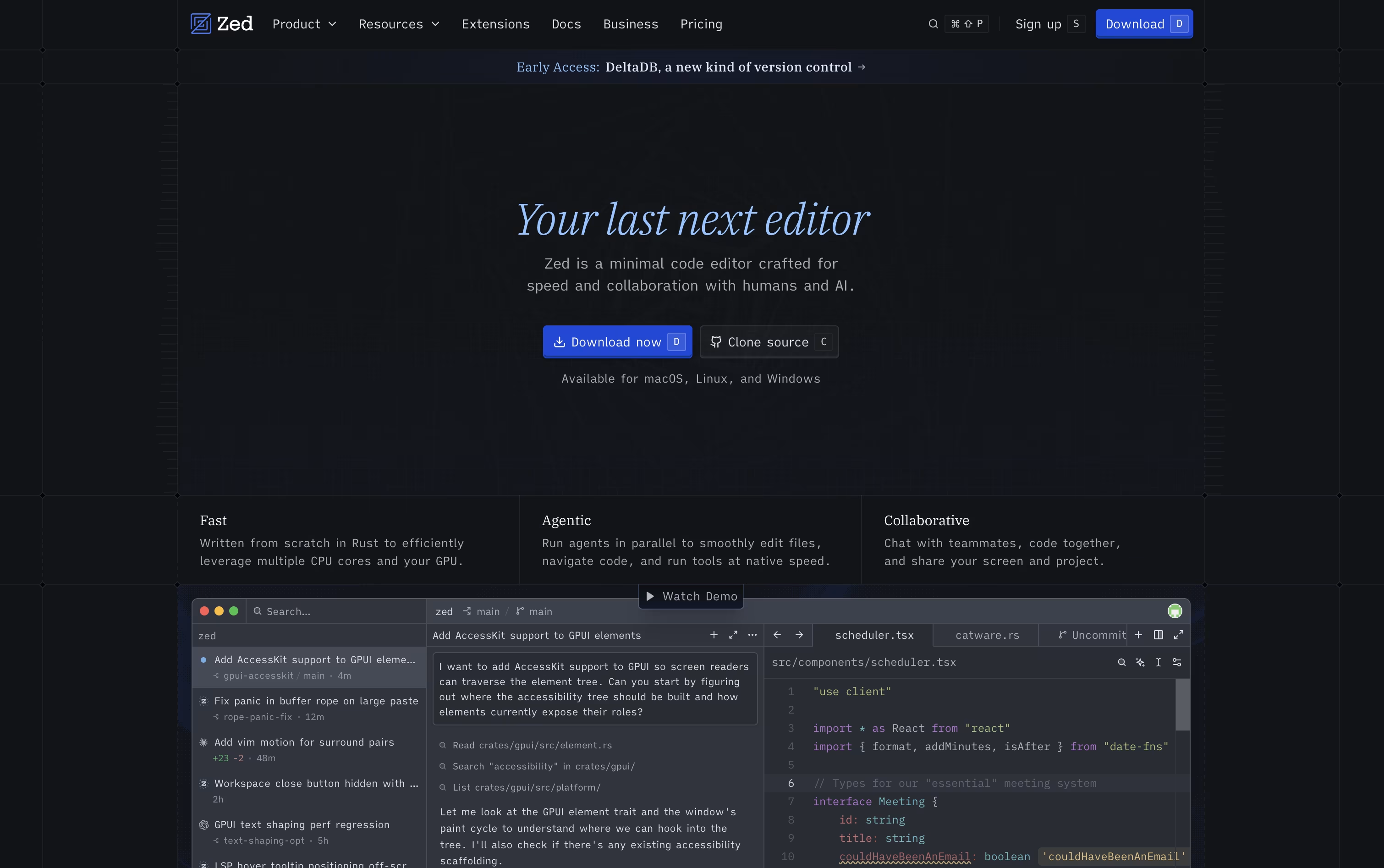
Zed is a code editor built to feel instant, even when you are working on large projects. It is written in Rust and uses its own graphics system, so typing, scrolling, and searching happen with almost no delay.
Zed also lets people work together in real time, seeing each other's cursors and edits as they happen, much like a shared document. Alongside fast editing, Zed includes AI features built right in, so you can ask an AI agent to make changes across your codebase, get smart code suggestions as you type, and connect outside AI tools if you prefer.
It runs as a desktop app on Mac, Windows, and Linux, and it is free to download and use.

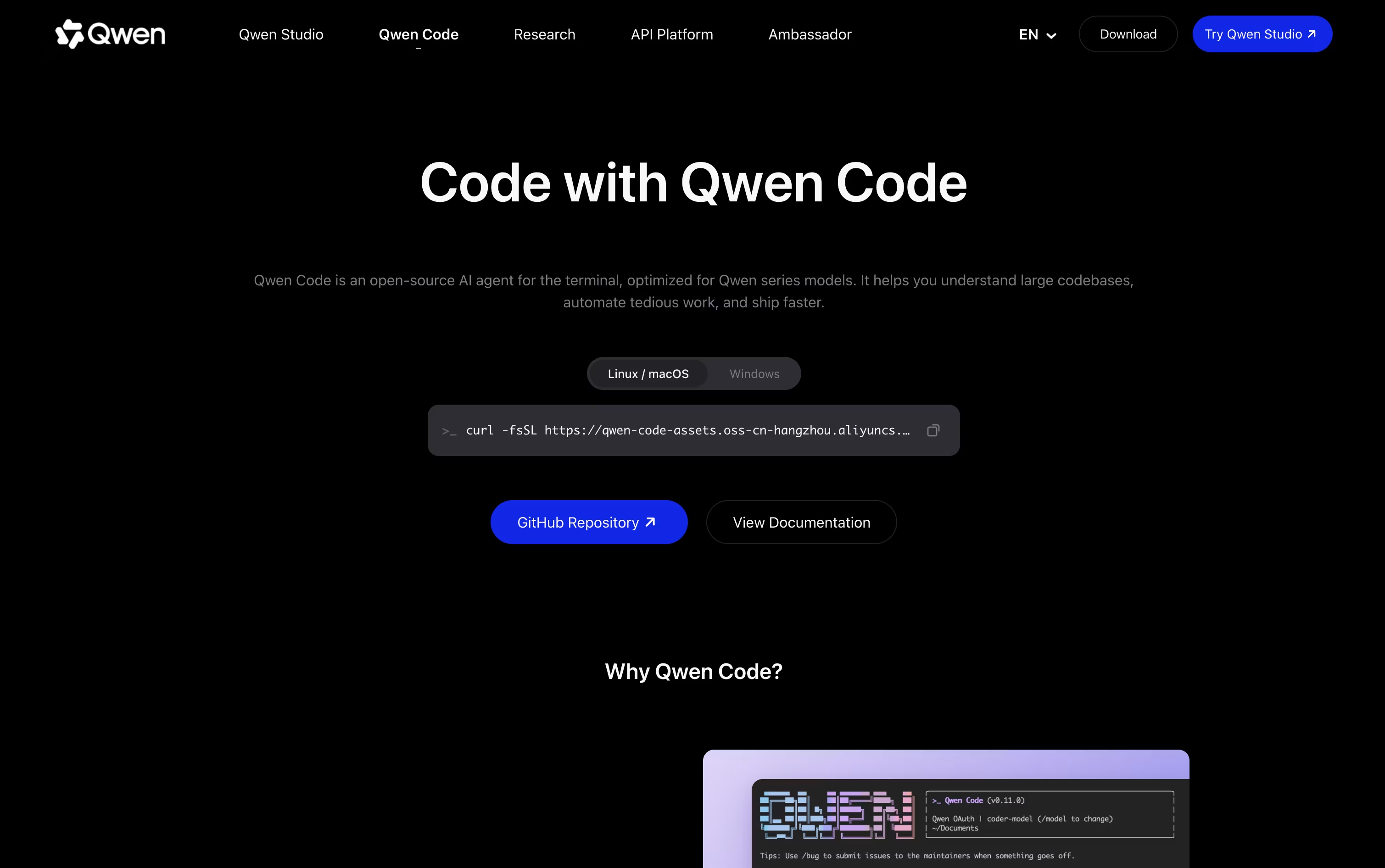
Qwen Code is an open source AI coding agent that lives mainly in your terminal. It is built to work best with Qwen models, especially Qwen3-Coder and newer versions like Qwen3.6, Qwen3.7, and Qwen3.8. It reads your codebase, understands what you are asking for in plain language, and then plans, writes, and checks the code for you.
It started as a project adapted from Google's Gemini CLI and has grown into its own tool with strong support from the Qwen and Alibaba team and its open source community. Beyond the terminal, it also comes as a desktop app and works inside editors like VS Code, JetBrains, and Zed.
Features of Zed and Qwen Code
Rust-built editor with near-instant performance
Real-time multiplayer collaboration with live cursors
Built-in AI coding agents for autonomous edits
Smart edit predictions as you type
Native Git panel with staging and commits
Built-in debugger for many languages
Remote development over SSH
Support for external AI agents and your own API keys
Available on Mac, Windows, and Linux
Fully open source core
Builds and fixes code from plain language requests
Reads and explains large codebases
Runs shell commands and edits files safely
Works with Qwen, OpenAI, Anthropic, and local models
Sub agents, agent teams, and memory built in
Desktop app for macOS, Windows, and Linux
VS Code, JetBrains, and Zed integrations
Headless and daemon modes for automation
Open source under the Apache-2.0 license
SDKs for Node, Python, and Java
Use Cases of Zed and Qwen Code
Pricing of Zed and Qwen Code
Zed offers three pricing plans to suit different needs. The Personal plan is free forever and includes 2,000 accepted edit predictions, plus unlimited use if you bring your own AI API keys or connect external agents like Claude Agent and Codex.
The Pro plan costs $10 per month and includes unlimited edit predictions plus $5 worth of AI tokens each month. Once that credit is used, extra AI usage is billed based on how much you use.
For teams, the Business plan costs $30 per seat per month and adds organization-wide AI policies, data governance, unified spend visibility, and role-based access control, along with unlimited edit predictions. Organizations with 25 or more seats can request a custom order form.
Qwen Code offers separate pricing for individuals and teams, all based on monthly credits rather than a free plan.
Lite ($6/month): 2,500 credits every 7 days and the ability to run 1 to 2 agents at once.
Standard ($18/month): 10,000 credits every 7 days, 4 times the credits of Lite, and 3 to 4 agents running together.
Pro ($68/month): 40,000 credits every 7 days, 16 times the credits of Lite, and 6 to 8 agents at once.
Yearly billing lowers the cost on all three plans. For teams, seat based plans start at $20 per seat a month for Standard, $75 for Pro, and $200 for Max, each adding more monthly credits and access to models like GLM-5, MiniMax-M2.5, and DeepSeek-V3.2.
FAQs: Zed vs Qwen Code
Reviews: Zed vs Qwen Code
Based on 0 reviews
Based on 0 reviews
Compare Zed With Other Tools

Cursor
AI-Native Code Editor for Developers

OpenCode
Your Free Open Source Coding Agent

Devin Desktop
AI Coding Agent Command Center IDE

Codex
OpenAI's AI Coding Agent for Developers

Cursor CLI
AI Coding Agent for Your Terminal

GitHub Copilot CLI
AI Coding Agent for Terminal

Kimi Code
Moonshot AI's Agentic Coding Assistant

Grok Build
xAI's AI Coding Agent for Terminal

Claude Code
Anthropic's Agentic Coding Tool
Compare Qwen Code With Other Tools
OpenCode
Your Free Open Source Coding Agent
Codex
OpenAI's AI Coding Agent for Developers
Cursor CLI
AI Coding Agent for Your Terminal
GitHub Copilot CLI
AI Coding Agent for Terminal
Kimi Code
Moonshot AI's Agentic Coding Assistant
Grok Build
xAI's AI Coding Agent for Terminal
Claude Code
Anthropic's Agentic Coding Tool
Devin Desktop
AI Coding Agent Command Center IDE
Cursor
AI-Native Code Editor for Developers





