

Cursor Lets You Control AI Coding Agents From Your Phone
Cursor now lets developers run AI coding agents on any machine and control them remotely from a phone or browser, no laptop required.
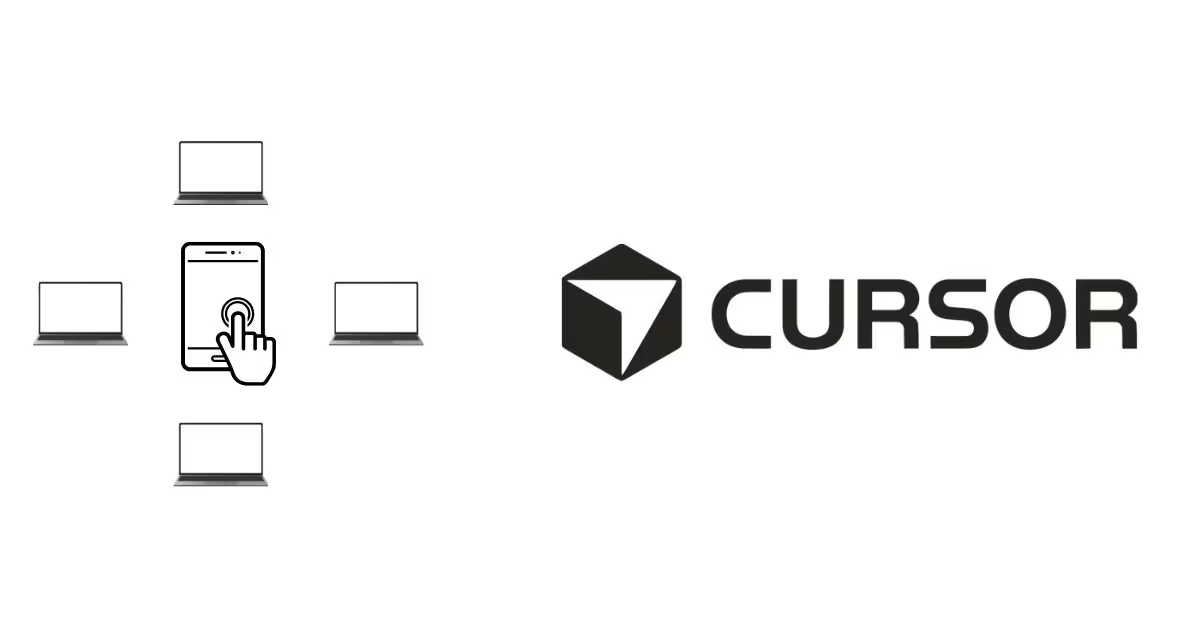
Cursor has rolled out a new feature that lets developers run AI coding agents on any machine they own and control them from anywhere, including from a smartphone.
The feature is part of Cursor 3, the company's updated workspace built around running multiple AI agents at once. With this update, users can start a lightweight worker process on their computer, server, or remote machine using a simple command in the terminal.
Once the worker is running, that machine gets registered to the user's Cursor dashboard and becomes ready to receive tasks remotely.
From a phone or any web browser, users can open Cursor Agent, see their connected machines, and type a task in plain language. The agent then runs that task directly on the remote machine using its actual files, tools, and environment. The whole process happens in the background, and the user gets notified when it is done.
Agents run persistently, meaning they keep working even if the user closes their phone or steps away. Tasks can also be started from desktop, web, Slack, GitHub, or Linear, all feeding into one central dashboard.
The feature works on local laptops, remote servers, and cloud machines. One current limitation is that there is no dedicated mobile app yet. Users currently access it through a mobile browser.
Recent News
 ChatGPTChatGPT
OpenAI Gives ChatGPT Users Bank Reset for Every Day Without Astra
 Haneem
 Meta AIMeta AI
Meta Launches Muse Spark 1.3 With Big Coding Upgrades
Haneem
 Claude CodeClaude Code
Claude Code Weekly Limits Set to Shrink Next Month
Haneem
 LovableLovable
Lovable Grabs lovable.com After Years of Jokes
Haneem
 ElevenLabsElevenLabs
ElevenLabs Launches CLI v1 to Bring Voice Agents Into the Terminal
Haneem
 ResendResend
Resend Now Lets Free Users Verify Up to 3 Domains
HaneemComments
Sign in to leave a commentNo comments yet. Be the first!