


NeetoRecord
Easy Screen Recording for Remote Teams
NeetoRecord is a free screen and webcam recording tool that helps you create and share video presentations instantly without meetings.


What is NeetoRecord
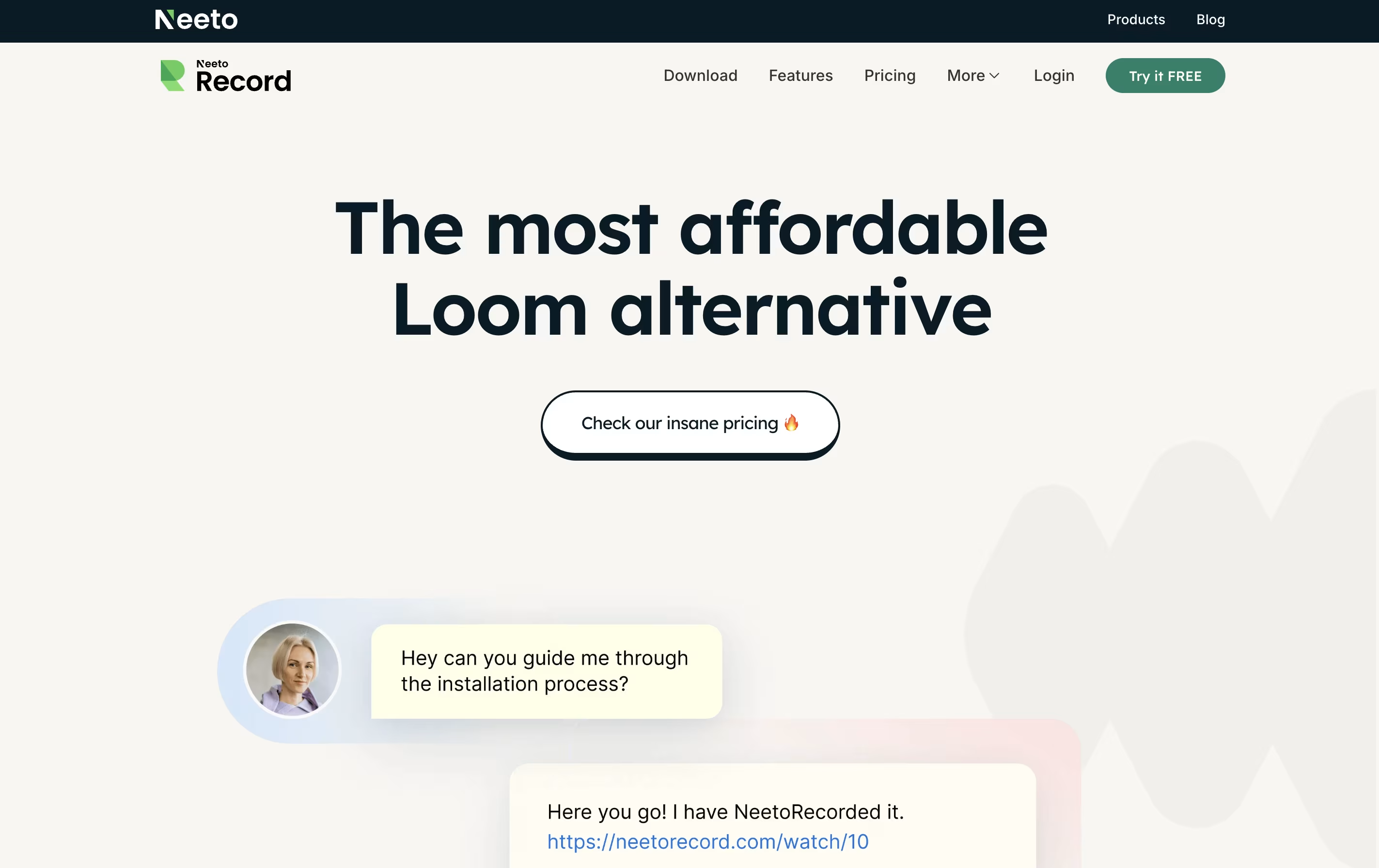
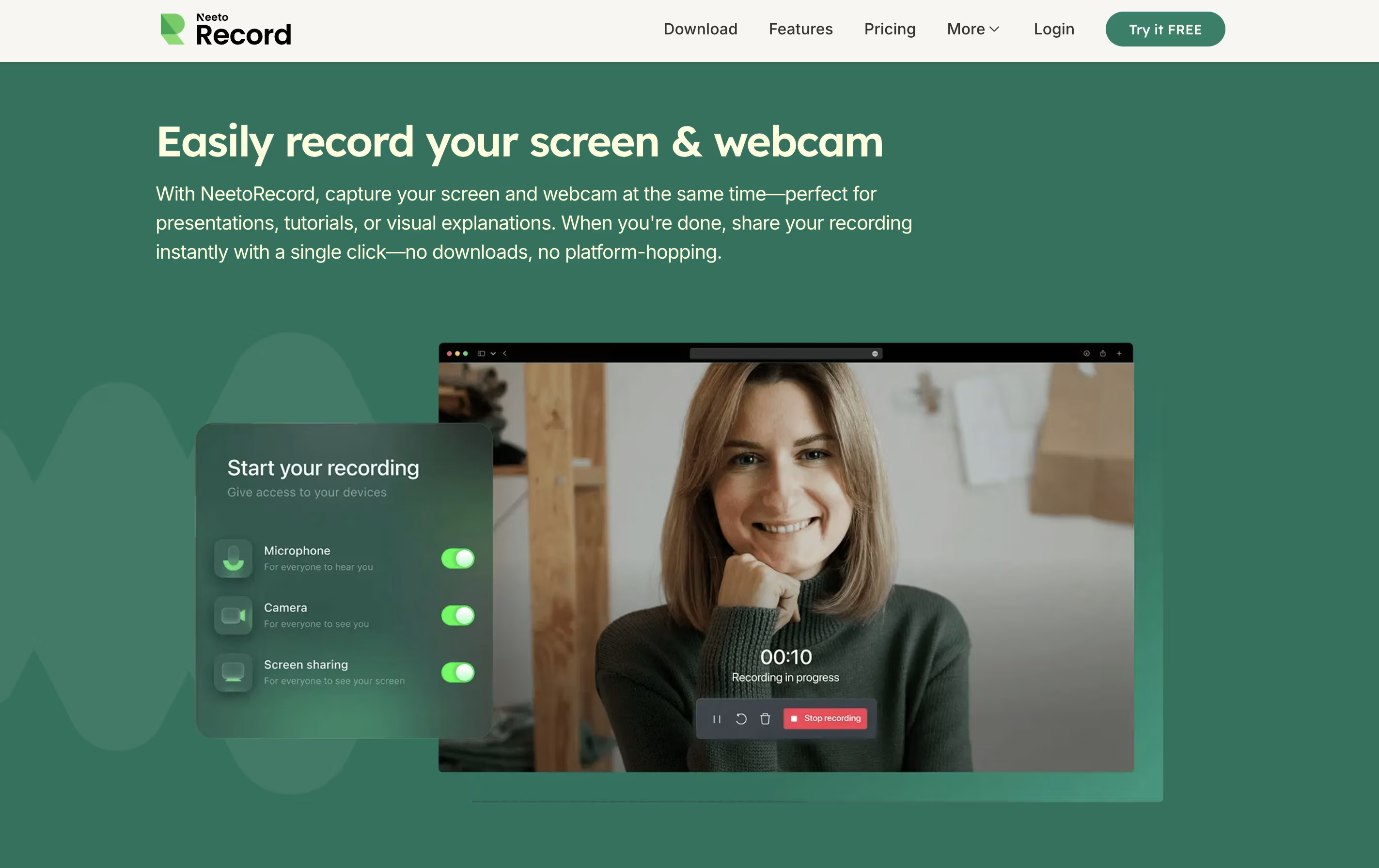
NeetoRecord is a recording tool that captures your computer screen and webcam at the same time. You can use it to create software demos, explain processes, give feedback, or record training materials. Unlike traditional screen recorders, it automatically generates useful features for your videos.
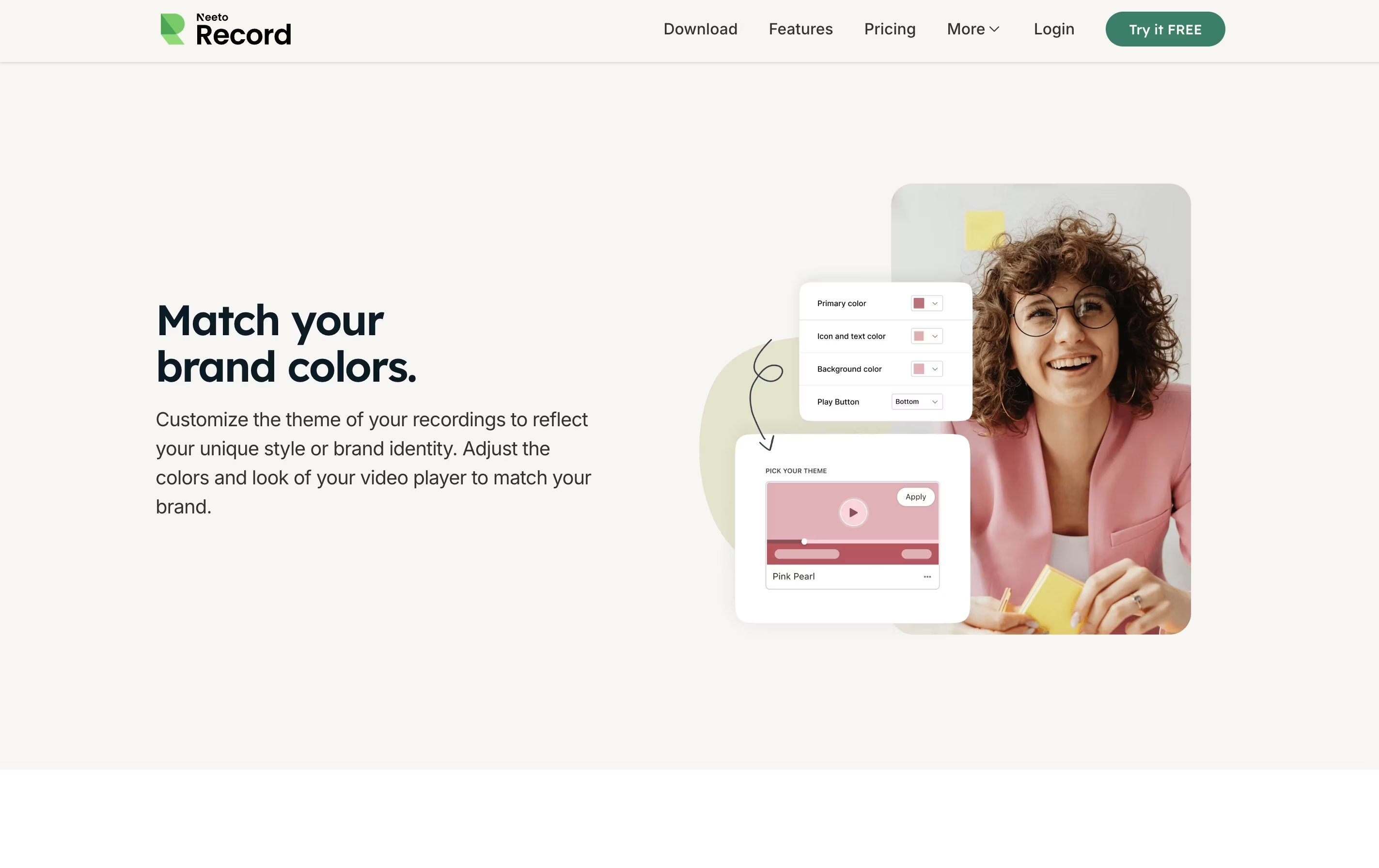
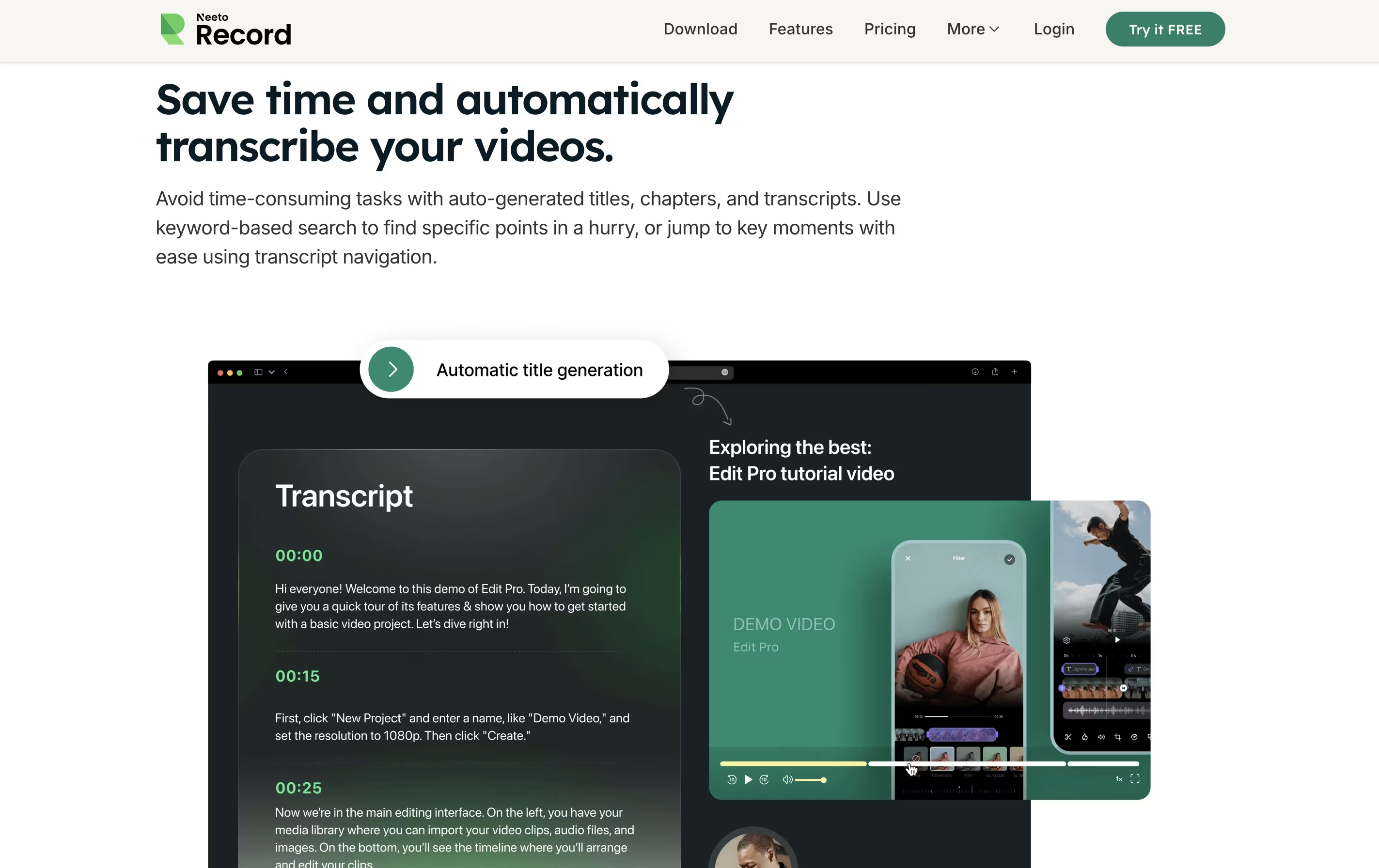
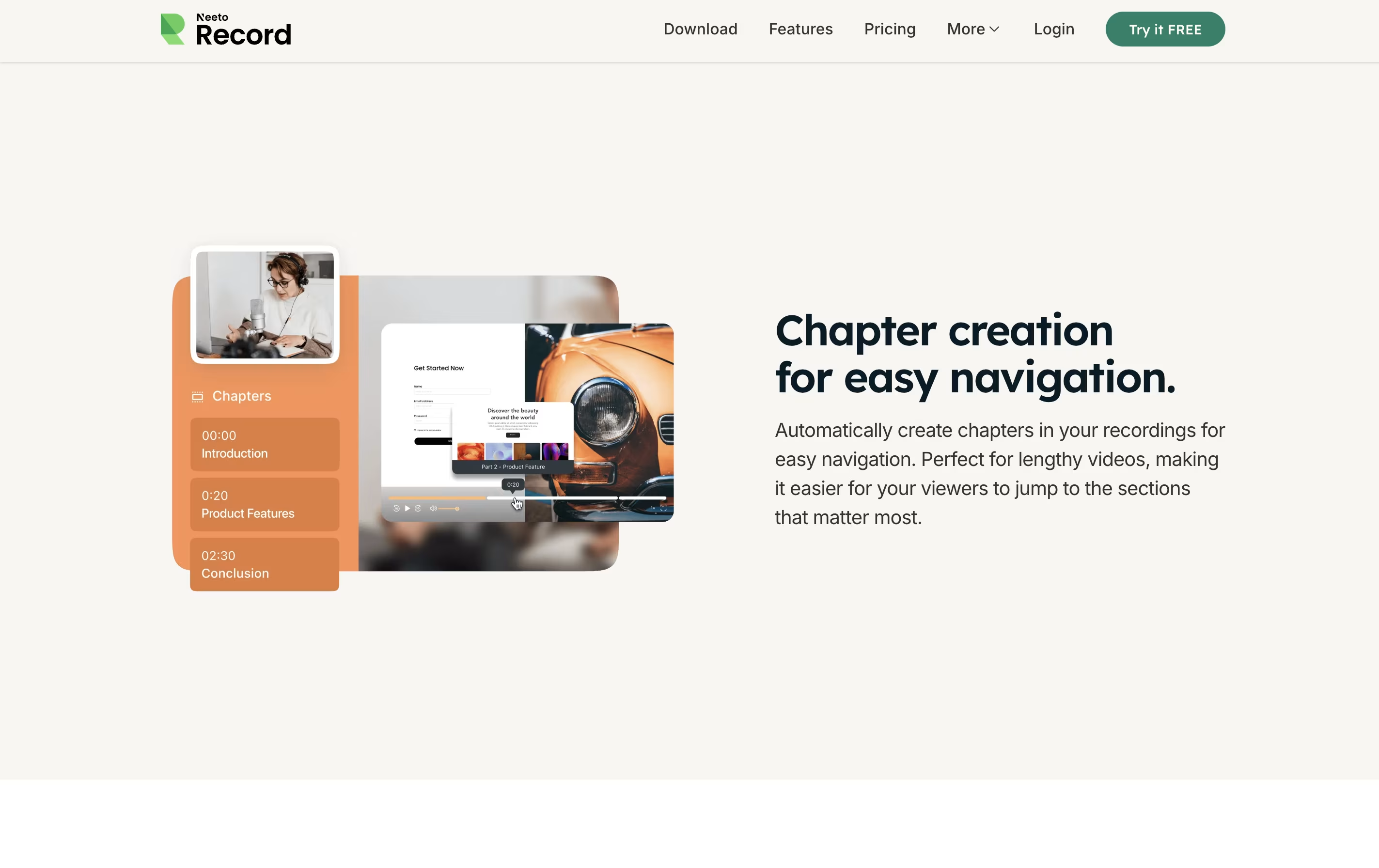
When you finish recording, the tool creates titles based on your content, adds chapters for easy navigation, and provides a written transcript. You can then share your video through a simple link without needing to download or upload files anywhere. The video player can be customized to match your brand colors and style.
Both free and paid versions are available, with the main difference being the length of videos and monthly limits on recordings.
Features of NeetoRecord
Screen and webcam recording together
Instant video sharing with unique links
Automatic transcript generation
Auto-generated titles and chapters
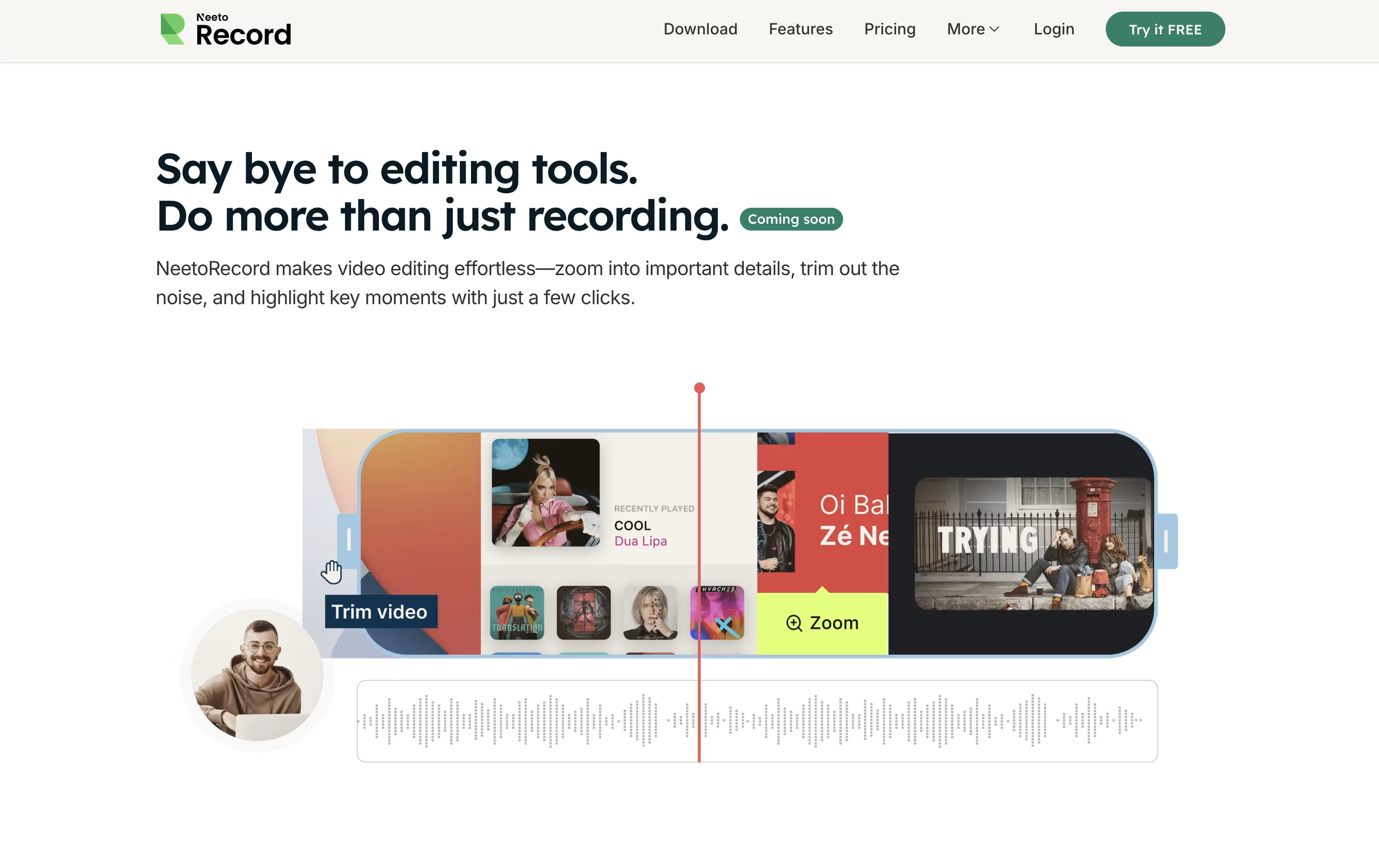
Built-in zoom and trim editing tools
Customizable video player branding
Desktop apps for Windows, Mac, and Linux
Chrome browser extension available
Floating recording controls
External video uploads up to 200GB
Video embedding for websites
NeetoRecord Pricing
Free
- Up to 200 videos per month for each user
- Up to 15 minutes for each video
- Unlimited team members
- Video player theme customization
- Webcam support
- Automatic transcripts
- Auto-generated titles
- Instant sharing with links
Paid
- Everything in FREE Plan
- Unlimited videos
- Up to 2 hours recording per video
- Upload external videos up to 200GB
- Remove Neeto branding
- Customize branding fully
- Cancel anytime
- Priority support
Annual
- Everything in Paid Plan
- Save 50% with annual billing
- Unlimited videos
- Up to 2 hours recording per video
- Upload external videos up to 200GB
- Remove Neeto branding
- Customize branding fully
- Cancel anytime
NeetoRecord Use Cases
FAQ's About NeetoRecord










See what users are saying about NeetoRecord
0 Reviews
No reviews yet
Be the first to review NeetoRecord