

Best 6 Tools for Wiki Creation in 2026
Last Updated: October 21, 2025
Institutional knowledge tends to live in scattered documents unless there is a central place to organize it. Wiki Creation tools help build structured, searchable internal knowledge bases.
Teams and organizations use wikis to keep information centralized and easy for anyone to find.
 Nuclino
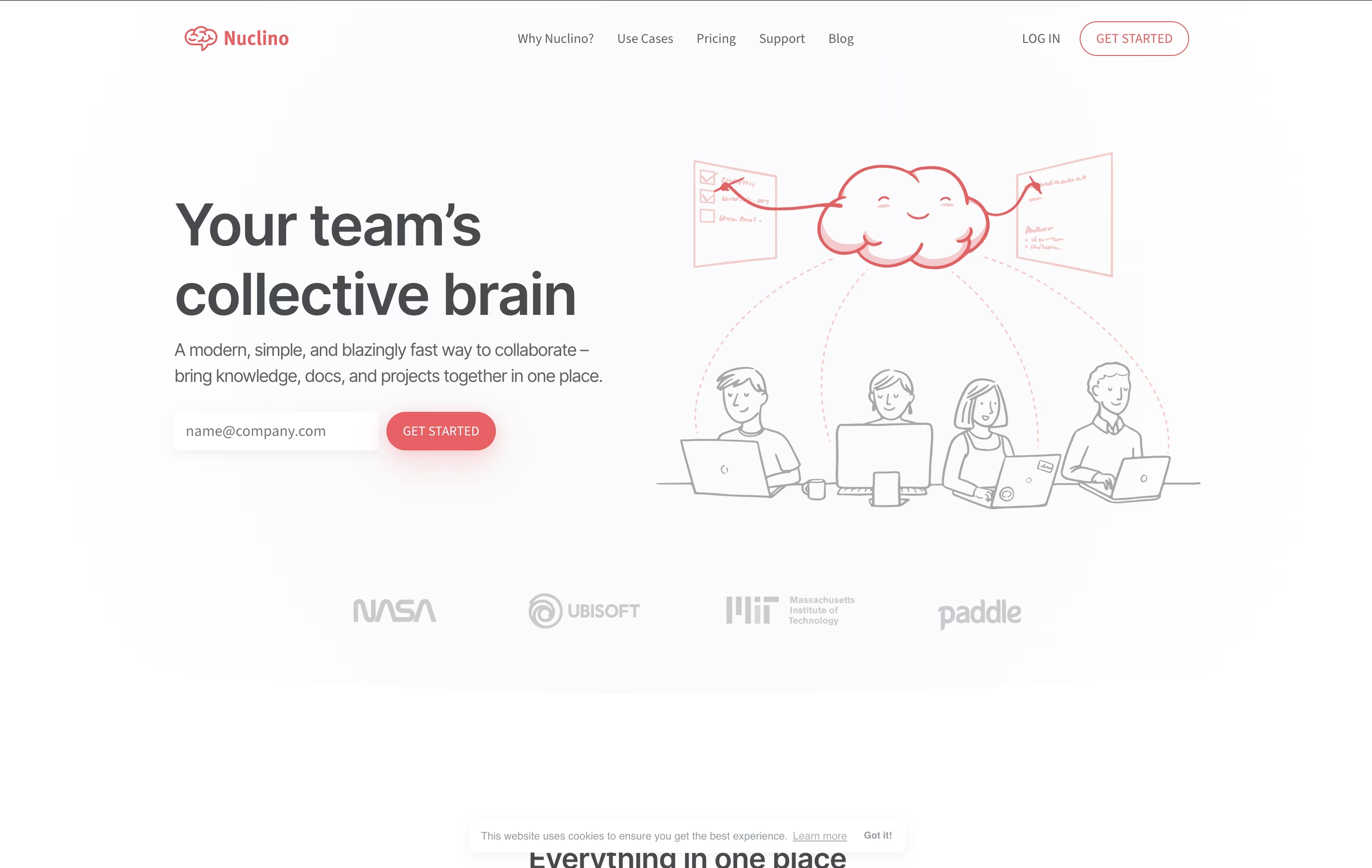 NuclinoSimple Team Knowledge Base and Collaboration Platform,
  Docmost
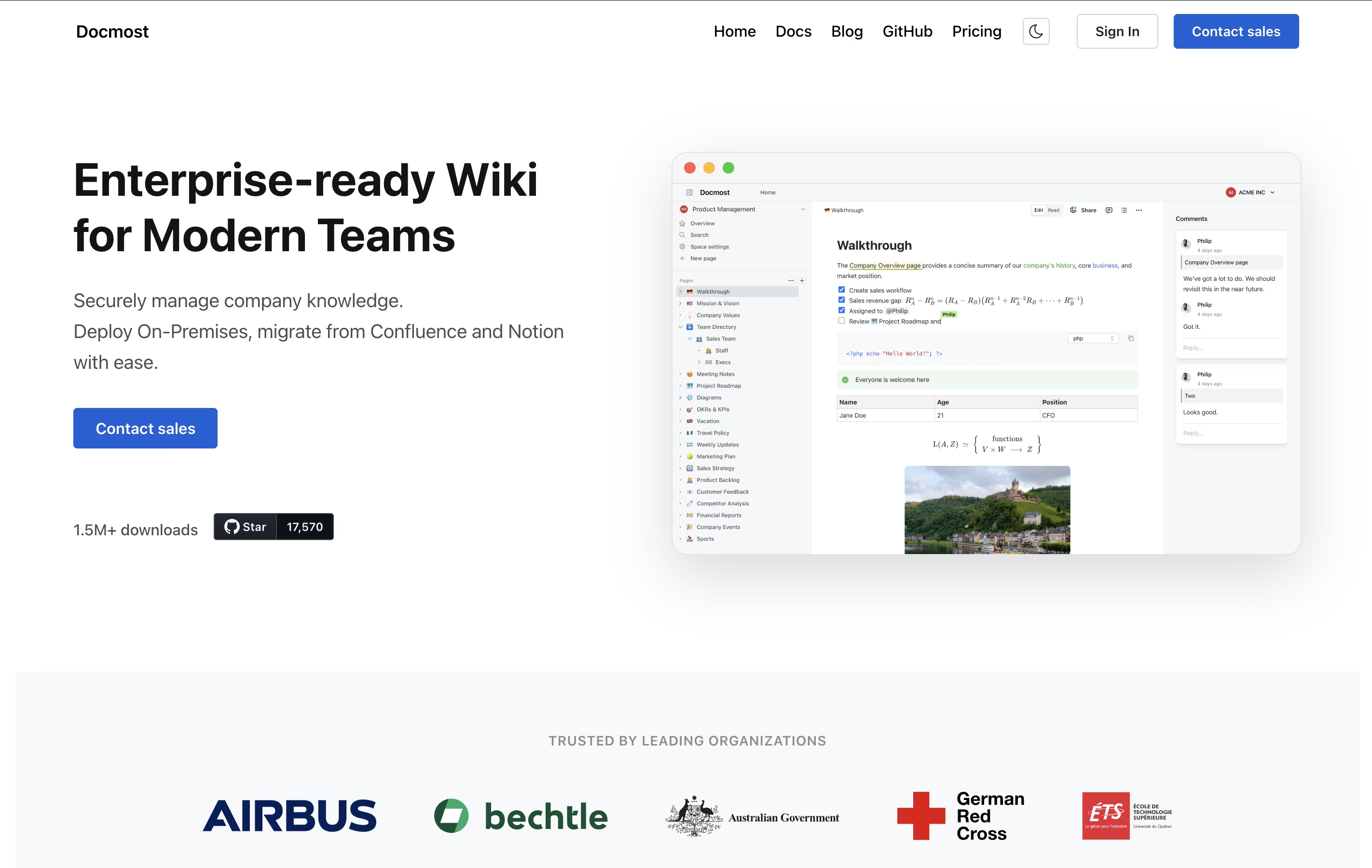 DocmostOpen-Source Wiki for Real-Time Team Collaboration, and
  Craft
Craft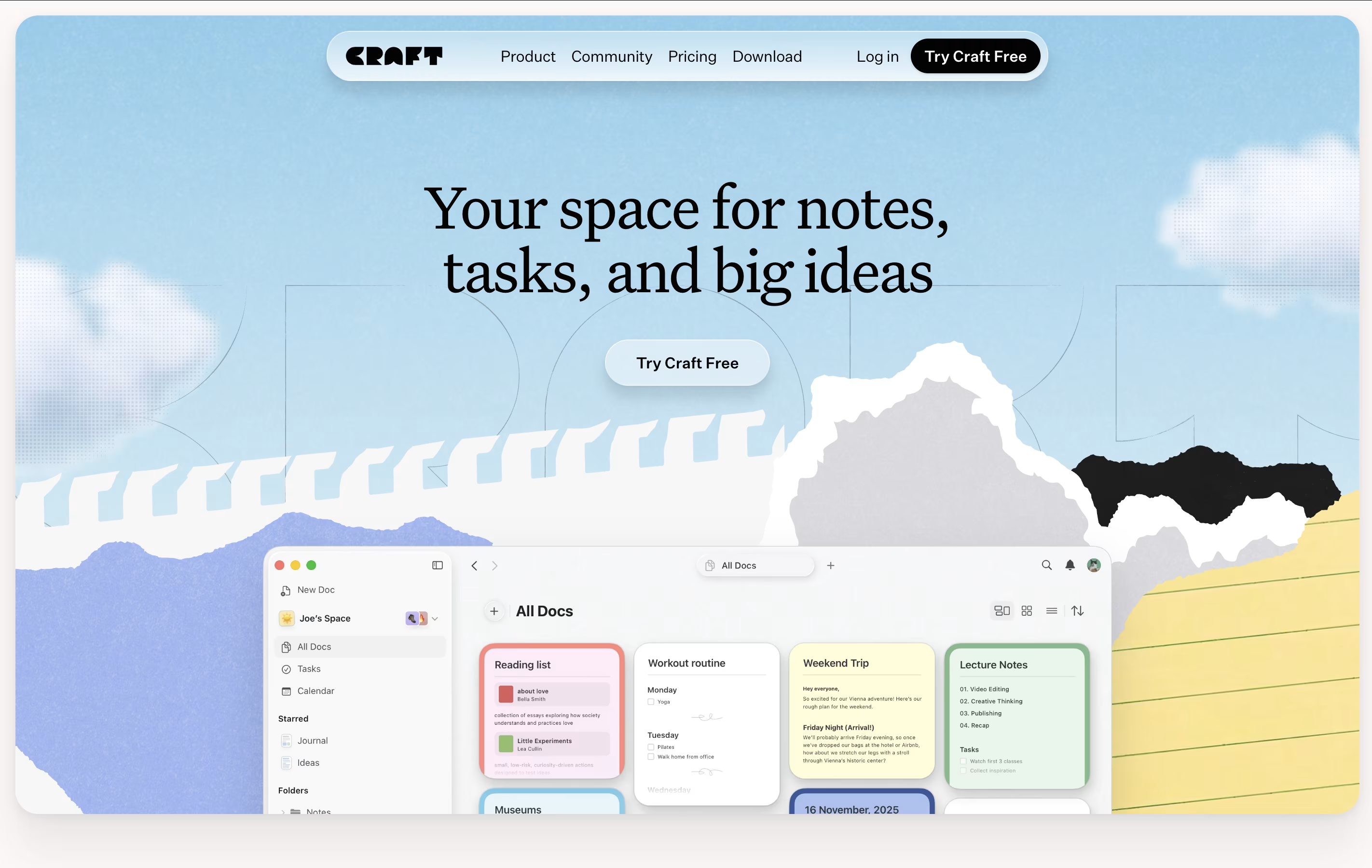 CraftBeautiful Document Editor with AI for Notes, Tasks & Collaboration are the best for Wiki Creation. So, let’s take a closer look at all 6 tools.
Nuclino is a collaborative workspace where teams create and connect documents in real time. You can think of it as a wiki, note-taking app, and project manager combined into one simple tool. Every piece of content you create is called an item, and items can be linked together to show relationships.
The platform offers different ways to view your content: as a list, a board like Kanban, a table, or a graph that shows how everything connects. This flexibility helps teams organize information the way that makes sense for them.
Nuclino also includes Canvas for visual collaboration with diagrams and whiteboards, plus an AI assistant called Sidekick. The Business plan unlocks AI features, advanced security, and unlimited version history for teams with more complex needs.
Docmost is a collaborative documentation platform that lets teams write and organize information together. You can create different spaces for different projects or departments, and each space can have its own set of permissions. This means you control exactly who can see or edit what.
The platform uses a rich text editor that supports everything from basic formatting to advanced features like diagrams, tables, and math formulas. Unlike traditional wikis, Docmost lets multiple team members work on the same document at the same time, and everyone sees the changes instantly.
You can choose to self-host Docmost on your own servers for complete control, or use their managed cloud version. Both options come with the same powerful features for organizing and sharing your team's knowledge.
Craft is a tool for creating documents that look great and work well. You can write notes, manage tasks, build collections of information, and share everything with others. Unlike basic note apps, Craft lets you organize content using cards, pages, and folders that connect together.
The app includes an AI assistant that helps with writing, editing, and organizing your work. You can format text beautifully, add images and videos, create linked pages, and build databases of information. Everything syncs across your iPhone, iPad, Mac, and web browser.
There is a free starter plan with basic features. The Plus plan removes all limits and adds advanced tools. Family and Team plans help groups work together with shared spaces and better collaboration features.
Atlassian is a leading software company that creates collaboration and work management tools designed to help teams of all sizes work more effectively together. Founded by Mike Cannon-Brookes and Scott Farquhar in Sydney, Australia, the company has grown from a bootstrapped startup to a global technology leader.
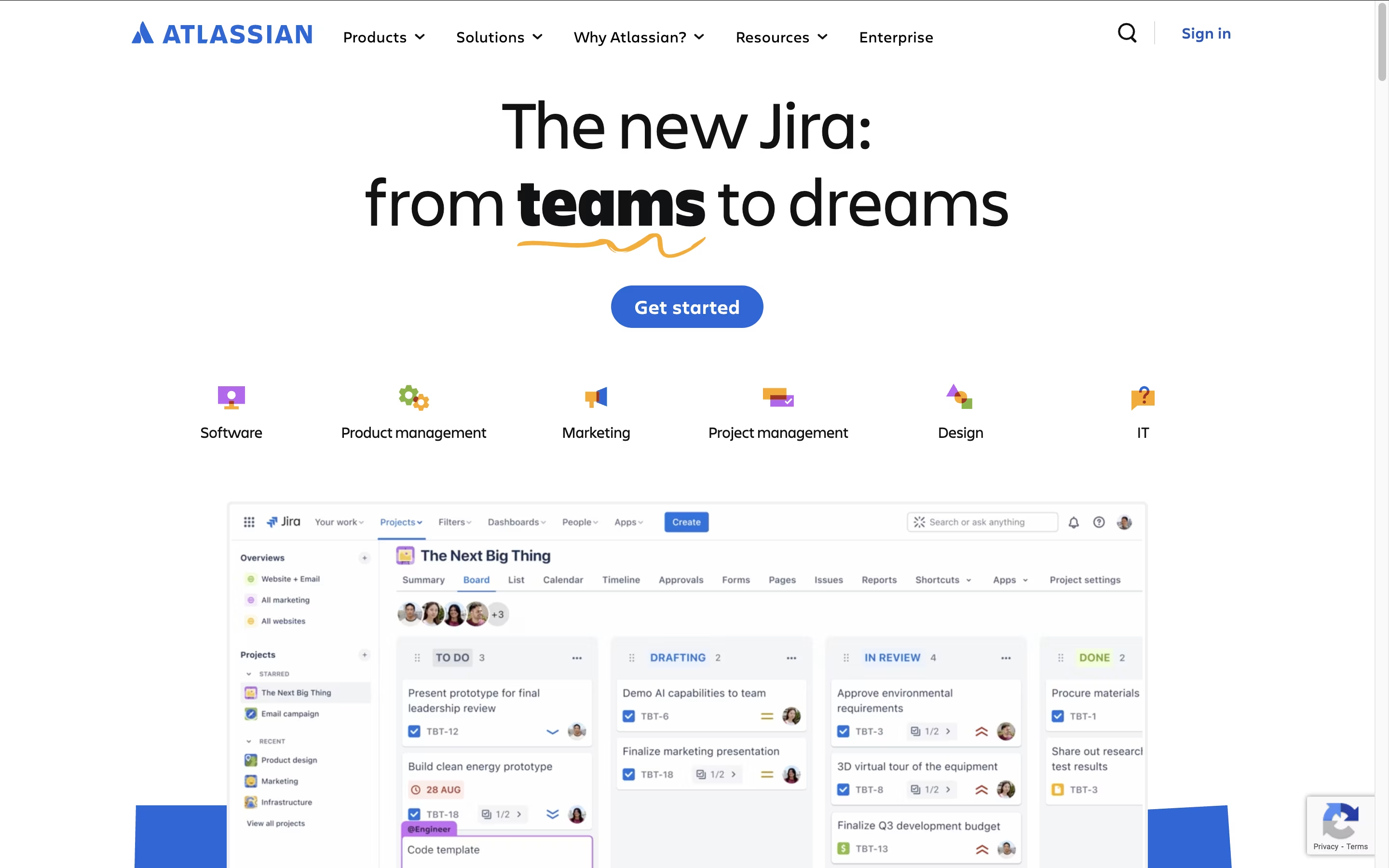
The Atlassian ecosystem centers around four main products that integrate seamlessly. Jira serves as the backbone for project management and issue tracking, particularly popular with software development teams. Confluence acts as a team workspace for creating and sharing knowledge. Trello provides visual project management using boards and cards. Bitbucket handles code collaboration and version control.
What sets Atlassian apart is how these tools work together as a unified system. Teams can link Jira issues to Confluence pages, embed Trello boards in documentation, and track code changes from Bitbucket. This integration eliminates the need to switch between multiple platforms and keeps everyone aligned.
Scribe is an AI-powered documentation tool that automatically creates step-by-step guides by recording your screen actions and converting them into professional tutorials. Think of it as a smart assistant that watches everything you do on your computer and turns those actions into clear, easy-to-follow instructions.
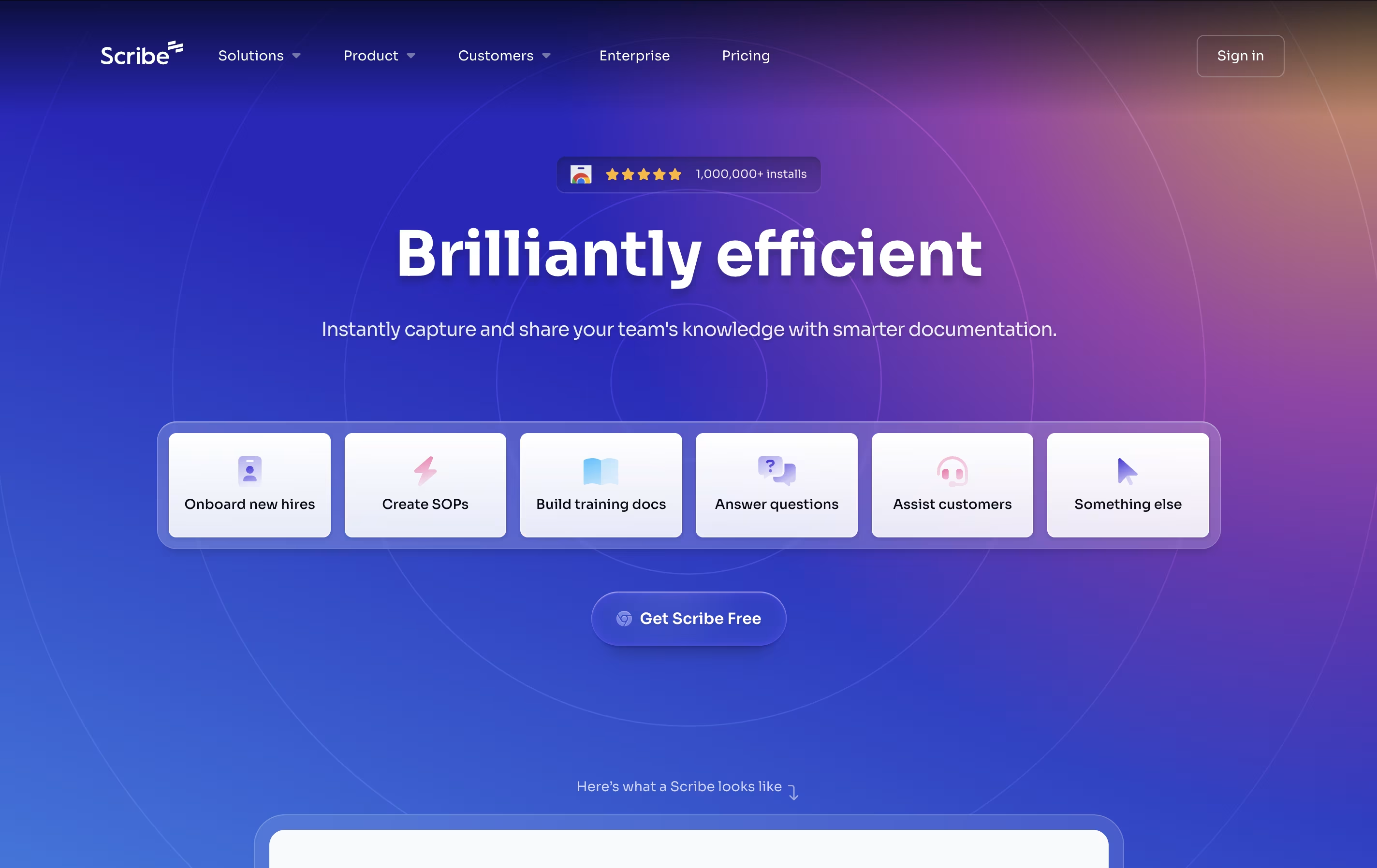
The platform works through a browser extension for web-based tasks and a desktop application for software processes. As you click, type, and navigate through any workflow, Scribe captures each step and automatically generates screenshots with helpful annotations, written instructions, and clickable elements.
What makes Scribe special is its ability to understand context and create meaningful documentation without any manual effort. The tool serves businesses of all sizes, from solo consultants documenting client processes to large companies creating training materials for hundreds of employees. It transforms the tedious task of creating documentation into an automatic, seamless experience.

Notion is a versatile all-in-one workspace that functions like a set of digital building blocks. Think of it as a combination of Google Docs, Trello, Airtable, and Evernote all rolled into one seamless platform. Every page in Notion is built using 'blocks' - individual pieces of content like text, images, databases, or embedded files that you can arrange however you want.
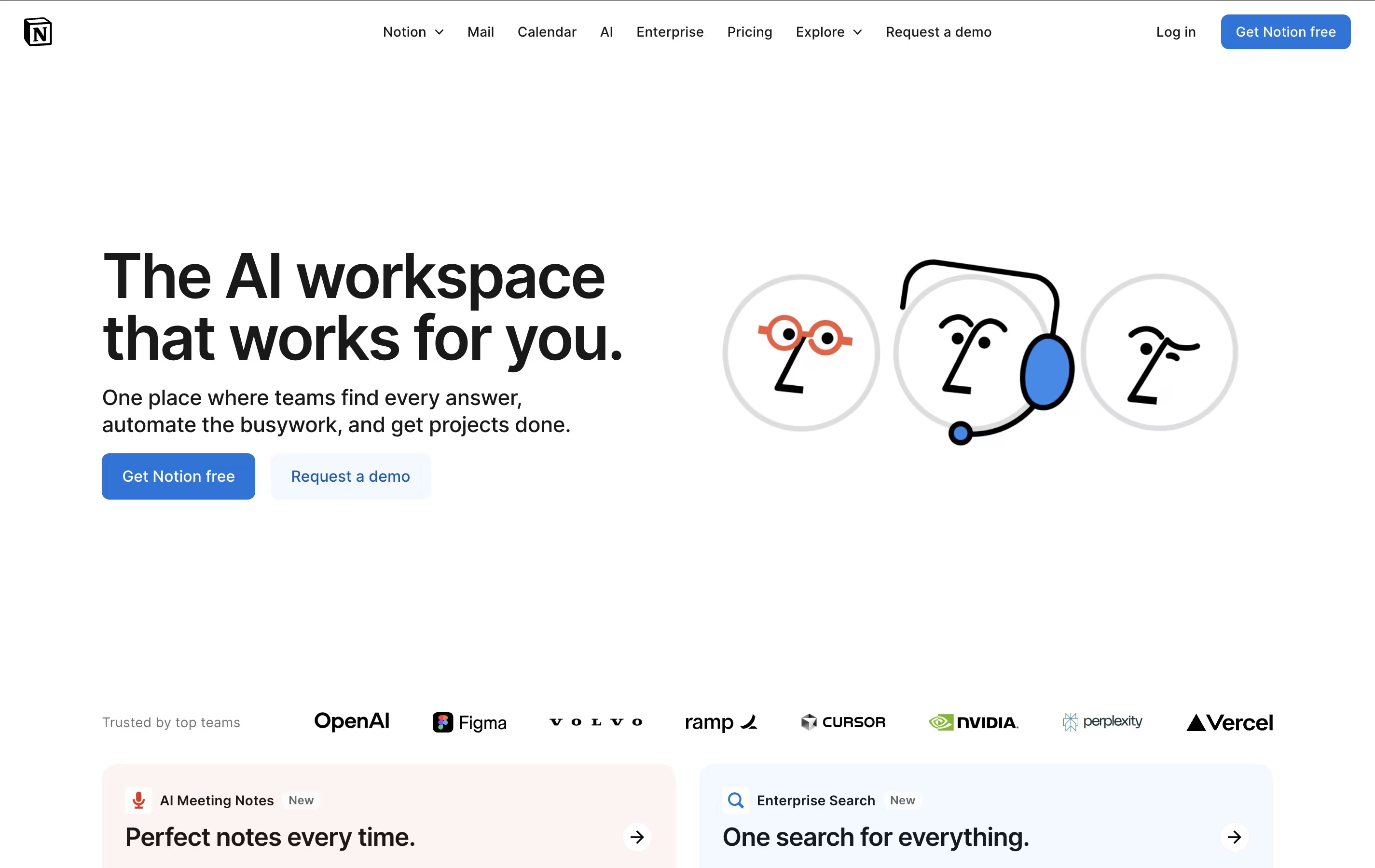
What sets Notion apart is its flexibility. You can create simple notes, complex project management systems, company wikis, or personal journals using the same tool. The platform supports real-time collaboration, allowing teams to work together on documents, databases, and projects simultaneously. With templates for common use cases and the ability to create custom workflows, Notion scales from personal use to enterprise-level operations while maintaining simplicity and elegance.