

Adobe Firefly vs Dreamina: Features, Pricing and User Reviews 2026

What are Adobe Firefly and Dreamina?

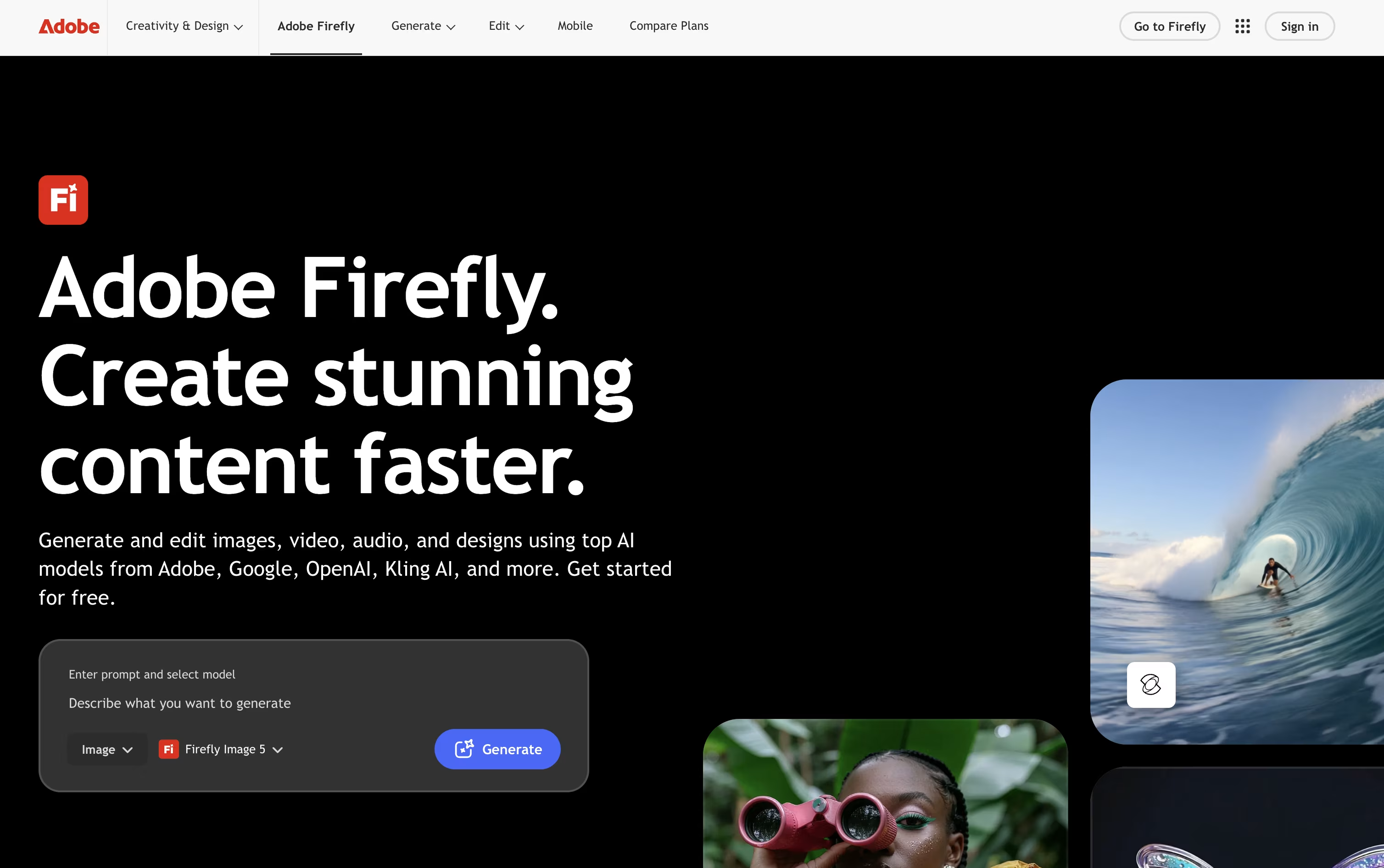
Adobe Firefly is a family of AI tools that helps you create and edit images, video, audio, and vector graphics just by typing what you want. It works as a web app, mobile app, and inside popular Adobe tools like Photoshop and Premiere Pro.
You can generate pictures, turn text into short videos, remove or replace parts of a photo, add background music, and even translate videos into other languages. All this happens through one simple prompt box.
Firefly is built to be safe for business use. It is trained on licensed images, so you can use what you create in real projects without worry.
It also comes with free daily use, plus paid plans that unlock more credits, longer videos, and full access to Photoshop and other Adobe apps.

Dreamina is an AI creative platform from ByteDance, the company behind TikTok and CapCut. It turns simple text prompts, images, or short clips into finished images, videos, and talking avatars. Instead of using several separate apps, you get one place to create, edit, and polish visual content.
The tool runs on ByteDance's own Seedream and Seedance models, which handle image creation and video generation. These models support natural movement, realistic lip sync, and multiple reference inputs, so your results stay consistent and true to your original idea.
Dreamina connects directly with CapCut, letting you send any generated image or video straight into a full video editor for further work. A free plan gives daily bonus credits, while paid plans unlock more generations and higher quality results.
Features of Adobe Firefly and Dreamina
Text to image and video generation
Generative Fill and Expand for photo editing
Background music and sound effect generation
Text to speech and audio translation
Vector graphics and brand kit creation
Firefly Boards for mood boards and storyboards
AI Assistant for multi step workflows
Works inside Photoshop, Premiere Pro, and Illustrator
Commercially safe outputs with Content Credentials
Free daily use plus paid plans
AI image and video generation from text or photos
Talking avatar creation with realistic lip sync
Smart photo editing and background removal
Multi-reference video generation with audio
Direct CapCut integration for editing
Up to native 4K video and image output
Daily free bonus credits
Multilingual prompt and text support
Web, desktop, and mobile apps
Use Cases of Adobe Firefly and Dreamina
Pricing of Adobe Firefly and Dreamina
Adobe Firefly offers a free plan with daily generations, plus four paid plans for individuals.
Firefly Standard ($9.99/month): 2,000 credits per month with basic image and video tools.
Firefly Pro ($19.99/month): 4,000 credits, unlimited access to select models, and full access to Photoshop and Adobe Express Premium.
Firefly Pro Plus ($34.97/month, 30% off the first year): 10,000 credits and unlimited generations on more image and video models.
Firefly Premium ($139.91/month, 30% off the first year): 50,000 credits and unlimited access to the Firefly Video Model.
Business plans start at $19.99 per license per month, billed annually, and add admin tools plus 24x7 support. The Pro Plus and Premium discounts end October 21, after which prices return to $49.99 and $199.99 per month.
Dreamina has four plans: Free, Basic, Standard, and Advanced.
Free ($0): Gives daily bonus credits so you can try the tool at no cost.
Basic ($15/month or $144.99/year, about $12.09/month): Includes 1,575 credits a month, watermark-free downloads, higher video resolution, up to 60 FPS, lip sync, and a fast queue.
Standard ($35/month or $334.99/year, about $27.92/month): Same features as Basic, with 3,885 credits a month.
Advanced ($70/month or $669.99/year, about $55.84/month): Includes 8,645 credits a month, the highest-priority queue, and free unlimited 4K generation with Seedream 4.0 for a limited time.
Choosing yearly billing instead of monthly saves roughly 20% across all paid plans.
FAQs: Adobe Firefly vs Dreamina
Reviews: Adobe Firefly vs Dreamina
Based on 0 reviews
Based on 0 reviews
Compare Adobe Firefly With Other Tools

OpenArt
AI Studio for Images, Video and Audio

Midjourney
Create AI Art and Video Instantly

Runway
AI Video, Image, and Audio Creation Tool

Higgsfield
AI Video & Image Creation Studio

ImagineArt
All-in-One AI Creative Suite Tool

FLORA
AI Creative Canvas for Design Studios

Leonardo AI
Create AI Images, Video & 3D Art

Recraft
AI Design Tool for Images & Vectors

Luma AI
Creative AI Video and Image Platform
Compare Dreamina With Other Tools
OpenArt
AI Studio for Images, Video and Audio
Higgsfield
AI Video & Image Creation Studio
ImagineArt
All-in-One AI Creative Suite Tool

Artlist
AI Video, Music & Stock Creative Tools
Runway
AI Video, Image, and Audio Creation Tool

Krea
Creative Suite for Images and Video

Getimg.ai
The All-in-One AI Creative Platform
Luma AI
Creative AI Video and Image Platform

Hailuo AI
Turn Text and Photos into AI Videos

