

Aqua Voice vs Wispr Flow: Features, Pricing and User Reviews 2026
What are Aqua Voice and Wispr Flow?

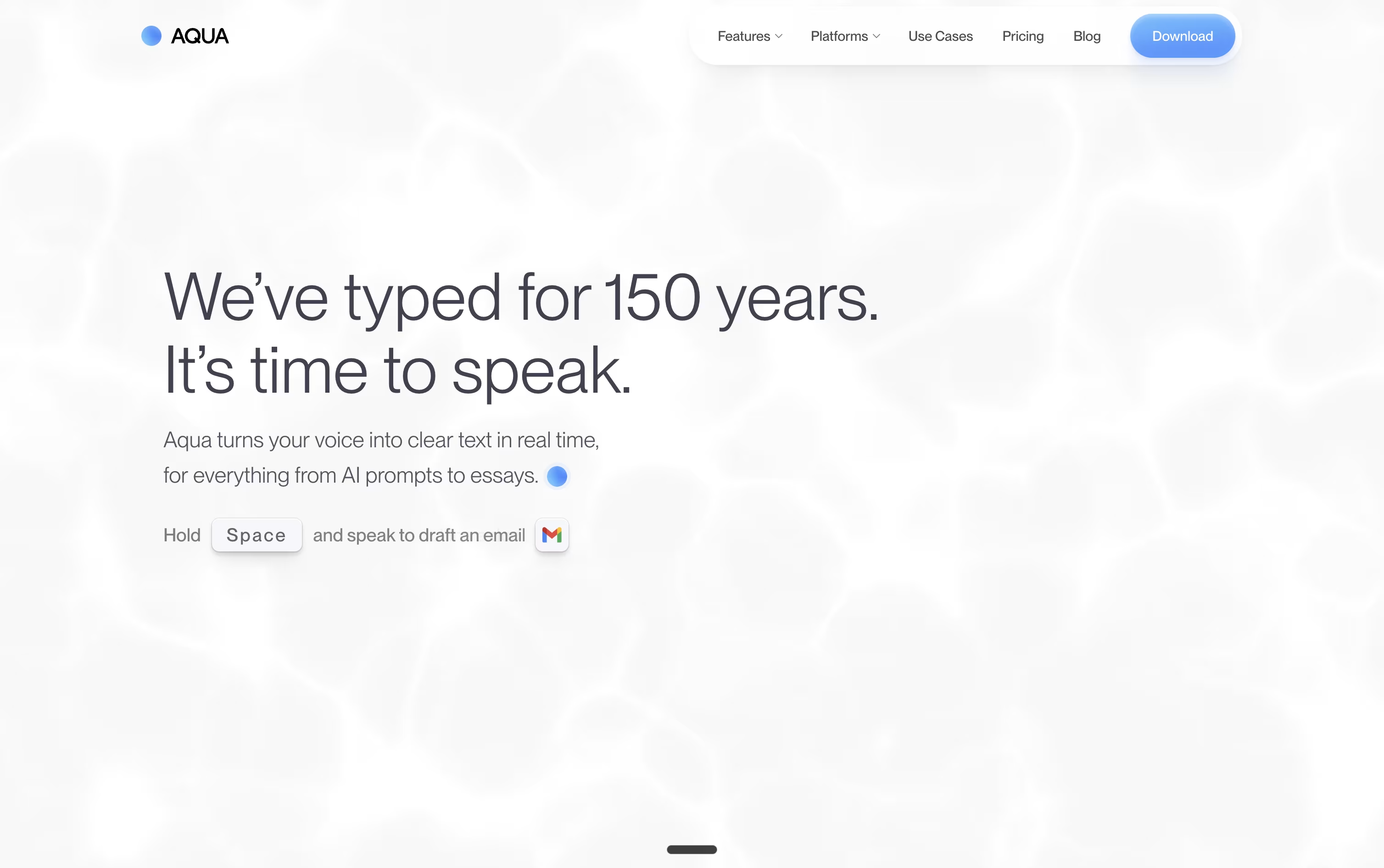
Aqua Voice is a voice typing tool that lets you speak into any app on your computer or phone and get clean, ready-to-use text right away. You hold a key, talk normally, and your words show up formatted, whether you are writing code, emails, or chat messages.
It runs on its own speech model called Avalon, built to understand technical words like code commands and AI tool names better than many other voice tools. This makes it useful for developers and anyone who often uses technical terms.
Aqua Voice offers a free plan to try it out, plus paid plans that add unlimited dictation, stronger accuracy, and extra tools for individuals, teams, and larger organizations.

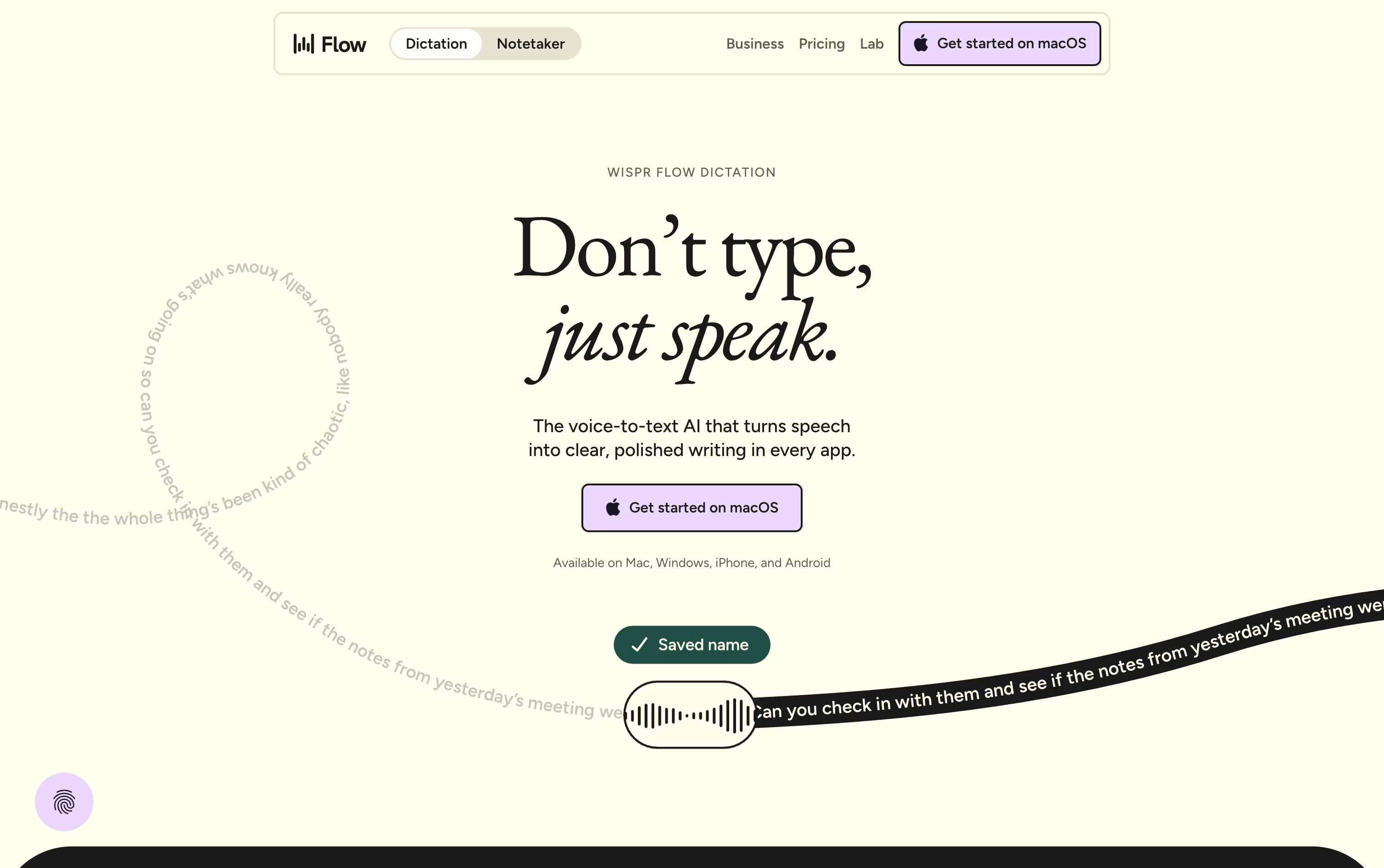
Wispr Flow is a voice dictation tool that turns your natural speech into clean, polished text. You can ramble, correct yourself, or mix in filler words, and Flow cleans everything up before placing it right into the app you are using.
It works system wide across Mac, Windows, iOS, and Android, so you can dictate emails, messages, notes, and even code without switching tools or copying and pasting anything.
Flow also comes with a meeting notetaker, a personal dictionary that learns your names and jargon, and voice shortcuts called snippets for text you type often.
There is a free plan for individuals, a paid Pro plan for unlimited use, and a custom Enterprise plan built for teams that need extra security.
Features of Aqua Voice and Wispr Flow
Real-time voice-to-text streaming
Works in any app on Mac, Windows, or iPhone
Avalon model tuned for technical speech
Custom dictionary for names and jargon
Custom writing instructions and style rules
Voice-based Edit Mode for quick changes
File tagging for coding tools
Supports around 49 languages
History of past dictation sessions
SOC 2 Type II certified privacy
Real-time AI cleanup of speech into clean text
Works across Mac, Windows, iOS, and Android
Support for 100+ languages
Personal dictionary for names and jargon
Voice snippets for common phrases
Meeting notetaker with speaker identification
Transforms for rewriting dictated text
HIPAA-ready privacy and security controls
Shared dictionaries and admin controls for teams
Enterprise SSO, SCIM, and compliance certifications
Use Cases of Aqua Voice and Wispr Flow
Pricing of Aqua Voice and Wispr Flow
Aqua Voice keeps pricing simple, with a free plan and paid tiers for heavier use. Billing can be monthly or yearly, and yearly billing saves 20%.
Starter (Free): 1,000 free words, the Aqua Engine, and 5 custom dictionary entries.
Pro ($10/month or $8/month yearly): Unlimited words, the Avalon model, 800 dictionary entries, and custom instructions.
Max ($30/month or $24/month yearly): Everything in Pro, plus realtime mode, voice commands, and priority support.
Team ($15/user/month or $12/user/month yearly): Everything in Pro with shared billing and team-wide settings.
Enterprise (Custom pricing): Single sign-on, zero data retention, advanced reporting, and volume discounts.
Students also get 70% off Pro and Max, and any plan can be cancelled at any time.
Wispr Flow offers three plans to fit different needs.
Free ($0/month): Core dictation across all supported apps, 100+ languages, a personal dictionary, and a Mac notetaker, with weekly word and meeting limits.
Pro ($15/user/month, or $12/user/month billed annually): Unlimited dictation, higher meeting limits, extended note retention, advanced AI models, early feature access, and basic team tools like centralized billing.
Enterprise (custom pricing): Everything in Pro plus SOC 2 Type II, ISO 27001, HIPAA-ready BAA, SAML SSO, SCIM, audit logs, MDM, dedicated support, and volume discounts.
The Pro annual option saves 20% compared to paying monthly, working out to about $144 per user each year.
FAQs: Aqua Voice vs Wispr Flow
Reviews: Aqua Voice vs Wispr Flow
Based on 0 reviews
Based on 0 reviews
Compare Aqua Voice With Other Tools

Deepgram
AI Voice Platform for Speech Recognition APIs

RecCloud
AI-Powered Speech to Text, Subtitles & Video Creation Platform

Monologue
AI Voice Dictation for Clean Text

Voibe
Private AI Dictation for Mac & Windows

Typeless
AI Voice Keyboard That Writes for You
VoiceInk
Private AI Dictation for Mac & iOS
VoiceTypr
Private Offline AI Voice Dictation
AudioPen
Turn Rambling Speech Into Clean Text

Letterly
AI Voice Dictation & Note Taking App
Compare Wispr Flow With Other Tools
Monologue
AI Voice Dictation for Clean Text
Typeless
AI Voice Keyboard That Writes for You
Deepgram
AI Voice Platform for Speech Recognition APIs
RecCloud
AI-Powered Speech to Text, Subtitles & Video Creation Platform

Willow Voice
Smarter AI Voice Dictation Tool
Superwhisper
AI Voice Dictation for Any App
VoiceInk
Private AI Dictation for Mac & iOS
Voibe
Private AI Dictation for Mac & Windows
AudioPen
Turn Rambling Speech Into Clean Text