

AudioPen vs Voicenotes: Features, Pricing and User Reviews 2026
AudioPen
AI Voice to Text Tool for Clear Writing
AudioPen
AI Voice to Text Tool for Clear Writing
What are AudioPen and Voicenotes?
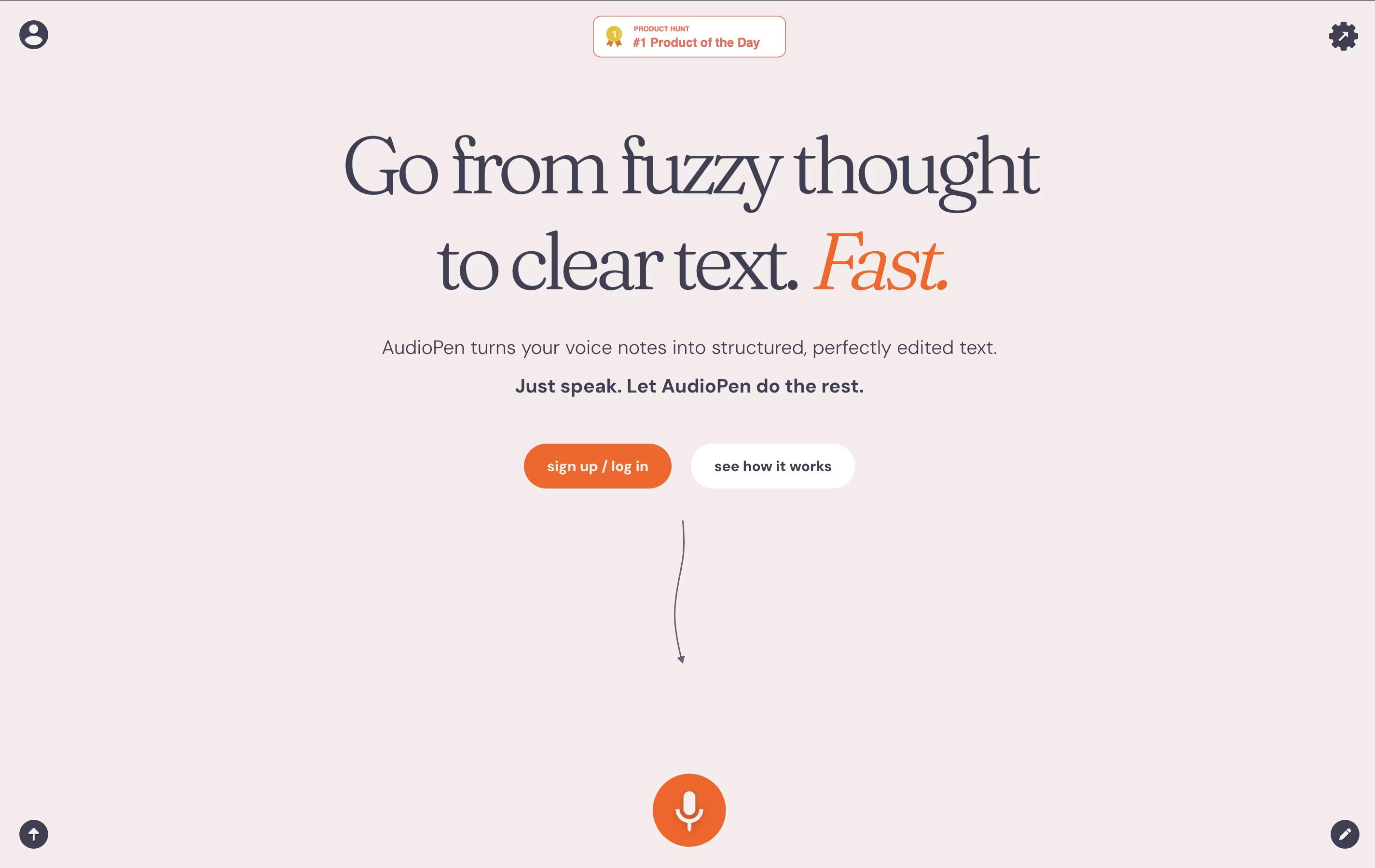
AudioPen is an AI-powered voice-to-text tool designed to convert unstructured voice recordings into clear, well-organized written content. Unlike basic transcription services that simply convert speech to text word-for-word, AudioPen uses advanced artificial intelligence to understand, clean up, and improve your spoken thoughts.
The platform processes your voice recordings through sophisticated language models that remove filler words like "um" and "uh," fix grammar issues, and reorganize your ideas into coherent paragraphs. This means you can speak naturally without worrying about perfect delivery, and still receive professional-quality written output.
Built by indie developer Louis Pereira, AudioPen started as a simple experiment with OpenAI's APIs but quickly gained popularity due to its effectiveness. The tool supports multiple languages and offers various writing styles, making it versatile for different types of content creation from casual notes to formal documents.

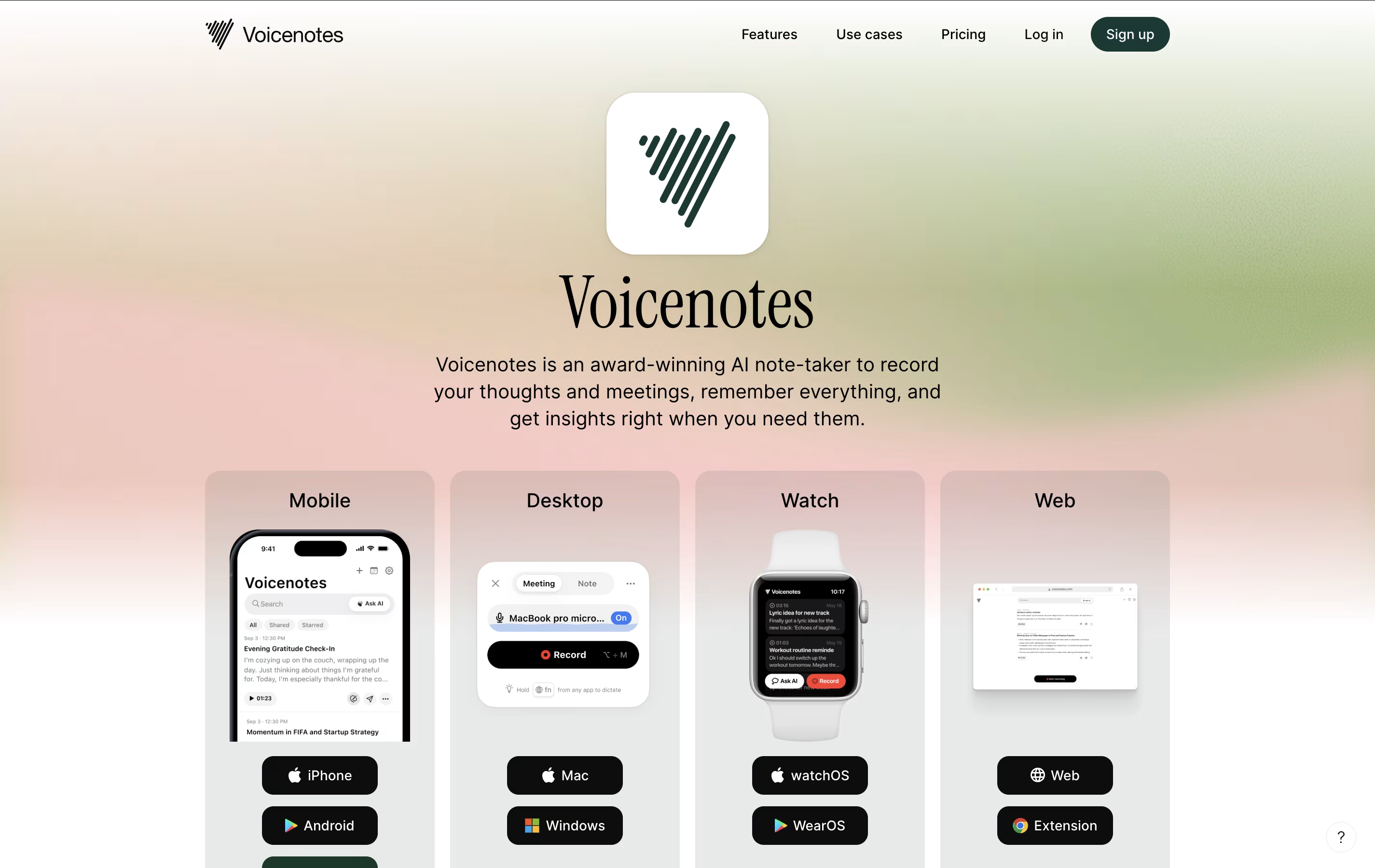
Voicenotes is a smart AI-powered note-taking app that converts your spoken words into organized, searchable text notes. Created by the founder of Buy Me A Coffee, this tool combines voice recording with advanced AI technology to make note-taking simple and efficient.
The app works by recording your voice, automatically transcribing it into text with high accuracy, and then using AI to help you organize and interact with your notes. What makes it special is its ability to understand context and meaning from your recordings, not just transcribe words.
You can ask the AI questions about your past notes, create summaries, generate to-do lists, or even turn your voice recordings into blog posts or social media content. The app supports over 100 languages and works across all your devices, making it accessible to users worldwide who want to capture thoughts quickly and accurately.
Features of AudioPen and Voicenotes
AI-powered voice-to-text conversion with automatic cleanup
Multiple writing styles and tones available
Multi-language transcription and processing support
Chrome extension for browser-based recording
Zapier integration for workflow automation
Text summarization and content organization
Free plan with 3-minute recordings
Prime plan with extended 15-minute sessions
Mobile and desktop compatibility
Easy sharing and export options
Real-time voice transcription in 100+ languages
AI assistant for note queries and content creation
Cross-platform support (iOS, Android, web, desktop)
Meeting recording with speaker identification
Integration with popular productivity tools
Offline recording capabilities
Smart search across all notes
Content transformation (blogs, social media, summaries)
Note sharing and collaboration features
Voice-to-voice AI interaction
Use Cases of AudioPen and Voicenotes
Pricing of AudioPen and Voicenotes
AudioPen offers flexible pricing to accommodate different user needs and usage patterns. The platform operates on a freemium model that lets you experience the core functionality before upgrading.
Free Plan: Provides unlimited basic recordings with a 3-minute limit per session. This includes access to the core transcription features, basic writing styles, and standard processing speed. Perfect for trying the service and light usage.
AudioPen Prime ($75/year): Unlocks the full potential with 15-minute recording sessions, priority processing, advanced AI models, and premium writing styles. Prime users get access to custom voice training, enhanced accuracy, and Zapier integrations.
The pricing model uses annual billing to keep costs affordable while ensuring consistent service quality. AudioPen occasionally offers special promotions for early adopters and students. All plans include the same core AI technology, with Prime providing enhanced features and longer recording capabilities for power users.
Voicenotes offers flexible pricing plans to suit different user needs. The Free Plan provides access to basic features with limited recording time, perfect for trying out the app and light usage.
Monthly Plan is available for regular users who want unlimited recording and advanced AI features. Yearly Plan offers the best value with significant savings compared to monthly billing, and often includes special launch discounts.
For businesses and teams, Voicenotes Teams provides collaborative features with usage-based pricing starting at $49 for 10,000 minutes for the entire team. This plan is designed for organizations that want to share access without paying per user.
All paid plans include unlimited recording time, advanced AI models, priority support, and full access to integrations with popular productivity tools. The company offers a 30-day money-back guarantee for all paid subscriptions, making it risk-free to upgrade.
FAQs: AudioPen vs Voicenotes
Reviews: AudioPen vs Voicenotes
Based on 0 reviews
Based on 0 reviews
Compare AudioPen With Other Tools



Compare Voicenotes With Other Tools

Otter.ai
AI Transcription & Meeting Assistant Tool

Grain
Meeting Notetaker for Growing Teams

Granola
Smart Meeting Notes Without Bots

Fireflies.ai
AI Meeting Assistant & Note Taker

Alter
Native macOS Assistant for Voice Workflows

Krisp
Smart Noise Cancellation & Meeting Tool

MeetGeek
AI Meeting Assistant for Automatic Recording & Transcription