

Voicenotes vs Granola: Features, Pricing and User Reviews 2026
What are Voicenotes and Granola?

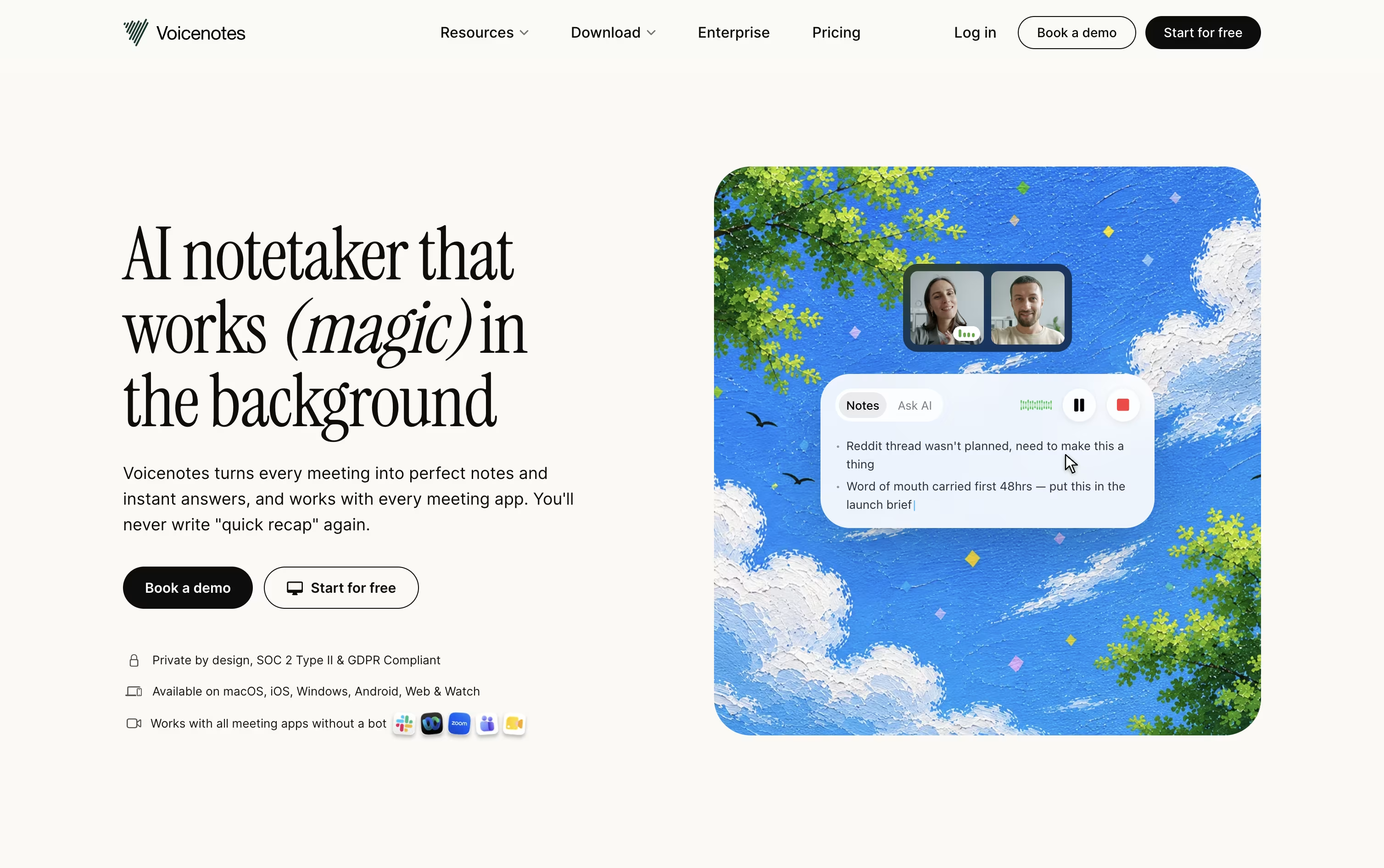
Voicenotes is an AI notetaker built for recording meetings, memos, and personal voice notes without needing a meeting bot. You simply hit record, speak freely, and the app turns your voice into a clean transcript within moments.
After each recording, Voicenotes creates a summary, key points, and action items automatically. It works across web, iOS, Android, Mac, Windows, and Chrome, so your notes stay in sync no matter which device you use.
Its Ask AI feature lets you search and ask questions across your full note history, working like a personal second brain. There is a free plan, plus paid plans for individuals, teams, and large organizations.

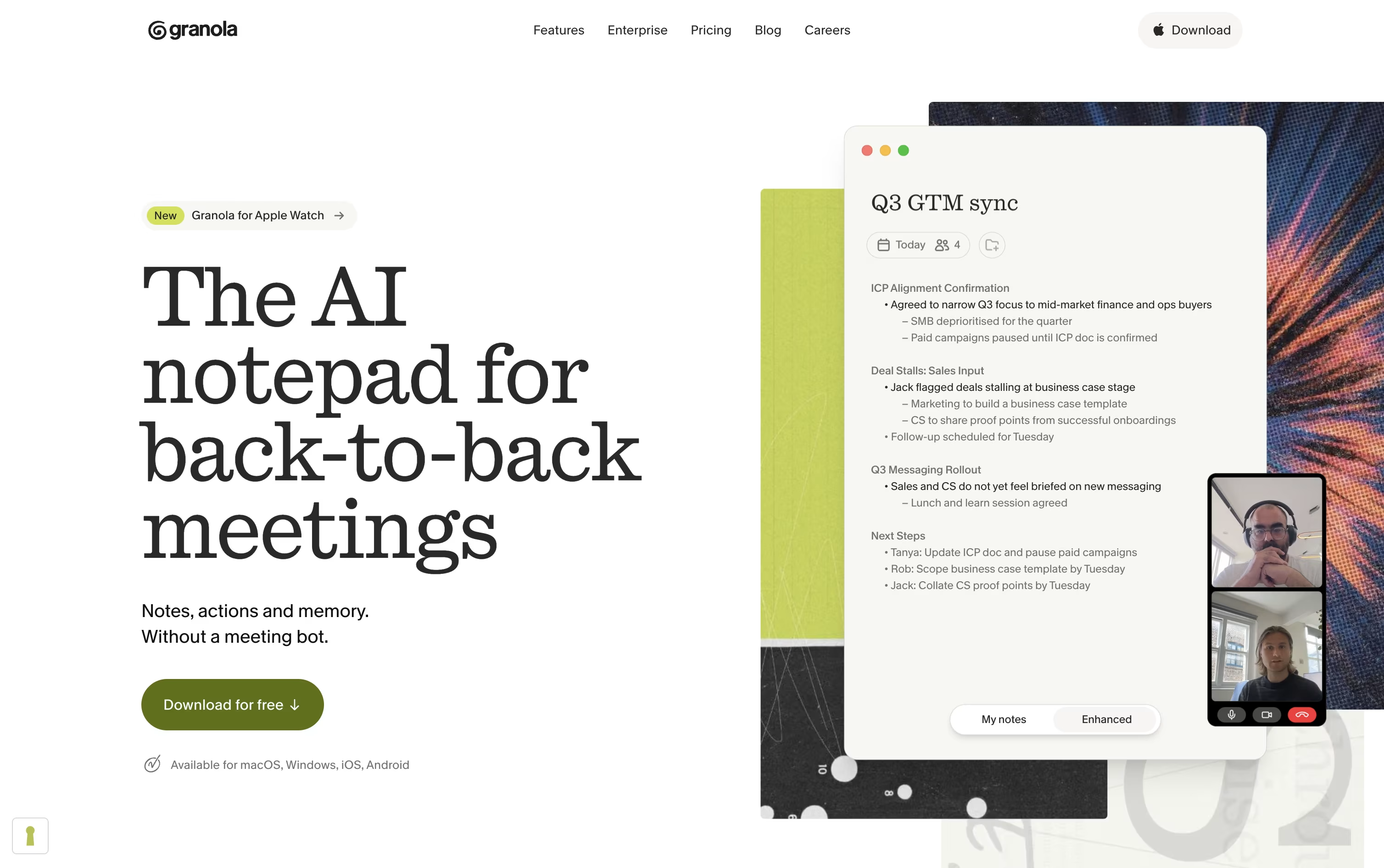
Granola is an AI notepad built for people who spend their day in back-to-back meetings. Instead of sending a bot into your call, it runs quietly in the background on your device, listens to the conversation, and blends it with any rough notes you type.
After the meeting, it turns everything into clear notes with highlights, decisions, and action items you can edit and share. It works across video calls, phone calls, and in-person conversations, and keeps your notes private unless you choose to share them.
Granola also remembers your meeting history, so you can search past conversations or chat with an AI assistant to find what was discussed or promised, saving you time on manual note taking.
Features of Voicenotes and Granola
Record meetings, memos, and voice notes easily
Accurate transcripts in 100+ languages
Instant summaries and action items
Ask AI to search your note history
Voicenotes MCP for Claude and ChatGPT
System wide dictation on iOS, Mac, Windows
Team channels for shared notes
Zapier, Notion, Obsidian, and WhatsApp integrations
Works on web, mobile, and desktop apps
Data never used to train AI models
Background audio capture with no bot joining calls
AI-enhanced meeting notes and summaries
Pre-meeting Briefs with attendee context
Granola Chat across all your meetings
Multi-language transcription support
Shared folders and Team Spaces
Custom note templates
Slack, Notion, HubSpot, and Zapier integrations
API and MCP access
Mac, Windows, iOS, and Android apps
Use Cases of Voicenotes and Granola
Pricing of Voicenotes and Granola
Voicenotes offers three simple plans to fit different needs. The Basic plan is free and includes unlimited recordings, 100 weekly transcription minutes, support for 100+ languages, and 30 days of note history.
The Pro plan costs $9 per user per month and adds unlimited transcription, real time notes, live transcription, Voicenotes MCP, unlimited history, unlimited audio imports, and advanced integrations like Zapier, Notion, and WhatsApp.
For larger teams, the Enterprise plan costs $24 per user per month and includes everything in Pro, plus SSO, SCIM provisioning, enterprise level security, consent management, custom CRM integrations, and a dedicated success manager.
Granola offers three pricing tiers: Basic, Business, and Enterprise.
Basic (Free): Includes AI meeting notes, limited meeting history, AI chat, shared folders, custom templates, and multi-language support.
Business ($14/user/month): Adds unlimited meeting notes and history, advanced AI models, integrations with Slack, Notion, HubSpot, Attio, Affinity, and Zapier, centralized billing, MCP integration, and API access.
Enterprise ($35/user/month): Includes everything in Business plus enterprise-grade security, single sign-on, priority support, usage analytics, org-wide auto-deletion, and admin controls for sharing and API access.
All plans are billed per user, so your total cost depends on how many people on your team use Granola.
FAQs: Voicenotes vs Granola
Reviews: Voicenotes vs Granola
Based on 0 reviews
Based on 0 reviews
Compare Voicenotes With Other Tools

Littlebird
Your AI Powered Second Mind at Work

Grain
AI Meeting Notetaker for Sales and CS Teams

Tana
Agentic Meeting Platform Powered by AI

Jamie
AI Meeting Notes, Transcripts & Tasks

Otter.ai
AI Meeting Notes and Transcription
Wispr Notetaker
Bot-Free AI Meeting Assistant

Circleback
AI Meeting Notes and Action Items

Fireflies.ai
AI Meeting Notes & Transcription
Notta
AI Meeting Notes, Transcripts & Summaries
Compare Granola With Other Tools
Jamie
AI Meeting Notes, Transcripts & Tasks
Grain
AI Meeting Notetaker for Sales and CS Teams
Otter.ai
AI Meeting Notes and Transcription
Wispr Notetaker
Bot-Free AI Meeting Assistant
Littlebird
Your AI Powered Second Mind at Work
Tana
Agentic Meeting Platform Powered by AI
Notta
AI Meeting Notes, Transcripts & Summaries

Supernormal
Bot-Free AI Meeting Notes & Agents
Circleback
AI Meeting Notes and Action Items




