

Voicenotes vs Circleback: Features, Pricing and User Reviews 2026
What are Voicenotes and Circleback?

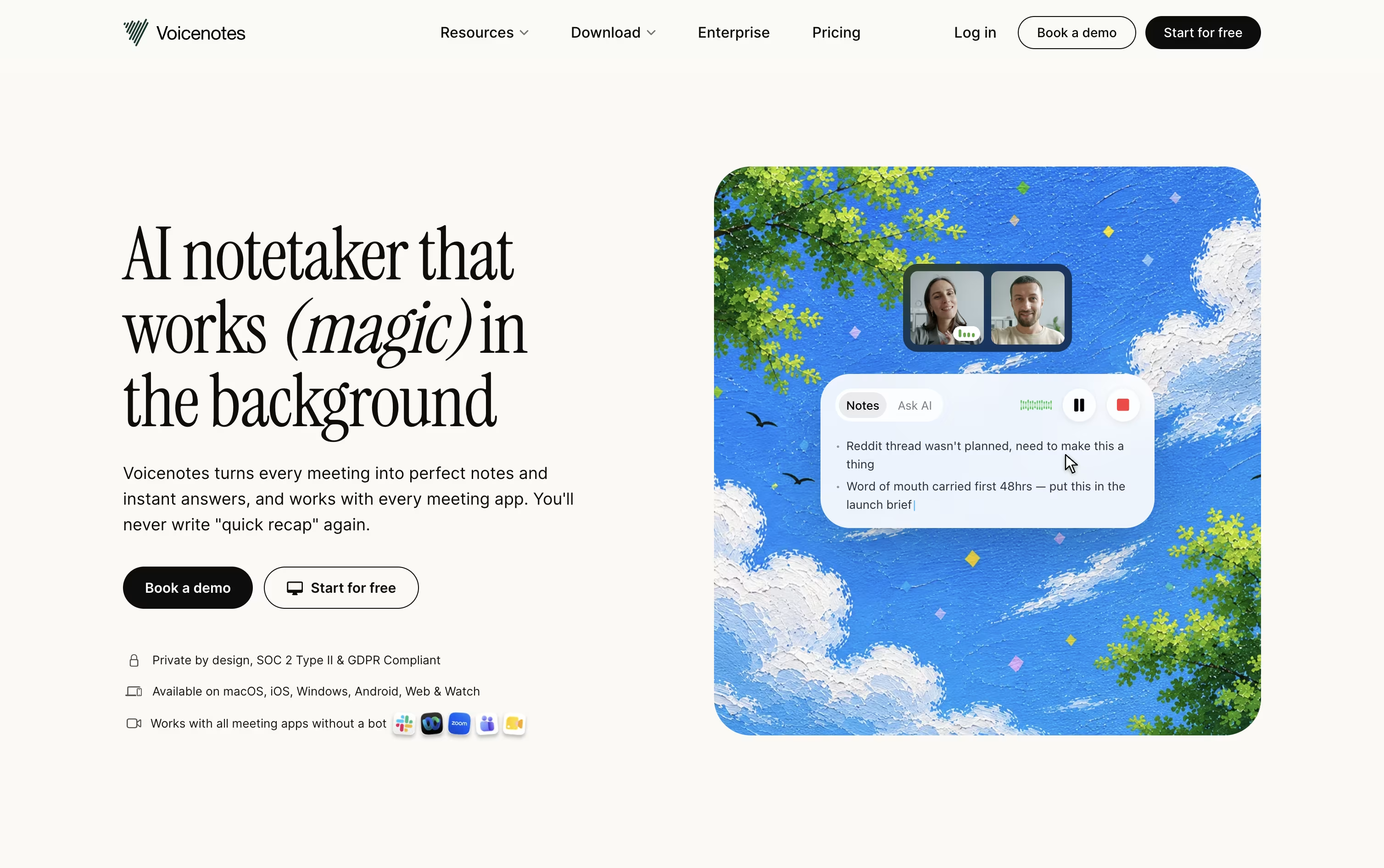
Voicenotes is an AI notetaker built for recording meetings, memos, and personal voice notes without needing a meeting bot. You simply hit record, speak freely, and the app turns your voice into a clean transcript within moments.
After each recording, Voicenotes creates a summary, key points, and action items automatically. It works across web, iOS, Android, Mac, Windows, and Chrome, so your notes stay in sync no matter which device you use.
Its Ask AI feature lets you search and ask questions across your full note history, working like a personal second brain. There is a free plan, plus paid plans for individuals, teams, and large organizations.

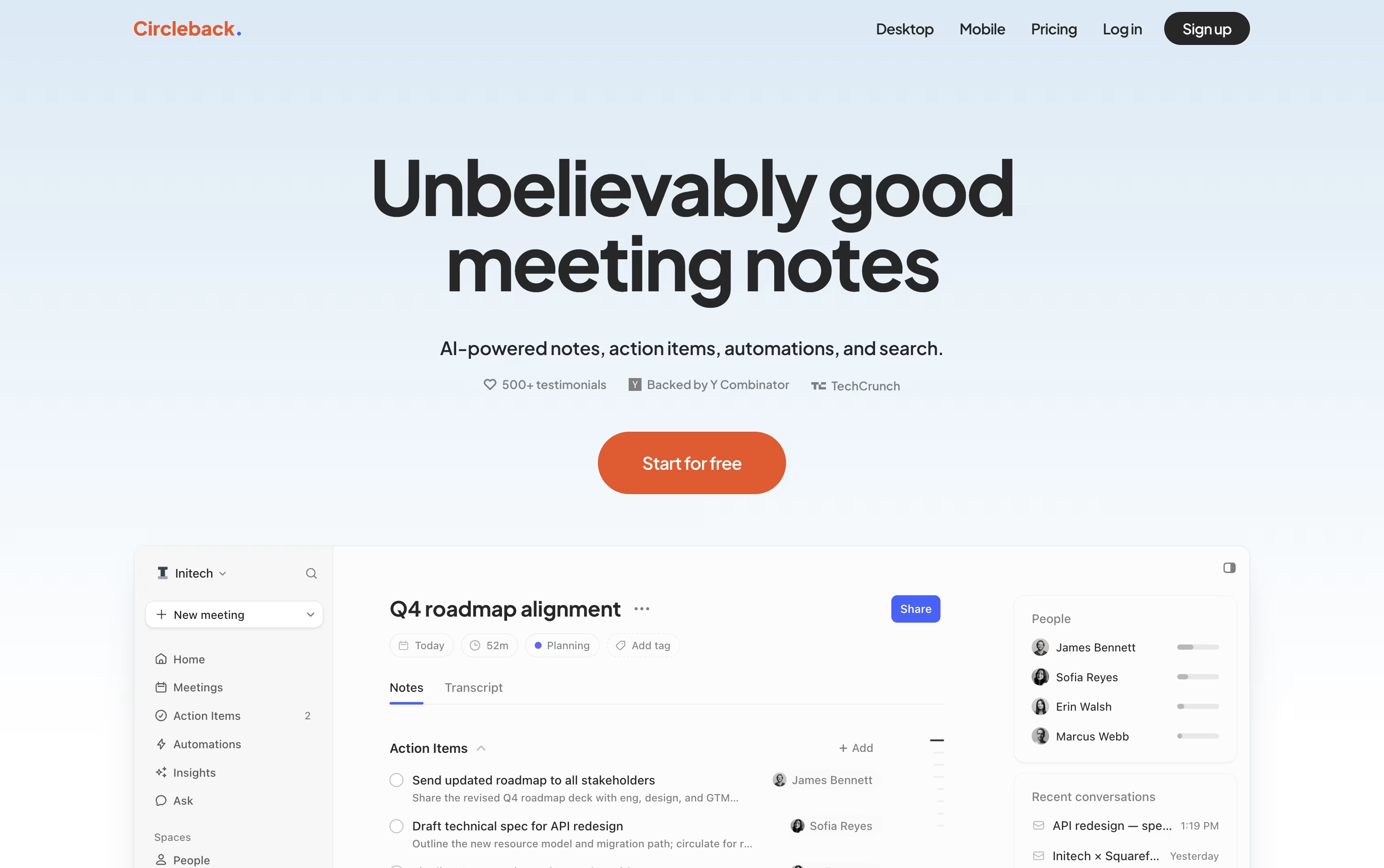
Circleback is an AI meeting assistant that records your calls and meetings, then turns them into clear notes, assigned action items, and a searchable history you can question anytime.
It works with Zoom, Google Meet, Microsoft Teams, Slack huddles, and more, and it can also capture in-person talks or uploaded audio and video files.
Beyond notes, it can push tasks into tools like Slack, Linear, and your CRM, and it lets you ask questions across every meeting you have access to, with answers linked back to the exact moment they were said.
It is built for founders, sales teams, product managers, and anyone who wants to stop retyping meeting notes and start acting on what was actually said.
Features of Voicenotes and Circleback
Record meetings, memos, and voice notes easily
Accurate transcripts in 100+ languages
Instant summaries and action items
Ask AI to search your note history
Voicenotes MCP for Claude and ChatGPT
System wide dictation on iOS, Mac, Windows
Team channels for shared notes
Zapier, Notion, Obsidian, and WhatsApp integrations
Works on web, mobile, and desktop apps
Data never used to train AI models
Bot or botless meeting recording
Notes written like a real summary
Auto-assigned action items
Transcripts in 100+ languages
Speaker recognition
Search across all your meetings
Automations into Slack, Linear, CRMs
Webhooks, MCP, and CLI access
Works with Zoom, Teams, Google Meet
iOS, Android, and desktop apps
Use Cases of Voicenotes and Circleback
Pricing of Voicenotes and Circleback
Voicenotes offers three simple plans to fit different needs. The Basic plan is free and includes unlimited recordings, 100 weekly transcription minutes, support for 100+ languages, and 30 days of note history.
The Pro plan costs $9 per user per month and adds unlimited transcription, real time notes, live transcription, Voicenotes MCP, unlimited history, unlimited audio imports, and advanced integrations like Zapier, Notion, and WhatsApp.
For larger teams, the Enterprise plan costs $24 per user per month and includes everything in Pro, plus SSO, SCIM provisioning, enterprise level security, consent management, custom CRM integrations, and a dedicated success manager.
Circleback offers three plans built for different sizes of teams.
Individual ($25/user/month): Best for solo creators, with unlimited AI notes, action items, transcription, automations, and search across your own meetings.
Team ($30/user/month, most popular): Adds shared meetings, team-wide search, custom data retention, centralized billing, and access management on top of everything in Individual.
Enterprise (custom pricing): Built for large organizations, adding priority support, onboarding help, and advanced security controls.
Both Individual and Team drop to a lower monthly rate when billed yearly, roughly $20.83 a month for Individual and $25 a month for Team, and every plan can be started for free before you pay anything.
FAQs: Voicenotes vs Circleback
Reviews: Voicenotes vs Circleback
Based on 0 reviews
Based on 0 reviews
Compare Voicenotes With Other Tools

Granola
AI Notepad for Smarter Meeting Notes

Littlebird
Your AI Powered Second Mind at Work

Grain
AI Meeting Notetaker for Sales and CS Teams

Tana
Agentic Meeting Platform Powered by AI

Jamie
AI Meeting Notes, Transcripts & Tasks

Otter.ai
AI Meeting Notes and Transcription
Wispr Notetaker
Bot-Free AI Meeting Assistant

Fireflies.ai
AI Meeting Notes & Transcription
Notta
AI Meeting Notes, Transcripts & Summaries
Compare Circleback With Other Tools
Grain
AI Meeting Notetaker for Sales and CS Teams
Fireflies.ai
AI Meeting Notes & Transcription
Granola
AI Notepad for Smarter Meeting Notes
Otter.ai
AI Meeting Notes and Transcription
Wispr Notetaker
Bot-Free AI Meeting Assistant
Jamie
AI Meeting Notes, Transcripts & Tasks
tl;dv
AI Meeting Notes & Transcription Tool
MeetGeek
AI Meeting Notes and Transcription

Avoma
AI Meeting Assistant & Revenue Insights




