

Augment Code vs GitHub Copilot CLI: Features, Pricing and User Reviews 2026
What are Augment Code and GitHub Copilot CLI?

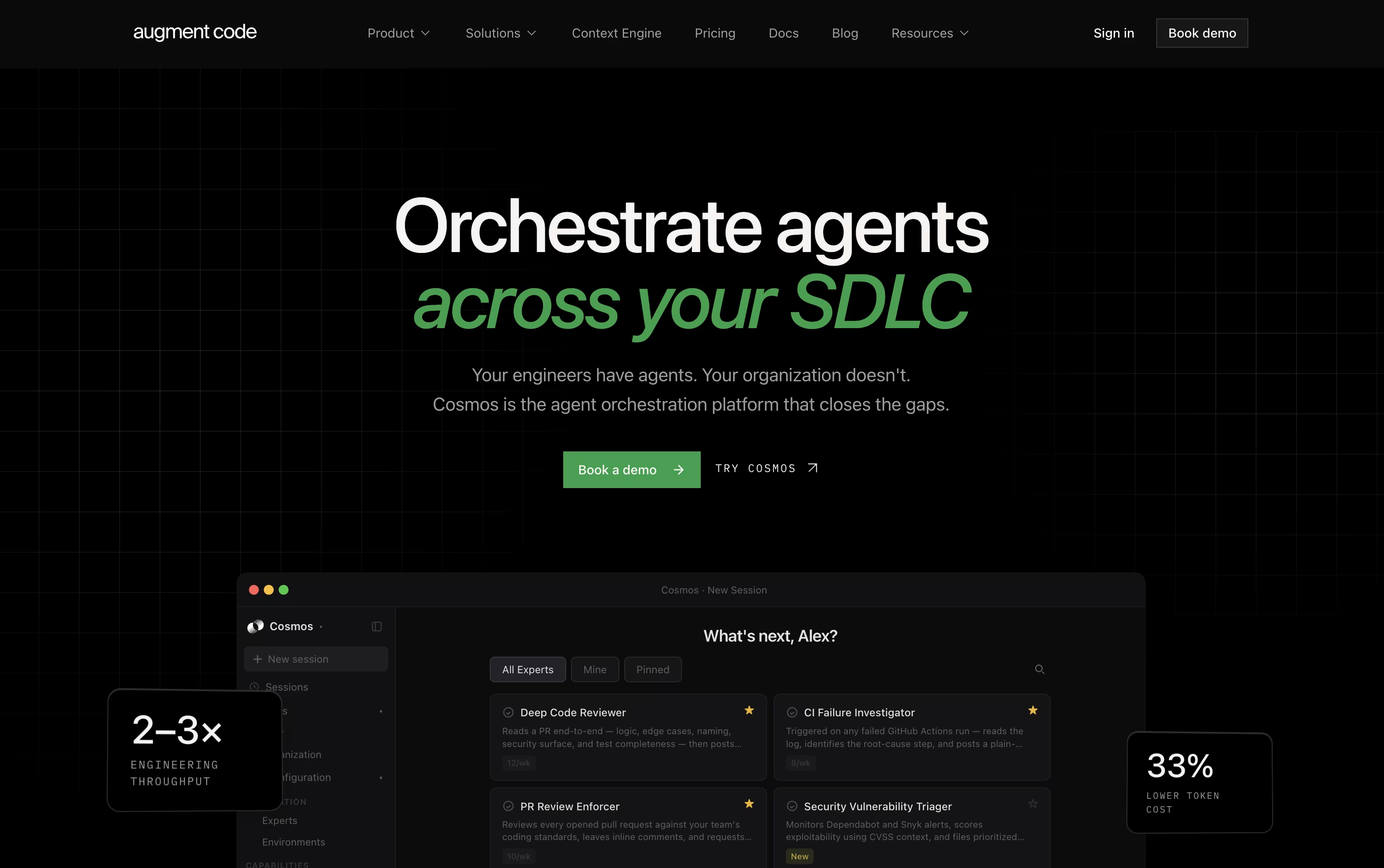
Augment Code is a platform built for engineering teams that work with large and complex codebases. At its center is the Context Engine, which builds a live map of your code, its history, and how everything connects, so the tool actually understands your project instead of just guessing from small snippets.
On top of this sits Cosmos, a workspace where teams set up AI agents to handle real engineering work, such as reviewing pull requests, investigating failed builds, fixing security issues, and updating dependencies. There is also a command line tool called Auggie for developers who prefer working from the terminal.
The goal is to let human engineers focus on hard decisions while agents handle repetitive, well defined tasks across the full software development process.

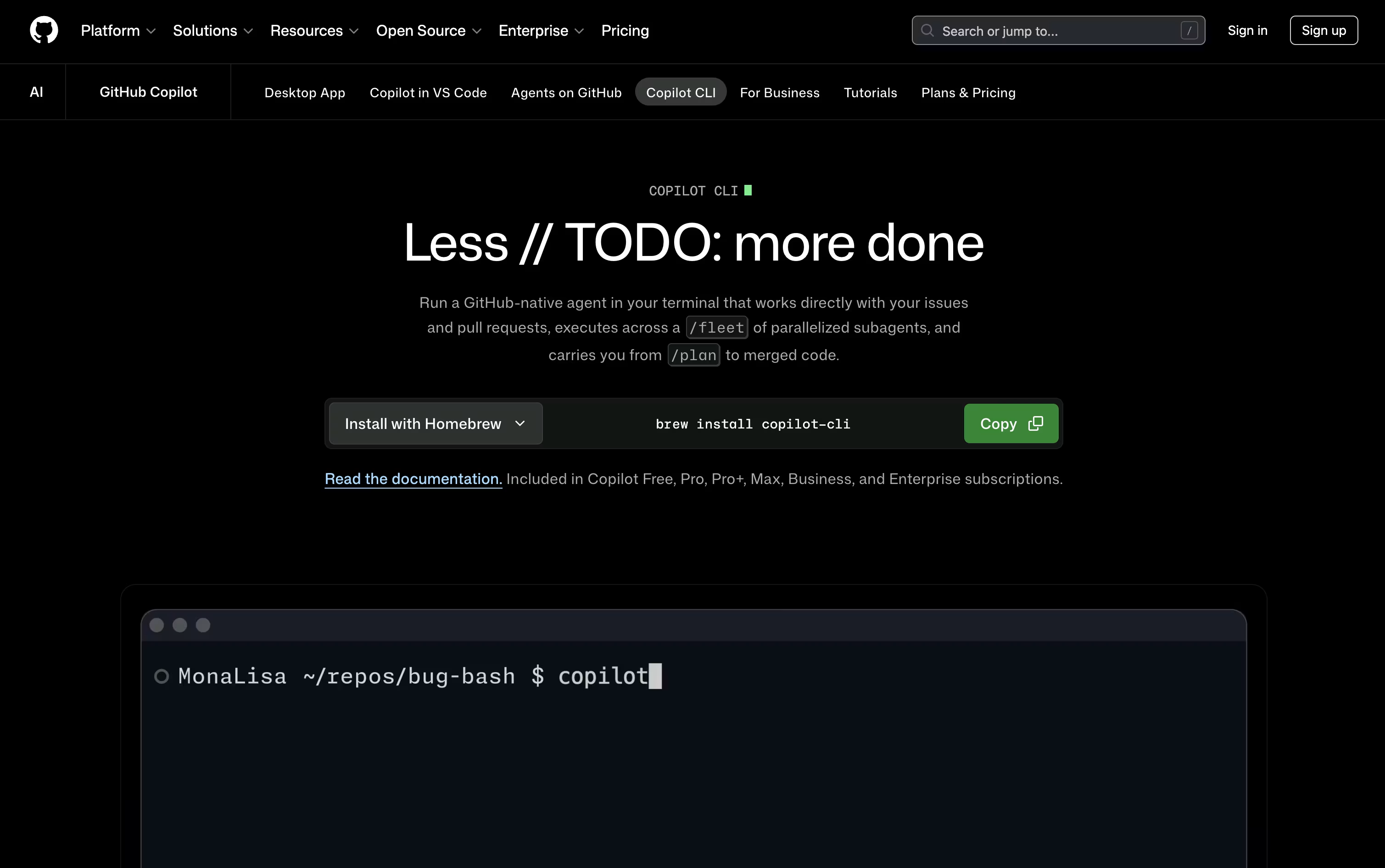
GitHub Copilot CLI brings GitHub's Copilot coding agent straight into your terminal. Instead of switching to an editor, you type a request and it can plan the work, edit files, run shell commands, and open pull requests on its own. It connects natively to GitHub, so it can read issues, work with branches, and manage pull requests without extra setup. You can pick from many AI models, including Claude, GPT, and Gemini options, and switch between them as needed. Plan mode lets you review a checklist before any changes happen, while autopilot mode moves faster with fewer stops. Every file change and command needs your approval first, so you stay in control throughout the process.
Features of Augment Code and GitHub Copilot CLI
Live code understanding with the Context Engine
AI agents for code review and testing
Auggie command line tool for developers
Automatic triggers from GitHub, Jira, and Slack
Shared memory across agents and teams
Human approval at key checkpoints
Cloud, local, or on premises deployment
SOC 2 and ISO 42001 compliance
Single sign on and audit trails
Works with GitHub, Linear, and PagerDuty
Terminal based AI coding agent
Plans, edits, tests, and ships code
Native GitHub issues and pull request support
Parallel sub agents through /fleet
Plan mode and autopilot mode
Works with Claude, GPT, and Gemini models
MCP servers, skills, hooks, and plugins
Session memory with automatic compaction
Approval required for file and shell changes
Runs on macOS, Linux, and Windows
Use Cases of Augment Code and GitHub Copilot CLI
Pricing of Augment Code and GitHub Copilot CLI
Augment Code keeps pricing simple with two main plans built for different team sizes.
Business Plan ($100/month): One flat price for the whole team, covering up to 50 seats and including $100 of monthly usage across the Context Engine, AI models, and compute. Extra usage can be added through pay as you go top ups. It includes Cosmos, CLI access, and standard security like SOC 2 Type II.
Enterprise Plan (Custom Pricing): Built for larger organizations with unlimited seats, custom usage limits, and volume based discounts. It adds stronger security features such as CMEK, ISO 42001 compliance, SIEM integration, single sign on, and dedicated support.
Both plans include the Context Engine and Cosmos, so teams can start small and move to Enterprise as their needs grow.
GitHub Copilot CLI comes with every Copilot plan, from free to enterprise. The Free plan costs nothing and gives you 2,000 completions a month along with basic models and the CLI itself.
For individuals, the Pro plan is $10 per user each month and unlocks unlimited completions, Cloud Agent access, Code Review, and third-party agents like Claude Code, plus $15 in monthly AI credits. Pro+ moves up to $39 a month with premium Opus models and $70 in credits, while Max costs $100 a month with priority access and $200 in monthly credits.
Teams can choose Business at $19 per user a month for pooled credits and admin controls, or Enterprise at $39 per user a month for organization wide rollout with larger pooled credits and premium support.
FAQs: Augment Code vs GitHub Copilot CLI
Reviews: Augment Code vs GitHub Copilot CLI
Based on 0 reviews
Based on 0 reviews
Compare Augment Code With Other Tools

Cursor
AI-Native Code Editor for Developers

Zed
Rust Code Editor with AI and Collaboration

GitHub Copilot
AI Pair Programmer for Coders

Devin Desktop
AI Coding Agent Command Center IDE
Codex
OpenAI's AI Coding Agent for Developers

OpenCode
Your Free Open Source Coding Agent

Cursor CLI
AI Coding Agent for Your Terminal

Kimi Code
Moonshot AI's Agentic Coding Assistant

Grok Build
xAI's AI Coding Agent for Terminal
Compare GitHub Copilot CLI With Other Tools
Codex
OpenAI's AI Coding Agent for Developers
OpenCode
Your Free Open Source Coding Agent
Cursor CLI
AI Coding Agent for Your Terminal
Kimi Code
Moonshot AI's Agentic Coding Assistant
Grok Build
xAI's AI Coding Agent for Terminal

Qwen Code
Open Source Terminal Coding Agent

Claude Code
Anthropic's Agentic Coding Tool
Devin Desktop
AI Coding Agent Command Center IDE
Cursor
AI-Native Code Editor for Developers


