

Blinko vs Obsidian: Features, Pricing and User Reviews 2026

Blinko
Open-Source AI Note-Taking Tool for Privacy-Focused Quick Capture
Blinko
Open-Source AI Note-Taking Tool for Privacy-Focused Quick Capture
What are Blinko and Obsidian?
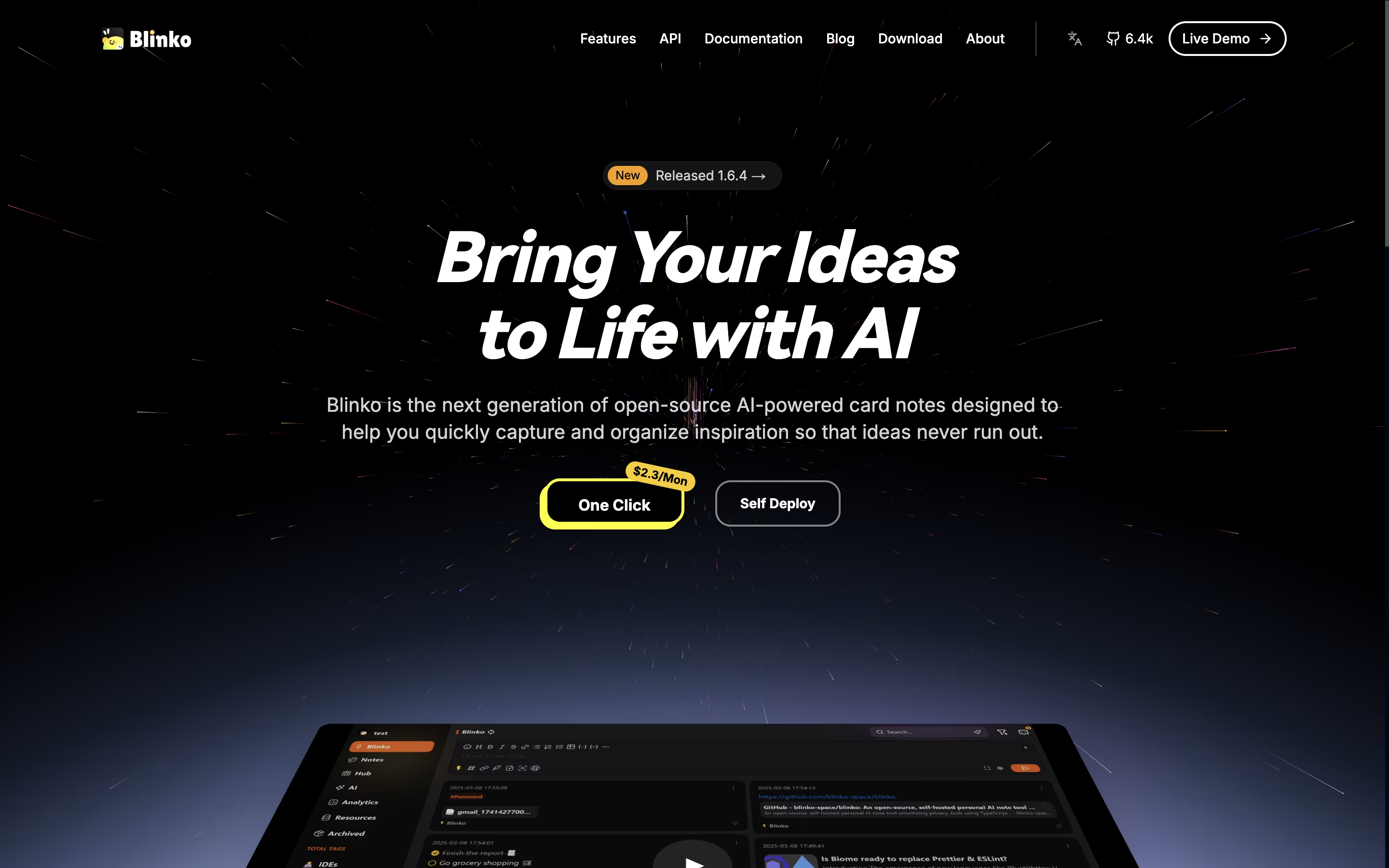
Blinko is a self-hosted note-taking application that combines simplicity with powerful features. Unlike cloud-based tools where companies store your data, Blinko runs entirely on your own computer or server, giving you complete privacy. The app organizes content into two categories: quick notes called "Blinkos" for instant capture, and full "Notes" for detailed information you want to keep long-term.
It includes support for tags, tasks with reminders, and formatted text using standard writing tools. The application can connect to AI models that help search your notes using normal language instead of exact keywords. You can add music playback, connect through browser extensions or mobile shortcuts, and even read news feeds directly inside the app. Everything is designed to help you think and create without worrying about where your data goes.

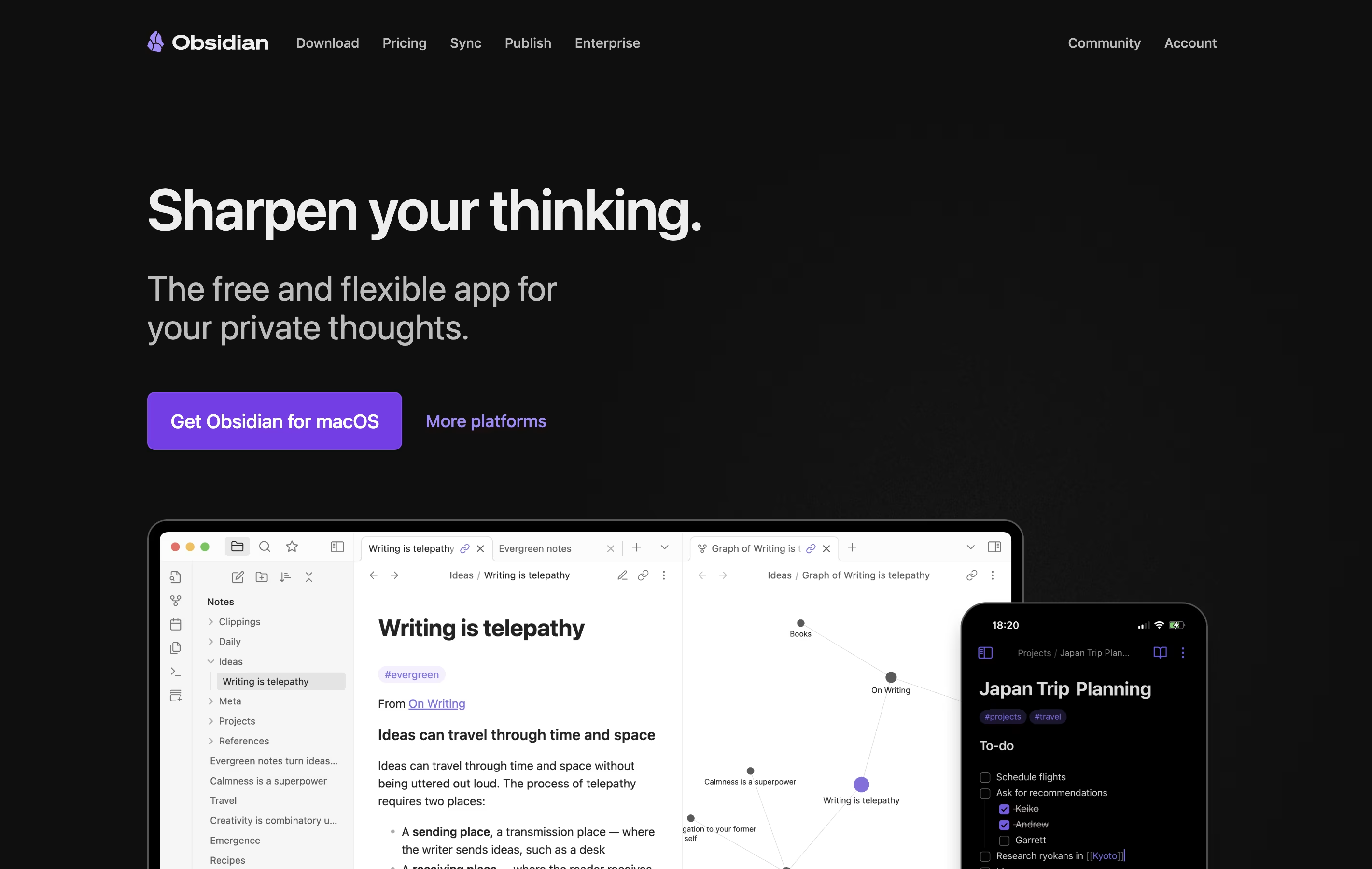
Obsidian is a note-taking app that works with plain text files stored directly on your device. You can write notes, link them together, and see how your ideas connect through a visual graph. Unlike cloud-based tools, everything stays private on your computer.
The app uses simple text files with basic formatting, which means your notes remain readable even without Obsidian. You can link any note to another, creating connections that help you discover patterns in your thinking. This makes it great for building knowledge over time.
There is a free version with all core features and optional paid services for cloud syncing and web publishing. The app works on computers, phones, and tablets.
Features of Blinko and Obsidian
Quick note capture with Blinkos and detailed Notes
AI-powered natural language search
Self-hosted for complete privacy control
Tags with custom colors and emojis
Task management with reminders
Desktop app with keyboard shortcuts
Browser extension for saving web content
Markdown formatting support
Music player integration
RSS feed reader built-in
Automatic backups and export options
Multi-platform support across devices
Stores notes locally on your device with full privacy
Links notes together to build knowledge networks
Visual graph shows connections between ideas
Canvas for unlimited brainstorming space
Thousands of free community plugins available
Works offline without internet connection
Plain text files you own forever
Mobile apps for phones and tablets
Supports basic text formatting
Free to use with optional paid services
Use Cases of Blinko and Obsidian
Pricing of Blinko and Obsidian
Blinko offers a flexible pricing structure designed for different user needs. The core application itself is completely free and open-source, allowing anyone to download and host it on their own server without any cost. This makes it ideal for individuals who want full control without ongoing fees.
For users who prefer convenience features, Blinko offers a Membership plan at $5 per month or $50 per year. This includes access to the browser extension, Telegram bot for capturing notes on the go, 500 AI credits monthly for smart features, and priority support.
The Pro Membership costs $9.90 per month or $99 per year and provides all Membership features plus 3000 AI credits monthly, early access to new bots and features, and premium support. Both paid plans help support continued development while the self-hosted version remains completely free for anyone who wants to manage their own installation.
Obsidian is completely free for personal use with all core features included. You get unlimited notes, full plugin access, and complete control over your data at no cost.
For users who want to sync notes across devices, Obsidian Sync offers two plans. The Standard plan costs $4 per month when paid yearly (or $5 monthly) and includes one synced vault with 1GB storage. The Plus plan costs $8 per month yearly (or $10 monthly) with 10GB storage and unlimited vaults.
Obsidian Publish lets you share notes on the web for $8 per month yearly (or $10 monthly) per site, with custom themes and no technical knowledge needed.
The optional Commercial License costs $50 per user yearly for business use, though it became optional in 2025. For one-time supporters, the Catalyst license at $25 gives early access to beta versions and community perks.
FAQs: Blinko vs Obsidian
Reviews: Blinko vs Obsidian
Based on 0 reviews
Based on 0 reviews
Compare Blinko With Other Tools

Compare Obsidian With Other Tools

Logseq
Free Open-Source Note-Taking & Knowledge Base

Notion
All-in-One Workspace for Teams & Projects

Joplin
Free Open-Source Note-Taking App with Encryption
SiYuan
Privacy-First Open Source Note-Taking and Knowledge Management
RemNote
Smart Note-Taking with Flashcards and Spaced Repetition

Bear
Beautiful Markdown Note-Taking App for Mac, iPhone & iPad

Anytype
Secure Private Workspace for Notes and Projects
Capacities
Object-Based Note-Taking App for Your Second Brain

Trilium Notes
Free Open-Source Knowledge Base and Note-Taking App





