

ClickHelp vs Hashnode: Features, Pricing and User Reviews 2026

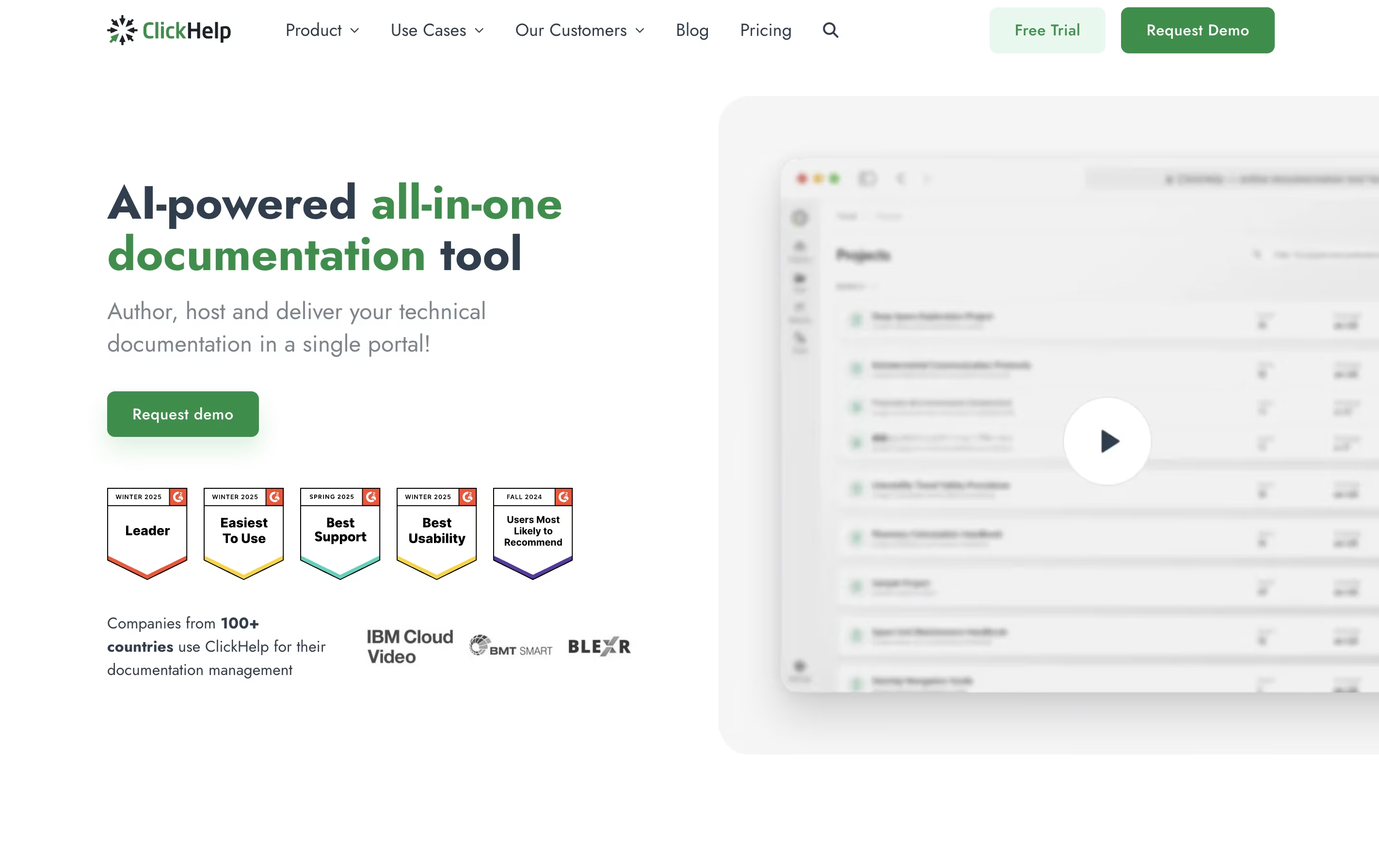
ClickHelp
Cloud Documentation Tool for Technical Writing Teams

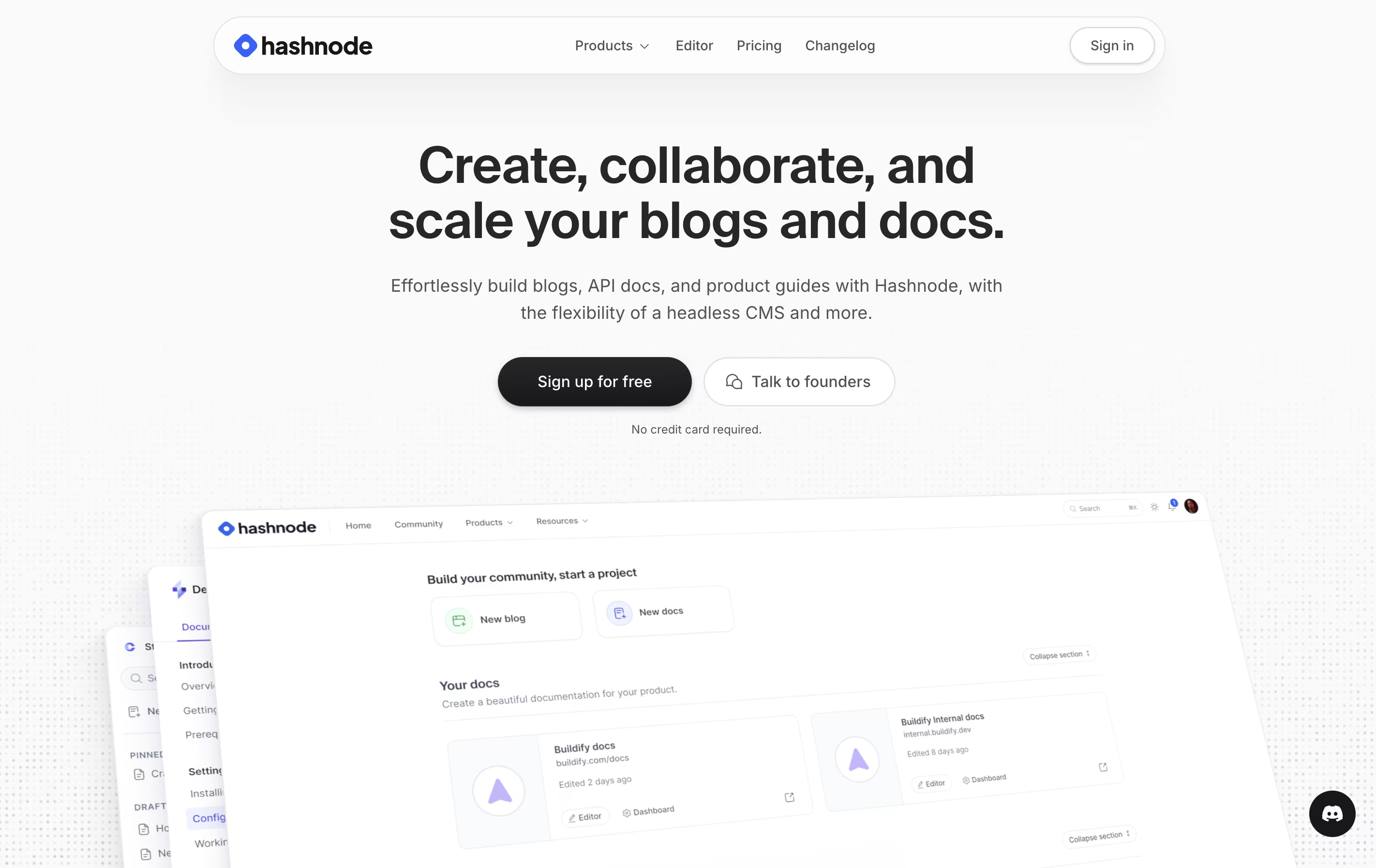
Hashnode
Free Developer Blogging Platform
ClickHelp
Cloud Documentation Tool for Technical Writing Teams
Hashnode
Free Developer Blogging Platform
What are ClickHelp and Hashnode?
ClickHelp is an online tool that lets you write, store, and publish documentation without leaving your web browser. Unlike traditional software that you install on your computer, ClickHelp runs entirely online and stores everything in the cloud.
The platform includes an easy-to-use editor similar to Microsoft Word, so you can start writing without a long learning process. You can add images, videos, tables, and code samples to your documentation. ClickHelp also supports creating different versions of the same content for different audiences or products.
One major benefit is real-time teamwork. Multiple people can work on documentation at once, leave comments, and track changes. When you are ready, you can publish your content instantly to your own branded documentation website or export it as PDFs and other file types.
Hashnode is a free content creation platform where developers can start and manage blogs on their own domain. You get a powerful editor that supports both Markdown and visual editing modes, making it easy to write technical articles with code blocks, images, and embedded content. The platform handles all the technical details like hosting, SSL certificates, and CDN delivery automatically.
You can customize your blog appearance, connect it to your domain, or start with a free Hashnode subdomain. The platform includes AI-powered writing assistance to help with drafting, editing, and optimizing content. There are paid plans for teams that need collaboration features, advanced analytics, and priority support. Individual creators can use all essential features completely free.
Features of ClickHelp and Hashnode
Cloud-based documentation platform with no installation needed
Visual editor and HTML mode for content creation
Team collaboration with roles and permissions
Single-sourcing and content reuse capabilities
Translation management with machine translation support
Custom branding with templates and CSS
Analytics and performance tracking
Multiple output formats including web, PDF, Word
Import from Word, HTML, Markdown, CHM
API and integration options
Free custom domain with automatic SSL
Markdown and visual editor options
AI-powered writing and editing assistance
GitHub backup and publishing integration
Real-time team collaboration tools
Built-in newsletter and subscriber management
Advanced analytics and performance tracking
SEO-optimized blog structure
Image CDN and optimization
Code syntax highlighting
Developer community discovery
Documentation hosting capabilities
Use Cases of ClickHelp and Hashnode
Pricing of ClickHelp and Hashnode
ClickHelp offers three main pricing plans designed for teams of different sizes. All plans include core features like unlimited projects, unlimited readers, and essential collaboration tools.
The Starter plan costs $185 per month and includes 500 topics, 2 free contributors, and 5GB storage. This works well for small teams just beginning with documentation.
The Growth plan at $310 per month removes the topic limit and provides 5 free contributors with 15GB storage. This suits growing teams with expanding documentation needs.
The Professional plan costs $610 per month and includes 10 free contributors and 30GB storage. This is designed for larger teams with extensive documentation requirements.
All plans include workflow and review tools, permission management, reporting, API documentation features, branding options, and API access. You can add extra contributors to any plan for an additional monthly fee. Translation features are available as an add-on for all plans.
Hashnode offers three pricing tiers to fit different needs. The Free Plan is perfect for individual creators and includes unlimited basic features like custom domain mapping, AI writing assistance, analytics, and the powerful editor. You get everything needed to run a professional developer blog.
The Startup Plan costs $199 per month and is designed for small teams. It includes 5 team members with $10 per additional seat. You get AI search, GitHub publishing, real-time collaborative editing, inline review comments, and unlimited version history.
The Enterprise Plan offers custom pricing for large organizations. It includes unlimited members, headless mode for advanced customization, single sign-on integration, custom service level agreements, audit logs, content migration assistance, and premium support through email and Slack channels.
For open source projects, Hashnode provides free licenses with all Startup plan features to support the developer community.
FAQs: ClickHelp vs Hashnode
Reviews: ClickHelp vs Hashnode
Based on 0 reviews
Based on 0 reviews
Compare ClickHelp With Other Tools

Mintlify
AI-Powered Documentation Platform for Developers

GitBook
Create Beautiful Documentation with AI-Powered Features

Docusaurus
Build Beautiful Documentation Sites Free

Apidog

Featurebase
Feedback & Support Platform for Teams

Document360
AI-Powered Knowledge Base for Teams

Confluence
Team Workspace for Documentation

Redocly
Beautiful API Documentation and Developer Portals

Readme
Interactive API Documentation & Developer Hubs
Compare Hashnode With Other Tools
Mintlify
AI-Powered Documentation Platform for Developers
GitBook
Create Beautiful Documentation with AI-Powered Features
Docusaurus
Build Beautiful Documentation Sites Free
Apidog
Confluence
Team Workspace for Documentation
Redocly
Beautiful API Documentation and Developer Portals
Readme
Interactive API Documentation & Developer Hubs

Astro Starlight
Build Beautiful Documentation Fast

Fern
Auto-Generate SDKs and API Documentation





