

Docsie vs ClickHelp: Features, Pricing and User Reviews 2026

Docsie
AI Documentation & Knowledge Base Platform

ClickHelp
Cloud Documentation Tool for Technical Writing Teams
Docsie
AI Documentation & Knowledge Base Platform
ClickHelp
Cloud Documentation Tool for Technical Writing Teams
What are Docsie and ClickHelp?
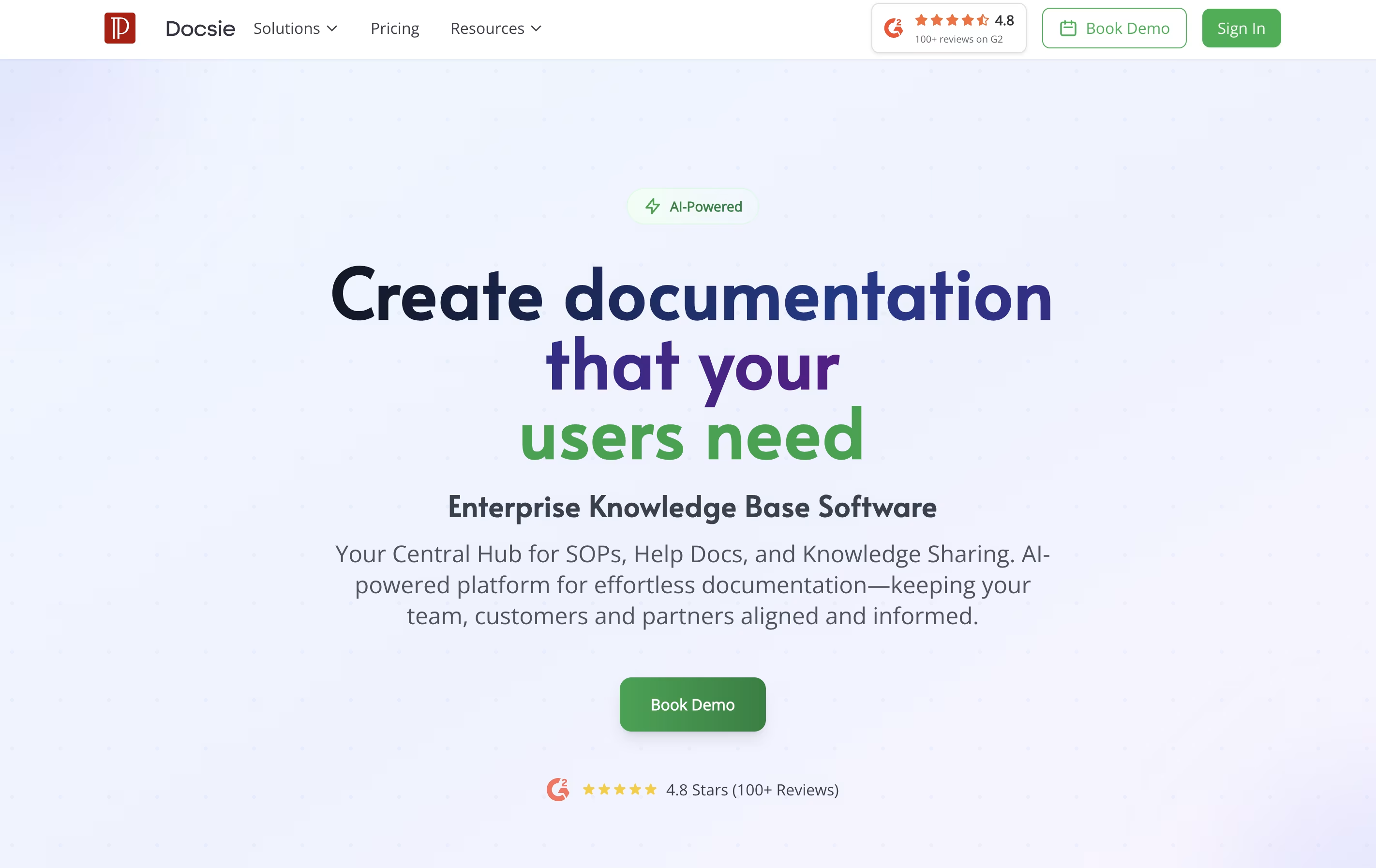
Docsie is a tool that helps you create and organize documentation for your products, services, or internal processes. You can write guides, manuals, and help articles in one place, then publish them to a website where your team or customers can find answers.
Unlike traditional document tools, Docsie uses AI to help write content, automatically translates text into different languages, and creates chatbots that answer questions based on your documentation. It also tracks who reads what, so you can improve your content based on real usage.
The platform includes a simple editor, version control to track changes, team collaboration features, and ways to embed documentation directly into your website or app. There are free and paid plans to fit different needs.
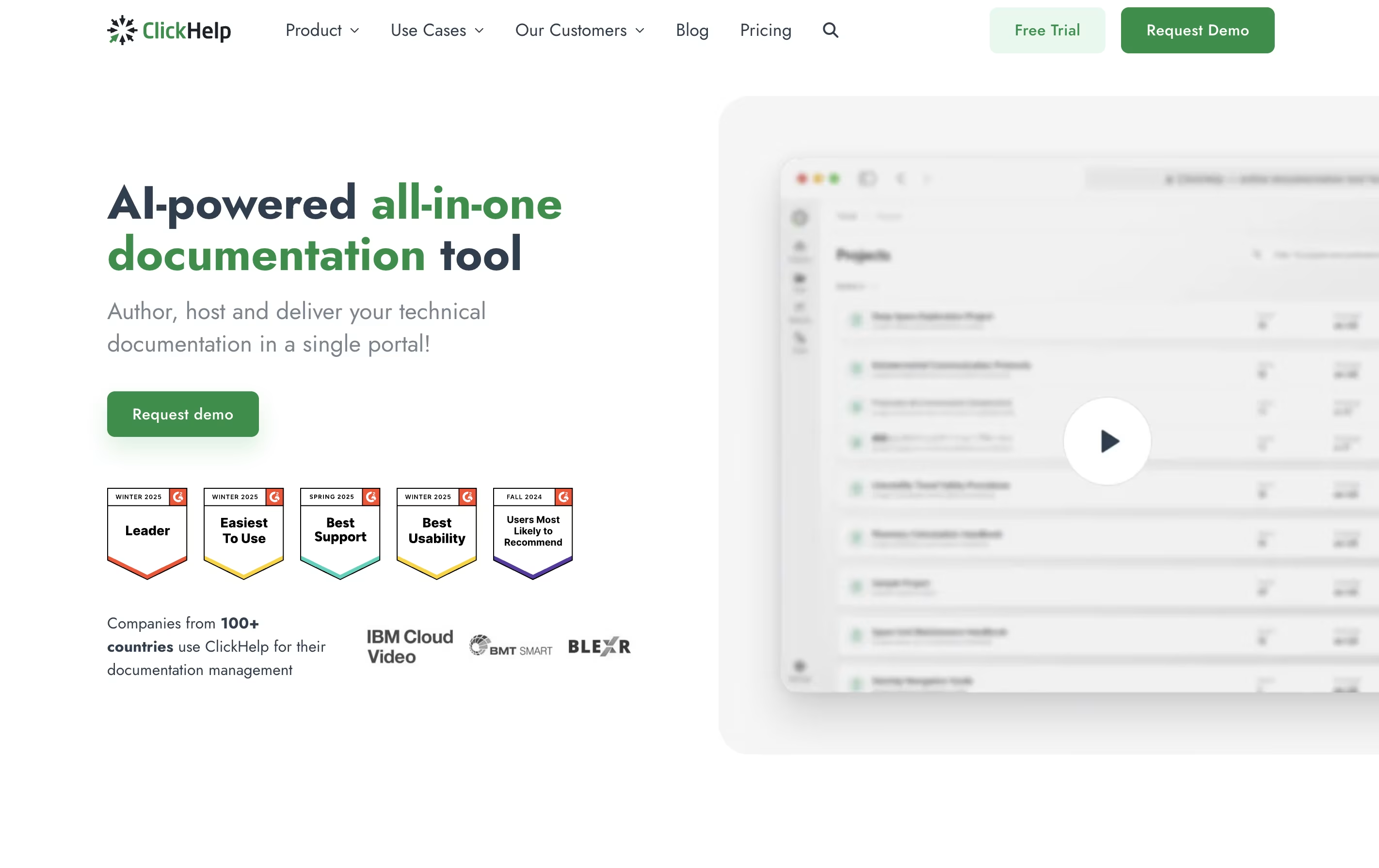
ClickHelp is an online tool that lets you write, store, and publish documentation without leaving your web browser. Unlike traditional software that you install on your computer, ClickHelp runs entirely online and stores everything in the cloud.
The platform includes an easy-to-use editor similar to Microsoft Word, so you can start writing without a long learning process. You can add images, videos, tables, and code samples to your documentation. ClickHelp also supports creating different versions of the same content for different audiences or products.
One major benefit is real-time teamwork. Multiple people can work on documentation at once, leave comments, and track changes. When you are ready, you can publish your content instantly to your own branded documentation website or export it as PDFs and other file types.
Features of Docsie and ClickHelp
AI-powered content writing and video-to-documentation conversion
Automatic translation to 40+ languages
Smart chatbot answers questions 24/7
Version control and change tracking
Team collaboration with task management
Custom branding and domain hosting
Analytics and user feedback collection
Help widget for websites
Reusable content blocks
API and webhook integrations
Cloud-based documentation platform with no installation needed
Visual editor and HTML mode for content creation
Team collaboration with roles and permissions
Single-sourcing and content reuse capabilities
Translation management with machine translation support
Custom branding with templates and CSS
Analytics and performance tracking
Multiple output formats including web, PDF, Word
Import from Word, HTML, Markdown, CHM
API and integration options
Use Cases of Docsie and ClickHelp
Pricing of Docsie and ClickHelp
Docsie offers three pricing tiers designed for different team sizes and needs. Each plan includes AI features and unlimited basic searches.
The Standard plan costs $45 per month and includes 5 team members, 2 documentation sites, AI writing tools, translation to 40+ languages, and email support. This works well for startups and small teams just getting started.
The Premium plan at $199 per month is the most popular choice. It adds 15 team members, reusable content blocks, auto-translate as you type, a help widget, task tracking, an AI chatbot, customer help desk, 50 GB storage, and priority support. Most teams upgrade to this within 30 days.
The Enterprise plan offers custom pricing with advanced analytics, detailed permissions, SSO integration, a dedicated success manager, API access, 99.9% uptime guarantee, unlimited storage, and priority influence on new features.
ClickHelp offers three main pricing plans designed for teams of different sizes. All plans include core features like unlimited projects, unlimited readers, and essential collaboration tools.
The Starter plan costs $185 per month and includes 500 topics, 2 free contributors, and 5GB storage. This works well for small teams just beginning with documentation.
The Growth plan at $310 per month removes the topic limit and provides 5 free contributors with 15GB storage. This suits growing teams with expanding documentation needs.
The Professional plan costs $610 per month and includes 10 free contributors and 30GB storage. This is designed for larger teams with extensive documentation requirements.
All plans include workflow and review tools, permission management, reporting, API documentation features, branding options, and API access. You can add extra contributors to any plan for an additional monthly fee. Translation features are available as an add-on for all plans.
FAQs: Docsie vs ClickHelp
Reviews: Docsie vs ClickHelp
Based on 0 reviews
Based on 0 reviews
Compare Docsie With Other Tools
GitBook
Create Beautiful Documentation with AI-Powered Features
Docusaurus
Build Beautiful Documentation Sites Free

Mintlify
AI-Powered Documentation Platform for Developers

Hashnode
Free Developer Blogging Platform
Apidog
Document360
AI-Powered Knowledge Base for Teams
Confluence
Team Workspace for Documentation

Redocly
Beautiful API Documentation and Developer Portals

Readme
Interactive API Documentation & Developer Hubs
Compare ClickHelp With Other Tools
Mintlify
AI-Powered Documentation Platform for Developers
GitBook
Create Beautiful Documentation with AI-Powered Features
Docusaurus
Build Beautiful Documentation Sites Free
Hashnode
Free Developer Blogging Platform
Apidog

Featurebase
Feedback & Support Platform for Teams
Document360
AI-Powered Knowledge Base for Teams
Confluence
Team Workspace for Documentation
Redocly
Beautiful API Documentation and Developer Portals


