

Figma Make vs UX Pilot: Features, Pricing and User Reviews 2026
What are Figma Make and UX Pilot?

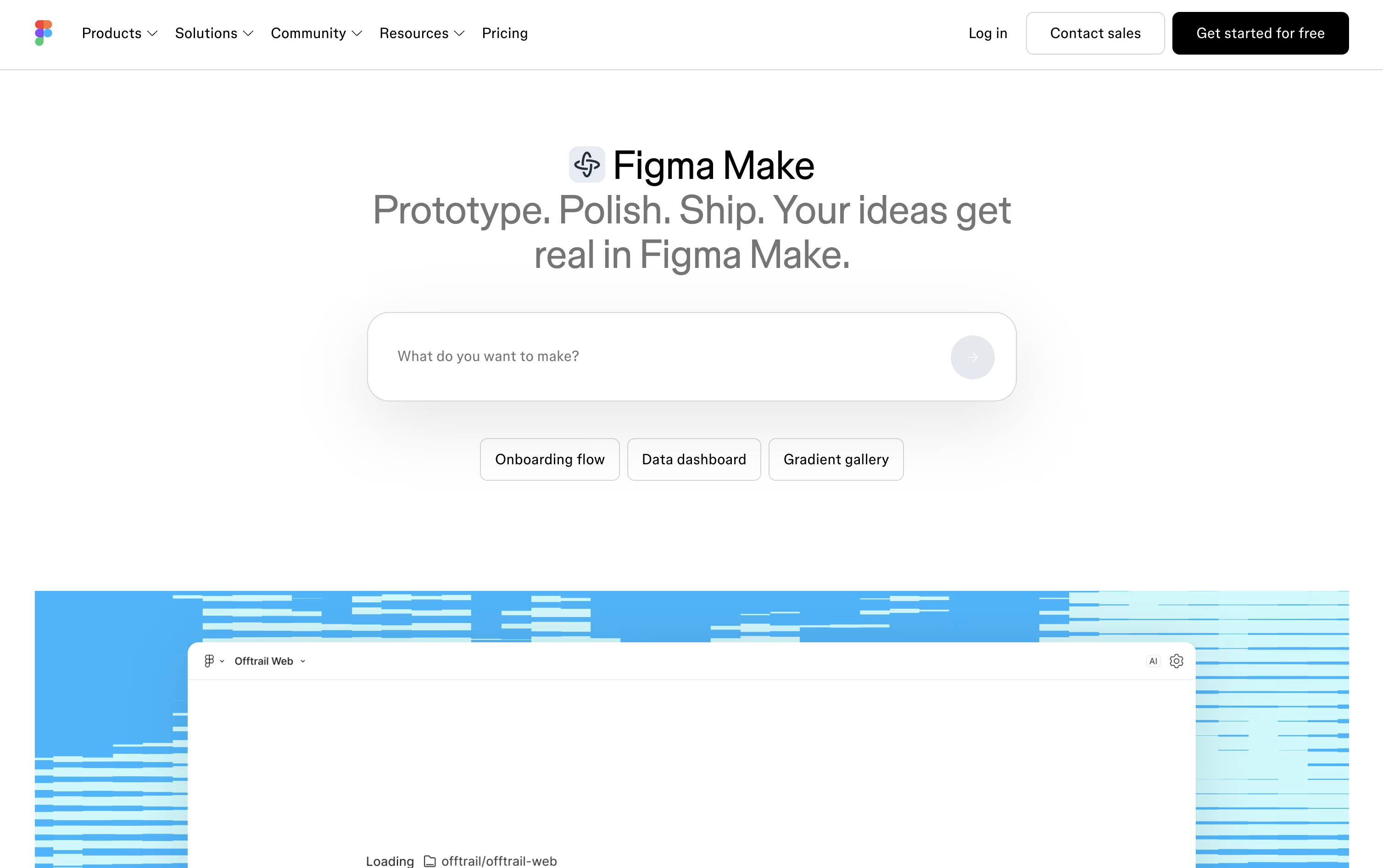
Figma Make is a tool inside Figma that turns your ideas into working prototypes and apps. You type a prompt describing what you want to build, and it creates an interactive preview you can click through right away.
You can also start from existing Figma designs, images, or files so it has more context to work with. Once you have a first version, you can keep chatting to make changes, click directly on parts of the design to edit them, or open the code and edit it yourself.
Teams can work on the same file together, leave comments, and share the finished result as a link anyone can open. It also connects with tools like Notion, Slack, and GitHub so you can pull in real information while building.
Figma Make comes as part of Figma's paid plans through the Full seat, though a free Starter plan lets you try the basics before upgrading.

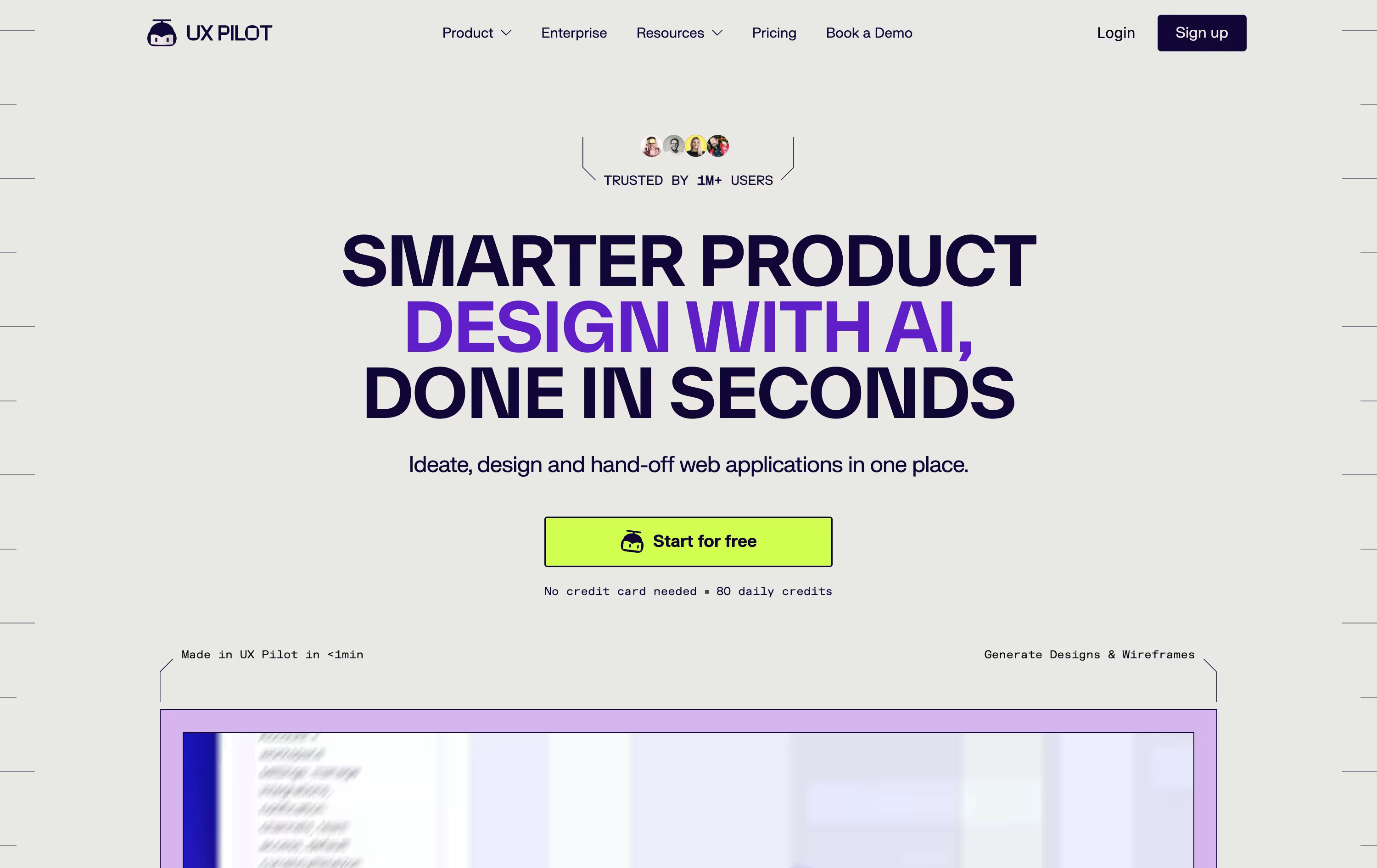
UX Pilot is an AI powered design platform that helps product teams turn ideas into real screens fast. You can start from a simple text prompt, a sketch, a PRD, or even a live website link.
The tool builds wireframes first, then turns them into polished high fidelity screens and full multi screen flows. You can also generate working React prototypes and export clean code for developers.
Inside Figma, the Nodey agent creates native layers that match your existing design system, so the output feels on brand from the start.
There is a free plan for trying it out, along with Pro, Teams, and Enterprise plans for bigger projects and teams.
Features of Figma Make and UX Pilot
AI prompt to app generation
Point and edit interface
Direct code editing
Plan mode for complex builds
Make kits for brand consistency
MCP connectors (Notion, Slack, GitHub, more)
Real time team collaboration
Version history and restore
Publish to public link or Community
Mobile preview support
AI wireframes and hi-fi screens
Autoflow for full user journeys
Nodey Figma-native design agent
React prototypes with live editing
Clean HTML, CSS, and React code export
GitHub sync
Predictive heatmaps and design review
Design system import from Figma
PRD, sketch, and website-to-design input
Enterprise API and SSO support
Use Cases of Figma Make and UX Pilot
Pricing of Figma Make and UX Pilot
Figma Make is not sold on its own. It comes as part of the Full seat on Figma's paid plans, while a free Starter plan lets you try the basics.
Starter (Free): Try Figma Make with limited daily AI credits and basic publishing through Figma Community.
Professional Full seat ($20/month, or $16/month billed yearly): Includes 3,000 AI credits a month, Make connectors, templates, kits, and password protection.
Organization Full seat ($55/month billed yearly): Includes 3,500 AI credits a month, unlimited teams, and custom connector publishing.
Enterprise Full seat ($90/month billed yearly): Includes 4,250 AI credits a month, advanced security, and enterprise level administration.
Extra AI credits can be purchased separately if you need more.
UX Pilot offers a free plan plus three paid tiers.
Free costs $0 forever with 80 credits a day, up to 13 screens, and 1 project, no card needed.
Pro is $29 a month, or $19 a month billed yearly, and includes 750 credits a month, up to 125 screens, 5 projects, and the website cloner.
Teams is $39 per user a month, or $31 per user a month billed yearly, and adds unlimited projects, shared credits, roles, and real time collaboration.
Enterprise uses custom pricing and adds AI fine-tuned on your brand, full design system import, SSO and SCIM, custom data retention, audit logs, and a dedicated account team.
FAQs: Figma Make vs UX Pilot
Reviews: Figma Make vs UX Pilot
Based on 0 reviews
Based on 0 reviews
Compare Figma Make With Other Tools

Uizard
AI-Powered UI Design & Prototyping Tool

Visily
AI-Powered UI Design & Wireframe Tool

Claude Design
AI-Powered Visual Design Tool

Banani
AI UI Design Tool for Fast Prototypes
Relume
AI Website Builder & Component Library
Google Stitch
Free AI UI Design Tool by Google
Magic Patterns
AI-Powered UI Prototyping Tool

Kombai
AI Design Engineer for Frontend Code

Sleek Design
AI-Powered Mobile App Design Tool Online
Compare UX Pilot With Other Tools
Uizard
AI-Powered UI Design & Prototyping Tool
Visily
AI-Powered UI Design & Wireframe Tool
Banani
AI UI Design Tool for Fast Prototypes
Claude Design
AI-Powered Visual Design Tool
Magic Patterns
AI-Powered UI Prototyping Tool
Relume
AI Website Builder & Component Library
Google Stitch
Free AI UI Design Tool by Google
Kombai
AI Design Engineer for Frontend Code
Sleek Design
AI-Powered Mobile App Design Tool Online





