

Kimi Code vs Codex: Features, Pricing and User Reviews 2026
What are Kimi Code and Codex?

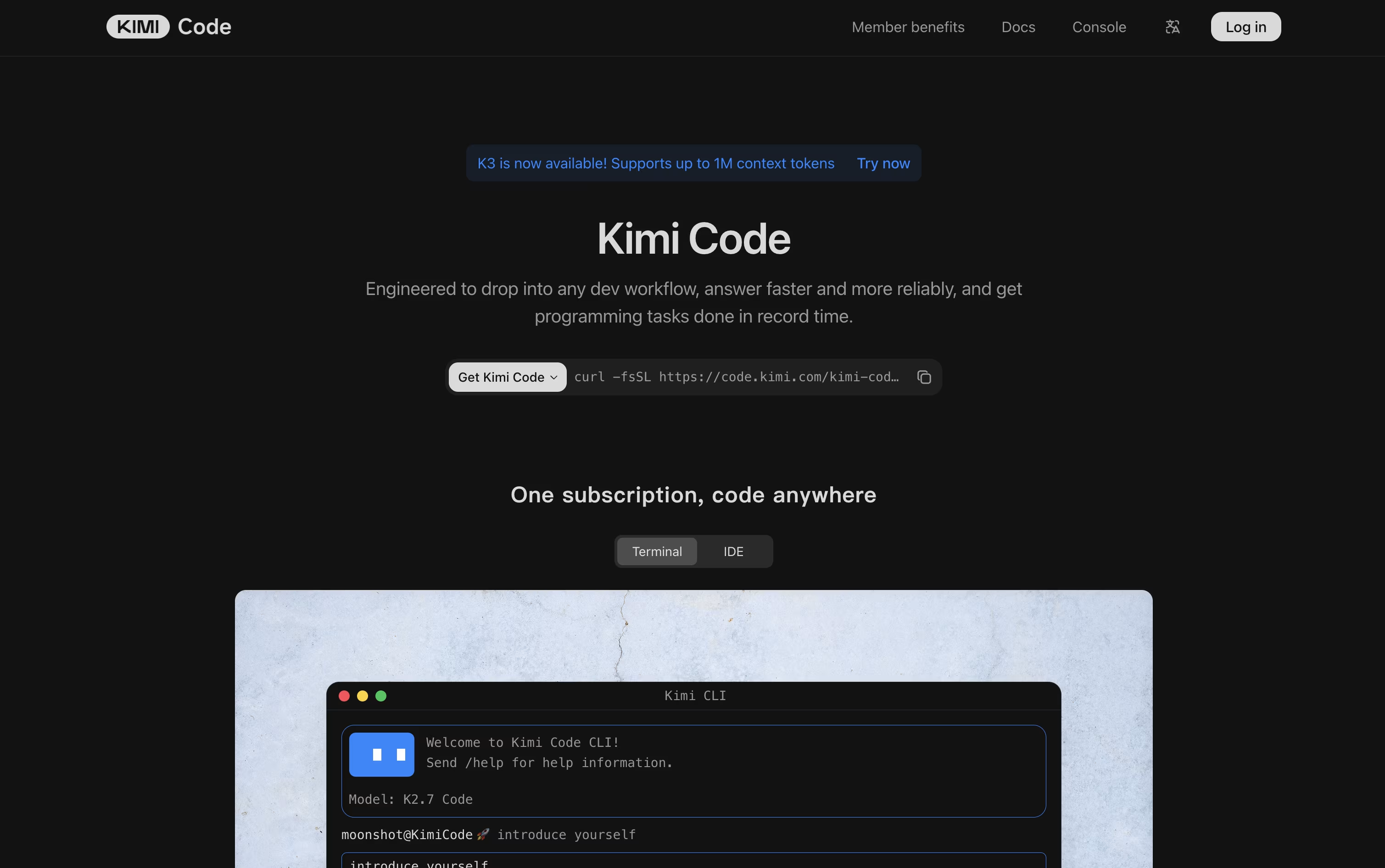
Kimi Code is an AI coding agent and command line tool built by Moonshot AI. It helps developers explore codebases, edit multiple files, run commands, and finish programming tasks from start to finish. Instead of just suggesting a line of code, it can plan a task, use tools, and work through it step by step.
It comes as a terminal based CLI, a VS Code extension, and an API that works with other coding tools. It supports very long context windows, so it can read and remember large projects, and it connects to external tools and data through MCP, skills, and plugins.
Kimi Code is open source, and some of the models behind it have open weights too.

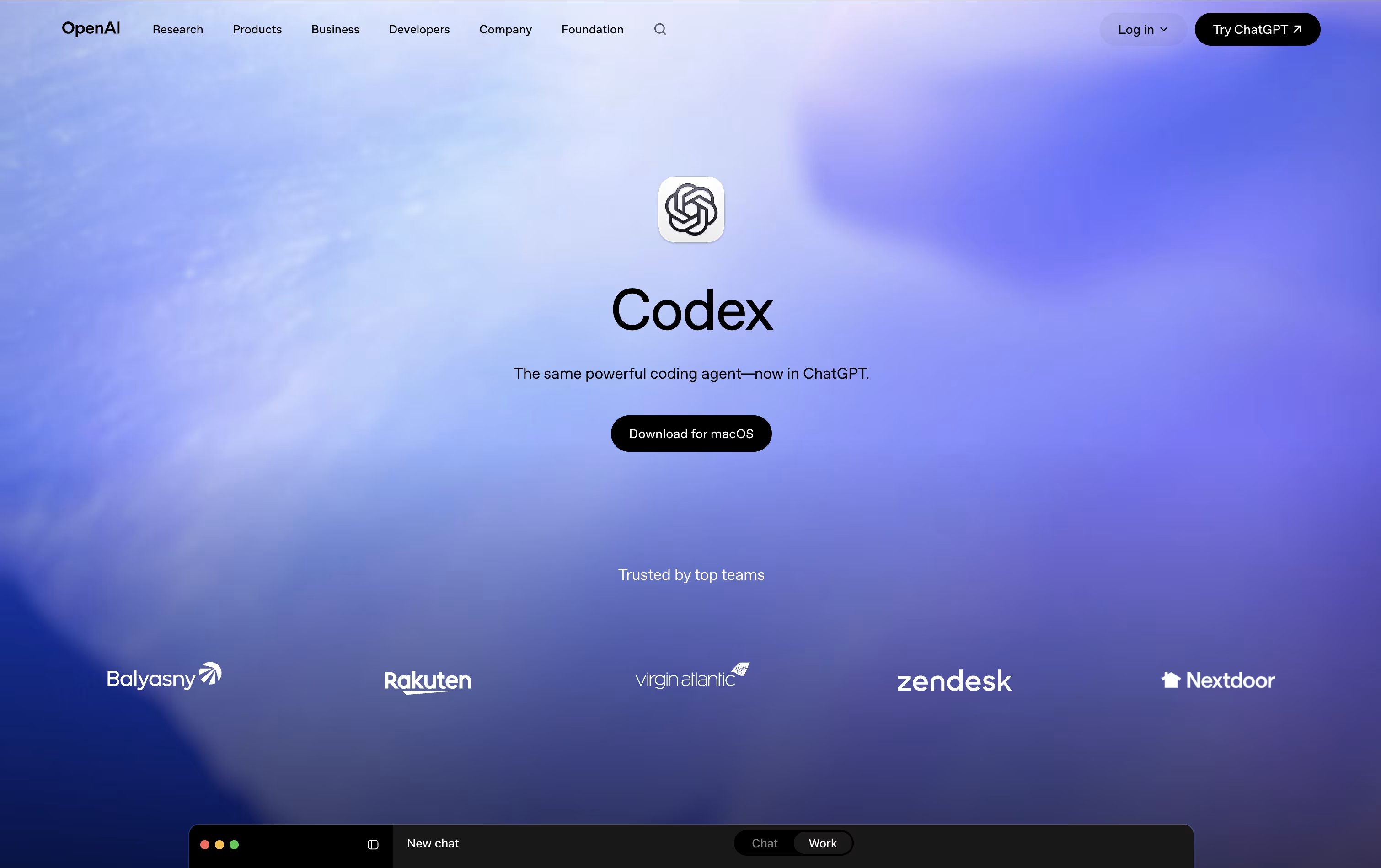
Codex is an AI coding agent from OpenAI that can plan, write, test, and fix code with real autonomy. You describe a task in plain language, and Codex works through your project step by step, running commands, checking tests, and preparing changes for you to review.
It started as a tool for software engineers but has grown into a wider work assistant used by analysts, designers, and other non-technical teams too. Codex runs in isolated spaces, so it does not touch your main project files directly.
You can use it from a desktop app, a command line tool, inside your code editor, or through ChatGPT on the web, and everything stays in sync across each place you work.
Features of Kimi Code and Codex
Agentic coding CLI and VS Code extension
Multi-file editing and shell command execution
Up to 1 million token context with K3
Swarm mode for parallel agents
Goal Mode for autonomous task completion
MCP, skills, plugins, and hooks support
Image and video input support
Open source CLI with open model weights
API access for third-party tools
Free plan plus paid subscription tiers
AI agent for coding, testing, and reviewing
Multi-agent parallel task execution
Isolated sandboxes for safe changes
Reusable skills for repeat workflows
Role-based plugins for teams
Background automations for recurring tasks
Desktop, CLI, IDE, and web access
Synced work across your ChatGPT account
Approval gates and permission controls
Used by developers and knowledge workers
Use Cases of Kimi Code and Codex
Pricing of Kimi Code and Codex
Kimi Code offers a free plan called Adagio, along with four paid membership tiers billed monthly or yearly.
Adagio (Free): Free forever, with standard agent credits and basic tools.
Moderato ($19/month): Adds more agent credits, Kimi Code access, Swarm, multiple agents, and website deployment.
Allegretto ($39/month): Everything in Moderato, plus Goal Mode and one click Kimi Claw deployment.
Allegro ($99/month): Everything in Allegretto, plus up to 1 million tokens of context for long conversations.
Vivace ($199/month): The highest agent credit allocation and the top usage limits across the platform.
Paying yearly lowers the monthly cost and can save up to $480 a year. A separate Business plan is available for companies, with pricing shared only after contacting Kimi.
Codex is included as part of ChatGPT's plans, so pricing depends on which plan you choose.
Free ($0/month): Limited access to Codex along with basic chat features.
Go ($8/month): More messages, uploads, and memory, though Codex access stays limited.
Plus ($20/month): Unlocks expanded Codex usage along with stronger models and more features.
Pro (from $100/month): Gives the most Codex tasks, top-tier models, and unlimited image creation.
Business: Costs $20 per user a month billed yearly, or $25 monthly, with a minimum of two users, and includes full Codex access with admin tools.
Enterprise: Custom pricing that adds advanced security, data controls, and priority support.
FAQs: Kimi Code vs Codex
Reviews: Kimi Code vs Codex
Based on 0 reviews
Based on 0 reviews
Compare Kimi Code With Other Tools

OpenCode
Your Free Open Source Coding Agent

Cursor CLI
AI Coding Agent for Your Terminal

GitHub Copilot CLI
AI Coding Agent for Terminal

Grok Build
xAI's AI Coding Agent for Terminal

Qwen Code
Open Source Terminal Coding Agent

Claude Code
Anthropic's Agentic Coding Tool

Devin Desktop
AI Coding Agent Command Center IDE

Cursor
AI-Native Code Editor for Developers

Zed
Rust Code Editor with AI and Collaboration
Compare Codex With Other Tools
Claude Code
Anthropic's Agentic Coding Tool
OpenCode
Your Free Open Source Coding Agent
Devin Desktop
AI Coding Agent Command Center IDE
Cursor CLI
AI Coding Agent for Your Terminal
GitHub Copilot CLI
AI Coding Agent for Terminal
Grok Build
xAI's AI Coding Agent for Terminal
Qwen Code
Open Source Terminal Coding Agent
Cursor
AI-Native Code Editor for Developers

Amp
Frontier AI Agent for Software Development





