

Pictory vs Pika: Features, Pricing and User Reviews 2026
What are Pictory and Pika?

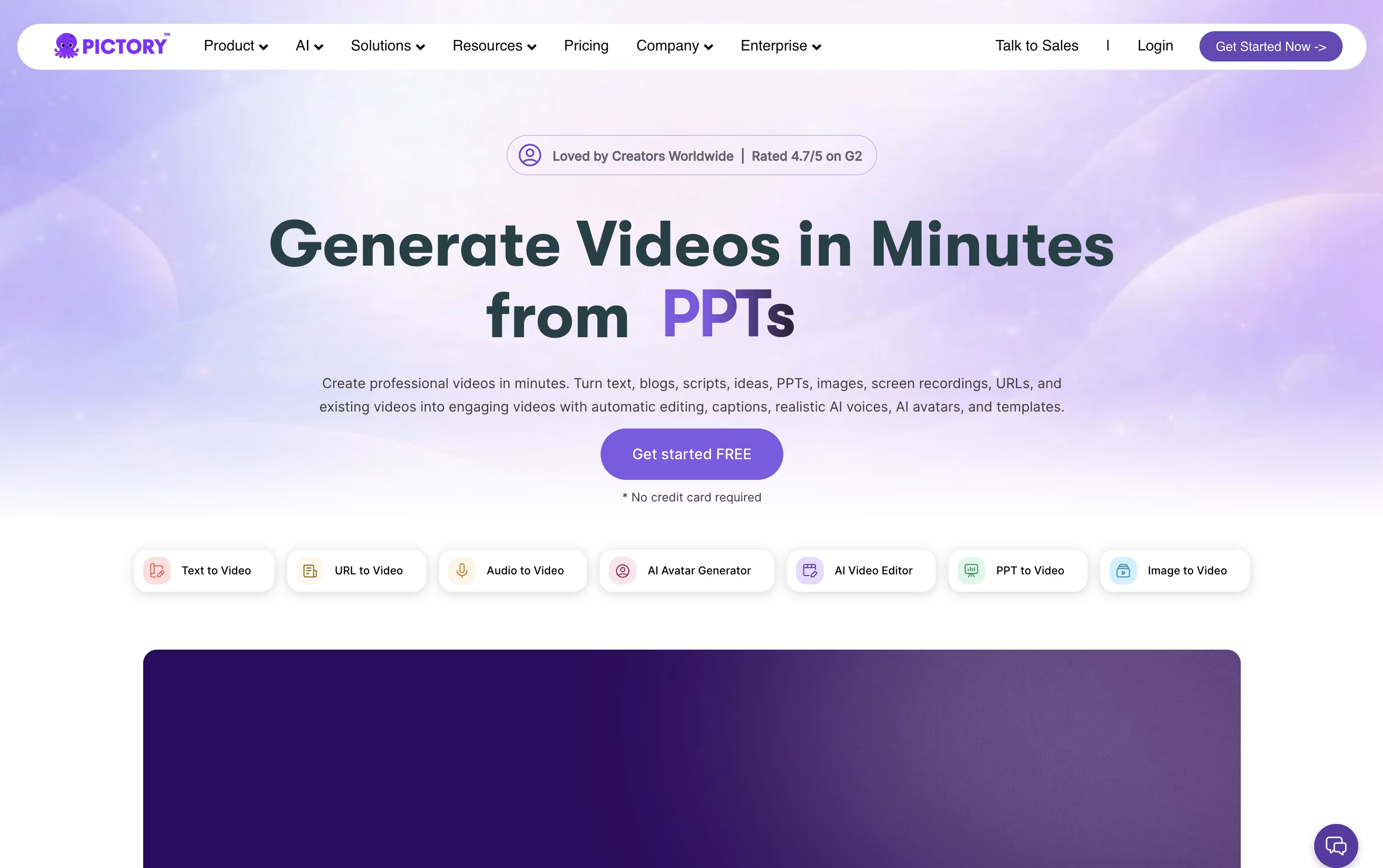
Pictory is an AI-powered video creation platform that turns text, scripts, articles, PowerPoint slides, and even long recordings into professional, branded videos. You give Pictory your content, and it builds a video for you without filming or manual editing.
The AI handles the script structure, matches or creates visuals, adds captions, timing, and voiceovers automatically. You can then fine-tune everything in a simple scene-based editor, so no advanced editing skills are needed.
Pictory works right in your browser on any device, so there is nothing to install. It suits marketers, educators, and businesses that want to produce consistent, professional videos quickly.

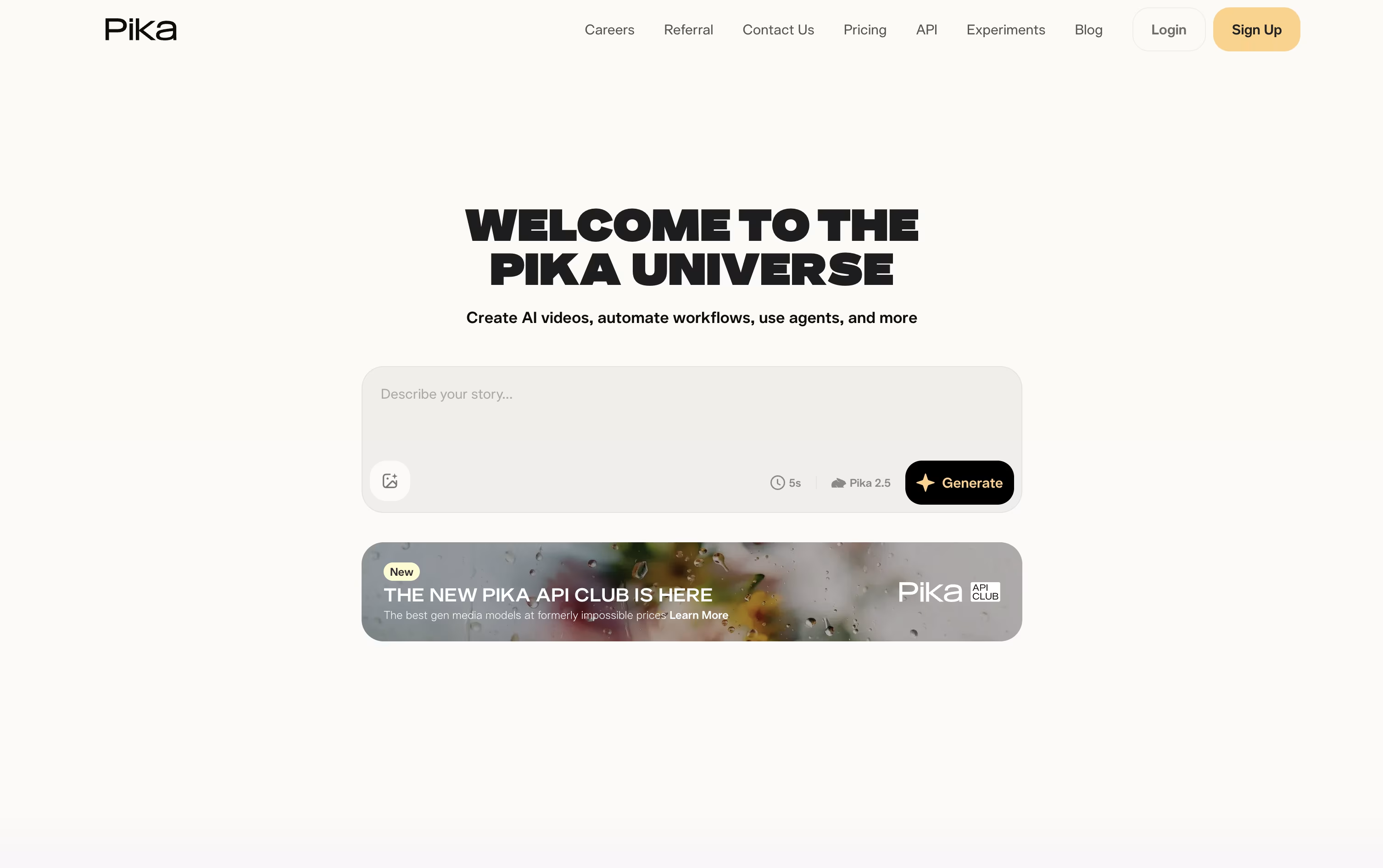
Pika is a video creation tool made by Pika Labs. You give it a text prompt, a photo, or a clip, and it turns that into a short AI video in seconds.
It is built for fun, fast, social style clips rather than long movies. You can animate a photo, apply effects like melting or exploding, swap objects in a video, or make a photo talk and sing from an audio track.
Pika also lets you combine reference images to build full scenes with consistent characters, and it is adding AI agents that can chat with you and help create videos.
There is a free plan to try it out, plus paid plans with sharper quality, faster speed, and watermark free downloads.
Features of Pictory and Pika
Text, script, and article to video
PowerPoint to video conversion
AI avatars with lip sync
Edit video by editing text
ElevenLabs AI voiceovers in 29 languages
Auto captions and subtitles
Brand kits for consistent branding
Millions of stock videos and images
Pictory Central interactive hosting
Chrome extension and API access
Text to video and image to video generation
One tap surreal effects with Pikaffects
Keyframe motion control with Pikaframes
Scene building from reference images with Pikascenes
Add or swap objects in existing footage
Prompt driven style and action twists
Talking and singing videos with Pikaformance
Chat based AI creative agent
Free plan plus weekly, monthly, and yearly billing
Web app and iOS app access
Use Cases of Pictory and Pika
Pricing of Pictory and Pika
Pictory offers four plans to fit different needs, with lower monthly rates when billed annually.
The Starter plan costs $29 a month, or $25 a month billed annually, and includes 200 video minutes, 5 GB storage, and 100 AI credits monthly.
The Professional plan costs $59 a month, or $35 a month billed annually, and adds custom avatars, voice cloning, and 500 AI credits monthly.
The Team plan costs $199 a month, or $119 a month billed annually, for 3 or more users, with shared assets and team onboarding.
The Enterprise plan uses custom pricing and adds SSO, a dedicated success manager, and interactive video hosting through Pictory Central.
A 14 day free trial is available before subscribing.
Pika offers a free plan plus three paid tiers, billed weekly, monthly, or yearly, with yearly billing giving a 20 percent discount.
Basic ($0): 80 monthly credits, Pika 2.5 at 480p, and access to most tools except Pikaframes.
Standard ($10/month, or $8/month billed yearly): 700 monthly credits, all resolutions, and every editing tool.
Pro ($35/month, or $28/month billed yearly): Marked as best value, with 2,300 monthly credits, faster generation, watermark free downloads, and commercial use.
Fancy ($95/month, or $76/month billed yearly): 6,000 monthly credits and the fastest generation speed.
Weekly billing is also available for Standard and Pro at $8.99 and $14.99 a week.
FAQs: Pictory vs Pika
Reviews: Pictory vs Pika
Based on 0 reviews
Based on 0 reviews
Compare Pictory With Other Tools

InVideo
AI Agents That Make Your Videos Fast

HeyGen
Create Realistic AI Avatar Videos Fast

Synthesia
AI Avatar Video Creation Platform

Fliki
Create AI Videos with Lifelike Voices

Descript
Edit Video and Audio Like a Document

VEED
AI-Powered Online Video Editing Platform

Vidnoz AI
AI Avatar Video & Voice Maker
Steve AI
AI-Powered Video Creation Made Easy

Kling AI
Cinematic AI Video & Image Generator
Compare Pika With Other Tools
HeyGen
Create Realistic AI Avatar Videos Fast
Synthesia
AI Avatar Video Creation Platform
Kling AI
Cinematic AI Video & Image Generator

PixVerse
Turn Text and Images Into AI Video
InVideo
AI Agents That Make Your Videos Fast
Descript
Edit Video and Audio Like a Document
Vidnoz AI
AI Avatar Video & Voice Maker
VEED
AI-Powered Online Video Editing Platform

Hedra
AI Powered Talking Avatar Video Generator

