

RecCloud vs Pika: Features, Pricing and User Reviews 2026
What are RecCloud and Pika?

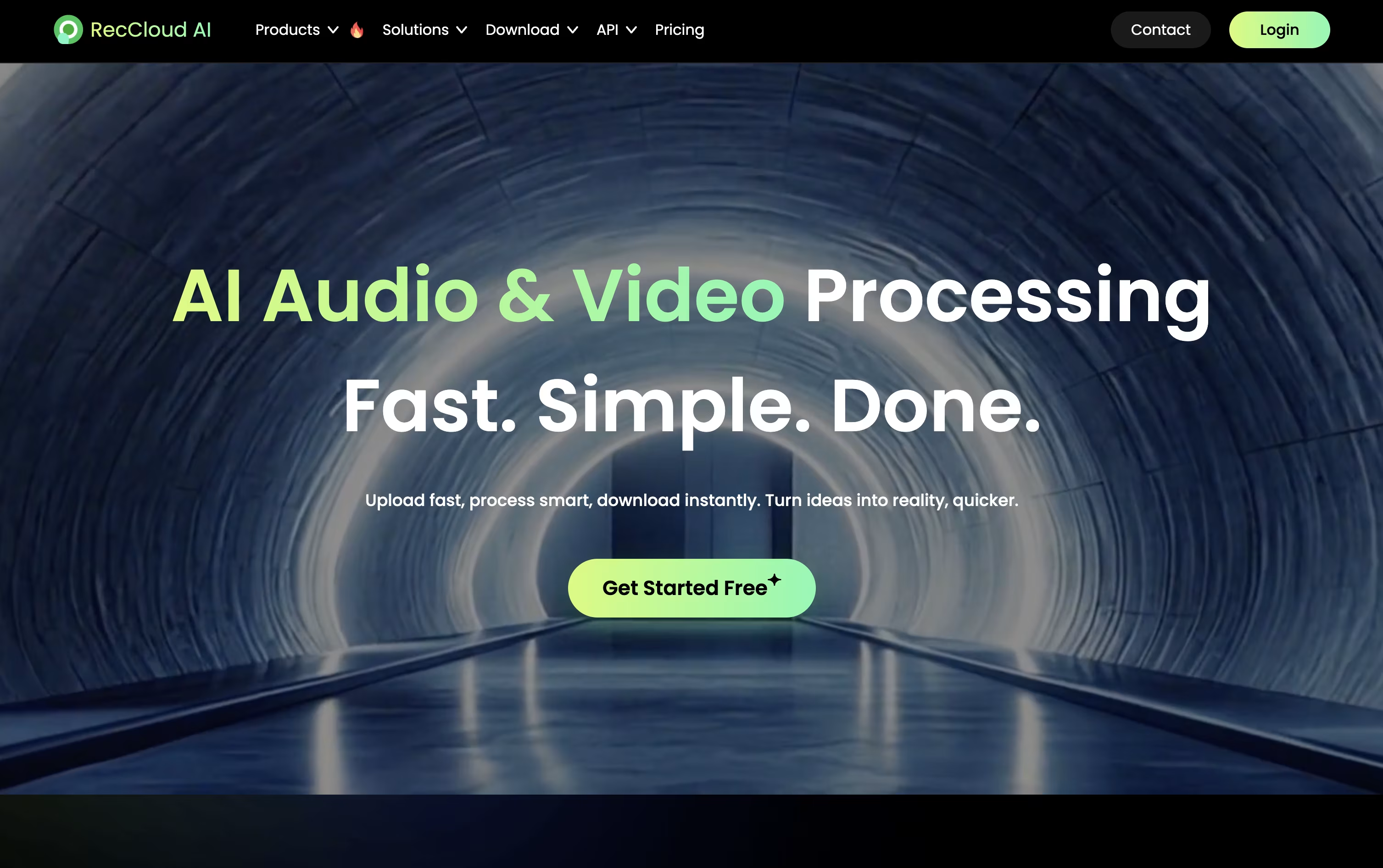
RecCloud is an all-in-one AI platform built for anyone who works with audio and video. It brings together screen recording, editing, transcription, translation, dubbing, and video generation in one place, so you do not need to switch between different apps to finish a project.
The platform can turn speech into accurate text in more than 99 languages, add subtitles automatically, and translate full videos with cloned voices and lip sync. It can also create new videos from text prompts or images using its AI Video Generation Agent, which handles the script, voiceover, and scenes for you.
RecCloud works through your browser, on Windows desktop apps, and on iOS and Android. Files are stored and organized in the cloud, so your work stays easy to reach from any device and simple to share with others.

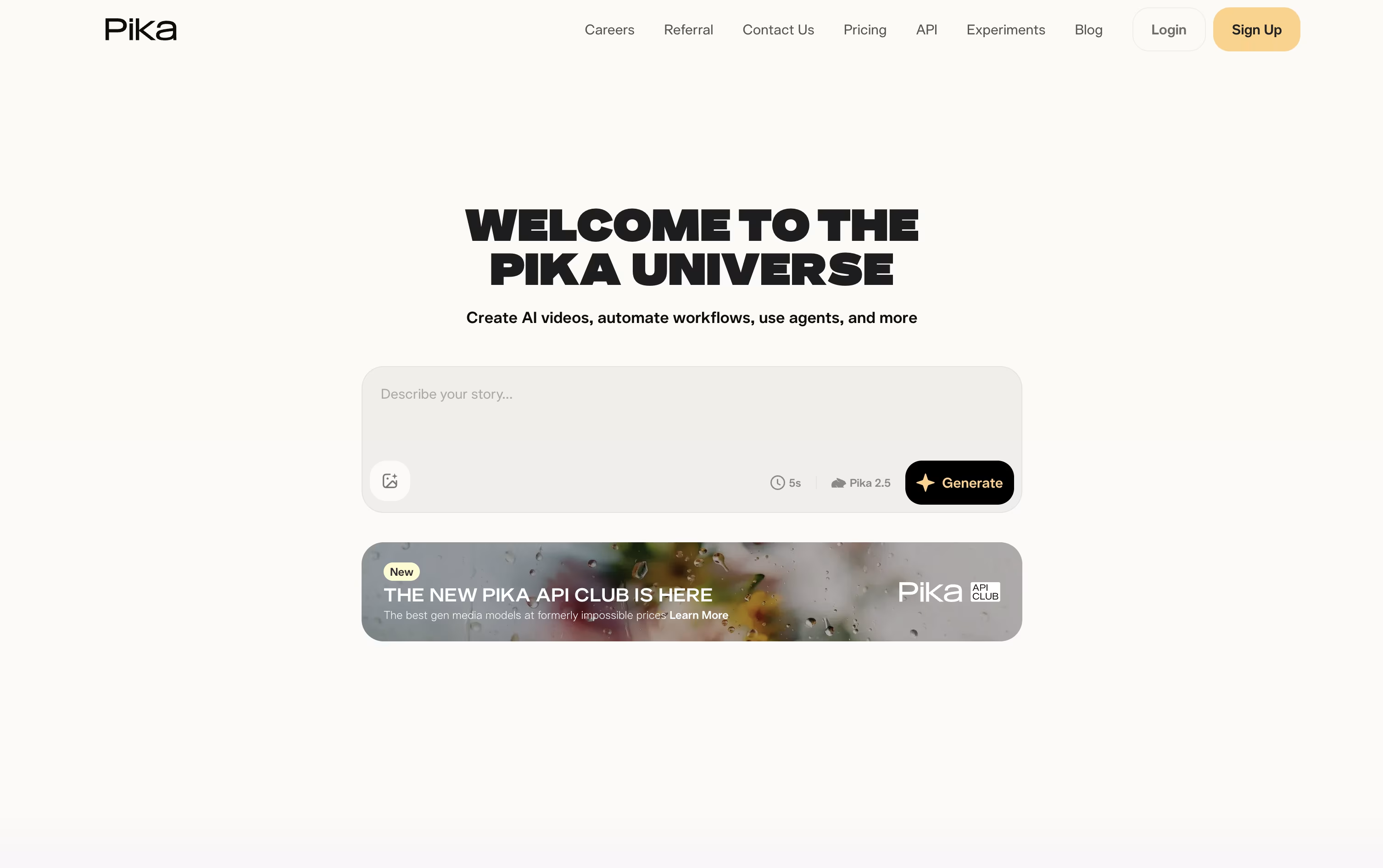
Pika is a video creation tool made by Pika Labs. You give it a text prompt, a photo, or a clip, and it turns that into a short AI video in seconds.
It is built for fun, fast, social style clips rather than long movies. You can animate a photo, apply effects like melting or exploding, swap objects in a video, or make a photo talk and sing from an audio track.
Pika also lets you combine reference images to build full scenes with consistent characters, and it is adding AI agents that can chat with you and help create videos.
There is a free plan to try it out, plus paid plans with sharper quality, faster speed, and watermark free downloads.
Features of RecCloud and Pika
AI speech to text in 99+ languages
Automatic subtitle generation and translation
Video translation with voice cloning and lip sync
AI text to speech with hundreds of voices
AI video generator and Video Generation Agent
Audio and video summaries and clips
Screen recording and simple video editing
Cloud storage and password protected sharing
Cross platform on web, Windows, iOS, and Android
Vocal remover for karaoke and remixes
Text to video and image to video generation
One tap surreal effects with Pikaffects
Keyframe motion control with Pikaframes
Scene building from reference images with Pikascenes
Add or swap objects in existing footage
Prompt driven style and action twists
Talking and singing videos with Pikaformance
Chat based AI creative agent
Free plan plus weekly, monthly, and yearly billing
Web app and iOS app access
Use Cases of RecCloud and Pika
Pricing of RecCloud and Pika
RecCloud offers flexible pricing built around credits, which are used up as you use its AI features.
Weekly Plan ($15/week): 300 credits, 10 GB storage for 7 days, and 2 concurrent tasks.
Basic Annual ($4/month, $48/year): 3,000 credits and 10 GB storage kept during membership.
Pro Annual ($4.92/month, $59/year): 6,000 plus 2,000 bonus credits and 10 GB storage.
Business Annual ($188/year): 24,000 credits, 100 GB storage, 10 concurrent tasks, batch processing, and commercial use rights.
You can also buy extra credits and storage separately through Pay as you go, such as 30,000 credits for $240 or 100 GB of storage for $49 a year. All plans come with a 7 day money back guarantee.
Pika offers a free plan plus three paid tiers, billed weekly, monthly, or yearly, with yearly billing giving a 20 percent discount.
Basic ($0): 80 monthly credits, Pika 2.5 at 480p, and access to most tools except Pikaframes.
Standard ($10/month, or $8/month billed yearly): 700 monthly credits, all resolutions, and every editing tool.
Pro ($35/month, or $28/month billed yearly): Marked as best value, with 2,300 monthly credits, faster generation, watermark free downloads, and commercial use.
Fancy ($95/month, or $76/month billed yearly): 6,000 monthly credits and the fastest generation speed.
Weekly billing is also available for Standard and Pro at $8.99 and $14.99 a week.
FAQs: RecCloud vs Pika
Reviews: RecCloud vs Pika
Based on 0 reviews
Based on 0 reviews
Compare RecCloud With Other Tools

HeyGen
Create Realistic AI Avatar Videos Fast

Synthesia
AI Avatar Video Creation Platform

VEED
AI-Powered Online Video Editing Platform

Descript
Edit Video and Audio Like a Document

Vidnoz AI
AI Avatar Video & Voice Maker

InVideo
AI Agents That Make Your Videos Fast

Elai.io
AI Avatar Videos for Training & L&D

Kling AI
Cinematic AI Video & Image Generator

PixVerse
Turn Text and Images Into AI Video
Compare Pika With Other Tools
HeyGen
Create Realistic AI Avatar Videos Fast
Synthesia
AI Avatar Video Creation Platform
Kling AI
Cinematic AI Video & Image Generator
PixVerse
Turn Text and Images Into AI Video
InVideo
AI Agents That Make Your Videos Fast
Descript
Edit Video and Audio Like a Document
Vidnoz AI
AI Avatar Video & Voice Maker
VEED
AI-Powered Online Video Editing Platform

Hedra
AI Powered Talking Avatar Video Generator

