

Relume vs Claude Design: Features, Pricing and User Reviews 2026
What are Relume and Claude Design?

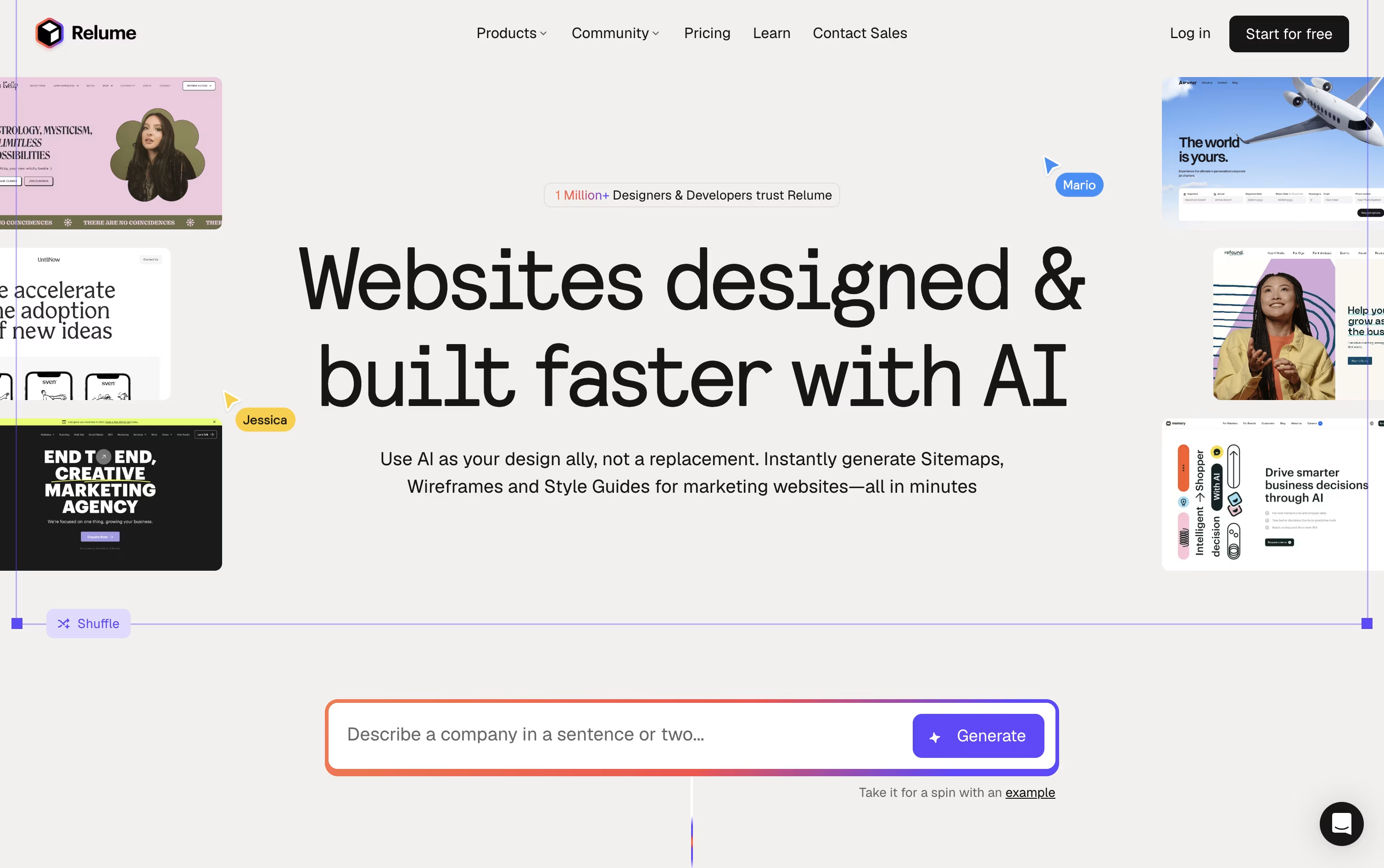
Relume is an AI powered platform that helps designers and developers build the early stages of a website. You type a short prompt about your project and it creates a sitemap, then turns that sitemap into a wireframe using real, ready made components.
Instead of relying only on templates, Relume gives you access to over 1,000 components built for Figma, Webflow, and React. You can adjust colors, fonts, and layout with the built in Style Guide Builder, then export your work straight into the tool you already use.
Teams can share projects, leave comments, and move from idea to a finished structure in minutes rather than days. Relume also connects with AI code editors through a feature called Relume Library MCP, so developers can pull in real components directly while coding.

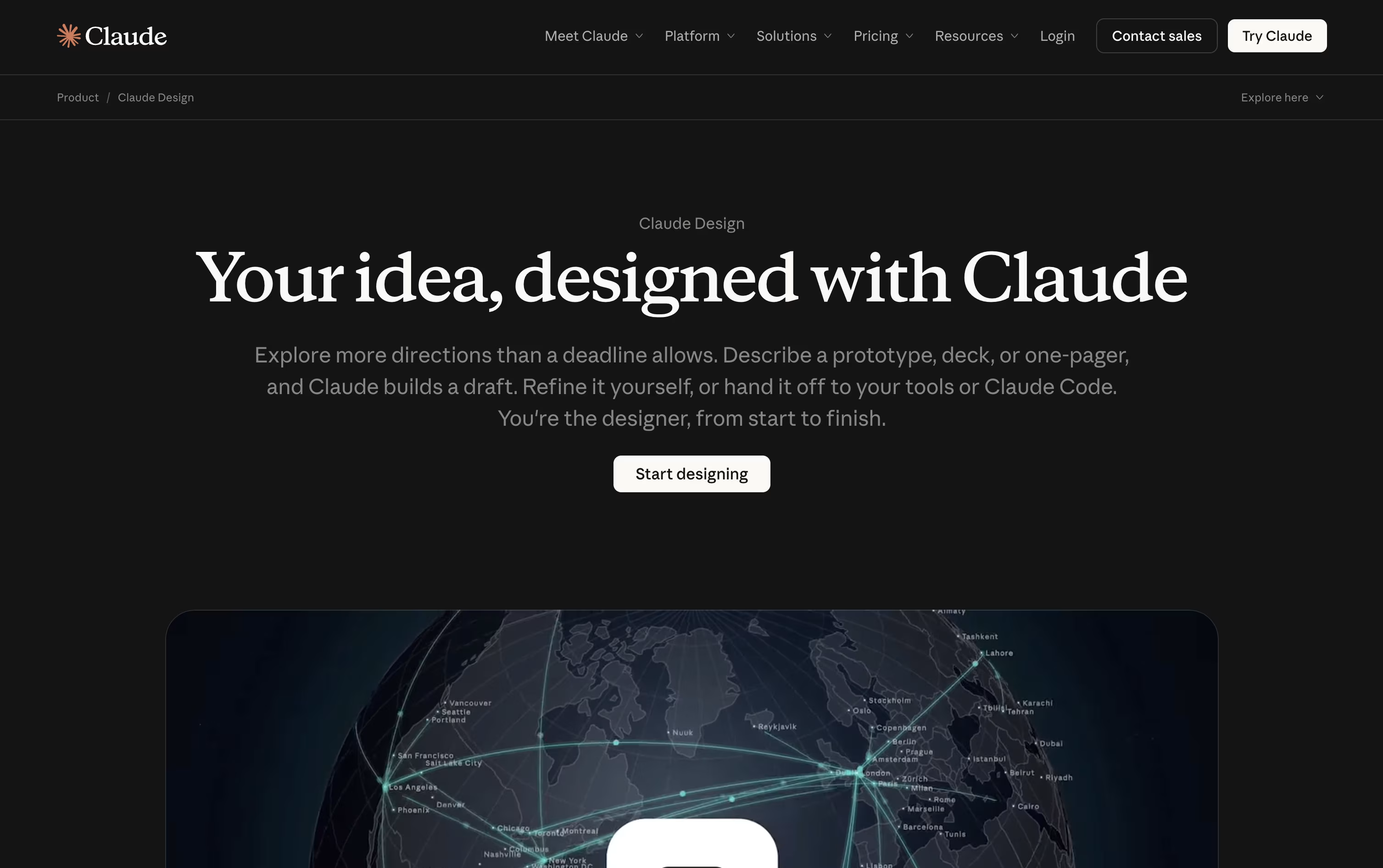
Claude Design is a beta tool from Anthropic that lets you build polished, on-brand visual work simply by talking with Claude. You can turn ideas, screenshots, documents, or even existing code into designs, prototypes, and presentations without needing any design software skills.
It works on an interactive canvas. You describe what you want in chat, and Claude creates a first version right away. From there, you can refine it through more chat, inline comments on specific parts, or by dragging and resizing pieces yourself.
Claude Design pays close attention to your brand. You can import your design system from GitHub, design files, or raw uploads, and Claude will build using your real colors, fonts, and components instead of generic templates.
It also connects closely with Claude Code, so you can hand off a design to be built, or turn existing code into a working prototype. Claude Design comes included with the Claude Pro, Max, Team, and Enterprise plans.
Features of Relume and Claude Design
AI generated sitemaps and wireframes
1,000+ components for Figma, Webflow, and React
Style Guide Builder for colors and fonts
Export to Figma, Webflow, React, and Claude
Team sharing and commenting
Chrome Extension with Class Sync
Relume Library MCP for AI code editors
Monthly component updates
Chat-based design creation
Interactive, clickable prototypes
Design system import for on-brand results
Inline comments and canvas editing
Tight Claude Code integration
Pitch decks and marketing assets
Exports to PDF, PPTX, PNG, and video
Shareable view, comment, and edit links
Admin-locked brand systems for teams
Included with Claude Pro, Max, Team, Enterprise
Use Cases of Relume and Claude Design
Pricing of Relume and Claude Design
Relume has a free plan and three paid plans, with a 30% discount when you pay yearly.
Free ($0/month): 1 project, 1 page, and Figma export only, good for learning or a simple one page site.
Starter ($26/month, or $18/month billed yearly): Adds 5 pages, Webflow and React export, and unlimited AI usage, with a 7 day free trial.
Pro ($58/month, or $40/month billed yearly): Removes the project and page limits completely, giving unlimited projects and pages.
Team ($52/month per person, or $36/month per person billed yearly, 3 people minimum): Includes everything in Pro plus a shared team workspace and branded sharing.
All paid plans include a 7 day free trial before you are charged.
Claude Design is not sold on its own. It comes bundled with a Claude subscription, so the price you pay is the price of your Claude plan.
Free: $0, but Claude Design is not included at this level.
Pro: $17 a month billed annually, or $20 a month billed monthly, adds Claude Design along with Claude Code, Claude Cowork, and Claude Science.
Max: Starts from $100 a month for 5x or 20x more usage than Pro, plus priority access at busy times.
Team: Standard seats start at $20 a person a month billed annually, with Premium seats from $100 a person a month for 5x more usage.
Enterprise: A custom seat price plus usage at API rates, built for large organizations that need advanced security and admin controls.
FAQs: Relume vs Claude Design
Reviews: Relume vs Claude Design
Based on 0 reviews
Based on 0 reviews
Compare Relume With Other Tools

UX Pilot
AI Powered UI Design & Prototyping

Visily
AI-Powered UI Design & Wireframe Tool

Uizard
AI-Powered UI Design & Prototyping Tool

Figma Make
AI Prompt to App & Prototype Tool

Banani
AI UI Design Tool for Fast Prototypes
Magic Patterns
AI-Powered UI Prototyping Tool

Locofy
AI Design to Code for Frontend Teams

Builder.io
AI-Powered Visual Development Tool

Kombai
AI Design Engineer for Frontend Code
Compare Claude Design With Other Tools
UX Pilot
AI Powered UI Design & Prototyping
Uizard
AI-Powered UI Design & Prototyping Tool
Visily
AI-Powered UI Design & Wireframe Tool
Banani
AI UI Design Tool for Fast Prototypes
Magic Patterns
AI-Powered UI Prototyping Tool
Google Stitch
Free AI UI Design Tool by Google
Figma Make
AI Prompt to App & Prototype Tool
Kombai
AI Design Engineer for Frontend Code

Sleek Design
AI-Powered Mobile App Design Tool Online





