

Vyond vs Descript: Features, Pricing and User Reviews 2026

Vyond
AI-Powered Business Video Creation Tool
Vyond
AI-Powered Business Video Creation Tool
What are Vyond and Descript?
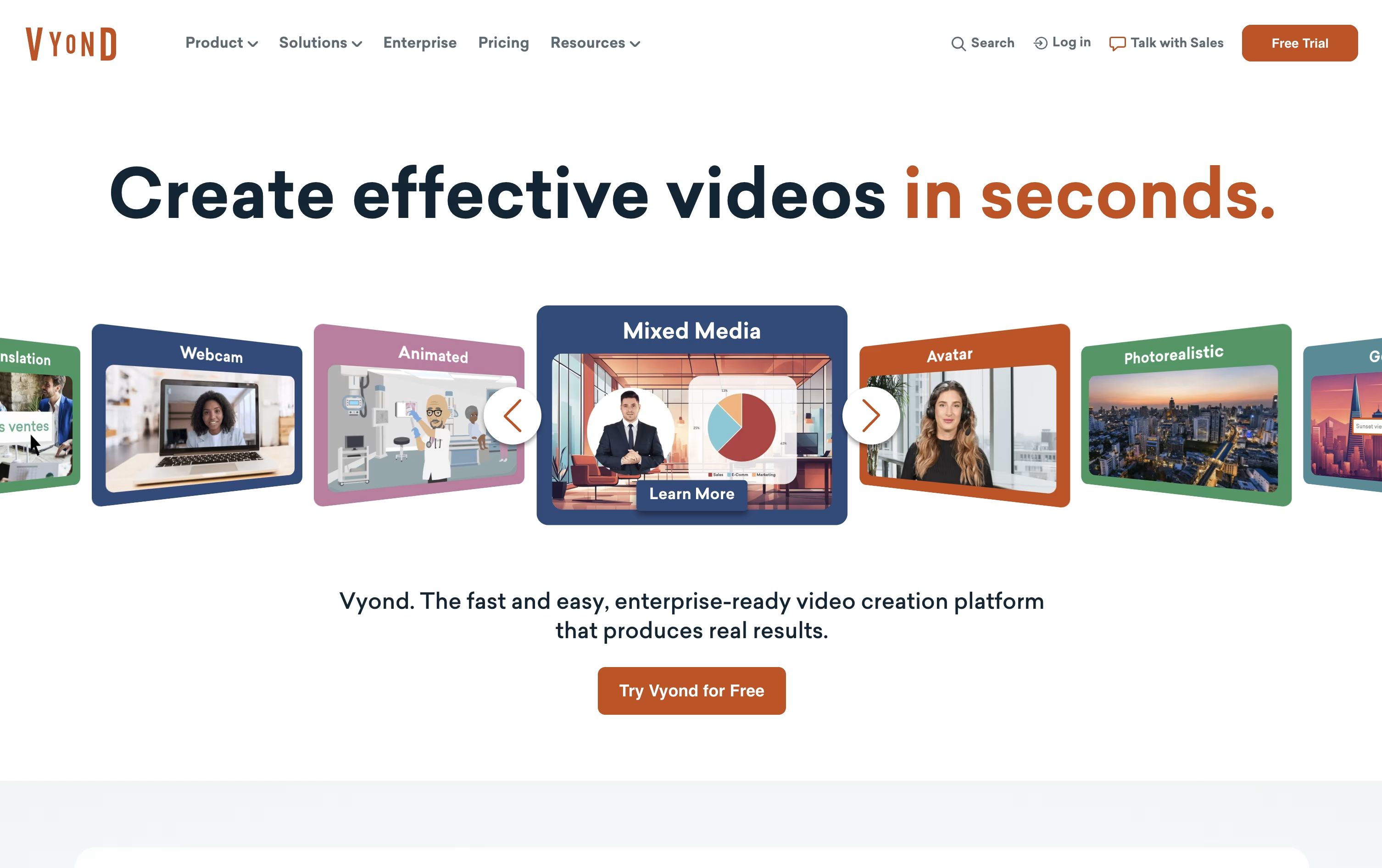
Vyond is a web based video creation platform built for businesses that need training, HR, marketing, or internal communication videos without hiring an animation team. It works entirely in the browser, so there is nothing to install.
The platform is built around two main tools. Vyond Go is the AI generator that turns a document, script, or web link into a draft video in seconds. Vyond Studio is the full drag and drop editor where you refine that draft or build something from scratch, with animated characters, AI avatars, screen recording, and text to speech voices.
Teams use Vyond for onboarding, compliance training, sales enablement, and executive messaging, and it supports translation into 95 languages so content can reach a global audience.
With thousands of templates, brand management tools, and enterprise level security, Vyond works for a single creator as well as large companies with strict compliance needs.

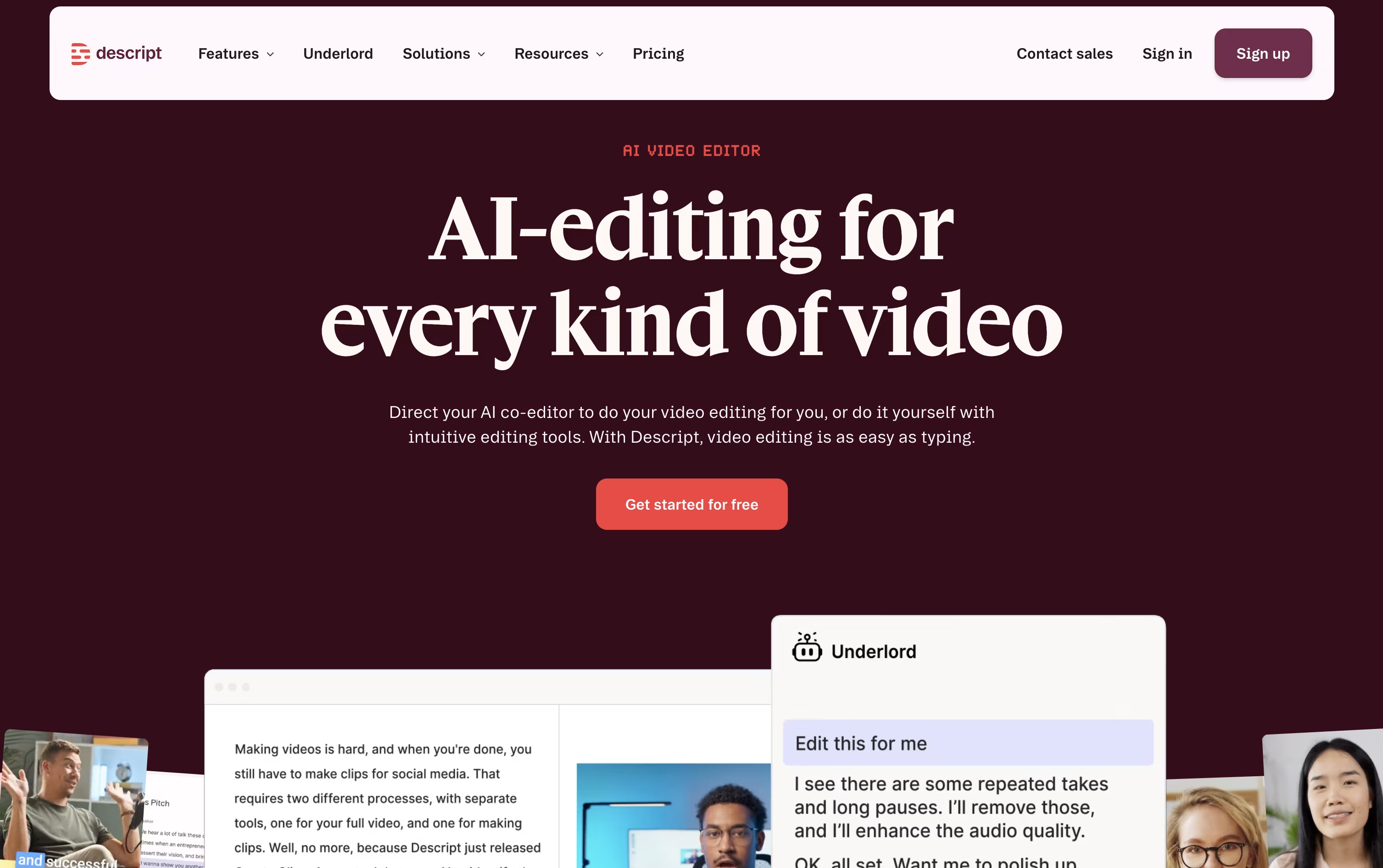
Descript is an audio and video editor that works differently from most editing tools. With a complex timeline replaced by text-based editing, you edit by changing the text. Record or upload a video, and Descript creates an automatic transcript. Delete or change a word in the transcript, and it changes the video too.
The tool includes many AI features built right in. Studio Sound cleans up noisy audio, Remove Filler Words cuts out ums and uhs, and Eye Contact makes it look like you were staring straight at the camera. Underlord, its AI co-editor, can carry out full editing tasks from a simple written instruction.
Descript also supports remote recording, captions, translation, dubbing, and clip creation for social media, making it useful for podcasters, YouTubers, marketers, and teams that produce a lot of spoken content.
There is a free plan to get started, plus paid plans that unlock more editing time, higher resolution exports, and advanced AI tools.
Features of Vyond and Descript
AI avatars and custom avatar creation
Text, document, script, and URL to video with Vyond Go
650+ text-to-speech voices
Screen and webcam recording
Drag and drop Studio editor
Thousands of templates and assets
Translation into 95 languages
Brand Management Suite for enterprise teams
Team collaboration and shared libraries
SCORM export for LMS platforms
Edit video and audio by editing text
Studio Sound for automatic audio cleanup
Remove filler words with one click
Eye Contact and Green Screen AI tools
Underlord AI co-editor for full edits
Voice cloning and custom AI avatars
Remote recording with multiple guests
Translation and dubbing in many languages
Automatic social clips and captions
Real-time team collaboration and comments
Use Cases of Vyond and Descript
Pricing of Vyond and Descript
Vyond offers four paid plans, and there is no free version.
Starter ($99/month or $699/year): Built for a single user, with 10,000 monthly credits, 100 downloads a month, and videos up to 25 minutes.
Professional (around $119/month or $1,199/year per user): Adds team collaboration, Shutterstock assets, translation into 95 languages, and 20,000 monthly credits.
Enterprise ($1,649/year per user): Includes virtually unlimited credits and downloads, the Brand Management Suite, and the Vyond Secure Suite with single sign on.
Agency ($1,999/year per user): Built for client facing work, with 400,000 monthly credits, unlimited downloads, and brand tools, though it does not include the Secure Suite.
Enterprise and Agency plans are billed annually only, and multi-seat pricing is available by contacting Vyond's sales team.
Descript offers five plans to fit different needs, from solo creators to large teams.
Free ($0): 1 hour of media a month, 100 one-time AI credits, and 720p exports.
Hobbyist ($24/person/month): 10 media hours, 400 AI credits a month, and watermark-free 1080p exports.
Creator ($35/person/month): The most popular plan, with 30 media hours, 800 AI credits, full Underlord access, and 4K exports.
Business ($65/person/month): 40 media hours, 1,500 AI credits a month, team-wide Brand Studio, and priority support with an SLA.
Enterprise (Custom): Tailored AI credits and media limits, advanced security, SSO, and dedicated support.
Annual billing lowers the per-month cost on paid plans by up to 35 percent, and no credit card is needed to start on the Free plan.
FAQs: Vyond vs Descript
Reviews: Vyond vs Descript
Based on 0 reviews
Based on 0 reviews
Compare Vyond With Other Tools

Synthesia
AI Avatar Video Creation Platform

HeyGen
Create Realistic AI Avatar Videos Fast

Elai.io
AI Avatar Videos for Training & L&D

InVideo
AI Agents That Make Your Videos Fast

AI Studios
Create AI Avatar Videos Easily Now

Colossyan Creator
AI Training Video Platform

Renderforest
AI Video, Logo & Website Maker

Vidnoz AI
AI Avatar Video & Voice Maker

Kling AI
Cinematic AI Video & Image Generator
Compare Descript With Other Tools

VEED
AI-Powered Online Video Editing Platform
InVideo
AI Agents That Make Your Videos Fast
HeyGen
Create Realistic AI Avatar Videos Fast
Synthesia
AI Avatar Video Creation Platform

RecCloud
AI Tools for Video, Audio & Editing
Vidnoz AI
AI Avatar Video & Voice Maker
Kling AI
Cinematic AI Video & Image Generator

Pika
AI Video Generator for Social Media Clips

Pictory
Create Professional Videos with AI Fast


