

Best 8 Open Source Motion Alternatives in 2026
Last Updated: August 15, 2026
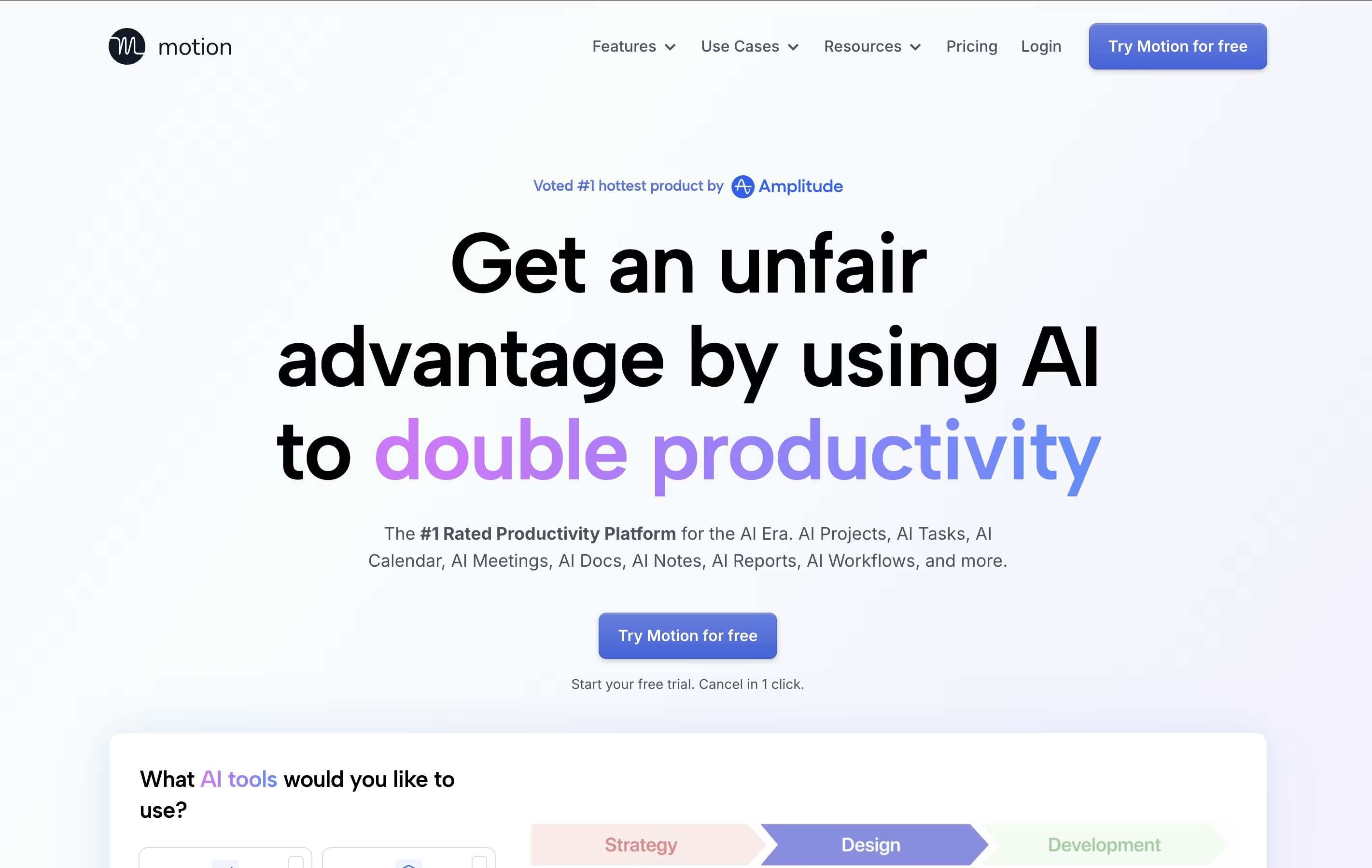
Motion is an all-in-one productivity tool that uses artificial intelligence to manage your time and tasks. Instead of spending hours organizing your workday, Motion automatically schedules everything based on deadlines, priorities, and your available time.
The platform combines several tools into one: a smart calendar that syncs with Google Calendar and Outlook, a task manager that auto-schedules work, a project management system with Kanban and Gantt views, and meeting scheduling features similar to Calendly. Motion also includes AI Employees—smart assistants that can draft emails, create content, analyze data, and handle repetitive tasks.
The best alternative to Motion is  Focalboard
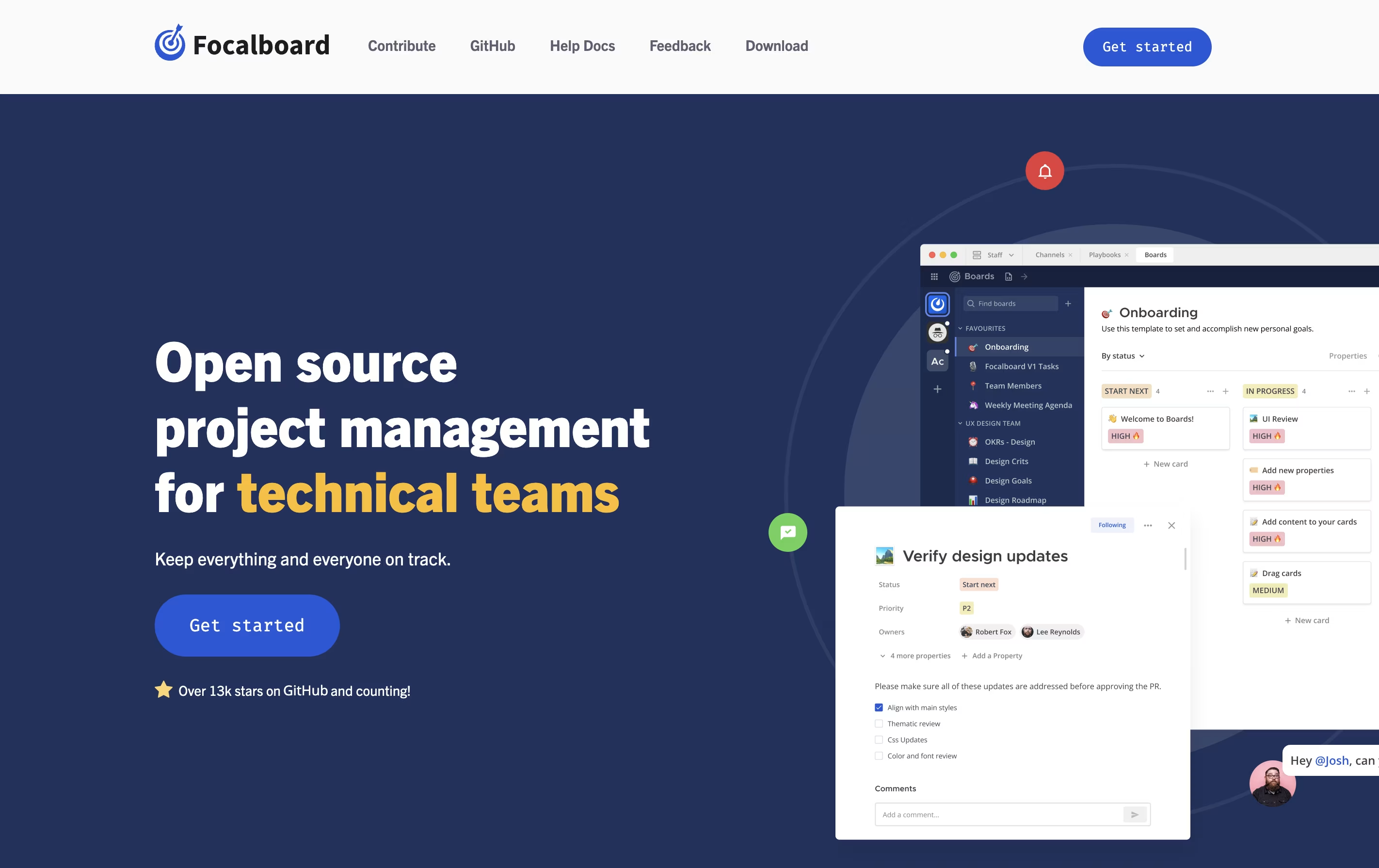 FocalboardFree Open Source Project Management Tool.
  Vikunja
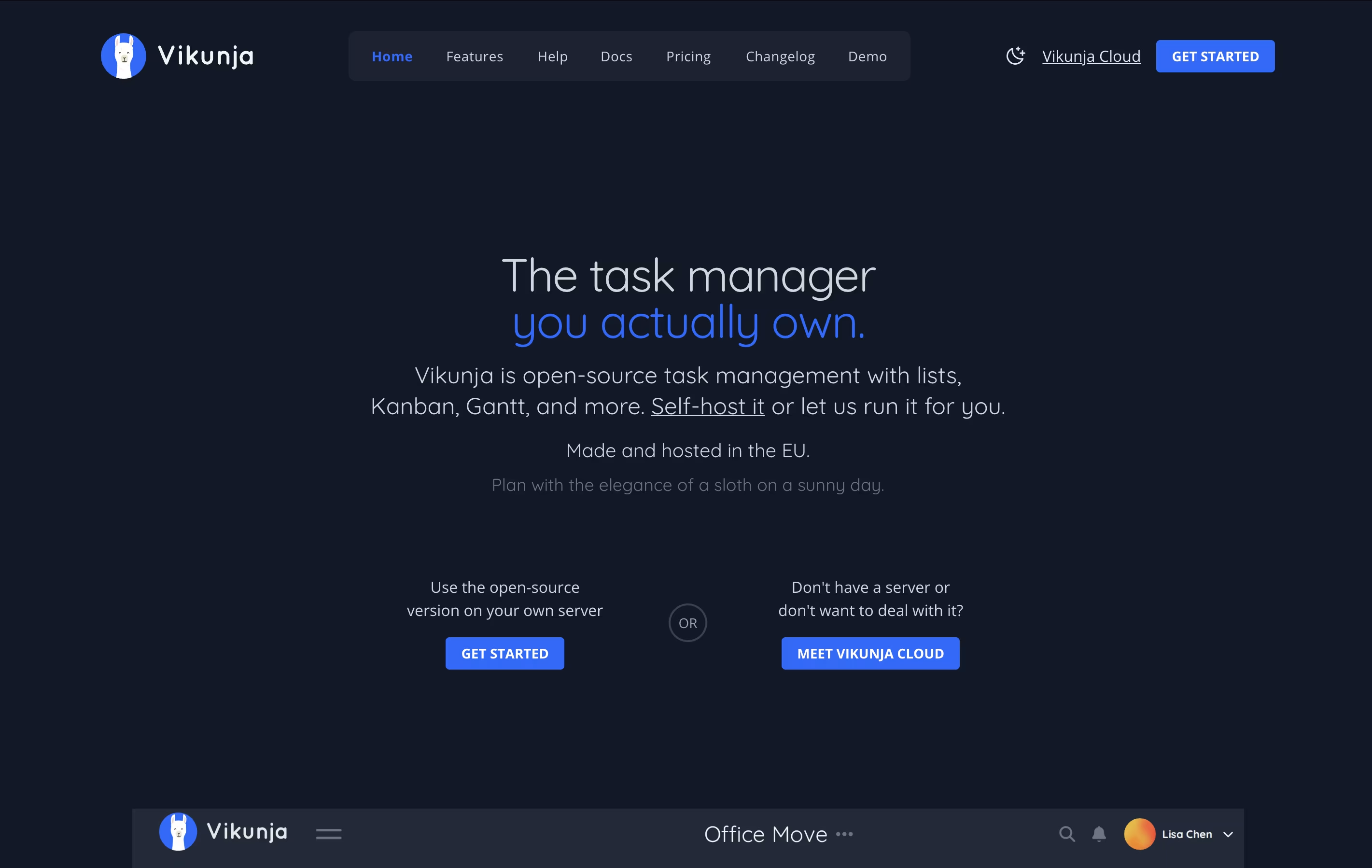 VikunjaOpen-Source Task Management & To-Do App and
  Plane
Plane PlaneOpen Source Project Management Tool are also among the best options for Task Management.
So, here are the 8 best alternatives to Motion:
Focalboard is a project management platform that lets you organize work in different ways. You can view tasks as cards on a Kanban board, rows in a table, items in a gallery, or events on a calendar. This flexibility helps you work in the style that suits you best.
It comes in two main versions. The Personal Desktop version is a single-user app for managing your own tasks and projects. The Personal Server version supports multiple users and works well for teams. When used with Mattermost, it integrates messaging and project management in one place.
The tool is completely free to use and modify because it is open source. You can find the source code on GitHub and contribute to its development.
Vikunja is a complete task management system that you can use in different ways depending on your needs. It lets you create tasks, organize them into projects, set due dates, add reminders, and share work with others. The tool is built with speed in mind and every action happens quickly without loading delays.
What makes Vikunja special is that it is completely open-source under the AGPL license. This means you can check the code, run it yourself, or use the cloud version. You get features like task relationships, filters, labels, subtasks, and file attachments. The interface is clean and modern, making it easy to focus on your work instead of learning complex software.
Plane is a project management tool built to track work, manage sprints, and organize team projects without unnecessary complexity. It gives teams a clear view of their work through multiple layouts like lists, boards, calendars, and charts. You can create tasks called work items, group them into projects, and track progress over time.
The platform includes AI-powered pages for documenting ideas and plans, built-in time tracking, and detailed analytics to understand team performance. Plane supports both cloud hosting and self-hosting, so you can choose where your data lives. It connects with tools like GitHub and Slack, making it easy to fit into your existing workflow. Whether you use agile methods, scrum, or your own process, Plane adjusts to match how your team actually works.

Huly is an all-in-one workspace that combines project tracking, real-time chat, video meetings, and document editing. Unlike traditional tools that focus on one thing, Huly handles multiple team needs together. You can create tasks, chat with teammates, hold video calls, write documents, and plan your schedule without leaving the platform.
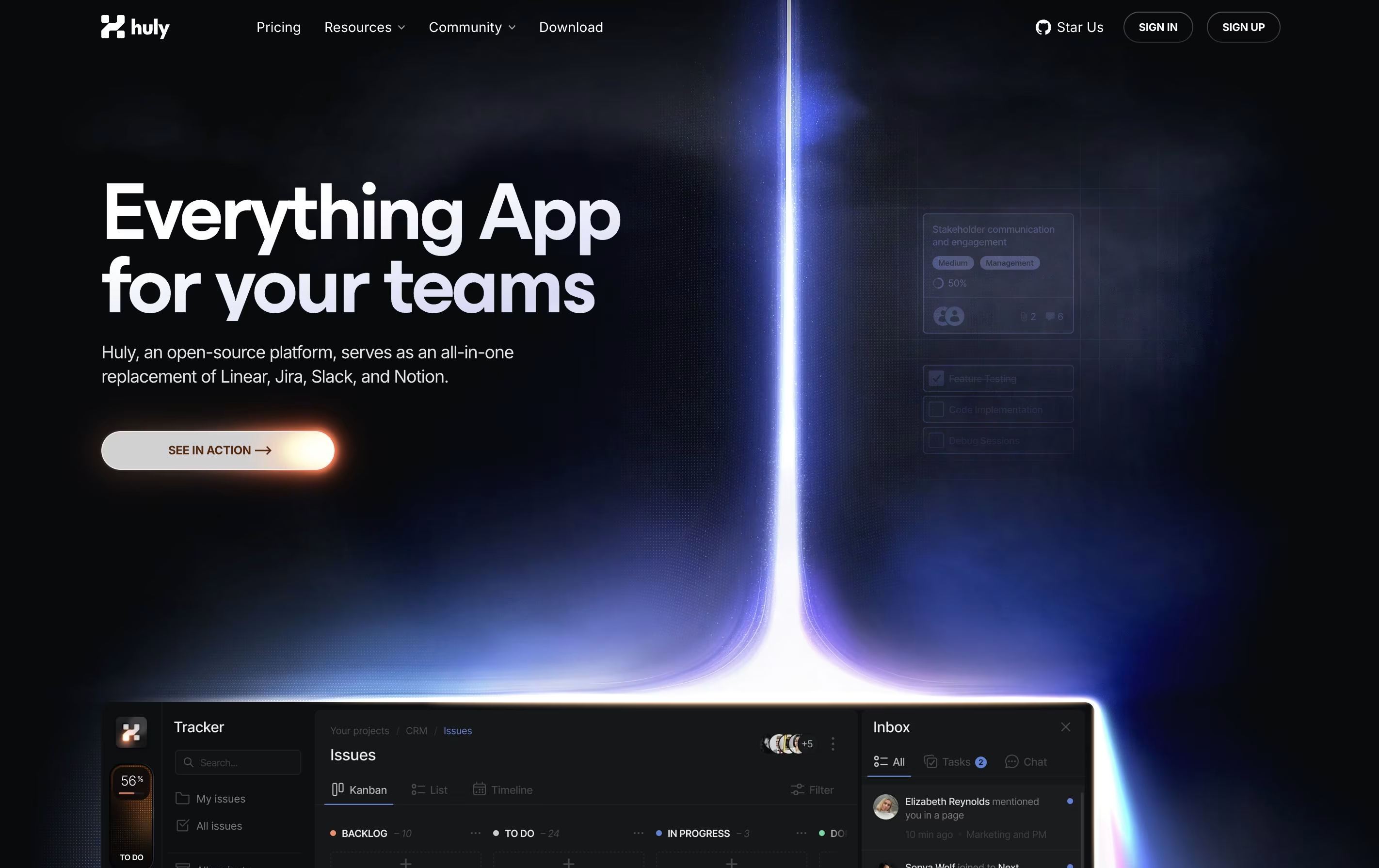
The platform works especially well with GitHub, syncing issues and pull requests automatically. This makes it popular with software development teams. Huly is open-source, meaning the code is publicly available and can be customized. You can use it as a cloud service or host it on your own servers.
There are four pricing levels, starting with a free plan that includes unlimited users and basic features for small teams getting started.
OpenProject is software that helps teams plan, track, and complete projects together. You can create tasks, assign them to team members, set deadlines, and watch progress in real time. It works for any project style: traditional waterfall planning, agile sprints, or a combination of both.
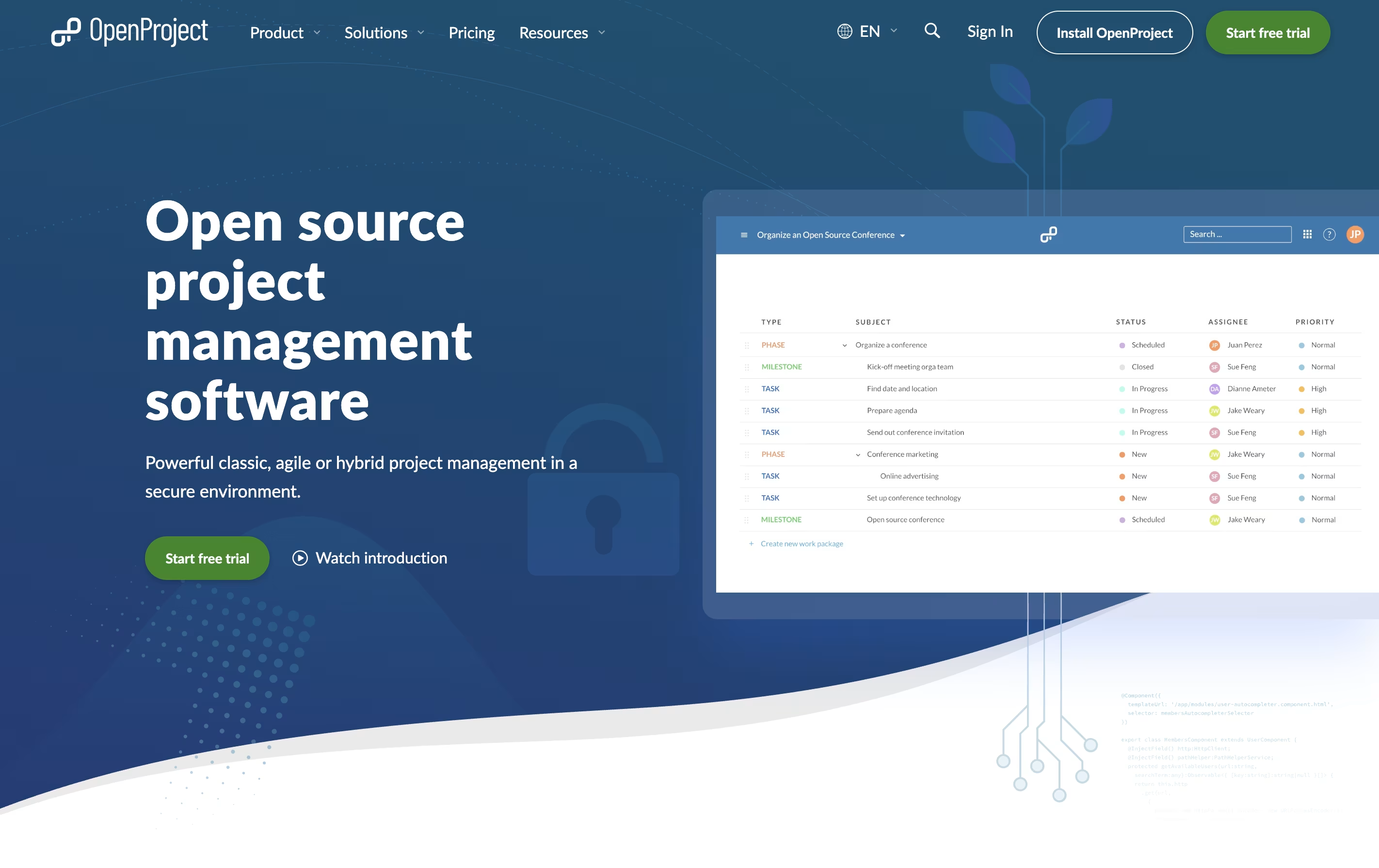
The platform includes visual tools like Gantt charts for timeline planning, Kanban boards for workflow tracking, and calendars for scheduling. Everything stays in one place: your task lists, documents, team discussions, and time tracking.
There is a free community version you can install yourself, plus paid enterprise plans with extra features and support. The cloud version requires no setup, while self-hosted versions give you complete control over your data and privacy.
Taiga is a project management tool that helps teams organize their work using agile methods. You can create projects, add tasks, track progress, and work with your team all in one place. The tool shows your work in different views like boards, lists, and charts to match how your team likes to work.
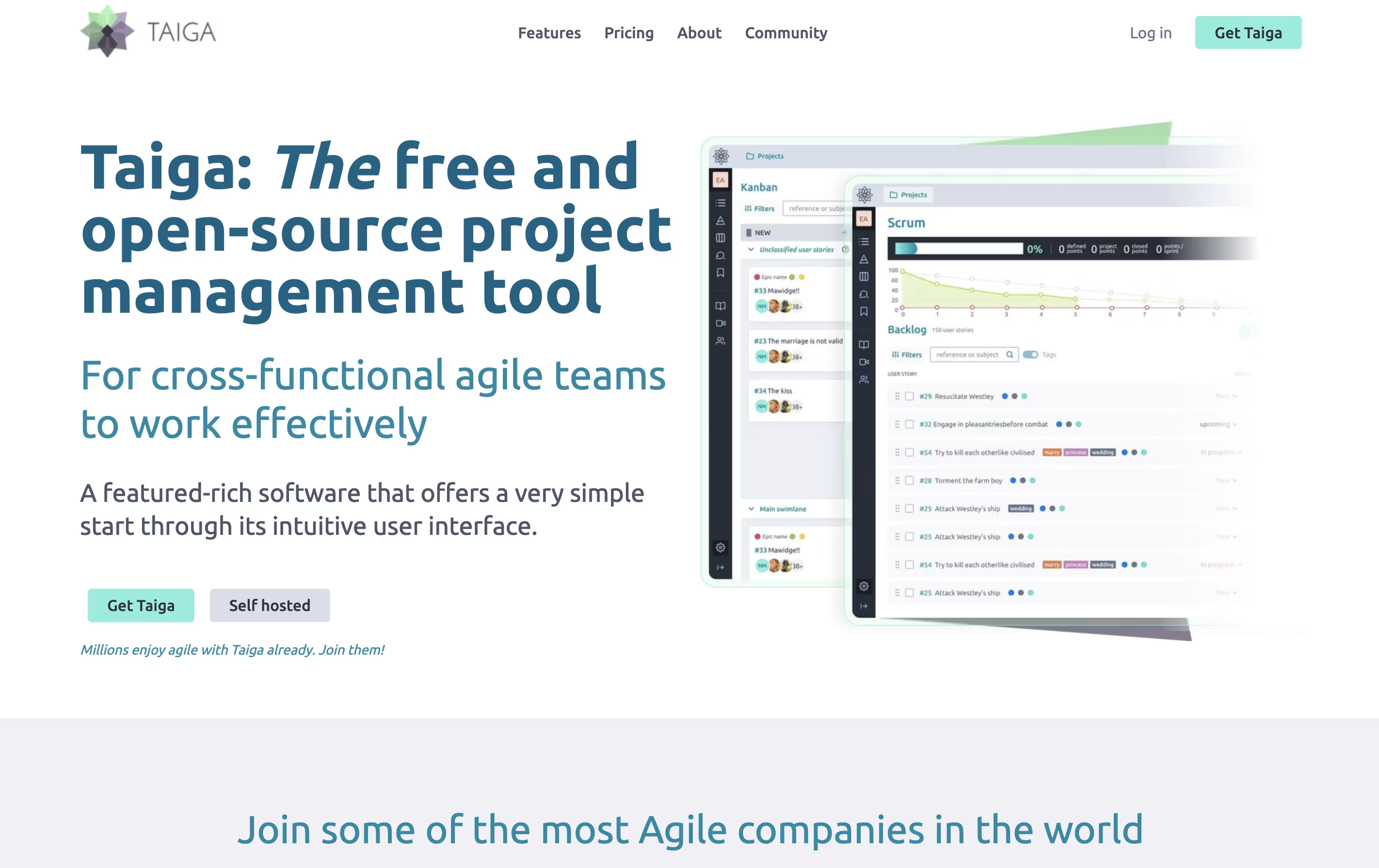
Unlike many project tools, Taiga is completely open source. This means you can see how it works, change it to fit your needs, or install it on your own computers. The platform includes everything teams need: task boards, sprint planning, progress tracking, file sharing, and team chat. It connects with tools you already use like GitHub, Slack, and GitLab to keep everything linked together.
Operately is an all-in-one platform that helps teams manage their work without needing a full-time operations manager. It brings together three main areas: goal tracking similar to OKRs, project management with tasks and milestones, and team collaboration through message boards and documents.
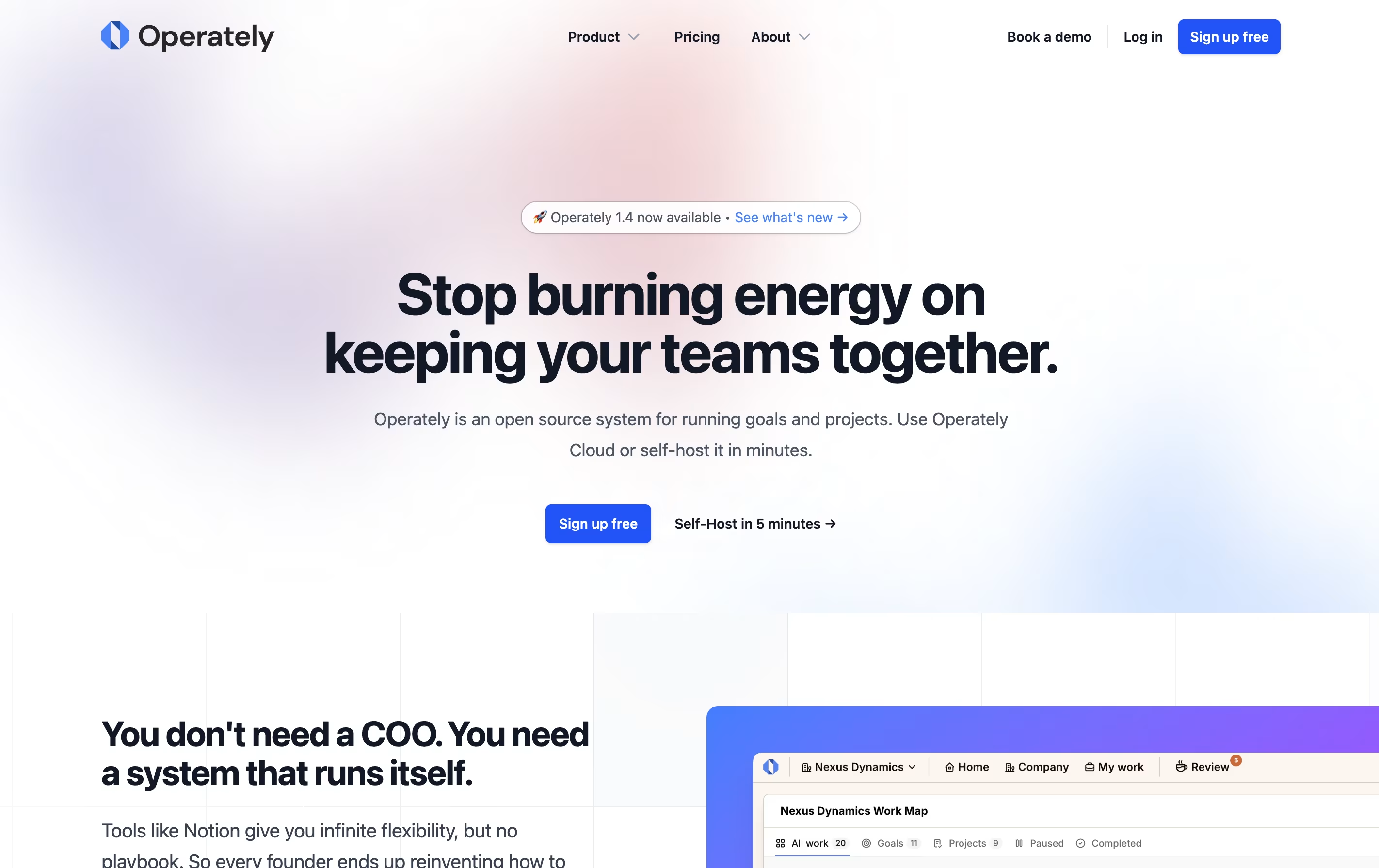
The tool is open source, which means the code is publicly available and you can even host it on your own servers if you want full control over your data. This makes it appealing to companies that care about privacy and security.
Operately also includes an AI assistant called Alfred that reviews your goals and projects, giving helpful feedback and suggestions to keep your team on track and improve how you work.

Freeter is a desktop application that organizes all your work tools in one place. Instead of switching between many apps and browser tabs, you create project-based workspaces that contain everything you need for each task.
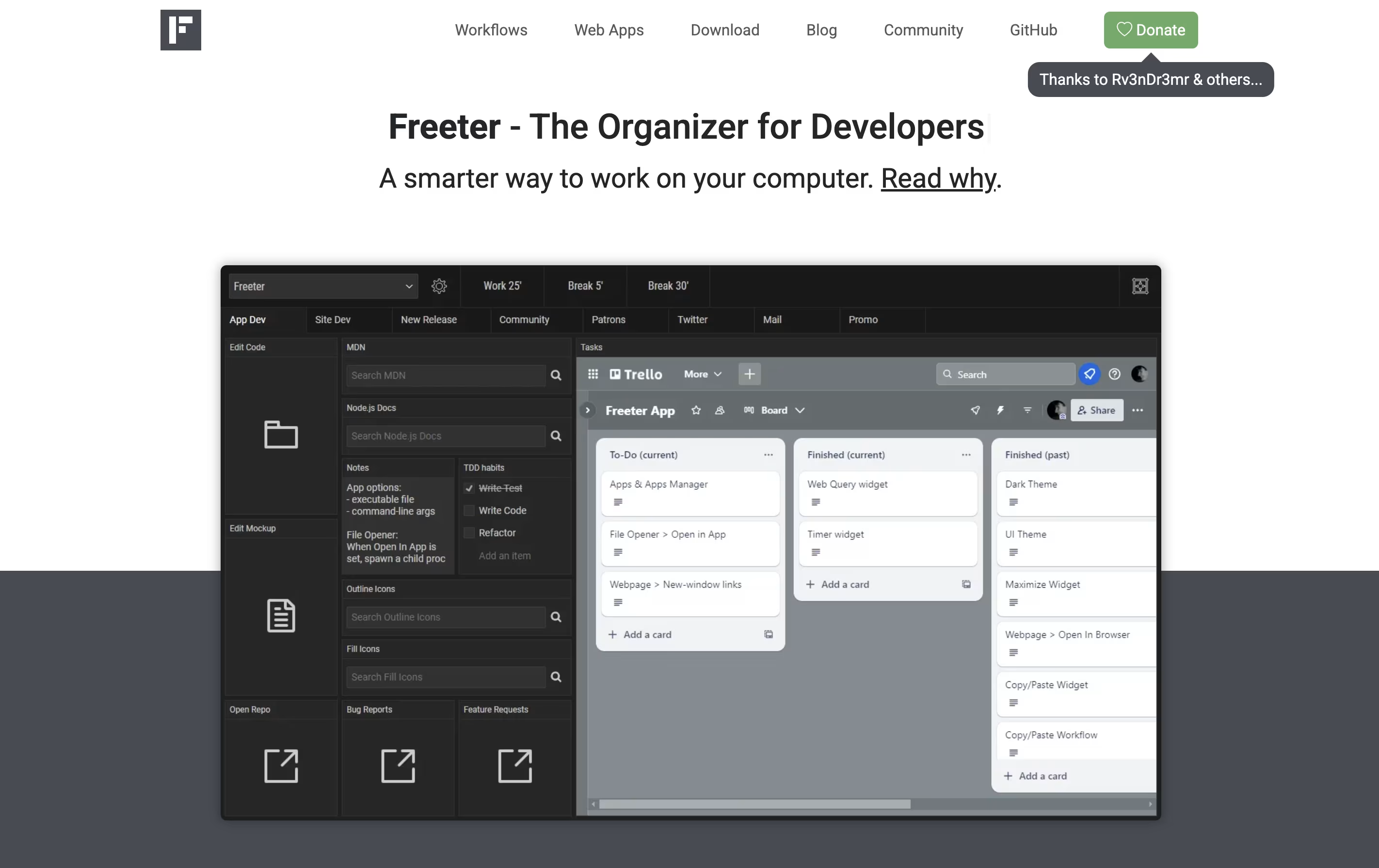
The app uses widgets to bring different tools together. You can embed web apps like Gmail or Trello, open project files with one click, run command-line scripts, keep to-do lists, set timers, and write quick notes. Each project can have multiple workflow tabs to organize different activities.
Freeter works on Windows, Linux, and Mac computers. It is completely free and open-source under the GNU GPL license. The app works offline and does not send any data to external servers, making it secure and private.





