

Bruno vs Thunder Client: Features, Pricing and User Reviews 2026
What are Bruno and Thunder Client?

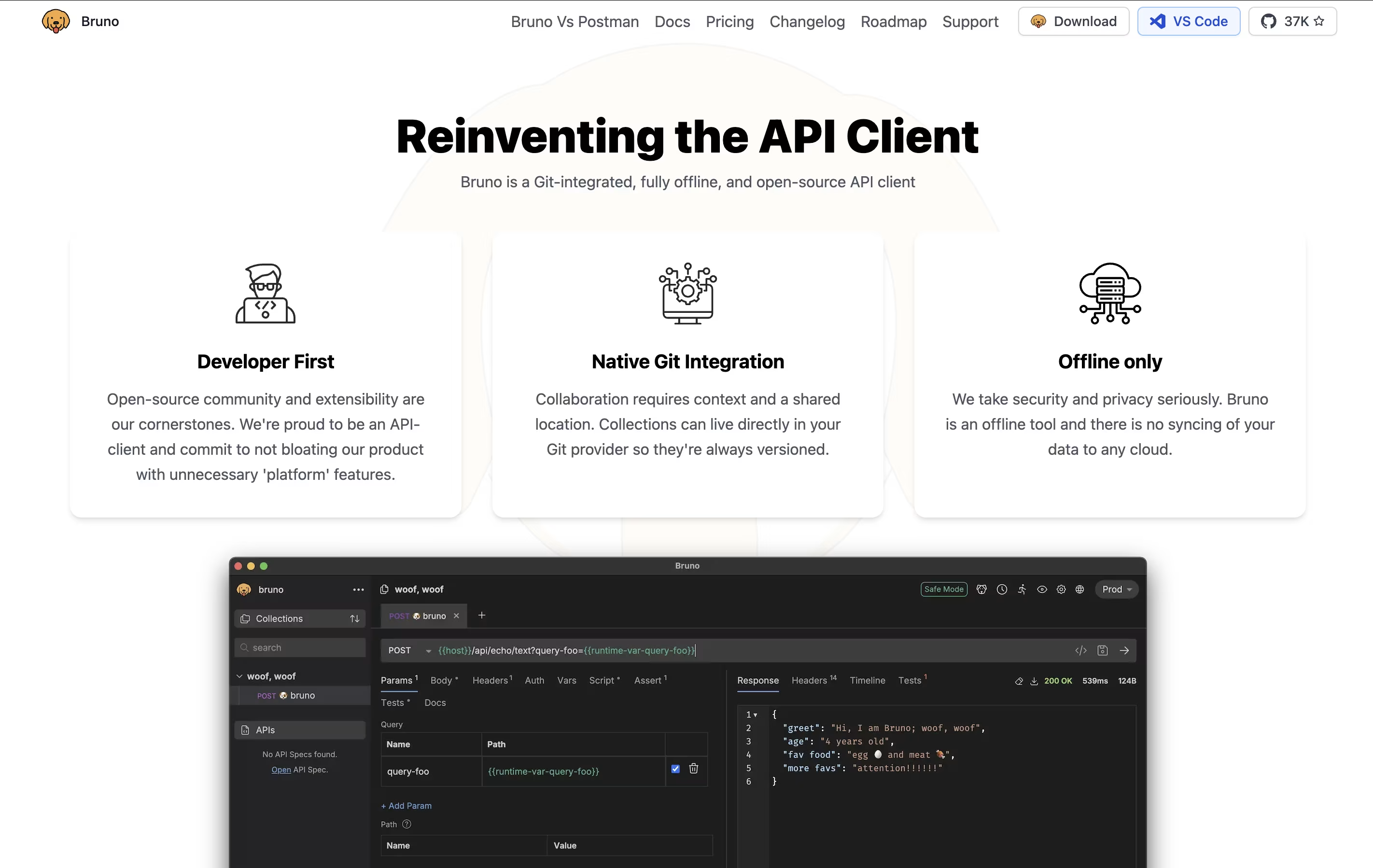
Bruno is an "offline-first API client" that revolutionizes how developers test and manage APIs. Instead of forcing you to create accounts or store data in the cloud, Bruno saves everything directly on your device using a simple text format called "Bru."
This approach means your API collections, tests, and sensitive data never leave your computer unless you choose to share them. Bruno supports all major API types including REST, GraphQL, and gRPC, making it versatile for any project.
The tool integrates seamlessly with Git and other version control systems, allowing teams to collaborate on API collections just like they do with code. Bruno also includes JavaScript-based testing, environment management, and command-line support for automation and continuous integration workflows.

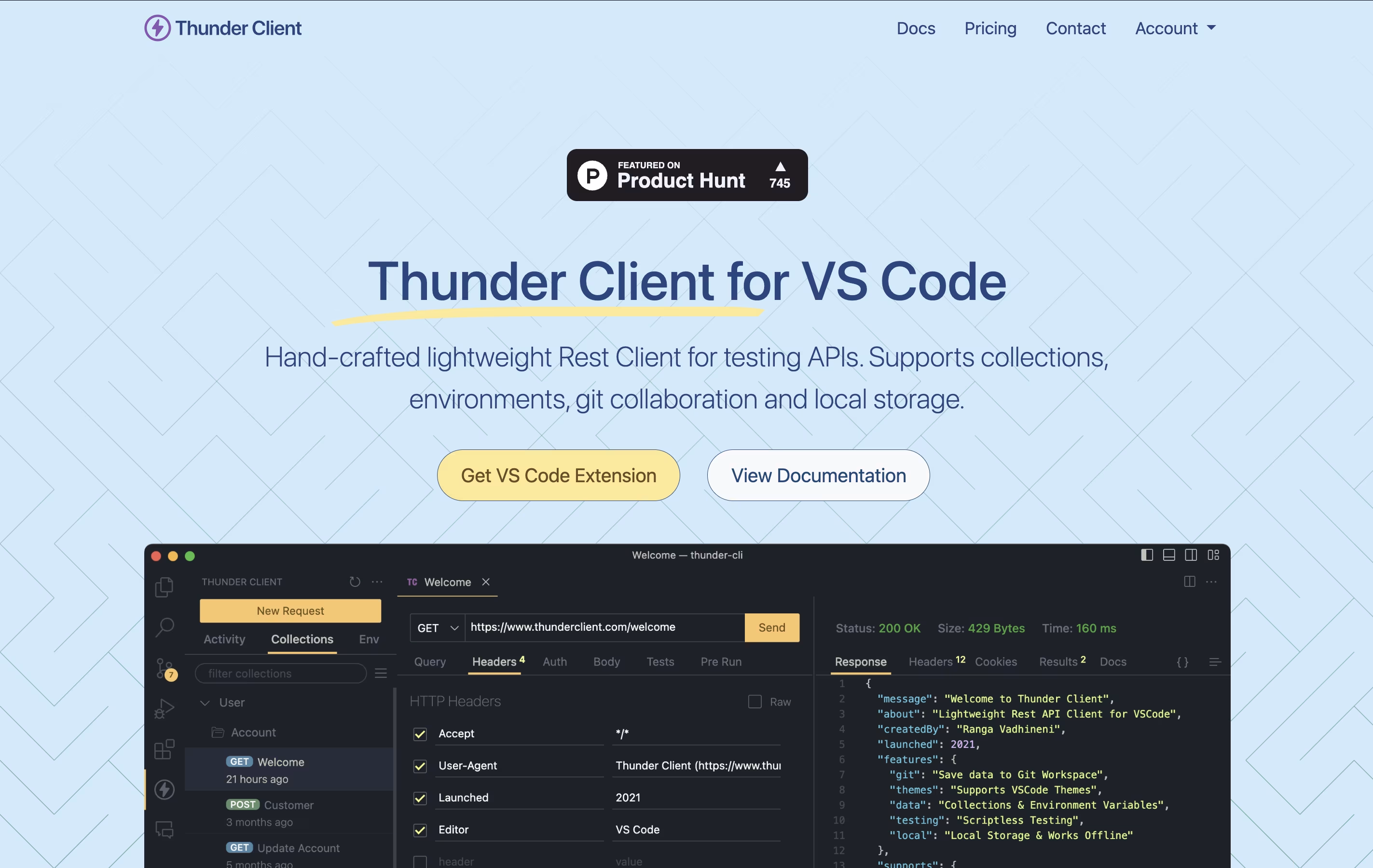
Thunder Client is a REST API testing tool that lives inside Visual Studio Code. You can send requests, check responses, and organize your API tests without opening another program. It works just like other API testing tools but runs directly in your code editor.
The extension saves all your requests and settings on your own computer. This makes it fast, private, and able to work without internet. You can also save your testing data to Git repositories, making it easy to share with your team.
Thunder Client offers both free and paid versions. The free version works great for basic testing, while paid plans add features like unlimited test runs, team management tools, and advanced testing options for businesses.
Features of Bruno and Thunder Client
Completely offline API client with no cloud sync required
Git-friendly file storage using .bru markup language
Support for REST, GraphQL, and gRPC APIs
JavaScript-based testing and automation capabilities
Environment variable management with secrets support
Command-line interface for CI/CD integration
Import collections from Postman and Insomnia
Cross-platform desktop app for Windows, Mac, and Linux
Open-source with free core features
Lightweight VS Code extension for API testing
Local storage keeps data private and secure
Git sync for team collaboration
Collections organize related API requests
Environment variables for different settings
Scriptless testing with simple interface
CLI integration for automated testing
GraphQL, WebSocket, and gRPC support
Request chaining and advanced scripting
AI integration through MCP Server
Use Cases of Bruno and Thunder Client
Pricing of Bruno and Thunder Client
Bruno offers transparent pricing with a strong free tier and affordable paid options for advanced features.
Free Version includes all core API testing functionality with unlimited collections, requests, and environments. You get full offline access, Git integration, JavaScript testing, and CLI support at no cost.
Pro Plan ($6/month) adds advanced Git client integration, OpenAPI design tools, and priority support. This plan is ideal for individual developers and small teams who need enhanced workflow integration.
Ultimate Plan ($11/month) includes everything from Pro plus additional enterprise features, advanced automation tools, and expanded OpenAPI capabilities.
Unlike competitors that limit core functionality or require expensive team plans, Bruno keeps essential features free while charging only for premium add-ons. There are no per-user restrictions on the free version, making it accessible for teams of any size who want to start with basic API testing.
Thunder Client offers flexible pricing to match different needs. The Free plan gives you the extension with 30 collection runs and basic features, but it is limited to personal, non-commercial use only.
The Individual plan costs $49 per year and includes 100 collection runs, advanced scripting, request chaining, and access to WebSocket, SSE, and gRPC testing. This plan works well for freelance developers.
For teams, the Business plan is $7 per month per user and includes 500 collection runs, team features, CLI integration, and the ability to pay by invoice.
The Enterprise plan at $16 per month per user offers unlimited collection runs, priority support, offline activation, encrypted environments, secrets manager integration with Azure and AWS, and enterprise single sign-on capabilities.
FAQs: Bruno vs Thunder Client
Reviews: Bruno vs Thunder Client
Based on 0 reviews
Based on 0 reviews
Compare Bruno With Other Tools

Postman
Complete API Development Platform for Testing & Collaboration

Insomnia
Open-Source API Client for REST, GraphQL & More

Hoppscotch
Open Source API Testing Tool for Fast Development

HTTPie
Free Open-Source API Testing Tool

Katalon
AI-Powered Test Automation for Web, Mobile, API & Desktop Apps

Testfully
Affordable API Testing & Monitoring Platform for Developers

Paw
Native macOS HTTP Client for API Testing and Development

Firecamp
Open Source API Testing Platform for REST, GraphQL & WebSocket

SoapUI
Free Open-Source API Testing Tool for SOAP and REST Services
Compare Thunder Client With Other Tools
Postman
Complete API Development Platform for Testing & Collaboration
Hoppscotch
Open Source API Testing Tool for Fast Development
Insomnia
Open-Source API Client for REST, GraphQL & More
Testfully
Affordable API Testing & Monitoring Platform for Developers
Katalon
AI-Powered Test Automation for Web, Mobile, API & Desktop Apps
HTTPie
Free Open-Source API Testing Tool
Paw
Native macOS HTTP Client for API Testing and Development
Firecamp
Open Source API Testing Platform for REST, GraphQL & WebSocket
SoapUI
Free Open-Source API Testing Tool for SOAP and REST Services





