

Dagster vs Make: Features, Pricing and User Reviews 2026
What are Dagster and Make?

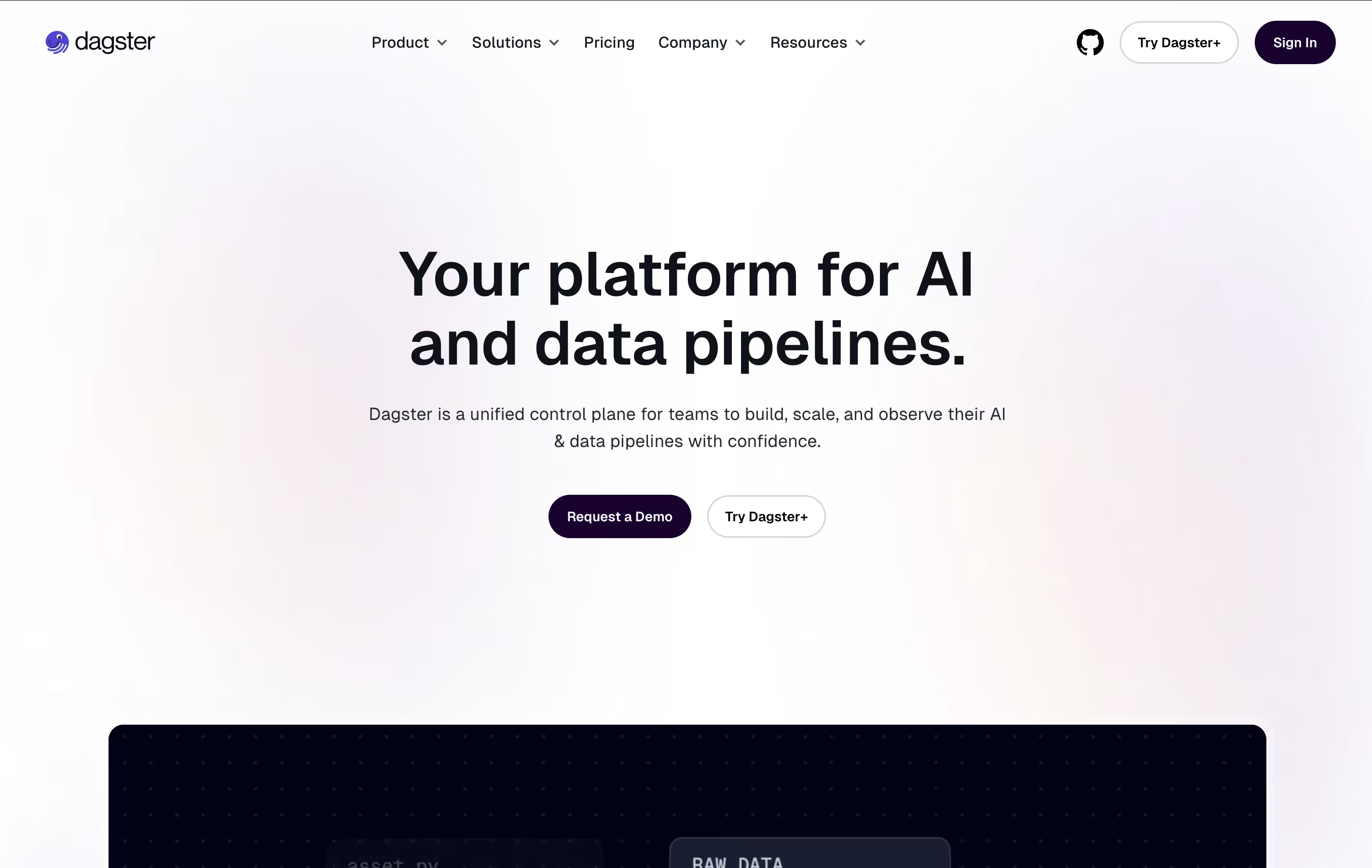
Dagster is a tool that helps organize and run your data workflows automatically. Think of it as a smart manager for all your data tasks. Instead of manually running scripts or remembering which files depend on others, Dagster handles this for you.
What makes Dagster different is how it thinks about data. It tracks your tables, files, and models as important items (called assets) rather than just focusing on the jobs that create them. This helps you see how all your data connects together.
The platform includes features for testing your code before it goes live, checking data quality automatically, and showing you how much your data processes cost. You can use it on your own servers or in the cloud through their managed service.

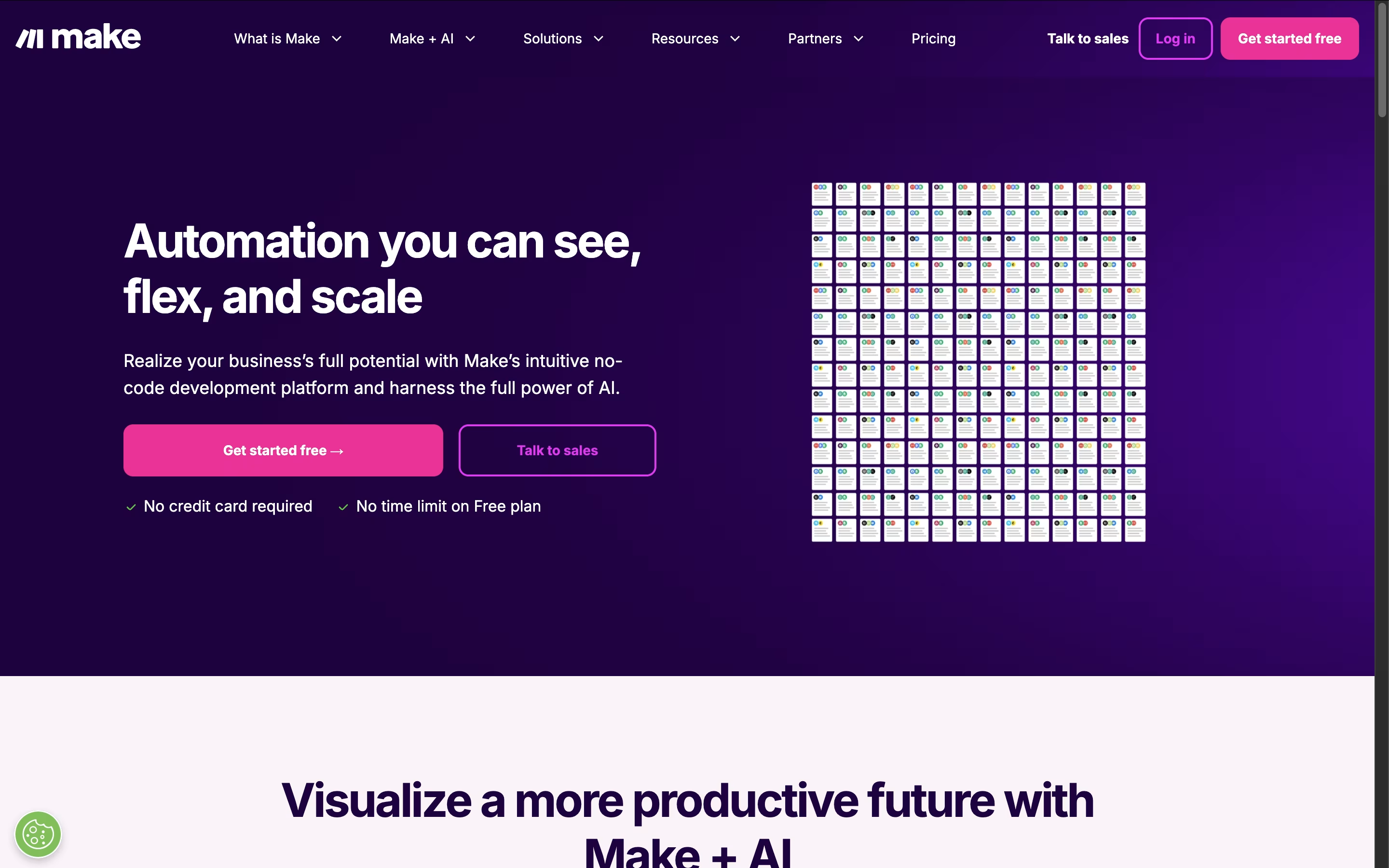
Make.com is a visual workflow automation platform that connects different apps and services to create powerful automated processes. Think of it as the bridge between all your favorite business tools, allowing them to work together seamlessly without manual intervention.
The platform uses a unique visual approach where you build automations using modules and connections that look like a flowchart. Each module represents an action in a specific app, and you connect them to create complete workflows called scenarios. Make supports over 2,000 integrations including Google Workspace, Slack, Salesforce, social media platforms, and countless other business tools.
What sets Make apart is its flexibility and power. You can create simple automations like forwarding emails to spreadsheets, or complex multi-step workflows that involve conditional logic, data transformation, and AI integration. The platform is designed for both beginners and advanced users who need sophisticated automation capabilities.
Features of Dagster and Make
Asset-based data orchestration and tracking
Local testing and development environment
Automatic data quality validation checks
Integration with dbt, Snowflake, and other tools
Real-time data lineage visualization
Built-in cost tracking and monitoring
Schedule automation with smart triggers
Python-native development experience
Branch deployments for safe testing
Built-in data catalog and metadata
Visual drag-and-drop automation builder
2,000+ app integrations and connections
AI-powered workflows with intelligent agents
Real-time execution and minute-level scheduling
Advanced conditional logic and data transformation
Team collaboration with role-based permissions
Error handling and debugging tools
Template library with pre-built automations
Enterprise security and compliance features
API access for custom integrations
Use Cases of Dagster and Make
Pricing of Dagster and Make
Dagster offers flexible pricing to match different team sizes and needs. There is also an open-source version you can run yourself for free if you have technical resources.
The Solo Plan costs $10 per month and is perfect for individual developers or small projects. You get 7,500 credits monthly, support for one user, one code location, and one deployment. This includes a 30-day free trial to test everything out.
The Starter Plan is $100 per month and designed for small teams getting serious about data pipelines. It includes 30,000 credits monthly, up to 3 users, 5 code locations, and the Catalog Search feature. Like Solo, it comes with a 30-day free trial.
For larger organizations, the Pro Plan requires contacting their sales team for custom pricing. This tier offers unlimited code locations and deployments, cost tracking tools, personalized support when getting started, a private Slack channel for assistance, uptime guarantees, and custom security reviews.
Make offers flexible pricing plans to accommodate different automation needs. The Free plan provides 1,000 operations monthly, perfect for testing and simple automations. Operations are individual actions your workflows perform, like adding a row to a spreadsheet or sending an email.
Paid plans include:
Core ($9/month): 10,000 operations with unlimited scenarios and API access
Pro ($16/month): 10,000 operations plus priority execution and advanced features
Teams ($29/month): 10,000 operations with team collaboration tools and shared templates
Enterprise (Custom pricing): Unlimited operations, dedicated support, and advanced security features
All plans include access to the visual builder and app integrations. You can purchase additional operations at $1 per 1,000 operations if you exceed your monthly limit. Make offers excellent value compared to competitors, especially for complex multi-step automations that would cost significantly more on other platforms.
FAQs: Dagster vs Make
Reviews: Dagster vs Make
Based on 0 reviews
Based on 0 reviews
Compare Dagster With Other Tools

Zapier
Connect Apps & Automate Workflows Without Code

Prefect
Open-Source Python Workflow Automation

n8n
Visual Workflow Automation with Code
Albato
AI-Powered No-Code Automation Platform

Inngest
Reliable Workflows & Background Jobs Platform

Integrately
One-Click App Automation Platform

Activepieces
Open-Source AI Automation for Teams

Pabbly Connect
Easy Workflow Automation for 2000+ Apps

Pipedream
Workflow Automation for Developers
Compare Make With Other Tools
Zapier
Connect Apps & Automate Workflows Without Code
n8n
Visual Workflow Automation with Code
Albato
AI-Powered No-Code Automation Platform
Integrately
One-Click App Automation Platform

Latenode
AI-Powered No-Code Automation Platform
Pipedream
Workflow Automation for Developers
Inngest
Reliable Workflows & Background Jobs Platform
BuildShip
AI-Powered Visual Backend Builder for APIs and Workflows

IFTTT
Connect Apps and Automate Your Workflow


