

Google AI Studio vs Bolt: Features, Pricing and User Reviews 2026
Google AI Studio
Build Apps with Gemini AI Models
Google AI Studio
Build Apps with Gemini AI Models
What are Google AI Studio and Bolt?
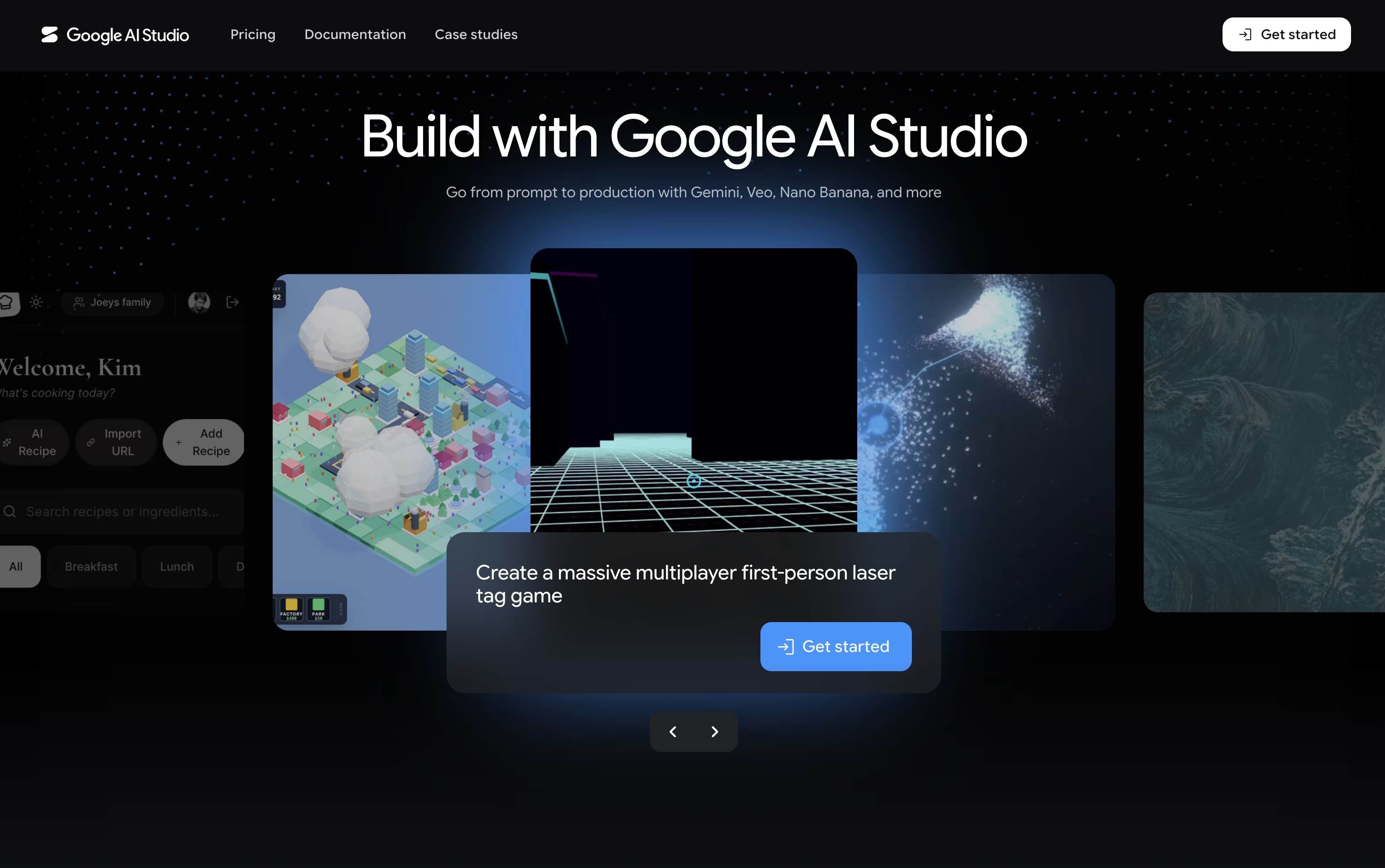
Google AI Studio is a free, web based tool from Google that lets anyone build and test apps powered by the Gemini AI models. You can type a prompt, pick a model, and see results right away without installing anything.
It supports text, images, video, audio, and even music generation, so you can experiment with many types of content in one place. A special Build mode lets you describe an app in plain language and get working code, including React web apps and Android apps, with a live preview you can edit.
It also gives you API keys so you can move from testing in the browser to running your app in real projects.

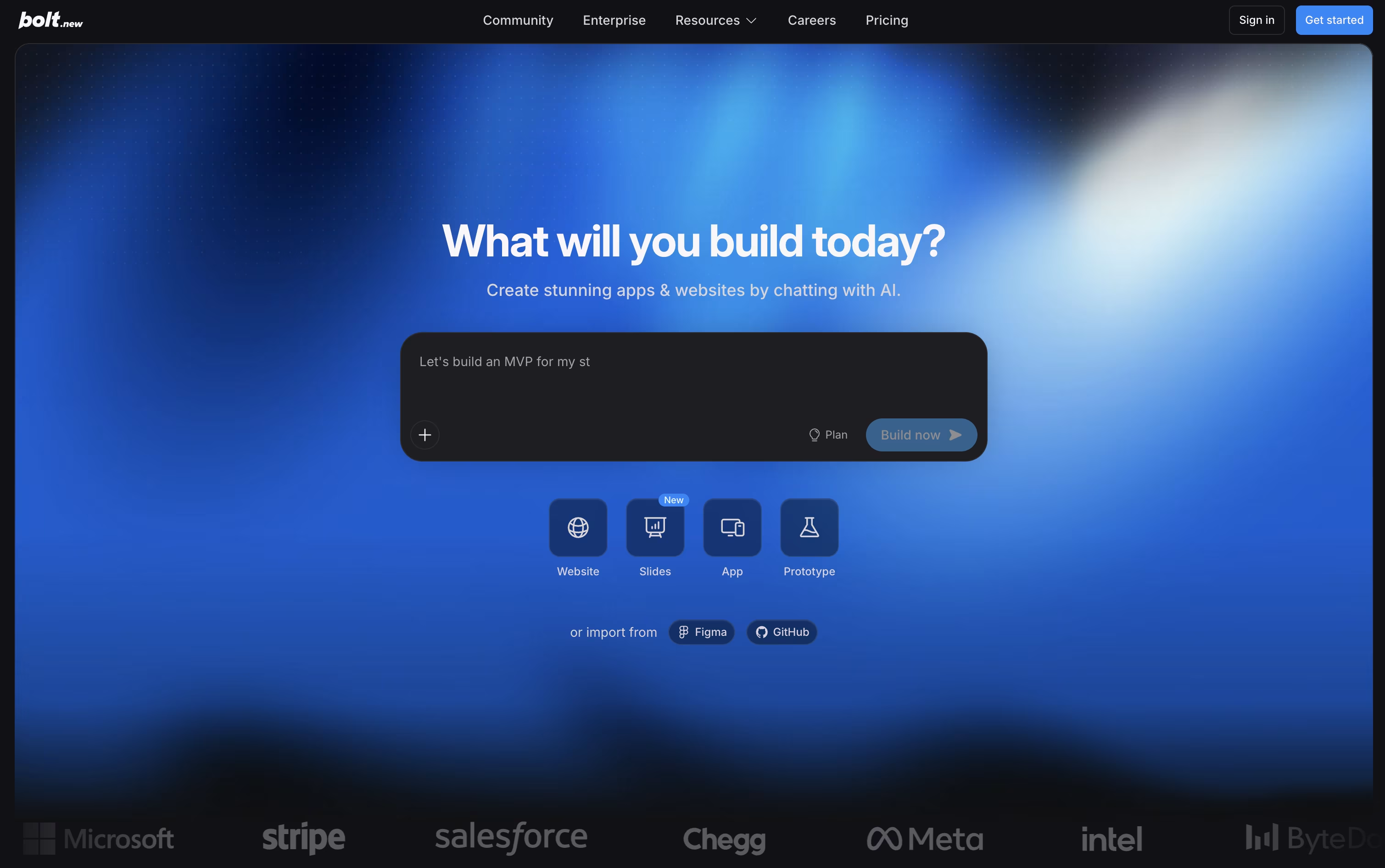
Bolt is a tool from StackBlitz that builds working apps and websites from simple text instructions. You describe what you want in plain language, and Bolt writes the code, installs everything needed, and shows you a live preview right in your browser. It runs on WebContainers, a full coding environment inside the browser, so there is nothing to install on your computer. Bolt mainly uses Claude AI models to understand your requests and write clean code. You can keep chatting to add features, fix bugs, or change the design. It also connects with tools like Figma, GitHub, Supabase, and Stripe. Both beginners and experienced developers use Bolt to build real products quickly, from simple landing pages to full apps with databases and logins.
Features of Google AI Studio and Bolt
Free web based AI playground
Chat and compare Gemini models
Prompt to app building with Build mode
Image, video, audio, and music generation
Real time voice and video chat (Gemini Live)
Code execution in a safe sandbox
React and Android app code export
API key creation and management
Google Search and Maps grounding
Mobile app on Android, iOS coming soon
Prompt to full-stack app generation
In-browser IDE with terminal and file editor
Plan mode for project discussion
Built in databases and hosting via Bolt Cloud
Figma and design import support
Real-time team collaboration
GitHub, Supabase, and Stripe integrations
Version history and restore
AI image editing
Mobile app support via Expo
Use Cases of Google AI Studio and Bolt
Pricing of Google AI Studio and Bolt
Google AI Studio offers three pricing levels to fit different needs.
Free Plan: Limited access to selected Gemini models, with free input and output tokens and full access to Google AI Studio. Content may be used to help improve Google's products.
Paid Plan: Built for production use, with higher rate limits, context caching, and batch processing at up to 50% lower cost. It unlocks Google's latest models, and your content is never used to improve Google products. Pricing is usage based and varies by model, for example Gemini 3.6 Flash costs $1.50 per million input tokens and $7.50 per million output tokens.
Enterprise Plan: Includes everything in Paid, plus dedicated support, advanced security, compliance features, provisioned throughput, volume discounts, MLOps, Model Garden, and a full enterprise AI platform, with custom pricing based on your organization's needs.
Bolt offers a Free plan with 300K tokens a day and 1M tokens a month, along with website hosting and unlimited databases, though your site will carry Bolt branding.
Pro Plan ($25/month, or $18/month billed yearly): Removes the daily token limit, starts you with 10M tokens a month, drops Bolt branding, and adds custom domains, SEO boosting, and AI image editing.
Teams Plan ($30 per member monthly, or $27 yearly): Includes everything in Pro plus centralized billing, team access controls, and private NPM registries.
Enterprise Plan (Custom Pricing): Built for larger organizations, with SSO, audit logs, a dedicated account manager, 24/7 priority support, and custom workflows.
FAQs: Google AI Studio vs Bolt
Reviews: Google AI Studio vs Bolt
Based on 0 reviews
Based on 0 reviews
Compare Google AI Studio With Other Tools

camelAI
AI Software Engineer That Deploys Apps

Base44
Build Full Web Apps with AI, No Code

Manus
The AI Agent That Plans and Executes Tasks

Reflex
Build Full-Stack Apps in Pure Python
Replit

Tempo
Code-First Workspace for Product Teams

Meku
Build Real Web Apps From Simple Prompts

Softr
No-Code Platform for Business Software

Rork
Build Native Mobile and Web Apps with AI
Compare Bolt With Other Tools

Lovable
Build Full Apps With Simple Prompts
Meku
Build Real Web Apps From Simple Prompts
Zite
AI No-Code Platform for Business Tools
Base44
Build Full Web Apps with AI, No Code

Anything
No-Code AI App and Website Builder
Manus
The AI Agent That Plans and Executes Tasks

Rocket
AI-Powered Vibe Solutioning Platform

Emergent
Build Full-Stack Apps with AI Agents




