

IFTTT vs Latenode: Features, Pricing and User Reviews 2026
What are IFTTT and Latenode?

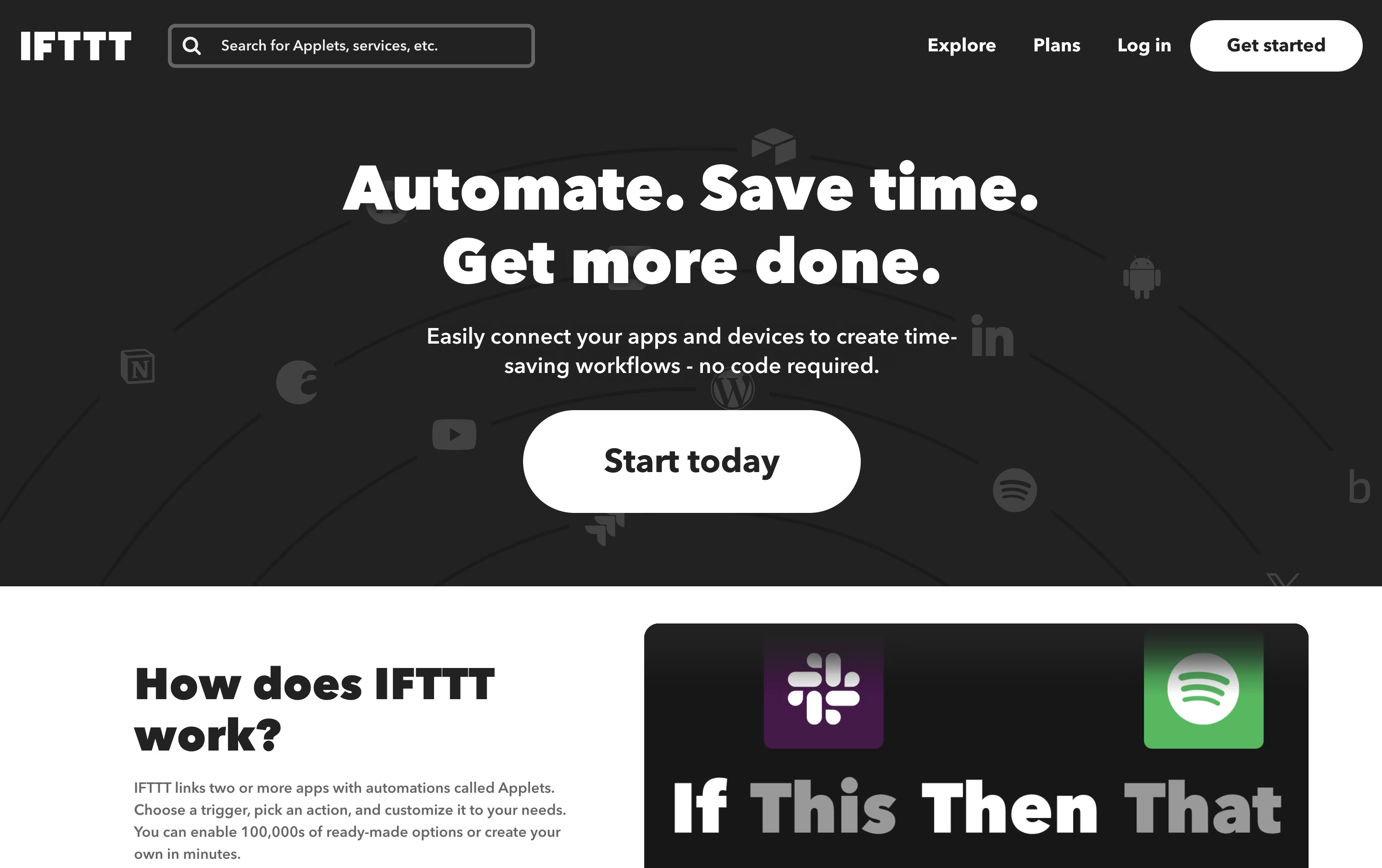
IFTTT is a no-code automation platform that connects your apps, devices, and online services so they can work together automatically.
You build simple automations called Applets using an easy if this, then that pattern, so one event triggers another action without any coding.
It works with more than a thousand services, covering smart home devices, social media, productivity tools, and AI models like Claude and Gemini.
Whether you want to sync files, control lights, or connect an AI assistant to your favorite apps, IFTTT makes it simple to save time on repetitive tasks.

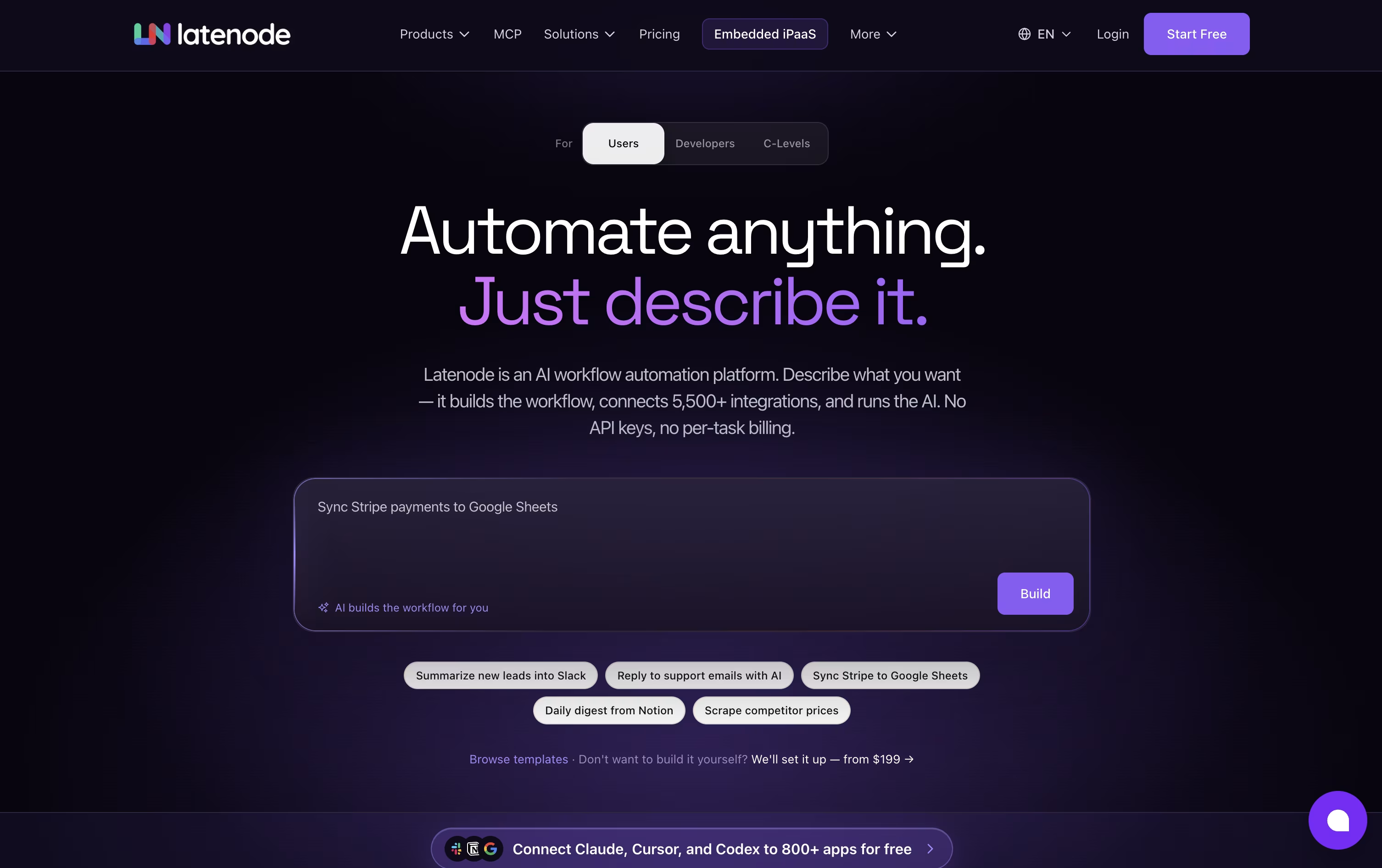
Latenode is an AI-native workflow automation platform that lets you build automations, AI agents, and data pipelines using a visual builder combined with real code. It connects thousands of apps and AI models in one place.
You can drag and drop nodes to create workflows, or describe what you want in plain language and let the AI Builder set it up for you. Latenode also supports full JavaScript, headless browser automation, and multimodal RAG for handling documents and data.
Pricing is based on runtime, not the number of steps in a workflow. There is a free plan with 10,000 CPU seconds every month, and a Pay as you go option that adds more capacity and unlimited scenarios once you scale.
Features of IFTTT and Latenode
No-code Applet builder
Over 1,000 connected services
Smart home and IoT support
AI model integrations (Claude, Gemini, Grok)
IFTTT MCP for AI assistants
Multi-action Applets
Webhooks for custom connections
Filter code with TypeScript
iOS and Android apps
Location and widget triggers
Visual drag-and-drop workflow builder
AI agents that reason and take actions
Hundreds of built-in AI models
Full JavaScript and NPM support
Multimodal RAG for documents and data
Headless browser automation
5,500+ app integrations
MCP server support
Runtime-based CPU-second pricing
Free plan with no credit card needed
Use Cases of IFTTT and Latenode
Pricing of IFTTT and Latenode
IFTTT offers three simple pricing plans. The Free plan costs nothing forever and includes 2 Applets, standard Applet speeds, and unlimited Applet runs, making it a good starting point for basic automation.
The Pro plan costs $4.99 per month, or $2.99 per month when billed yearly at $35.88 a year, which saves 40%. Pro includes 20 Applets, faster Applet speeds, multi-action Applets, webhooks, and increased rate limits.
The Pro+ plan costs $14.99 per month, or $8.99 per month when billed yearly at $107.88 a year, also saving 40%. Pro+ includes everything in Pro plus unlimited Applets, AI services, multiple connected accounts, queries and filter code, and prioritized customer support.
Latenode offers a Free plan that costs $0 a month forever, with no credit card needed. It includes 10,000 CPU seconds every month, 5 active workflows, and access to the visual builder, AI agents, RAG, and headless browser automation.
Once you need more, the Pay as you go plan has no base fee. You still get the first 10,000 CPU seconds free each month, then pay a small tiered rate per extra CPU second used, starting at $0.00012 and dropping as low as $0.00005 at higher volumes. This plan also unlocks unlimited scenarios, more workers, longer execution time, and 30 days of history.
Some paid nodes use Plug-n-Play tokens, priced at $1 per token, charged separately based on actual provider usage.
FAQs: IFTTT vs Latenode
Reviews: IFTTT vs Latenode
Based on 0 reviews
Based on 0 reviews
Compare IFTTT With Other Tools

Zapier
AI Automation for Apps and Workflows

Make
Visual Automation and AI Agent Platform

n8n
Automate Workflows with AI and Code Fast

Activepieces
AI Workflow & Agent Automation

Albato
No-Code Automation & AI Integrations

Integrately
Easy No-Code Workflow Automation

Pabbly Connect
Automate Apps Without Coding

Zoho Flow
AI Workflow Automation & Integration

Bit Flows
Self-Hosted WordPress AI Automation
Compare Latenode With Other Tools
n8n
Automate Workflows with AI and Code Fast
Zapier
AI Automation for Apps and Workflows
Make
Visual Automation and AI Agent Platform
Activepieces
AI Workflow & Agent Automation
Bit Flows
Self-Hosted WordPress AI Automation

Robomotion
Agentic RPA & AI Automation Platform
Albato
No-Code Automation & AI Integrations
Integrately
Easy No-Code Workflow Automation
Pabbly Connect
Automate Apps Without Coding





