

Rootly vs UptimeRobot: Features, Pricing and User Reviews 2026

UptimeRobot
Website Monitoring with Instant Downtime Alerts
UptimeRobot
Website Monitoring with Instant Downtime Alerts
What are Rootly and UptimeRobot?

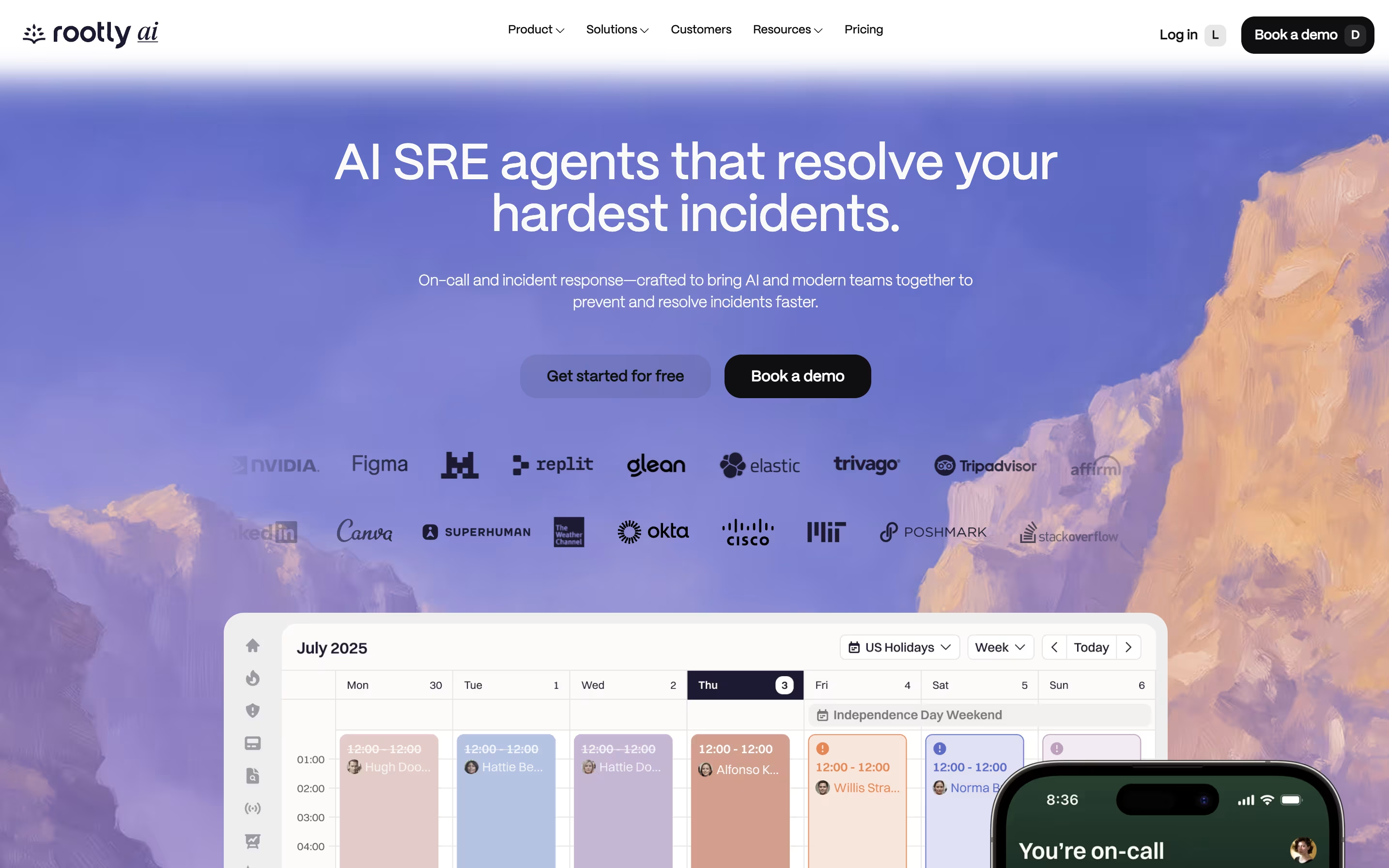
Rootly is a tool that helps teams manage incidents from start to finish. When something breaks in your system, Rootly jumps into action. It creates dedicated channels, brings in the right people, and organizes all the information you need in one place.
What makes Rootly different is its built-in AI features. The AI can suggest what might be wrong, write summaries, and even recommend fixes based on past incidents. It learns from every problem your team solves, getting smarter over time.
The platform connects with tools you already use, like Jira, PagerDuty, Datadog, and Zoom. Everything happens where your team already works, so you spend less time hunting for information and more time fixing problems.
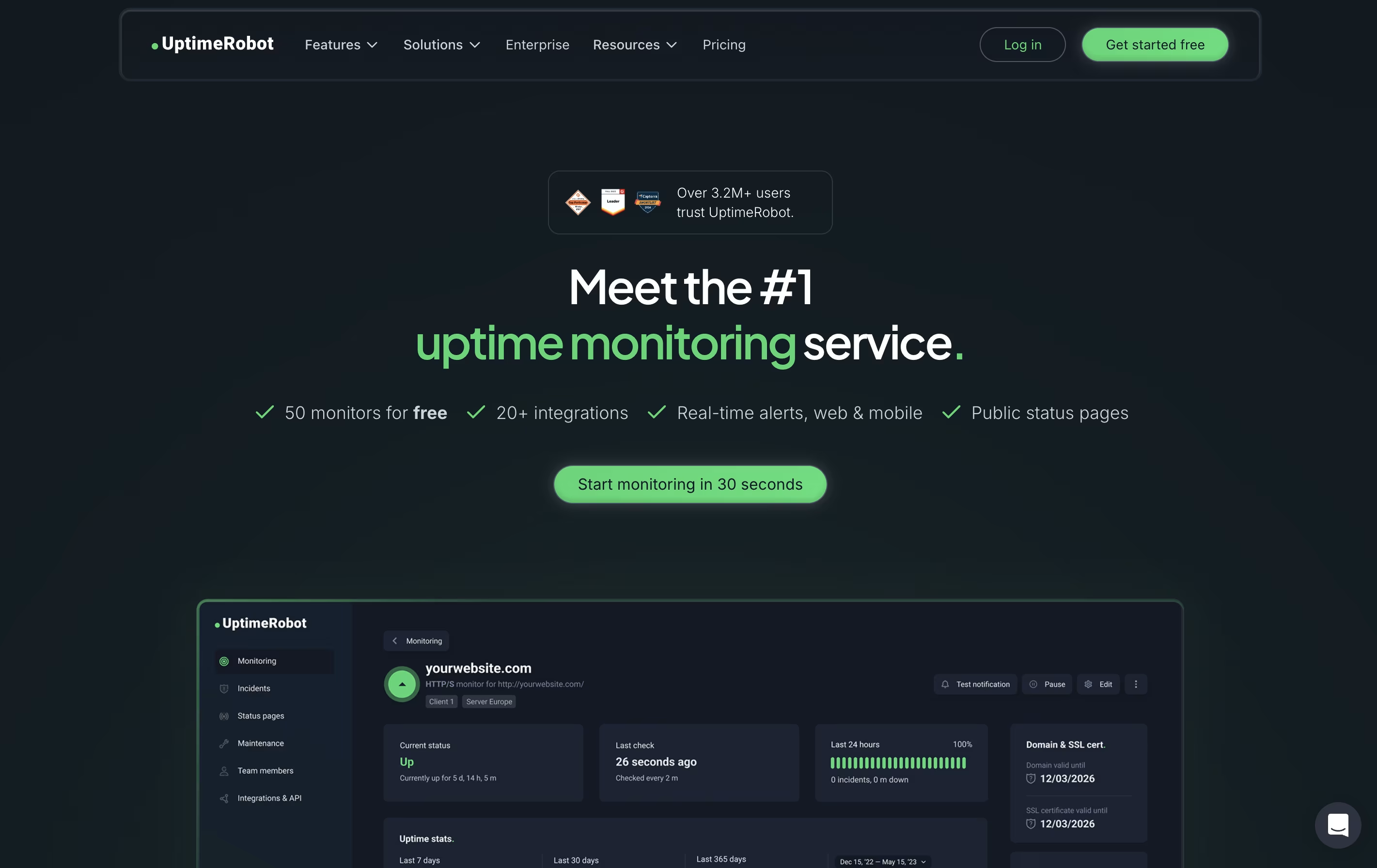
UptimeRobot is a monitoring tool that checks if your website or service is working properly. It sends automated requests to your website at regular intervals and notifies you immediately if it detects any problems. Unlike simple ping tools, UptimeRobot offers different types of checks including website monitoring, port monitoring, keyword tracking, and scheduled task verification.
The service runs checks from multiple locations worldwide to avoid false alerts. If your site goes down, UptimeRobot verifies the problem from different places before sending you a notification. This smart approach reduces unnecessary alerts while ensuring real issues get reported quickly.
You can receive alerts through email, text messages, phone calls, or popular apps like Slack and Discord. The free plan includes 50 monitors, while paid plans offer faster checks and more features.
Features of Rootly and UptimeRobot
AI-powered root cause analysis and suggestions
Slack and Microsoft Teams native response
Automated incident channel creation
Built-in on-call scheduling and alerting
Multi-cloud reliability with redundancy
Real-time meeting transcription and scribe
Customizable workflows and playbooks
Automated status pages
Post-incident retrospectives with AI
iOS and Android mobile apps
Website and server monitoring with instant alerts
HTTP, ping, port, keyword, and heartbeat checks
SSL certificate and domain expiration tracking
Multi-location verification to prevent false alerts
Status pages for public uptime sharing
Email, SMS, phone call, and app notifications
Slack, Discord, Teams, and Zapier integrations
Response time and performance tracking
Team collaboration with customizable access levels
Mobile apps for iOS and Android
Use Cases of Rootly and UptimeRobot
Pricing of Rootly and UptimeRobot
Rootly offers two main pricing tiers designed for different team sizes and needs.
Essentials ($20/user/month): Perfect for startups and growing companies. This plan includes Slack-native incident response, AI features like chat assistant and summaries, automated workflows, playbooks, one external and one internal status page, mobile apps, basic integrations with tools like Jira and Datadog, and SSO authentication. You get 14 days free to try everything.
Enterprise (Custom pricing): Built for large organizations with complex needs. This includes everything in Essentials plus Microsoft Teams support, unlimited status pages, advanced workflows and custom forms, private incidents, custom dashboards, advanced security features like audit logs and custom data retention, support for unlimited organizations, and priority support available around the clock.
Both plans include the core AI capabilities and Terraform provider. Contact their sales team for Enterprise pricing details.
UptimeRobot offers pricing plans designed for different needs and budgets.
The Free Plan costs nothing and includes 50 monitors with checks every 5 minutes. You get basic features like keyword monitoring and simple status pages. This plan works well for hobby projects and personal websites.
Solo Plan at $8 per month provides 10 monitors with 60-second checks. It adds location-specific monitoring, slow response alerts, and DNS monitoring with access to 9 integrations.
The Team Plan costs $34 monthly and is the most popular choice. It includes 100 monitors, 60-second intervals, all 12 integrations, full-featured status pages, and space for 3 team members.
Enterprise Plan at $64 per month offers 200 monitors with 30-second checks, 5 team seats, and priority features for businesses needing maximum monitoring coverage.
All paid plans can be purchased annually to save around 20 percent on costs.
FAQs: Rootly vs UptimeRobot
Reviews: Rootly vs UptimeRobot
Based on 0 reviews
Based on 0 reviews
Compare Rootly With Other Tools
Incident.io
AI-Powered Incident Management Platform

Better Stack
Complete Monitoring and Incident Management Platform

PagerDuty
Real-Time Incident Management for DevOps and IT Teams

FireHydrant
Incident Management Platform for Teams

Status.io
Hosted Status Pages for Incident and Maintenance Communication

Statuspage
Status & Incident Communication Tool

StatusCake
Website Monitoring for Uptime, Speed & Security

Sorry App
Status Page Platform for Incident Communication

StatusPal
Hosted Status Pages & Service Monitoring
Compare UptimeRobot With Other Tools
Better Stack
Complete Monitoring and Incident Management Platform
Incident.io
AI-Powered Incident Management Platform
StatusCake
Website Monitoring for Uptime, Speed & Security

Hyperping
Simple Uptime Monitoring & Status Pages
Status.io
Hosted Status Pages for Incident and Maintenance Communication

Cronitor
Simple Monitoring for Cron Jobs and APIs
PagerDuty
Real-Time Incident Management for DevOps and IT Teams

Instatus
Fast Status Pages for Modern Teams

Checkly
Monitoring Platform for Developers


