

Screen Studio vs Screen Charm: Features, Pricing and User Reviews 2026

Screen Studio
Professional Mac Screen Recorder
Screen Studio
Professional Mac Screen Recorder
What are Screen Studio and Screen Charm?
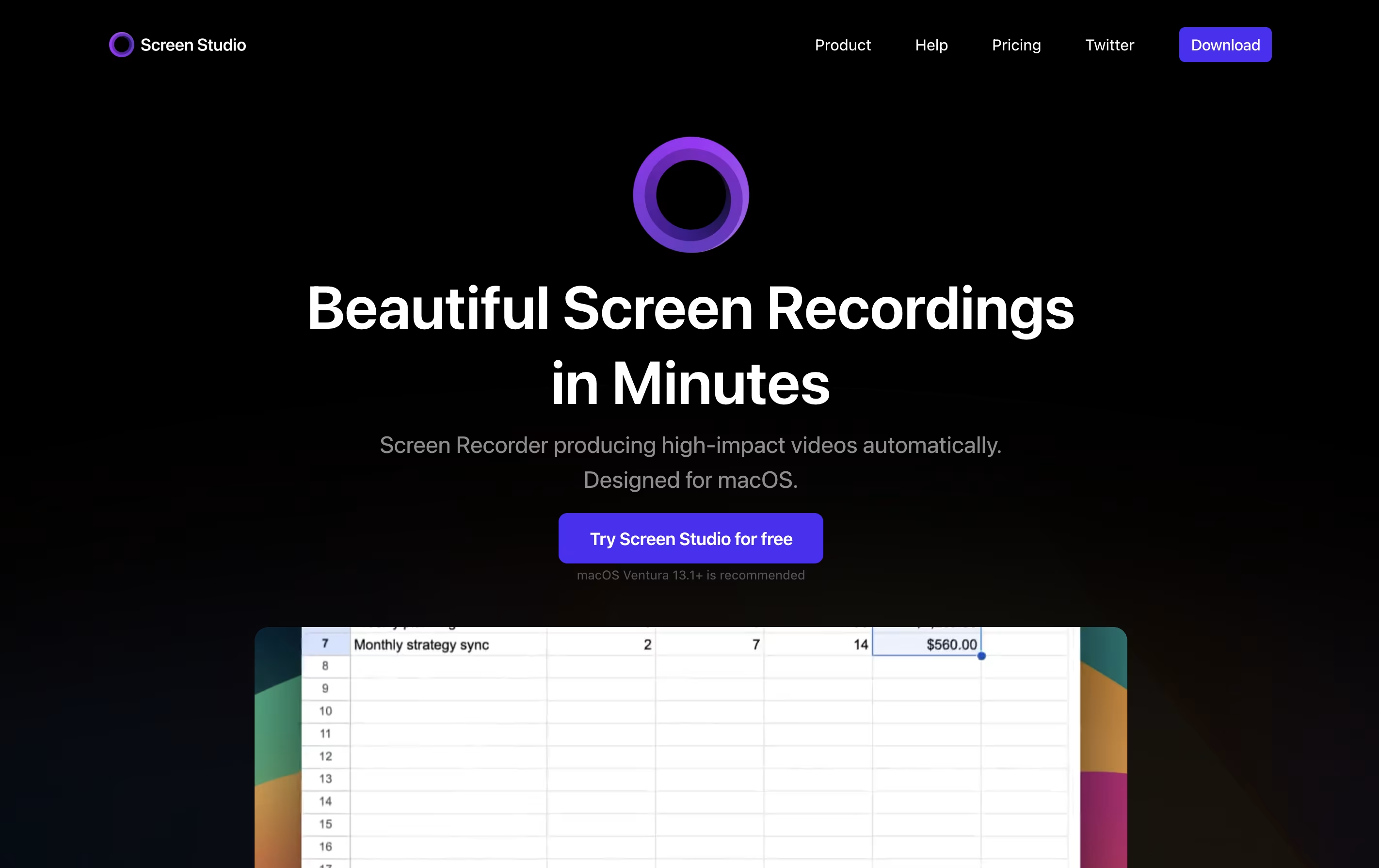
Screen Studio is a screen recording application designed for macOS users. It captures everything happening on your screen and automatically enhances the video to look professional. Unlike basic screen recorders, it does not just record; it improves your recording with automatic zoom when you click, smooth cursor movement, and beautiful animations.
The tool works by following your cursor and zooming in on important actions, making it easier for viewers to see what you are doing. You can record your entire screen, a specific window, or just a selected area. It also lets you record your webcam, microphone audio, and system sounds at the same time. After recording, you can make quick edits, add different backgrounds, and export your video in various formats including high-quality 4K videos or smaller GIF files.

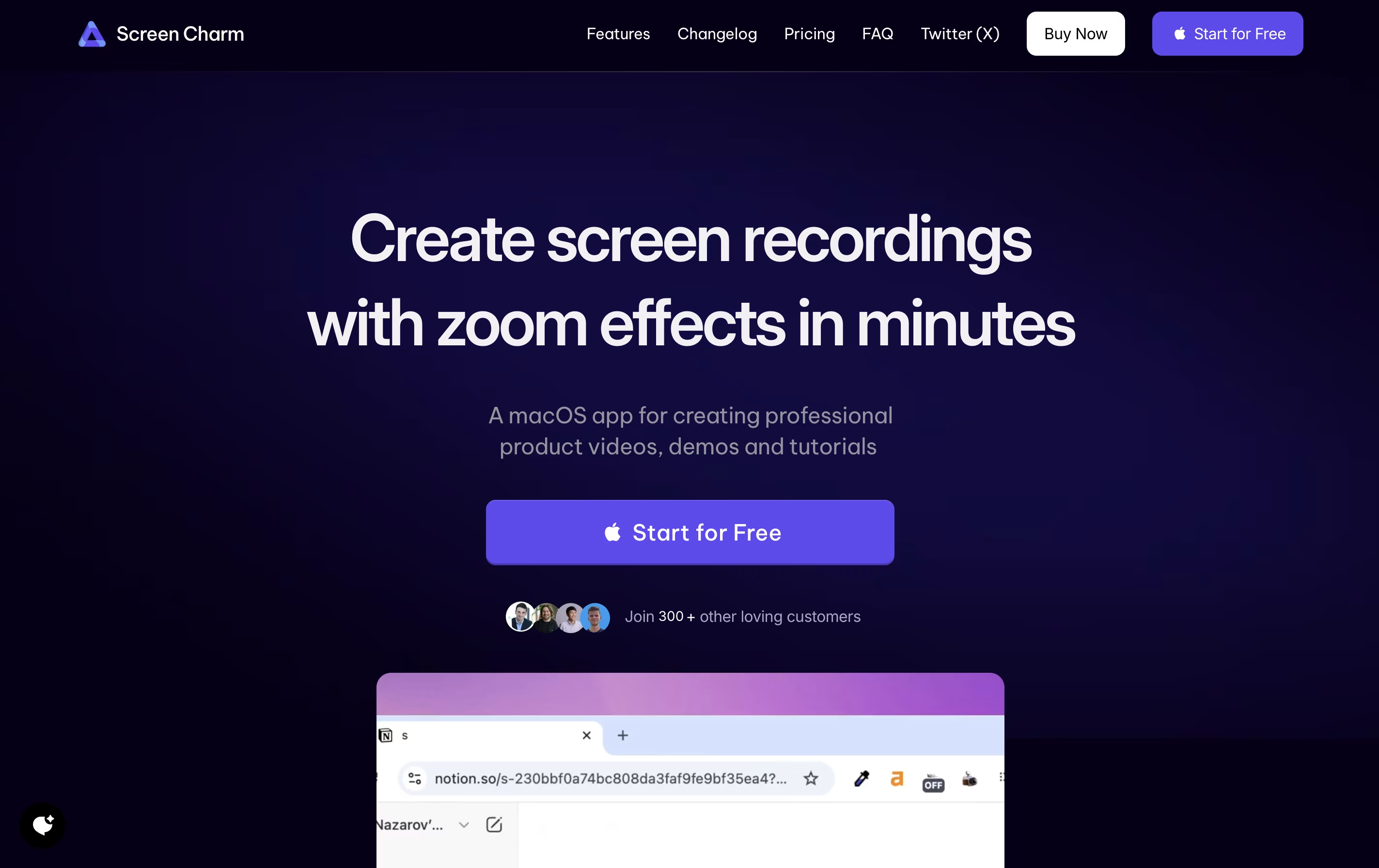
Screen Charm is a desktop application built exclusively for macOS that records your screen with professional polish. It captures your screen activity, microphone audio, and system sounds all at once, eliminating the need for complicated setups.
The standout feature is its smart zoom effect. As you move your cursor or click, the recording automatically zooms in to highlight what you're showing. This keeps viewers focused on the important parts without manual editing later.
You can also add your webcam feed with custom backgrounds, making your tutorials more personal and engaging. The built-in editor lets you trim clips and add text overlays right after recording. Everything exports in stunning 4K quality or any resolution you choose.
Features of Screen Studio and Screen Charm
Automatic zoom on cursor clicks for engaging videos
Smooth cursor animations and motion blur effects
Record screen, webcam, and audio simultaneously
iPhone and iPad screen recording via USB
Background customization with shadows and spacing
Built-in video editor with trim and speed controls
Export in 4K 60fps or GIF formats
Shareable video links for quick distribution
Works exclusively on macOS devices
Voice enhancement and subtitle generation
Smart auto-zoom follows cursor automatically
4K UHD video export quality
Webcam overlay with custom backgrounds
Simultaneous microphone and system audio recording
Built-in video editor with trim and text tools
Smooth cursor movement tracking
Click effects for emphasis
Native macOS application for optimal performance
One-time payment with lifetime updates
Unlimited video exports
Use Cases of Screen Studio and Screen Charm
Pricing of Screen Studio and Screen Charm
Screen Studio offers flexible subscription plans to match different user needs.
Monthly Plan ($29/month): This plan bills you monthly and gives you full access to all Screen Studio features. You can record unlimited videos, use all editing tools, and access shareable links. The plan covers up to 3 personal macOS devices and includes lifetime updates as long as your subscription stays active.
Yearly Plan ($9/month): When you choose yearly billing, you pay just $9 per month, which saves you 70% compared to monthly billing. You pay $108 upfront for the full year and get all the same features as the monthly plan. This option provides the best value for regular users.
Both plans include all Screen Studio features, shareable links for easy video distribution, support for 3 macOS devices, and continuous updates with new features and improvements.
Screen Charm uses a straightforward pricing model with a single one-time payment option. There are no monthly subscriptions or recurring fees.
The app is free to download and use for recording. You can test all features to ensure it meets your needs. However, exporting your recorded videos requires purchasing the Lifetime Deal for $49.90.
This one-time payment includes:
Unlimited exports with no restrictions
Lifetime updates for all future features and improvements
4K UHD quality exports
Microphone support for voiceovers
Camera support with background customization
All Screen Charm features present and future
The company also offers a 30-day refund policy, so if you're not satisfied, you can request a full refund within 30 days of purchase.
FAQs: Screen Studio vs Screen Charm
Reviews: Screen Studio vs Screen Charm
Based on 0 reviews
Based on 0 reviews
Compare Screen Studio With Other Tools

Focusee
AI Screen Recorder with Auto Zoom & Instant Editing

Tella
AI Screen Recorder with Smart Video Editing

Camtasia
Professional Screen Recording Software

ScreenPal
Easy Screen Recorder & Video Editor

Loom
Easy Video Messaging for Teams

Screencastify
Simple Screen Recording Tool

Dadan
AI Video Messaging Platform for Teams
Sendspark
AI Video Platform for Sales Teams
CleanShot X
Professional Mac Screenshot Tool
Compare Screen Charm With Other Tools
Tella
AI Screen Recorder with Smart Video Editing
Loom
Easy Video Messaging for Teams
Camtasia
Professional Screen Recording Software
ScreenPal
Easy Screen Recorder & Video Editor
Screencastify
Simple Screen Recording Tool
Focusee
AI Screen Recorder with Auto Zoom & Instant Editing
CleanShot X
Professional Mac Screenshot Tool

Cap
Open Source Screen Recording with AI Features
Dadan
AI Video Messaging Platform for Teams





