

Screen Studio vs ScreenPal: Features, Pricing and User Reviews 2026

Screen Studio
Professional Mac Screen Recorder
Screen Studio
Professional Mac Screen Recorder
What are Screen Studio and ScreenPal?
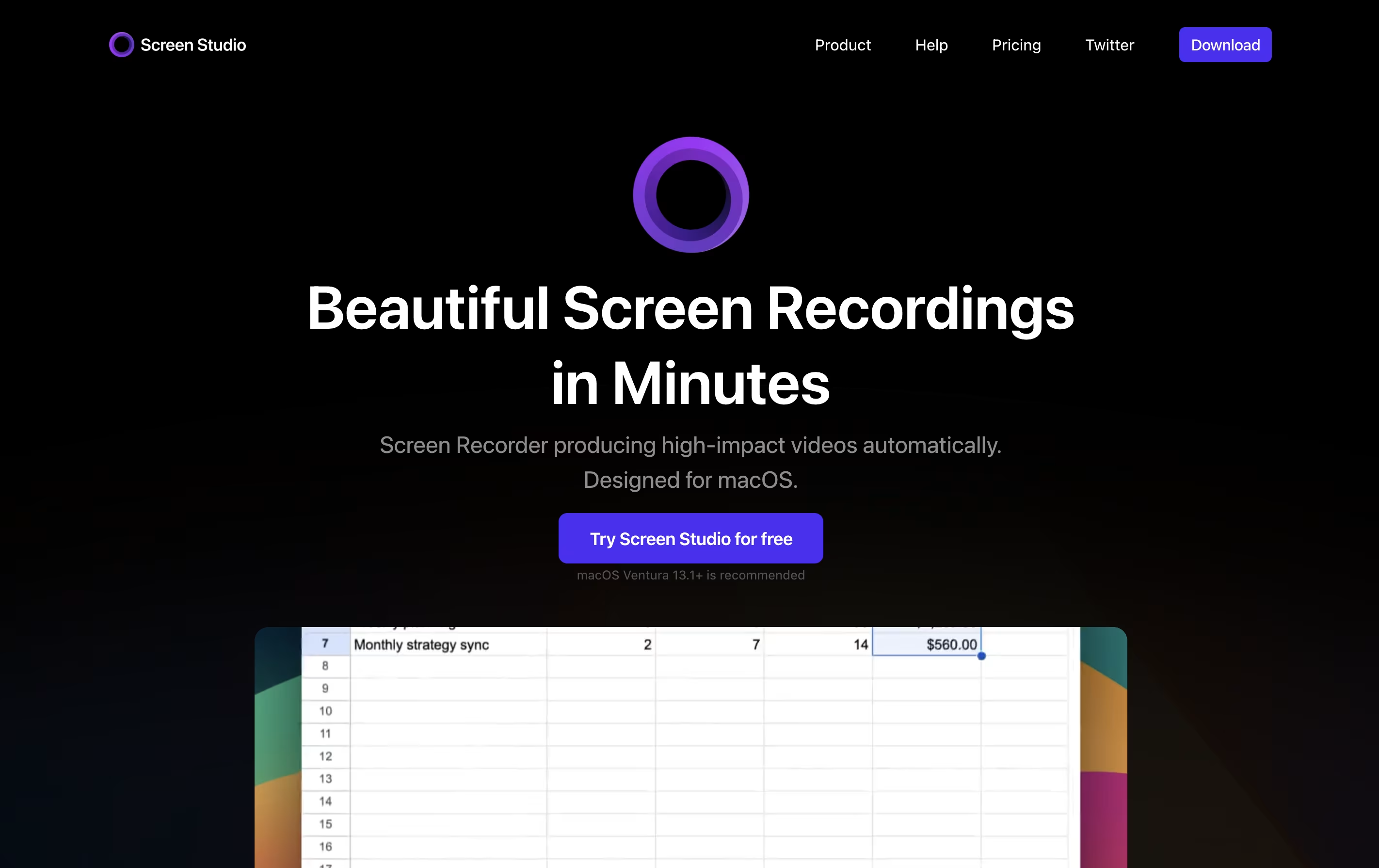
Screen Studio is a screen recording application designed for macOS users. It captures everything happening on your screen and automatically enhances the video to look professional. Unlike basic screen recorders, it does not just record; it improves your recording with automatic zoom when you click, smooth cursor movement, and beautiful animations.
The tool works by following your cursor and zooming in on important actions, making it easier for viewers to see what you are doing. You can record your entire screen, a specific window, or just a selected area. It also lets you record your webcam, microphone audio, and system sounds at the same time. After recording, you can make quick edits, add different backgrounds, and export your video in various formats including high-quality 4K videos or smaller GIF files.

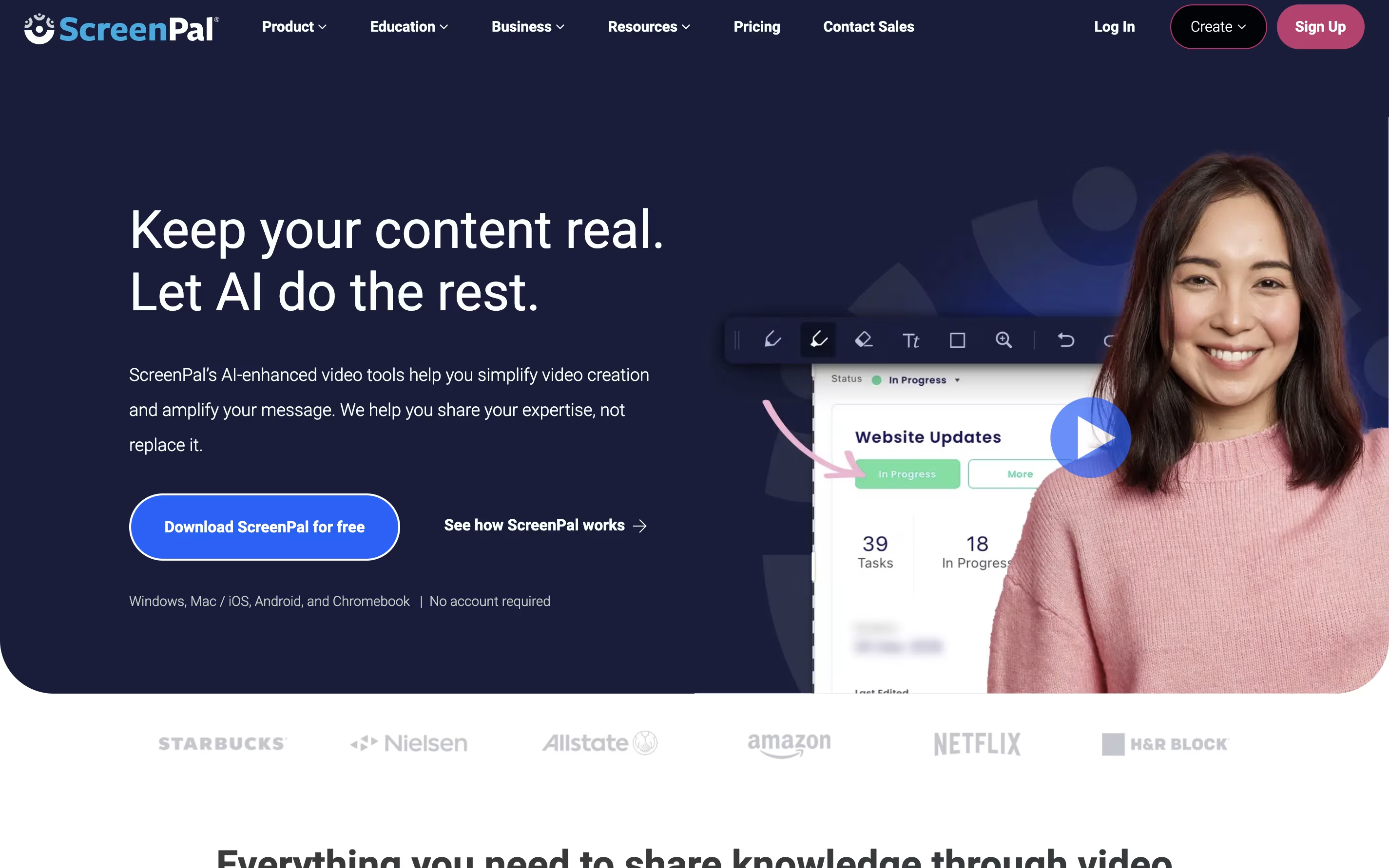
ScreenPal is a complete video creation platform that combines screen recording, video editing, and hosting in one place. You can record your screen, webcam, or both together with audio narration. The tool includes drawing tools to highlight important parts while recording.
After recording, you can edit videos with cuts, trims, text overlays, and transitions. The platform also includes AI features like automatic captions, transcriptions, and text-to-speech narration. You can add quizzes and interactive elements to your videos.
ScreenPal offers cloud hosting where you can store unlimited videos and share them with secure links. The free version includes basic features with a 15-minute recording limit on desktop. Paid plans unlock unlimited recording, advanced AI tools, and premium editing features.
Features of Screen Studio and ScreenPal
Automatic zoom on cursor clicks for engaging videos
Smooth cursor animations and motion blur effects
Record screen, webcam, and audio simultaneously
iPhone and iPad screen recording via USB
Background customization with shadows and spacing
Built-in video editor with trim and speed controls
Export in 4K 60fps or GIF formats
Shareable video links for quick distribution
Works exclusively on macOS devices
Voice enhancement and subtitle generation
Record screen and webcam with audio narration
15-minute recording limit on desktop (unlimited on mobile free version)
Easy video editor with trim, cut, and overlay tools
AI auto-captions and transcriptions
Text-to-speech narration in 100+ languages
Interactive quizzes and polls
Unlimited cloud video hosting
Chrome extension for quick video messages
Mobile apps for iOS and Android
Stock media library access
Use Cases of Screen Studio and ScreenPal
Pricing of Screen Studio and ScreenPal
Screen Studio offers flexible subscription plans to match different user needs.
Monthly Plan ($29/month): This plan bills you monthly and gives you full access to all Screen Studio features. You can record unlimited videos, use all editing tools, and access shareable links. The plan covers up to 3 personal macOS devices and includes lifetime updates as long as your subscription stays active.
Yearly Plan ($9/month): When you choose yearly billing, you pay just $9 per month, which saves you 70% compared to monthly billing. You pay $108 upfront for the full year and get all the same features as the monthly plan. This option provides the best value for regular users.
Both plans include all Screen Studio features, shareable links for easy video distribution, support for 3 macOS devices, and continuous updates with new features and improvements.
ScreenPal offers flexible pricing plans to fit different needs and budgets. The free plan provides unlimited videos with a 15-minute recording limit per video on desktop. You get basic editing tools, blur webcam background, unlimited video hosting, and 5 video quizzes.
The Deluxe plan costs $4 per month when paid annually and removes the recording time limit. It includes the full video editor, audio recording and editing, interactive storyboards, AI speech-to-text captions, and standard stock media.
The Max plan is $10 per month annually and adds ScreenPal AI features including auto-captions, transcriptions, AI text-to-speech narration, advanced analytics, unlimited stock assets, and unlimited quizzes and polls.
For teams, the Business plan costs $8 per user monthly with annual billing and includes all Max features plus collaboration tools, team management, advanced integrations, transfer ownership capabilities, and single sign-on with SAML support.
FAQs: Screen Studio vs ScreenPal
Reviews: Screen Studio vs ScreenPal
Based on 0 reviews
Based on 0 reviews
Compare Screen Studio With Other Tools

Focusee
AI Screen Recorder with Auto Zoom & Instant Editing
Tella
AI Screen Recorder with Smart Video Editing

Camtasia
Professional Screen Recording Software

Screen Charm
Mac Screen Recorder with Auto-Zoom

Loom
Easy Video Messaging for Teams

Screencastify
Simple Screen Recording Tool

Dadan
AI Video Messaging Platform for Teams
Sendspark
AI Video Platform for Sales Teams
CleanShot X
Professional Mac Screenshot Tool
Compare ScreenPal With Other Tools
Tella
AI Screen Recorder with Smart Video Editing
Camtasia
Professional Screen Recording Software
Loom
Easy Video Messaging for Teams
Screen Charm
Mac Screen Recorder with Auto-Zoom
Focusee
AI Screen Recorder with Auto Zoom & Instant Editing
Screencastify
Simple Screen Recording Tool
Dadan
AI Video Messaging Platform for Teams
CleanShot X
Professional Mac Screenshot Tool

Cap
Open Source Screen Recording with AI Features





