

Screencastify vs ScreenPal: Features, Pricing and User Reviews 2026
What are Screencastify and ScreenPal?

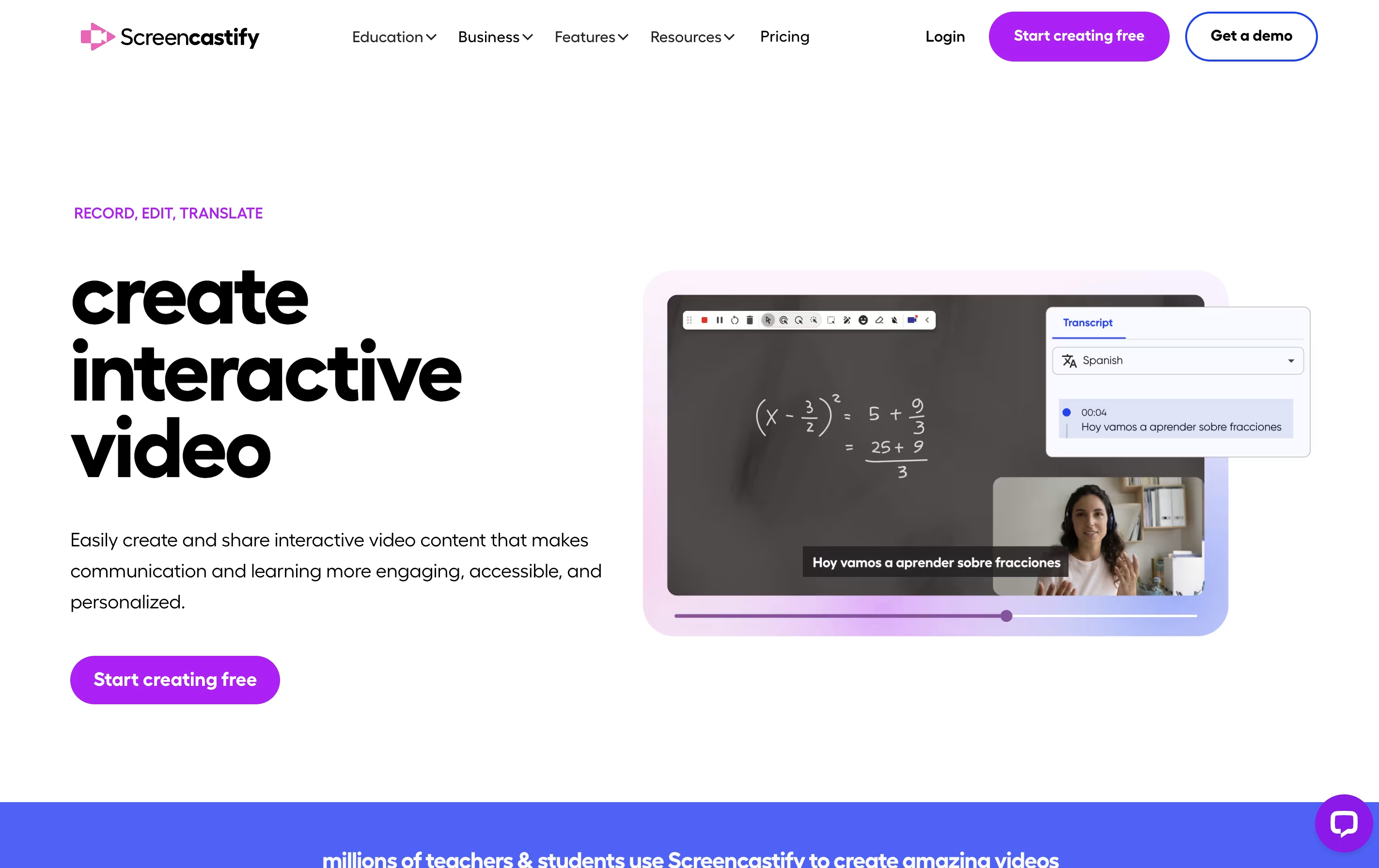
Screencastify is a screen recording extension built for Chrome browsers. It lets you capture anything on your screen with just a few clicks. You can record a single browser tab, your entire desktop, or just your webcam.
The tool includes built-in editing features so you can trim videos, add text, and merge clips without using separate software. It also has interactive features like adding questions and polls to your videos, making it great for teaching and training.
Your recordings save directly to Google Drive, and you can share them through links, upload to YouTube, or export as MP4 files. The Pro version adds advanced features like AI-powered editing, automatic captions, and translations into many languages.

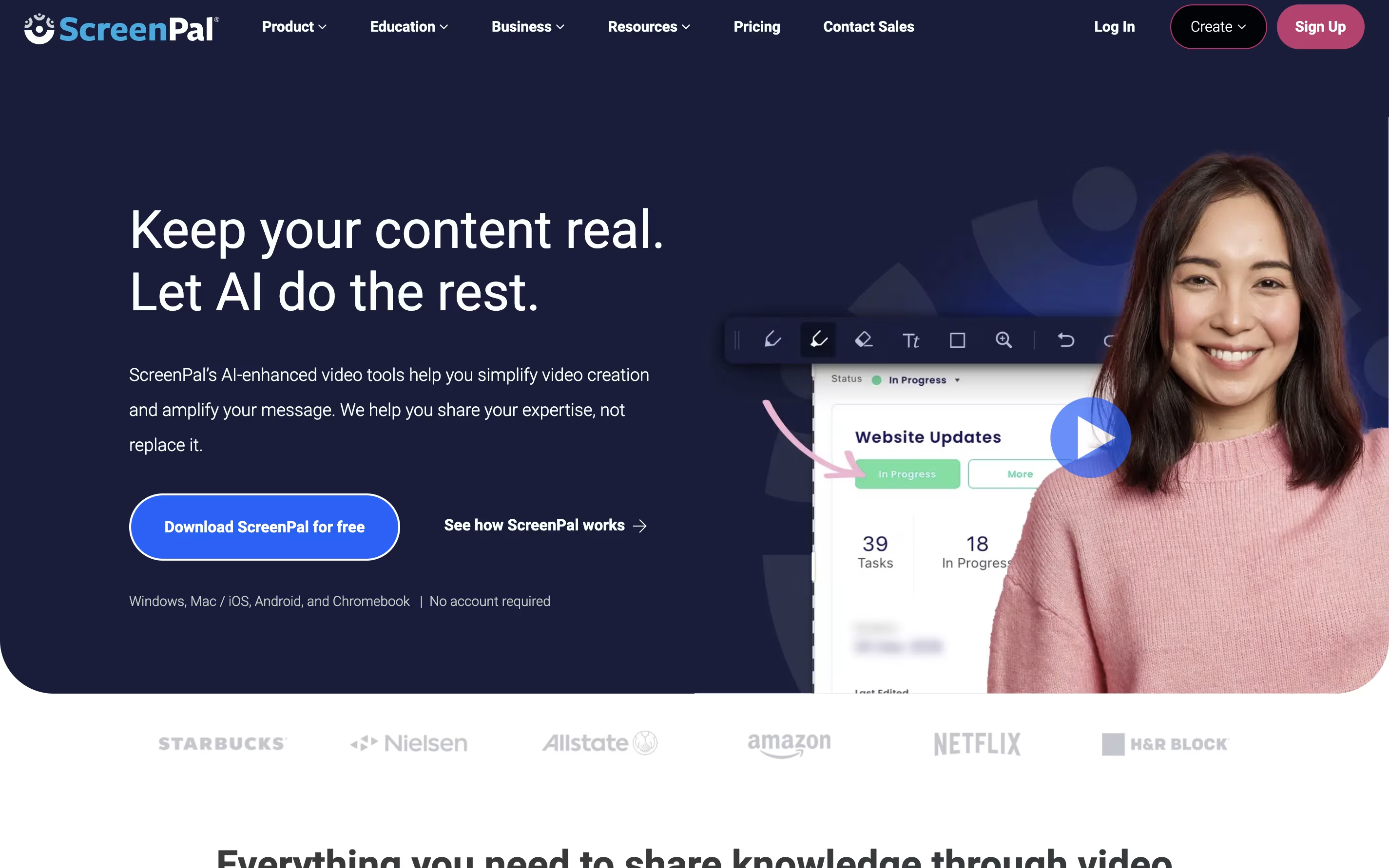
ScreenPal is a complete video creation platform that combines screen recording, video editing, and hosting in one place. You can record your screen, webcam, or both together with audio narration. The tool includes drawing tools to highlight important parts while recording.
After recording, you can edit videos with cuts, trims, text overlays, and transitions. The platform also includes AI features like automatic captions, transcriptions, and text-to-speech narration. You can add quizzes and interactive elements to your videos.
ScreenPal offers cloud hosting where you can store unlimited videos and share them with secure links. The free version includes basic features with a 15-minute recording limit on desktop. Paid plans unlock unlimited recording, advanced AI tools, and premium editing features.
Features of Screencastify and ScreenPal
Record screen, webcam, or both together
Basic and advanced video editing tools
Add interactive questions and polls
Automatic captions and transcripts
AI video enhancements and editing
Translate videos into 90+ languages
Teleprompter with AI-generated scripts
Share via link, YouTube, or Google Drive
Collect video submissions from others
Export as MP4, GIF, or MP3
Record screen and webcam with audio narration
15-minute recording limit on desktop (unlimited on mobile free version)
Easy video editor with trim, cut, and overlay tools
AI auto-captions and transcriptions
Text-to-speech narration in 100+ languages
Interactive quizzes and polls
Unlimited cloud video hosting
Chrome extension for quick video messages
Mobile apps for iOS and Android
Stock media library access
Use Cases of Screencastify and ScreenPal
Pricing of Screencastify and ScreenPal
Screencastify offers three pricing plans to match different needs. The free version allows you to create up to 10 videos with recordings up to 30 minutes each. You get basic features like instant sharing, video uploads, and privacy controls at no cost.
The Starter plan costs $7 per user monthly when billed annually, or $19 monthly. You get unlimited video creation, 60-minute recording limit, basic editing tools, no watermark, and the ability to add questions and collect video submissions.
The Pro plan is $10 per user monthly when billed annually, or $25 monthly. This includes everything in Starter plus AI video enhancements, 180-minute recording limit, advanced AI editing, automatic captions and transcripts, translations and voiceovers in 90+ languages, teleprompter with AI scripts, and unlimited media uploads and downloads. Education users also get access to YouTube for EDU features.
ScreenPal offers flexible pricing plans to fit different needs and budgets. The free plan provides unlimited videos with a 15-minute recording limit per video on desktop. You get basic editing tools, blur webcam background, unlimited video hosting, and 5 video quizzes.
The Deluxe plan costs $4 per month when paid annually and removes the recording time limit. It includes the full video editor, audio recording and editing, interactive storyboards, AI speech-to-text captions, and standard stock media.
The Max plan is $10 per month annually and adds ScreenPal AI features including auto-captions, transcriptions, AI text-to-speech narration, advanced analytics, unlimited stock assets, and unlimited quizzes and polls.
For teams, the Business plan costs $8 per user monthly with annual billing and includes all Max features plus collaboration tools, team management, advanced integrations, transfer ownership capabilities, and single sign-on with SAML support.
FAQs: Screencastify vs ScreenPal
Reviews: Screencastify vs ScreenPal
Based on 0 reviews
Based on 0 reviews
Compare Screencastify With Other Tools

Tella
AI Screen Recorder with Smart Video Editing

Screen Studio
Professional Mac Screen Recorder

Loom
Easy Video Messaging for Teams

Camtasia
Professional Screen Recording Software

Screen Charm
Mac Screen Recorder with Auto-Zoom

Focusee
AI Screen Recorder with Auto Zoom & Instant Editing
CleanShot X
Professional Mac Screenshot Tool

Cap
Open Source Screen Recording with AI Features

Dadan
AI Video Messaging Platform for Teams
Compare ScreenPal With Other Tools
Tella
AI Screen Recorder with Smart Video Editing
Screen Studio
Professional Mac Screen Recorder
Camtasia
Professional Screen Recording Software
Loom
Easy Video Messaging for Teams
Screen Charm
Mac Screen Recorder with Auto-Zoom
Focusee
AI Screen Recorder with Auto Zoom & Instant Editing
Dadan
AI Video Messaging Platform for Teams
CleanShot X
Professional Mac Screenshot Tool
Cap
Open Source Screen Recording with AI Features





