

Screencastify vs Focusee: Features, Pricing and User Reviews 2026

Focusee
AI Screen Recorder with Auto Zoom & Instant Editing
Focusee
AI Screen Recorder with Auto Zoom & Instant Editing
What are Screencastify and Focusee?

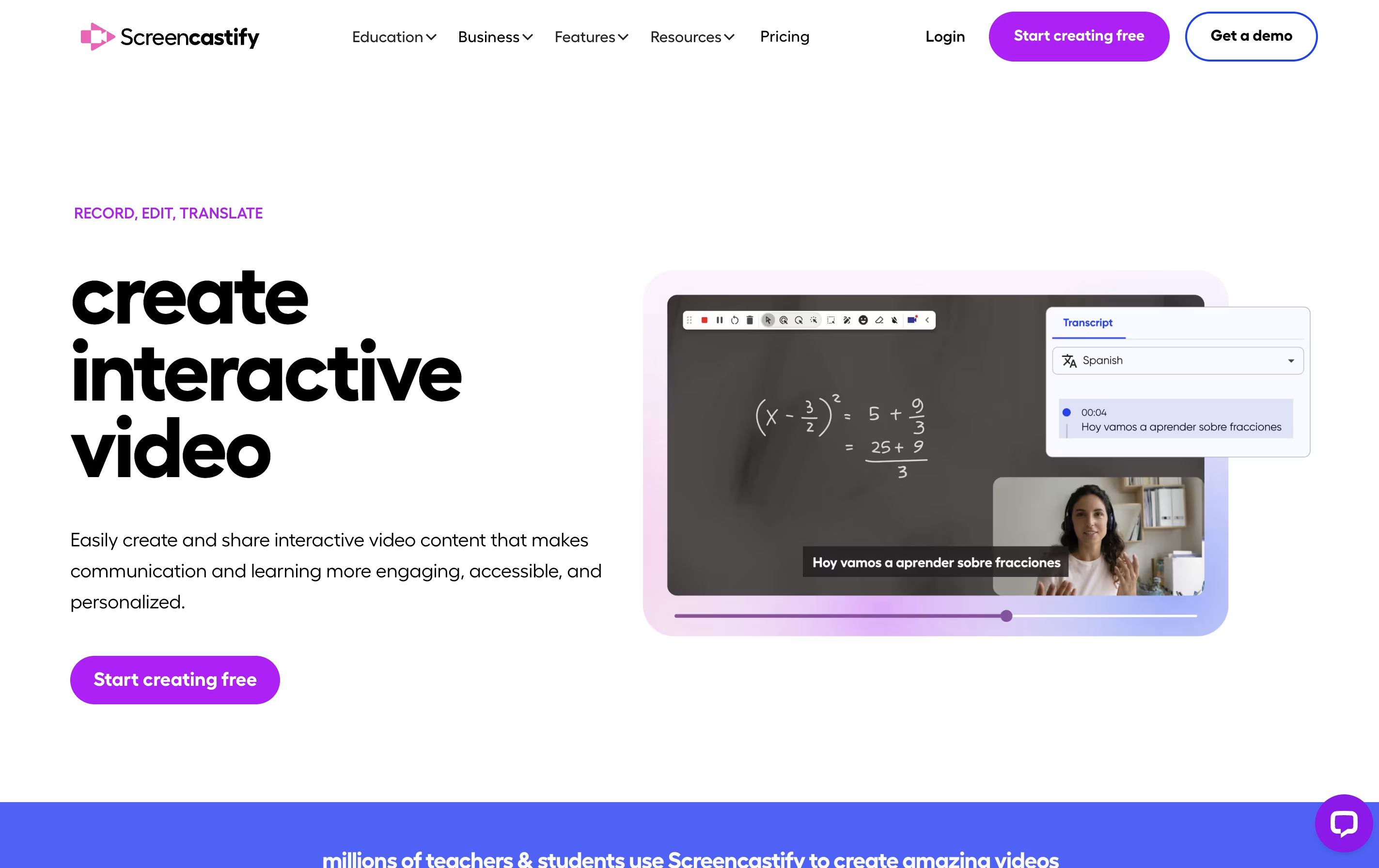
Screencastify is a screen recording extension built for Chrome browsers. It lets you capture anything on your screen with just a few clicks. You can record a single browser tab, your entire desktop, or just your webcam.
The tool includes built-in editing features so you can trim videos, add text, and merge clips without using separate software. It also has interactive features like adding questions and polls to your videos, making it great for teaching and training.
Your recordings save directly to Google Drive, and you can share them through links, upload to YouTube, or export as MP4 files. The Pro version adds advanced features like AI-powered editing, automatic captions, and translations into many languages.
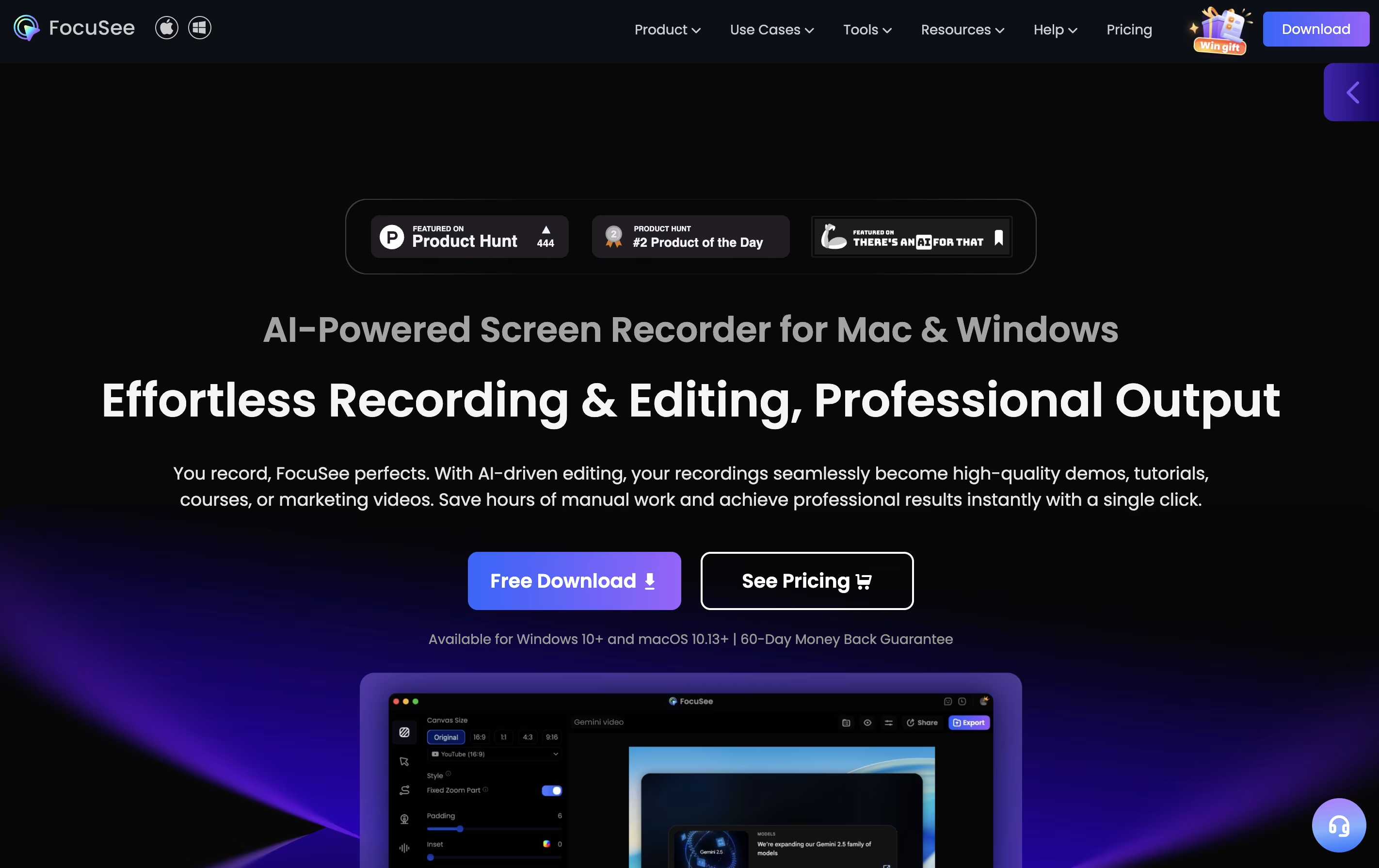
Focusee is a screen recording and video editing program that runs on your computer. When you record your screen, it watches where you click and automatically zooms in to show important details. This happens without any extra work from you.
The software records your screen, webcam, and voice all at once. After recording, it gives you a video that looks professionally edited, complete with smooth movements, nice backgrounds, and clear focus on key actions. You can customize colors, add effects, and change the layout to match your style.
Focusee also includes new artificial intelligence features that remove background noise, delete awkward pauses, add captions in over 50 languages, and even create virtual presenters so you don't need to appear on camera yourself.
Features of Screencastify and Focusee
Record screen, webcam, or both together
Basic and advanced video editing tools
Add interactive questions and polls
Automatic captions and transcripts
AI video enhancements and editing
Translate videos into 90+ languages
Teleprompter with AI-generated scripts
Share via link, YouTube, or Google Drive
Collect video submissions from others
Export as MP4, GIF, or MP3
Automatic zoom on mouse clicks and actions
AI voice enhancement and noise reduction
Smart removal of pauses and filler words
Automatic caption generation in 50+ languages
Virtual AI avatars for camera-free presentations
4K and 60fps video export quality
Multiple canvas sizes for social media
Custom cursor styles and click effects
Background blur and replacement
Cloud storage and link sharing
Use Cases of Screencastify and Focusee
Pricing of Screencastify and Focusee
Screencastify offers three pricing plans to match different needs. The free version allows you to create up to 10 videos with recordings up to 30 minutes each. You get basic features like instant sharing, video uploads, and privacy controls at no cost.
The Starter plan costs $7 per user monthly when billed annually, or $19 monthly. You get unlimited video creation, 60-minute recording limit, basic editing tools, no watermark, and the ability to add questions and collect video submissions.
The Pro plan is $10 per user monthly when billed annually, or $25 monthly. This includes everything in Starter plus AI video enhancements, 180-minute recording limit, advanced AI editing, automatic captions and transcripts, translations and voiceovers in 90+ languages, teleprompter with AI scripts, and unlimited media uploads and downloads. Education users also get access to YouTube for EDU features.
Focusee offers flexible pricing to suit different needs and budgets. The software has both subscription and one-time purchase options.
The Standard Plan costs $59.99 per year, which breaks down to just $5 per month when billed annually. This plan includes one computer license, unlimited video creation, unlimited recording time, 4K and 60fps export capabilities, custom watermarks, and 5GB of cloud storage. You also receive free upgrades to future versions.
The Advanced Monthly Plan is $24.99 per month and supports up to 3 computers. It includes everything in Standard plus one-click professional edits with artificial intelligence features and 300 monthly credits for advanced functions.
For those who prefer a one-time payment, the Advanced Lifetime Plan costs $199.99 and covers up to 5 computers. This includes all Standard features, artificial intelligence editing tools, 1,000 credits valid for one year, and lifetime access to version 2 of the software.
FAQs: Screencastify vs Focusee
Reviews: Screencastify vs Focusee
Based on 0 reviews
Based on 0 reviews
Compare Screencastify With Other Tools

Tella
AI Screen Recorder with Smart Video Editing

Screen Studio
Professional Mac Screen Recorder

Loom
Easy Video Messaging for Teams

Camtasia
Professional Screen Recording Software

Screen Charm
Mac Screen Recorder with Auto-Zoom

ScreenPal
Easy Screen Recorder & Video Editor
CleanShot X
Professional Mac Screenshot Tool

Cap
Open Source Screen Recording with AI Features

Dadan
AI Video Messaging Platform for Teams
Compare Focusee With Other Tools
Screen Studio
Professional Mac Screen Recorder
Tella
AI Screen Recorder with Smart Video Editing
Camtasia
Professional Screen Recording Software
ScreenPal
Easy Screen Recorder & Video Editor
Screen Charm
Mac Screen Recorder with Auto-Zoom
Loom
Easy Video Messaging for Teams
Dadan
AI Video Messaging Platform for Teams

Sendspark
AI Video Platform for Sales Teams
CleanShot X
Professional Mac Screenshot Tool


