



PROCESIO
PROCESIO is a no-code, low-code, and full-code automation platform that lets you integrate tools, automate workflows, and process data fast.





What is PROCESIO
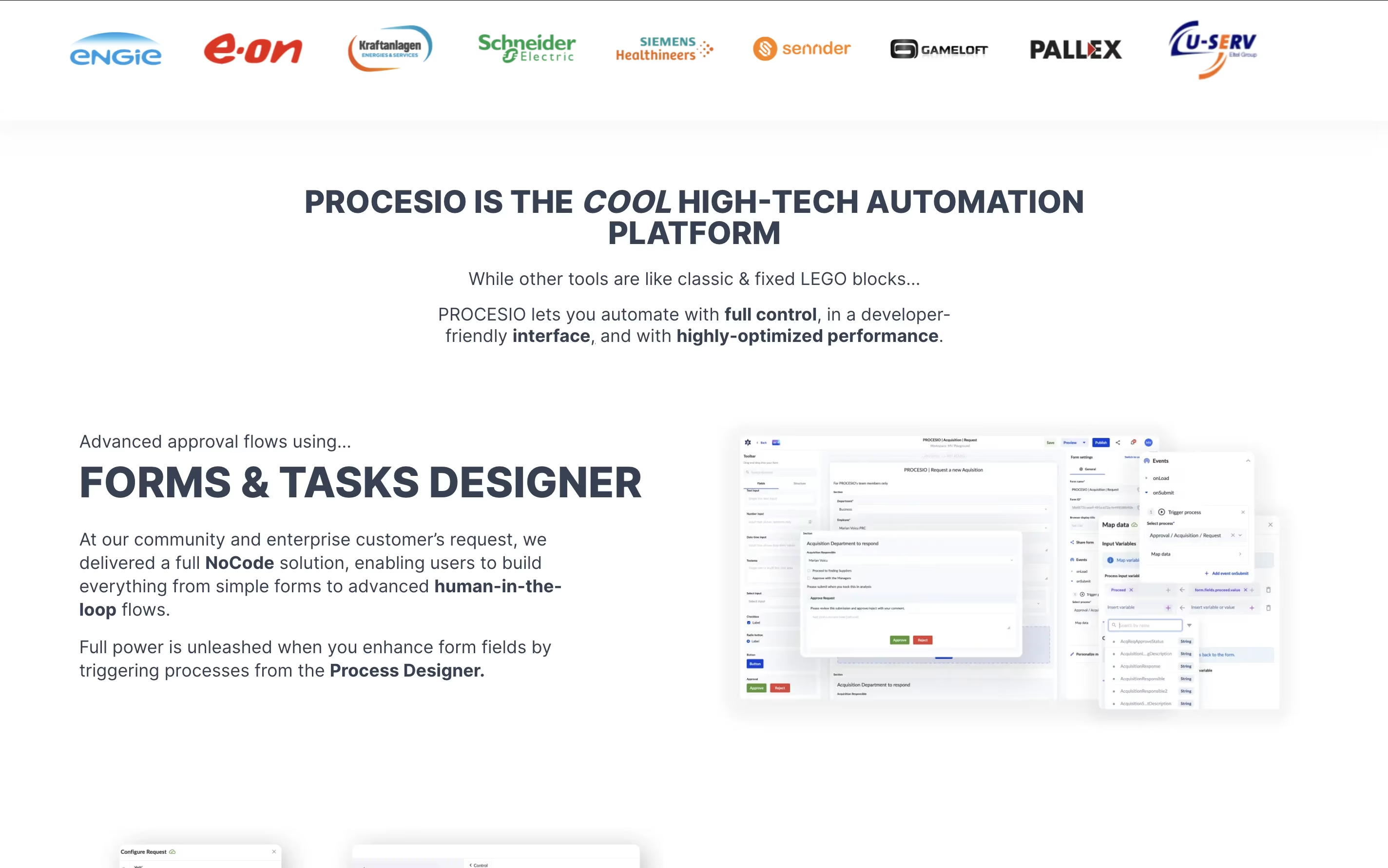
PROCESIO is a visual automation, development, and execution environment that combines no-code, low-code, and full-code capabilities into one platform. Think of it as a Swiss Army knife for business automation - it can handle simple tasks like connecting apps and complex projects like building entire software backends.
The platform works through a visual canvas where you drag and drop actions to create processes. You can integrate any system through APIs, webhooks, databases, or email. What sets PROCESIO apart is its flexibility: beginners can use pre-built actions without coding, while developers can create custom actions using real programming languages.
PROCESIO uses a unique time-based pricing model instead of counting individual tasks. One hour of processing time equals roughly 36,000 actions, making it cost-effective for complex workflows. The platform handles everything from simple data transfers to advanced document generation and multi-step business processes.
Features of PROCESIO
Visual drag-and-drop Process Designer with real-time testing
Document Designer for automated PDF, Word, Excel generation
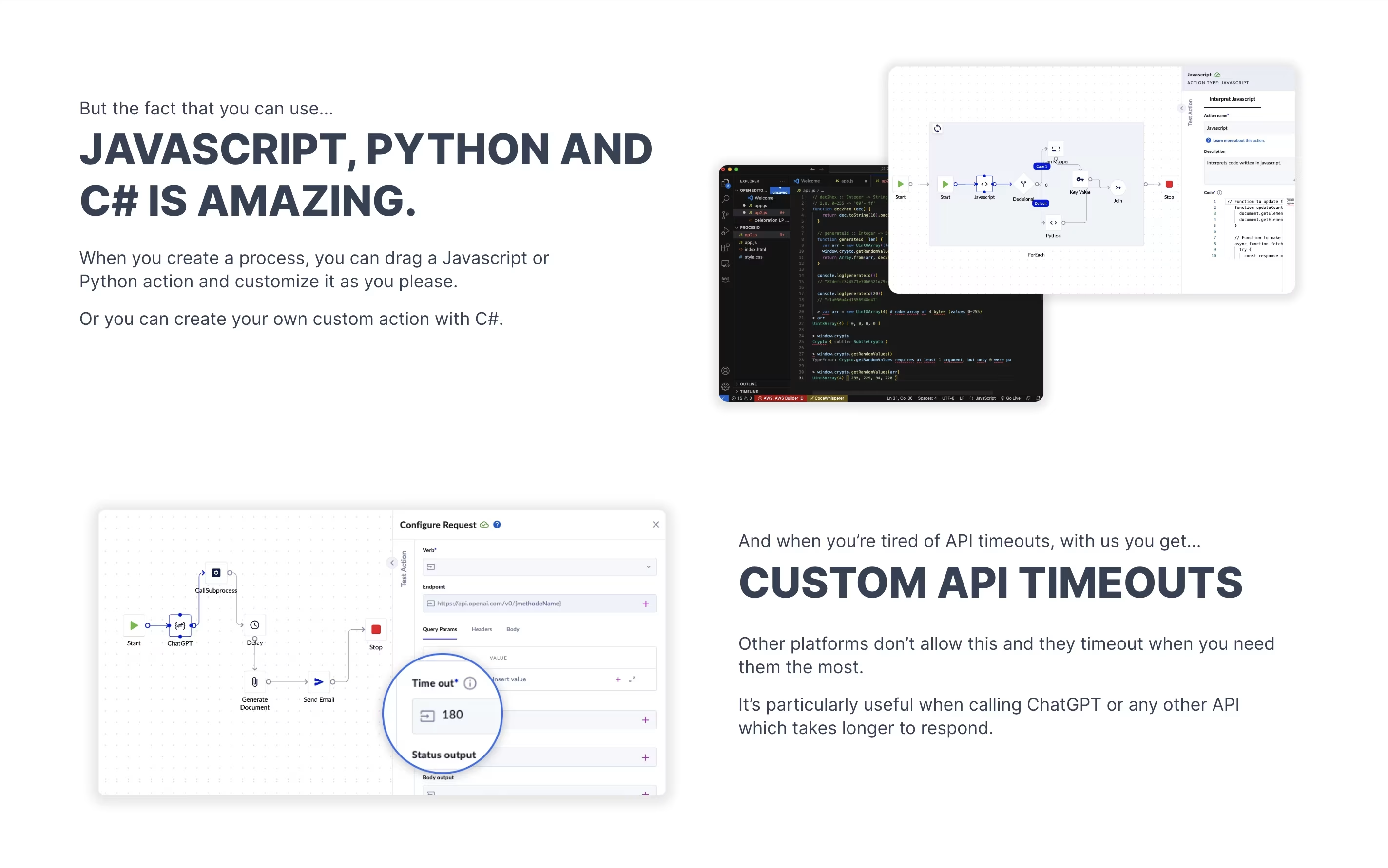
Custom actions in JavaScript, Python, C# programming languages
API timeout protection for long-running processes
Multi-threading and parallel execution support
Advanced scheduling and webhook triggers
Forms and approval workflow builder
Enterprise security and on-premise deployment
Unlimited users on paid plans
150+ built-in data processing actions
PROCESIO Pricing
Community
Free
- 1 hour processing time per month
- 1 user limit
- Visual Process Designer
- 150+ built-in actions
- Basic integrations via APIs
- Community Discord support
- Unlimited processes
- Basic documentation access
Business
EUR120 /mo
- 1 hour processing time per month (~36,000 actions)
- Unlimited users
- All Community features
- Document Designer
- Custom Actions (JavaScript, Python, C#)
- Advanced scheduling and webhooks
- Forms and Tasks Designer
- Priority support
- 30-day money-back guarantee
Enterprise
Custom
- Custom processing time allocation
- Unlimited users
- All Business features
- On-premise deployment
- Dedicated consultancy
- Custom SLA agreements
- Advanced security features
- White-label options
- Dedicated account manager
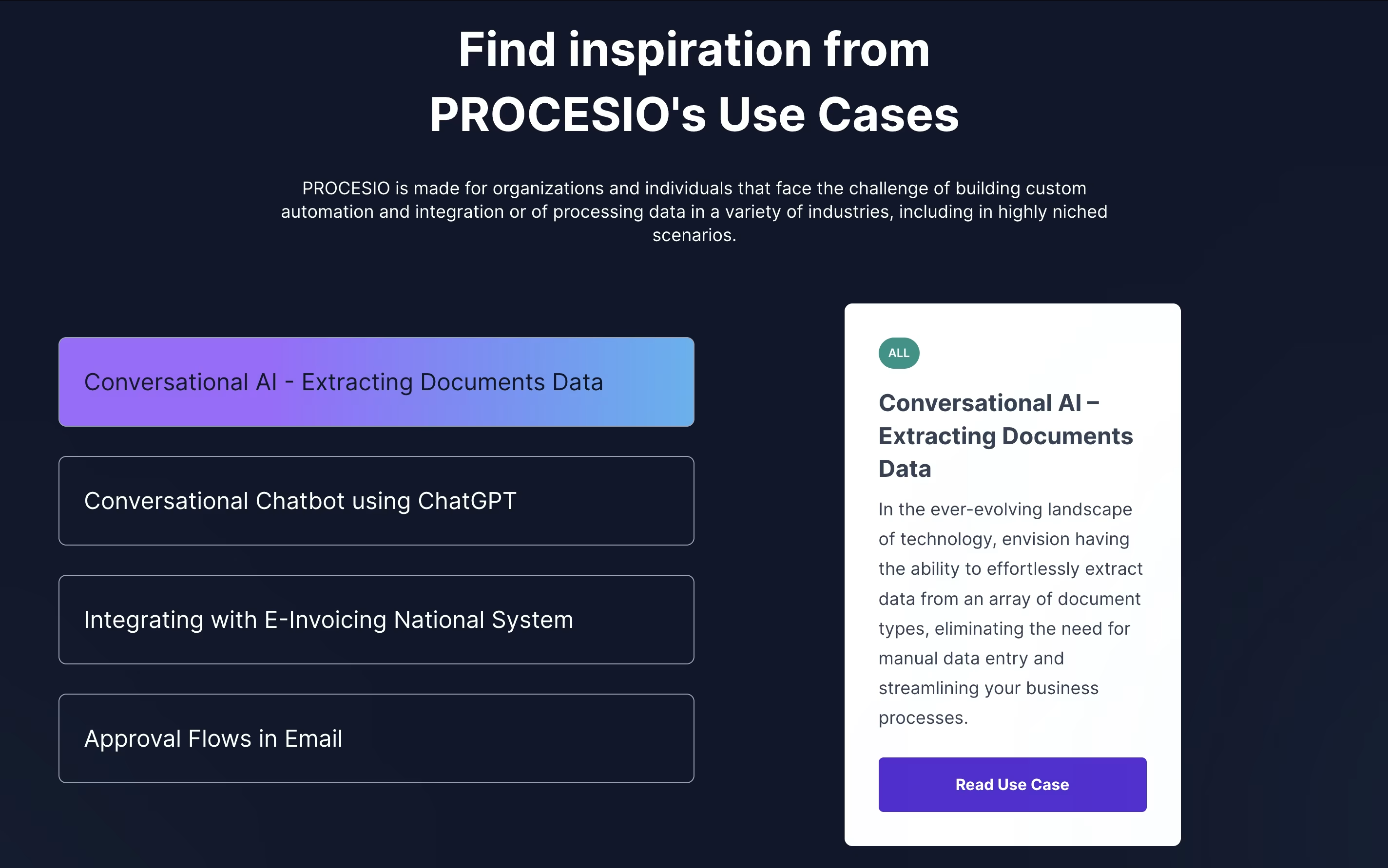
PROCESIO Use Cases
FAQ's About PROCESIO
See what users are saying about PROCESIO
0 Reviews
No reviews yet
Be the first to review PROCESIO


