

Any.do vs Morgen: Features, Pricing and User Reviews 2026
Any.do
Simple Task Manager with Calendar and Reminders

Morgen
AI-Powered Time Management for Busy Professionals
Any.do
Simple Task Manager with Calendar and Reminders
Morgen
AI-Powered Time Management for Busy Professionals
What are Any.do and Morgen?
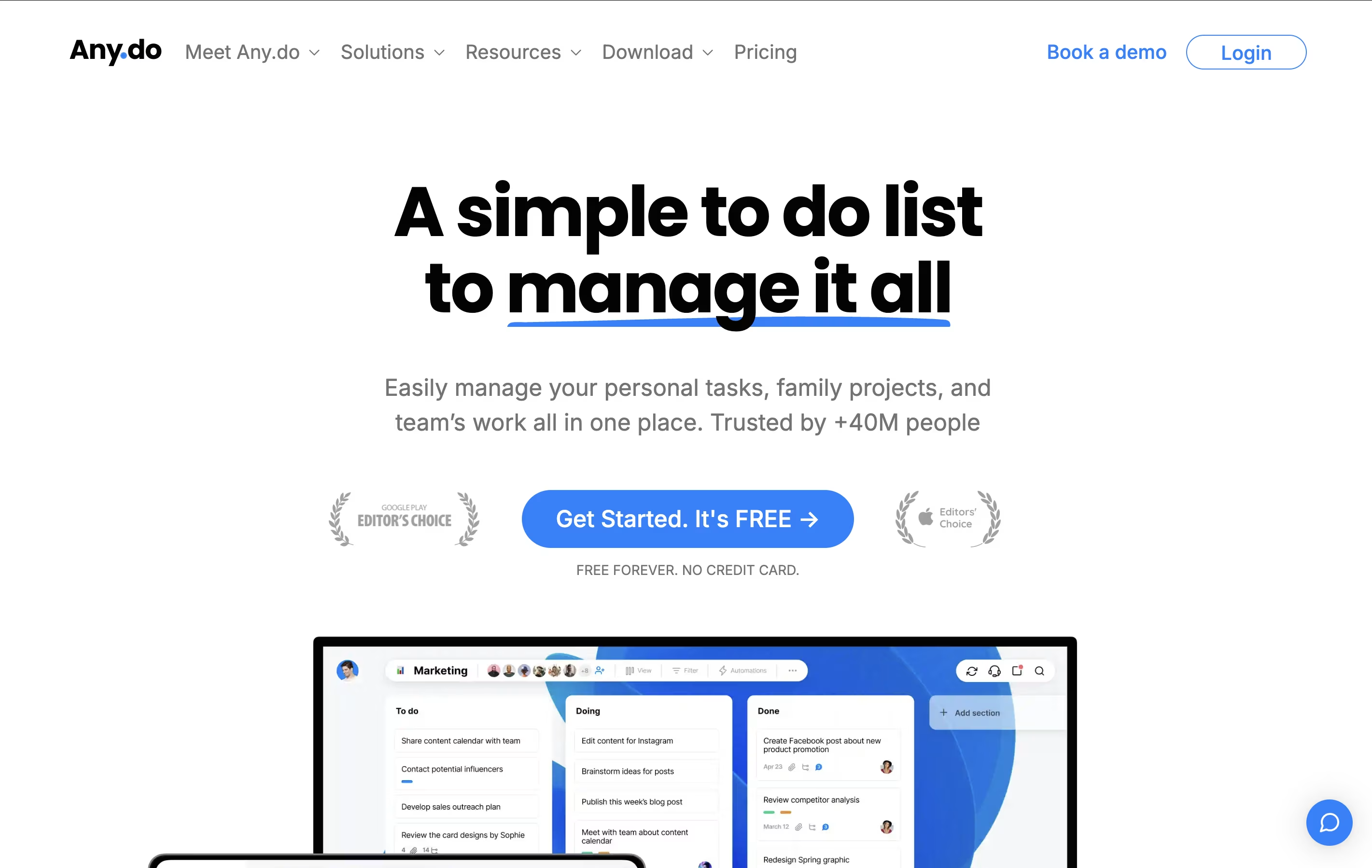
Any.do is a tool that helps you manage your tasks and organize your time effectively. You can create lists of things to do, set reminders so you don't forget important items, and see your schedule in a calendar view. Unlike complicated project tools, Any.do keeps things simple and easy to understand.
The app works on your phone, computer, and tablet, and everything stays in sync. This means you can add a task on your phone and see it on your computer later. It also lets you share lists with family members or team members, making it great for group projects or household planning.
Both free and paid versions are available, with the paid plans offering extra features like recurring tasks, color tags, and team collaboration tools.
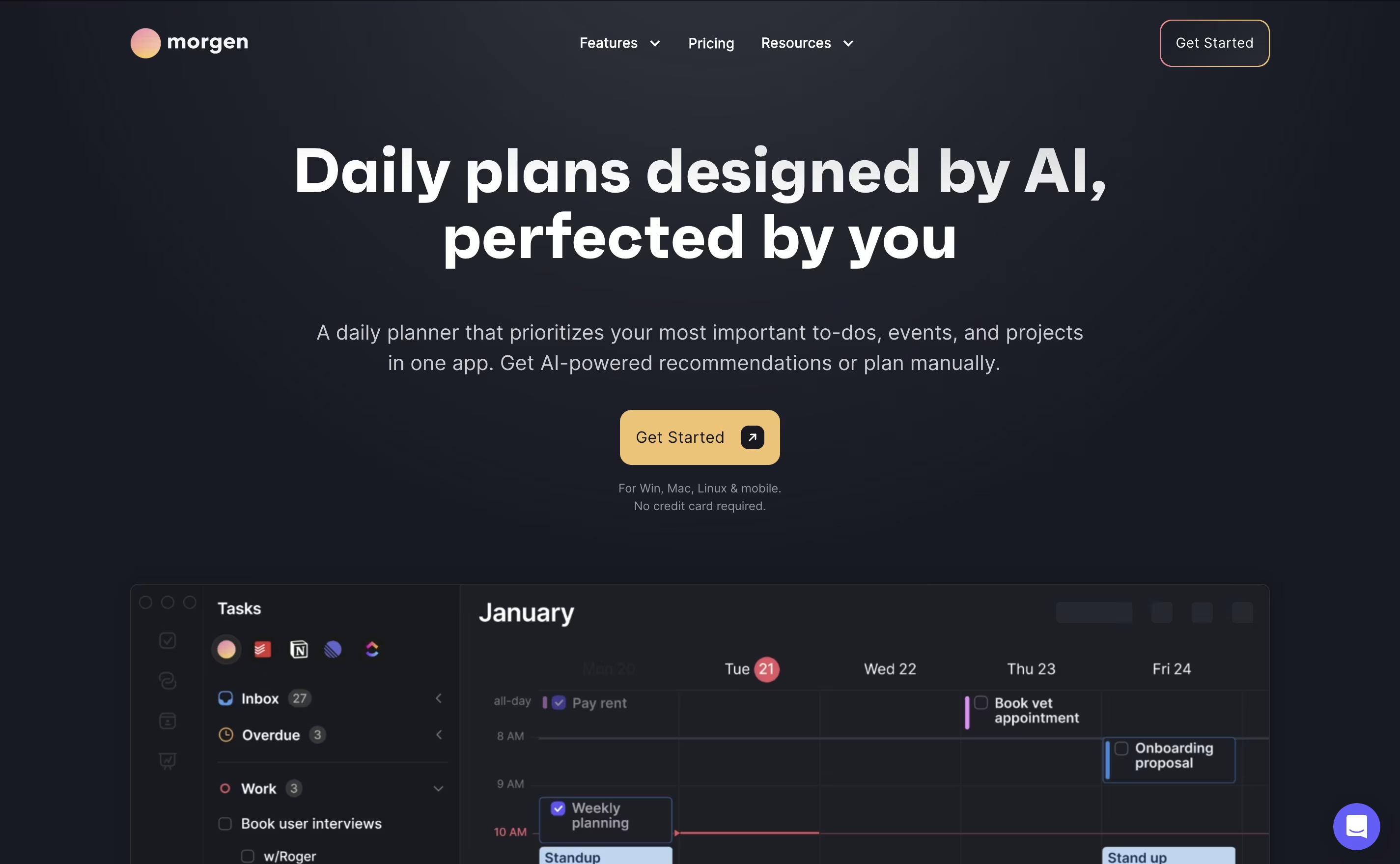
Morgen is an AI-powered calendar and task management platform designed to help you manage all your time commitments in one place. Think of it as your personal scheduling assistant that combines multiple calendars with intelligent task planning.
The app works by connecting your existing calendars from Google, Outlook, Apple, and other providers, then adding powerful features like task integration, AI-powered scheduling, and workflow automation. The main difference from regular calendar apps is simple: instead of just showing events, Morgen helps you plan productive days by scheduling tasks alongside meetings.
Founded as a cross-platform solution, Morgen works on Windows, Mac, Linux, iOS, and Android. The AI Planner feature analyzes your available time and creates daily schedules that prioritize important tasks while protecting focus time. You can share booking links, automate calendar workflows, and sync tasks from your favorite productivity tools seamlessly.
Features of Any.do and Morgen
Task lists with unlimited tasks
Calendar integration with Google and Outlook
One-time and recurring reminders
Location-based alerts
Daily planning with My Day feature
Team collaboration and task sharing
WhatsApp integration for reminders
Voice input for hands-free task creation
Smart grocery lists with auto-sorting
Color tags and priority markers
Mobile, web, and desktop apps
AI-powered daily planning and task scheduling
Multi-calendar integration (Google, Outlook, Apple, Exchange)
Task imports from Notion, ClickUp, Todoist, Linear
Drag-and-drop time blocking interface
Personalized booking pages and scheduling links
Calendar automation workflows and syncing
Cross-platform apps (Windows, Mac, Linux, iOS, Android)
Team availability and collaboration tools
Use Cases of Any.do and Morgen
Pricing of Any.do and Morgen
Any.do offers flexible pricing plans to match different needs. The free plan includes unlimited basic tasks, calendar integration, and up to 5 reminders per day, making it perfect for personal use.
The Premium plan costs $7.99 per month and adds recurring tasks, WhatsApp reminders, AI-powered features, color tags, and location reminders. This plan is ideal for individuals who want more advanced organization tools.
For families, the Family plan is priced at $9.99 per month for up to 4 members. It includes everything in Premium plus shared family spaces, collaborative grocery lists, and up to 4 shared project boards.
Teams can use the Teams plan at $7.99 per member per month, which includes collaborative workspaces, unlimited project boards, unlimited team members, over 100 workflow templates, and admin tools.
Morgen offers flexible pricing plans designed for different needs. The company discontinued its free plan in March 2025, but provides a generous 14-day free trial to test all features.
Current pricing options:
Pro Plan - $15 per month (billed annually) or $30 per month (billed monthly) with unlimited calendars, AI Planner, task integrations, booking pages, and mobile apps
Team Plan - $10 per seat per month (billed annually) or $25 per seat per month (billed monthly), minimum 2 seats required
Believer Plan - $6.50 per month effective cost when billed once every 5 years upfront
Special discounts available:
25% off for students, educators, and nonprofits
15% off for users switching from competitors like Motion, Reclaim, or Fantastical
Morgen offers a 30-day money-back guarantee and accepts payments through PayPal, Apple Pay, and major credit cards. All plans include the same core features with team plans adding collaboration tools.
FAQs: Any.do vs Morgen
Reviews: Any.do vs Morgen
Based on 0 reviews
Based on 0 reviews
Compare Any.do With Other Tools

Motion
AI-Powered Productivity & Task Management
Akiflow
AI-Powered Time-Blocking & Task Management
Todoist
Simple Task Manager & To-Do List App

TickTick
Smart Task Management with Calendar & Habits

Sunsama
Daily Planner for Focused Professionals

Vikunja
Open-Source Task Management & To-Do App

OmniFocus
Professional Task Management for Apple

Focalboard
Free Open Source Project Management Tool
Atlassian
Team Collaboration & Project Management
Compare Morgen With Other Tools
Akiflow
AI-Powered Time-Blocking & Task Management
TickTick
Smart Task Management with Calendar & Habits
Sunsama
Daily Planner for Focused Professionals
Motion
AI-Powered Productivity & Task Management
Todoist
Simple Task Manager & To-Do List App

Remember The Milk
Smart To-Do List and Task Manager
OmniFocus
Professional Task Management for Apple
Vikunja
Open-Source Task Management & To-Do App
Atlassian
Team Collaboration & Project Management





